Slide 3 of 5 from Tree Diagram for PowerPoint
Two Branches PowerPoint Tree Diagram
Tree Diagram for Presentations
- Diagram
- Tree Hierarchy
- Strategic Analysis Slide
- 16:9
- 100% Editable
The Tree Diagram slide from the Tree Diagram for PowerPoint template offers a clear hierarchical layout ideal for illustrating organizational structures, decision-making processes, or project breakdowns. This slide includes editable shapes and vector icons arranged to visually represent relationships in a business presentation or pitch deck template, supporting strategic analysis with a professional design suitable for PowerPoint and Google Slides templates.
About This Slide
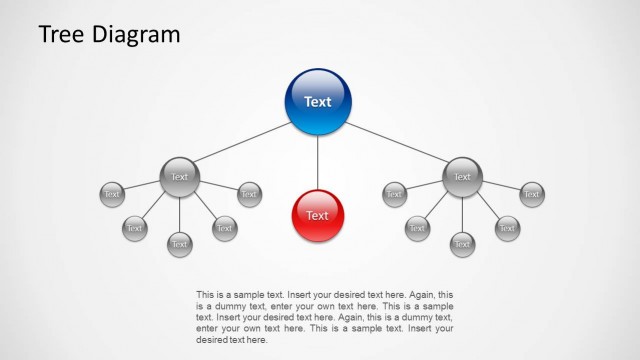
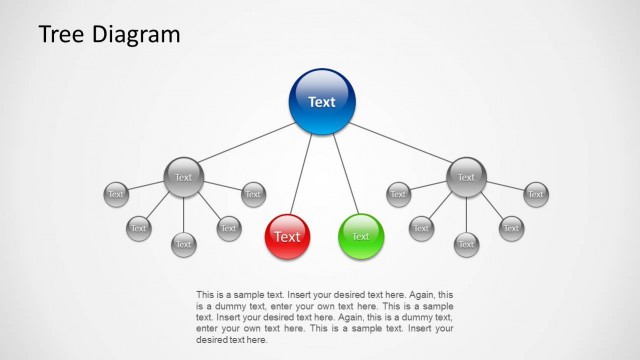
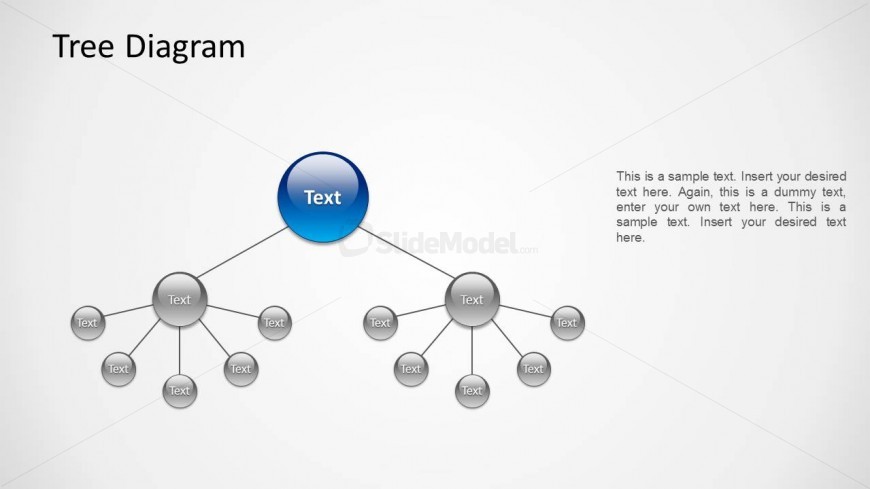
PowerPoint diagram containing a nice tree design with two branches.
What’s on This Slide
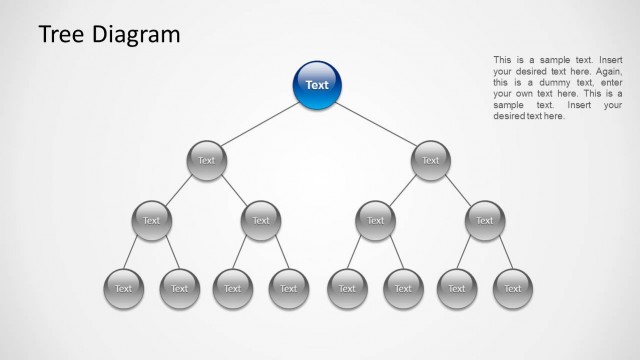
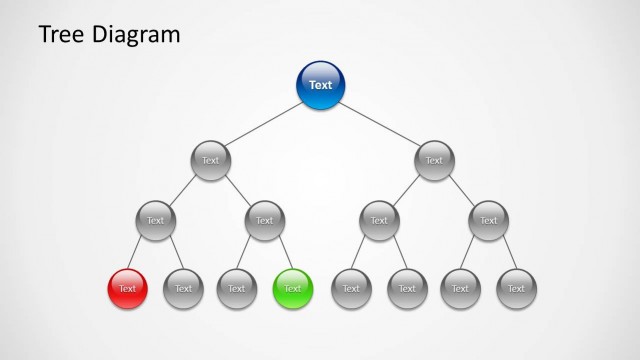
The layout features a central blue circular node labeled 'Text' at the top center. Two branches extend downward to gray circular nodes, each labeled 'Text.' There are a total of six gray nodes positioned in two layers beneath the central node. The first layer has three nodes on the left and two on the right, connected by straight lines. The background is light gray, creating a neutral backdrop. Text placeholders are present, with one large placeholder on the right side for additional information, aligned vertically.
How to Use It
This layout serves as a hierarchical representation, illustrating relationships or decision paths. It is suitable for presentations that require clarity in structure, such as organizational charts or family trees. This slide fits well in a sequence where a central idea branches out into subcategories or decisions, making it useful for strategic planning or project breakdowns. It can be used in business contexts to depict processes or organizational structures effectively.
Text Placeholders & Capacity
Keep your copy within these limits so it fits without resizing. Body slots can accommodate roughly 30-40 words each.
| Placeholder | Count | Max characters (approx.) |
|---|---|---|
| Slide title | 1 | 20 |
| Item heading | 6 | 10 |
| Body paragraph | 1 | 200 |
Slide Keywords
Download unlimited PowerPoint templates, charts and graphics for your presentations with our annual plan.
DOWNLOADReturn to Tree Diagram for PowerPoint.