Travel Shapes for PowerPoint is a presentation containing different creative PowerPoint slides with fully customizable shapes related to travelling, leisure, hospitality, vacations and trips around the world.
This PowerPoint Template is ideal for presenting trip itineraries or vacation plans.
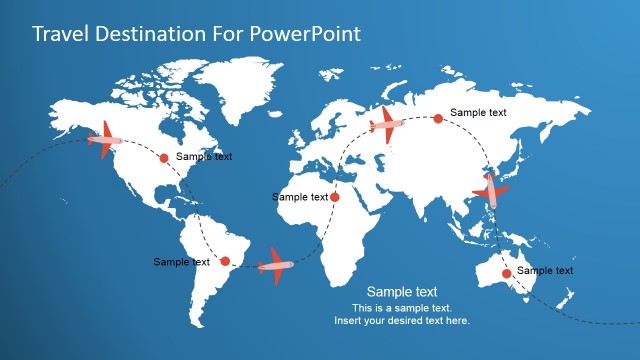
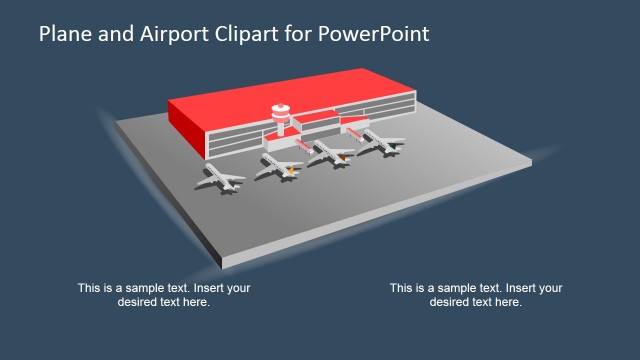
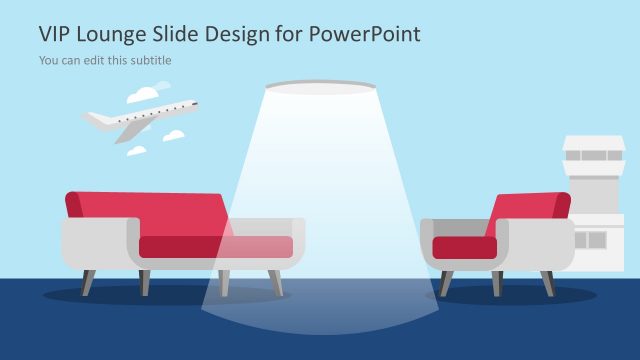
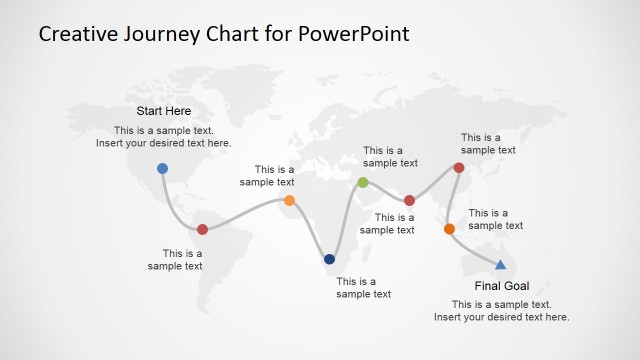
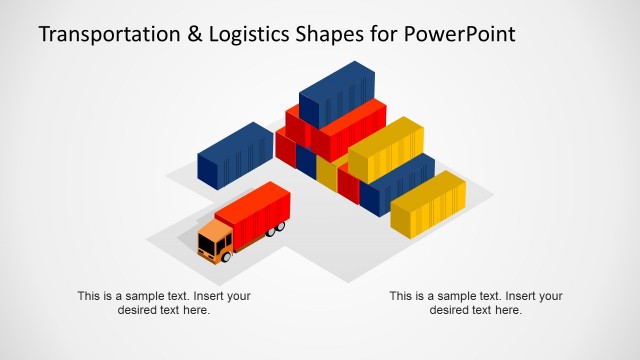
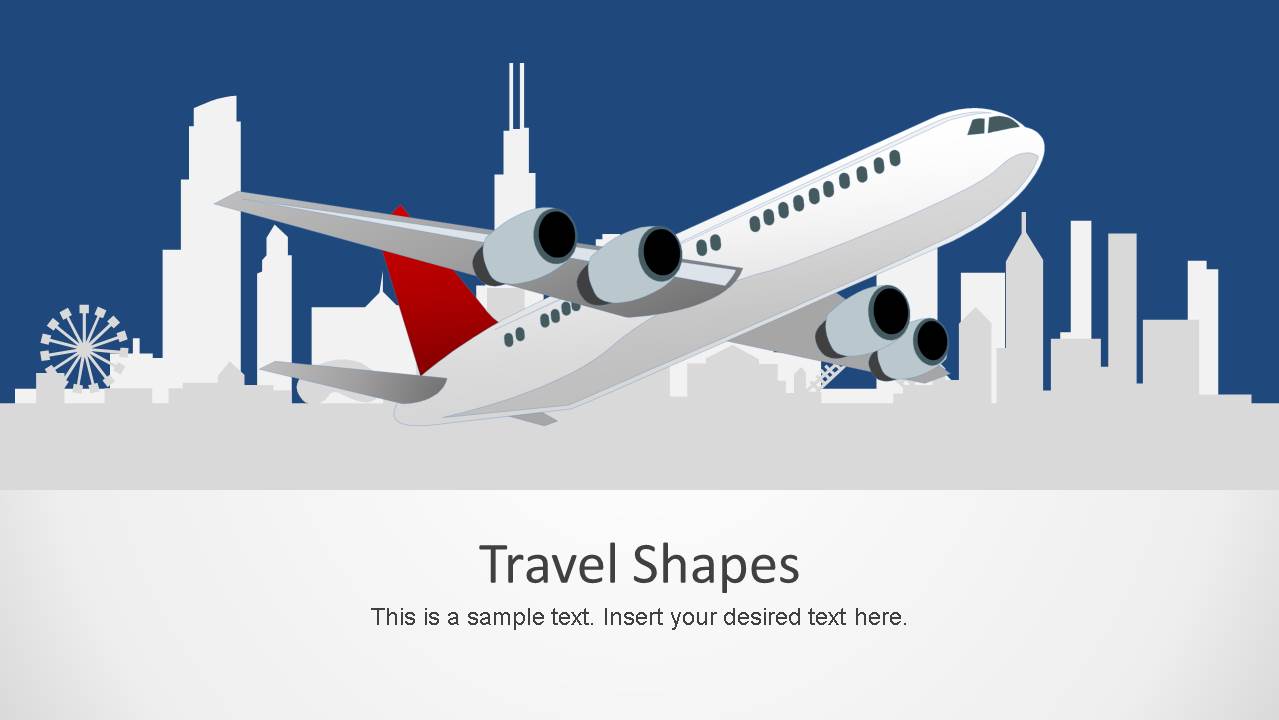
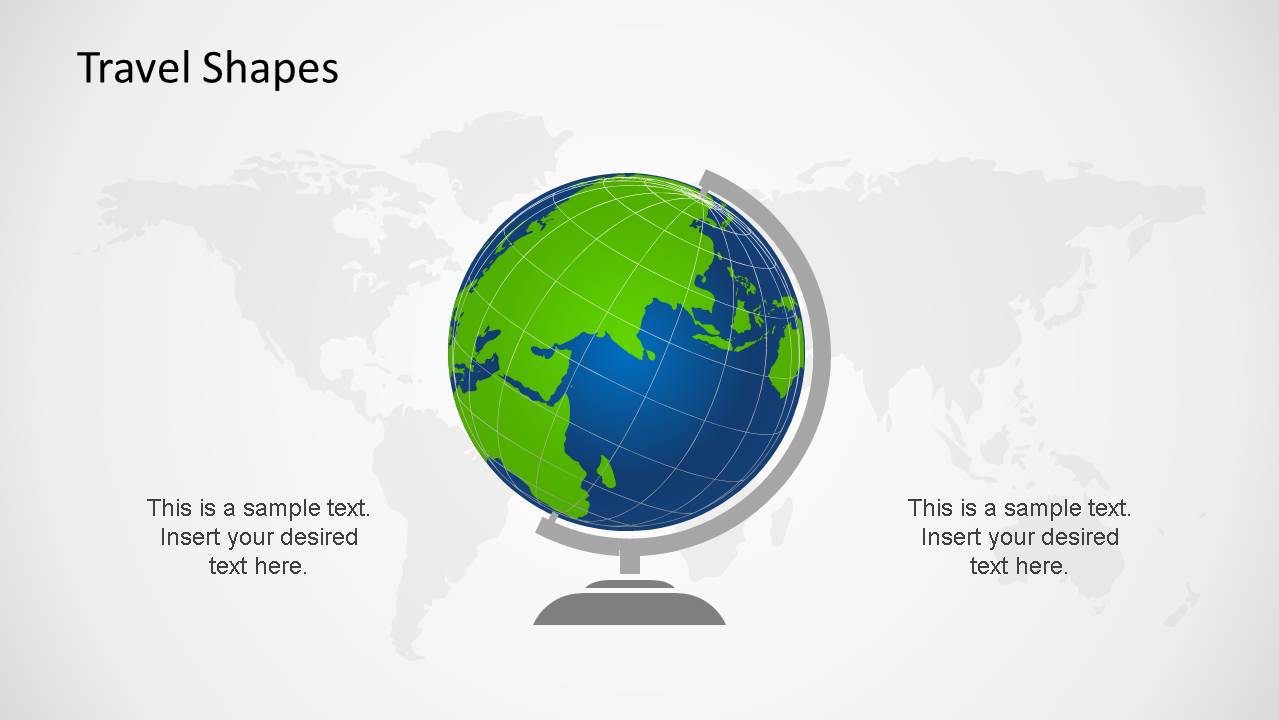
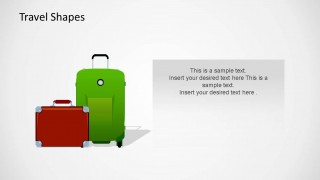
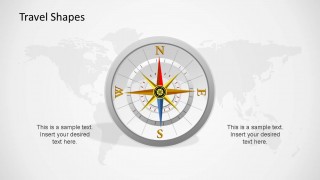
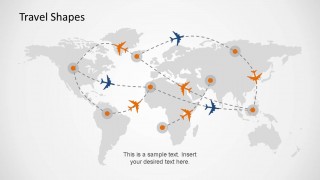
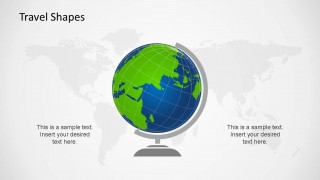
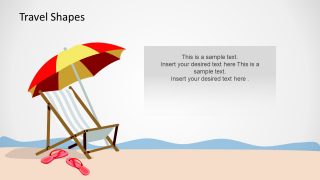
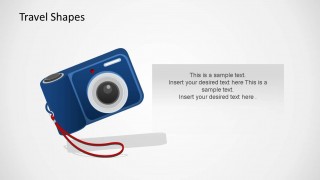
Present an introduction with an editable city landscape with an overlapping plane as main PowerPoint shape. Follow your presentation with the slides related to flights, where the presenter describe itineraries with definition of stopovers or flight routes. You can use the creative luggage and carry-on shapes for shopping descriptions or luggage restrictions. Provide descriptions of the destinations with slides that are theme oriented, a compass with a world map as a background, a terrestrial globe over a world map background, drinks, beach equipment and a photo camera.
Engage your audience with stunting Travel & Leisure Shapes for PowerPoint created with individual PowerPoint objects , allowing the user to edit every property. You can complement this presentation with our fully cunstomizable PowerPoint Editable Maps to specify countries or regions, or increase the detail of destinations with our PowerPoint Shapes.
What’s inside this template
Example presentation scenarios
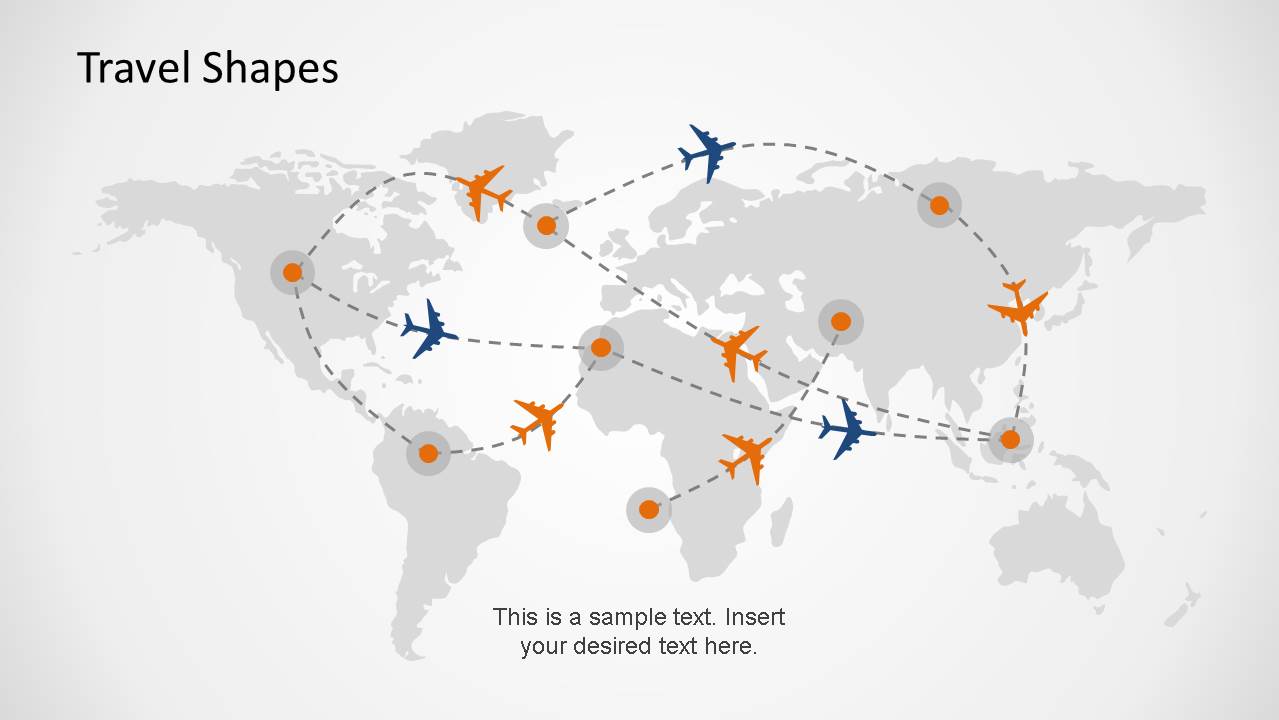
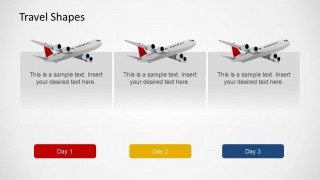
- A travel agent can use the day itinerary cards and flight route world map to explain a multi-stop vacation plan to clients.
- A hotel or resort marketer can use the beach, drink, and camera slides to present guest experiences and local activities.
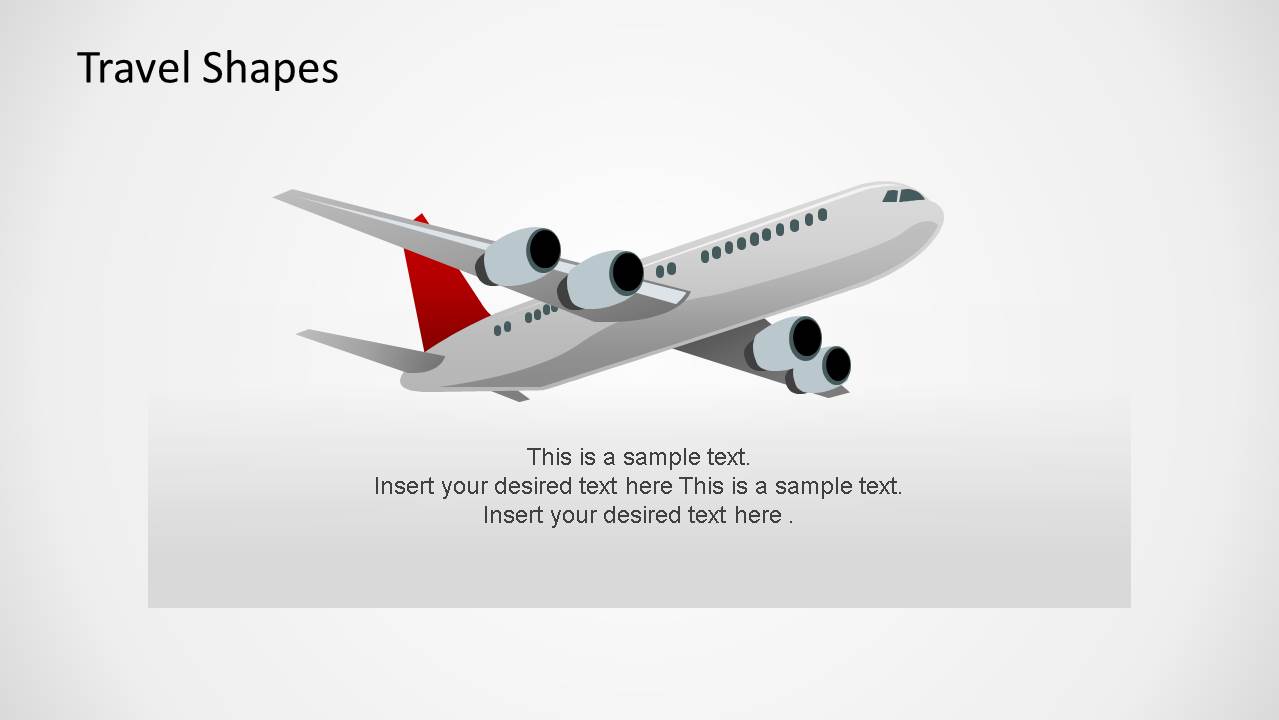
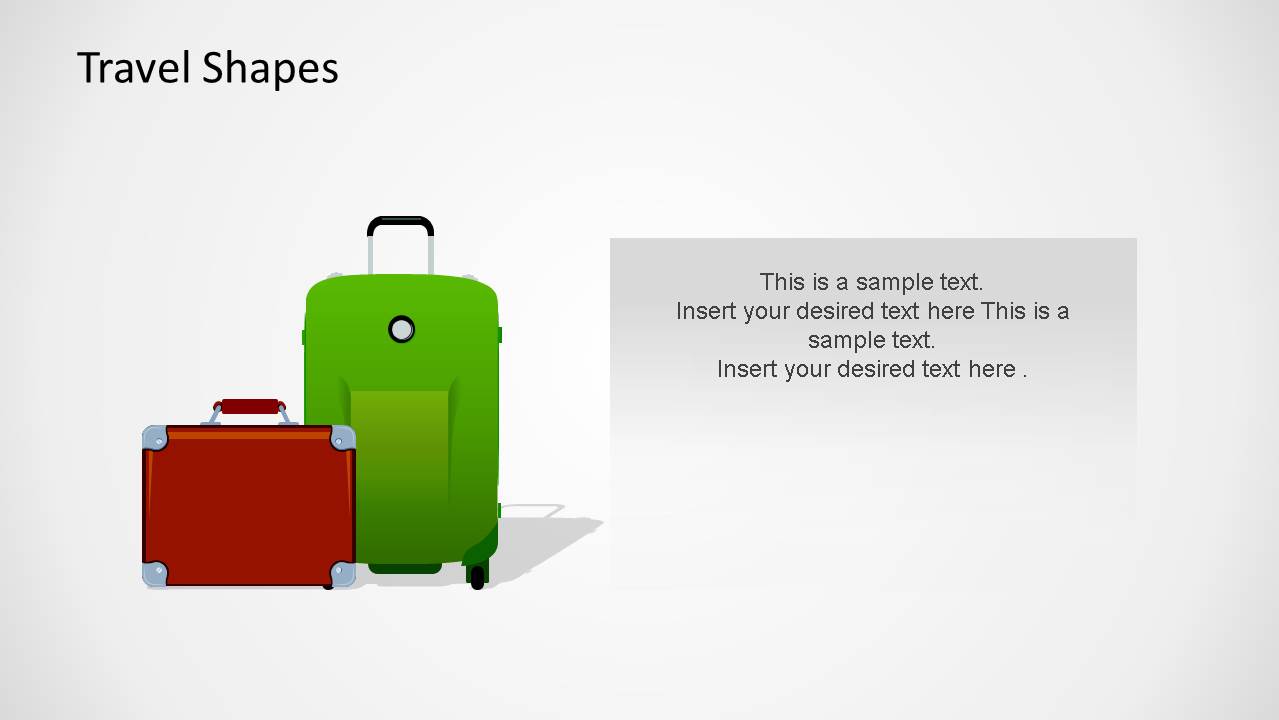
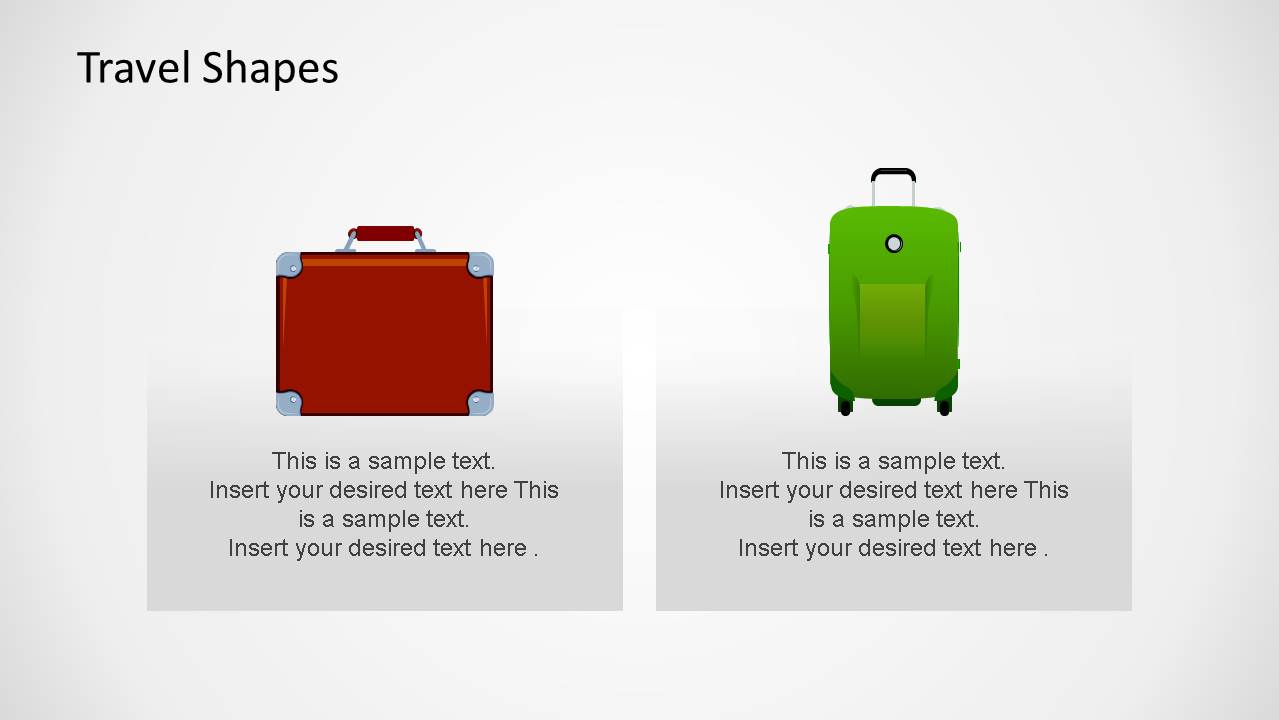
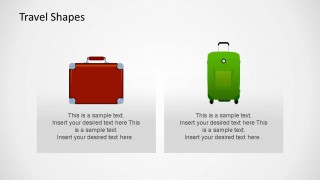
- A corporate travel coordinator can use the luggage comparison and airplane slides to explain travel rules, packing guidance, and flight planning.
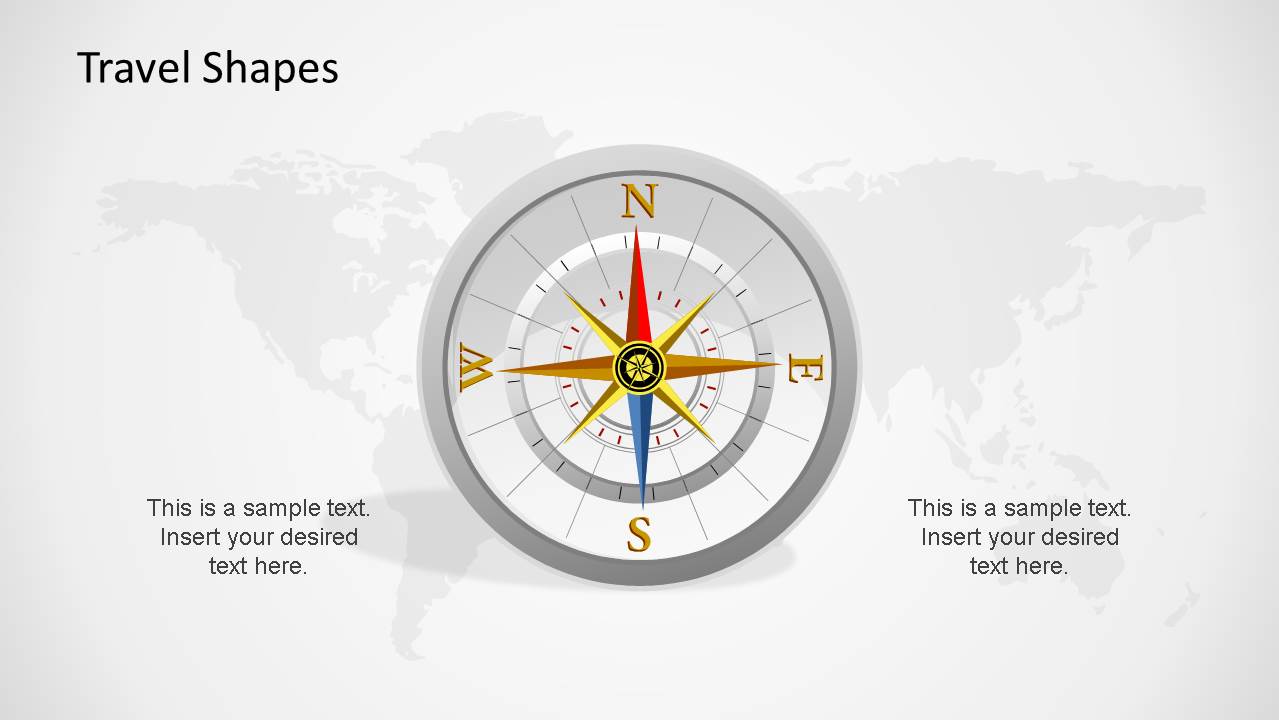
- A tourism board presenter can use the compass, globe, and world map route visuals to introduce destination positioning and visitor routes.
Features
- 100% editable presentation template
- Compatible with Microsoft PowerPoint and Google Slides
- Scalable vector shapes, icons and illustrations
- AI-Ready for Microsoft Copilot and Claude
- Instant access and download
Frequently asked questions
Q: How should a presenter structure an itinerary using these travel shapes?
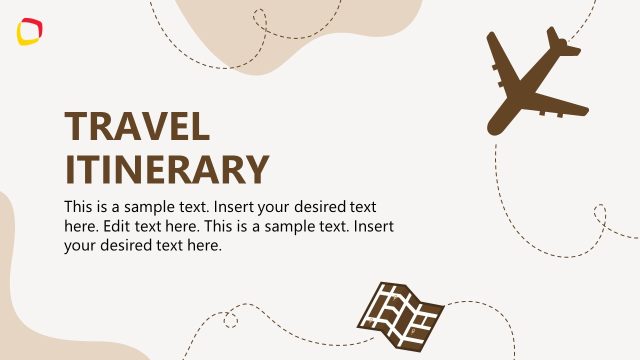
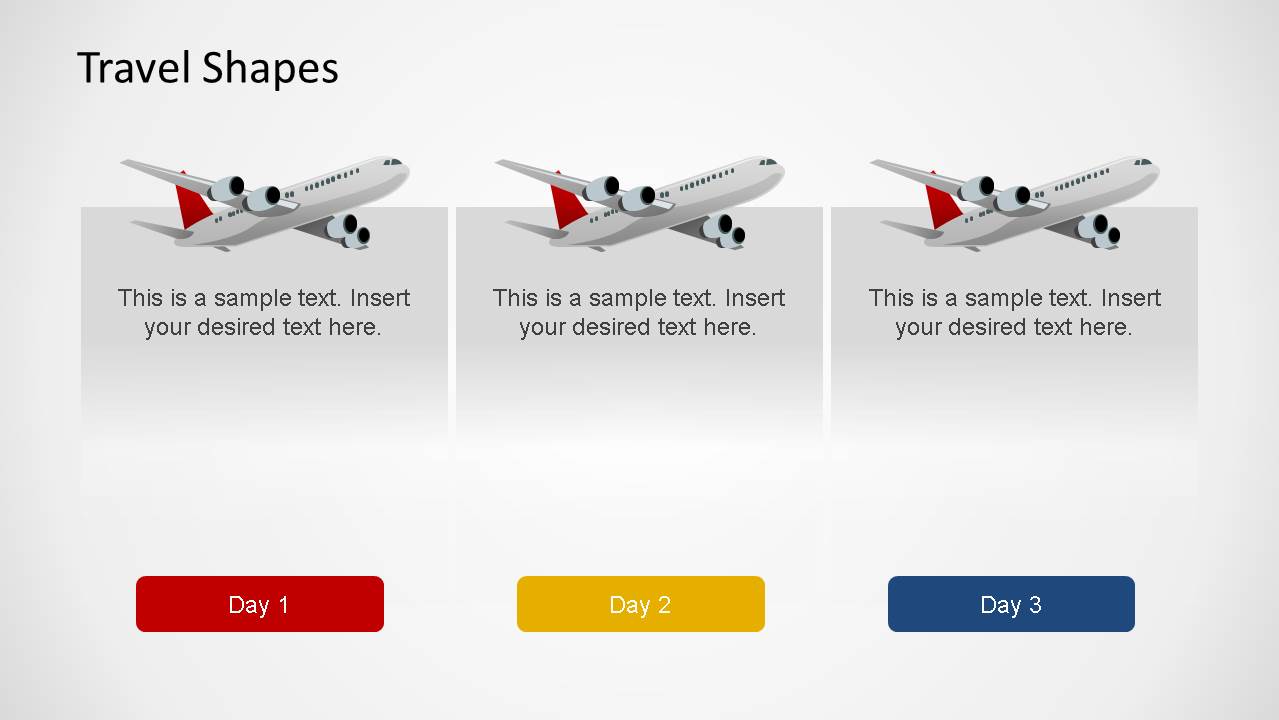
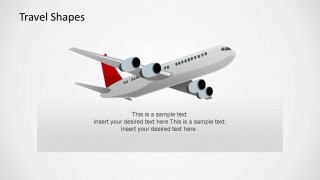
A: Start with the airplane cover to set the trip theme, then use the three Day 1 to Day 3 cards for the core schedule. Follow with the route map to show movement between destinations, and add luggage, beach, drink, or camera slides only where they clarify practical details or memorable experiences.
Q: Who is this template best suited for in a travel presentation?
A: It is best for travel agents, tourism marketers, hospitality teams, and corporate travel planners who need to explain destinations, routes, packing topics, or leisure activities visually. The illustrated shapes work well when the audience needs quick orientation rather than dense operational data or policy documentation.
Q: Why do the airplane, compass, globe, and beach metaphors work for this topic?
A: The visual metaphors make the presentation easy to scan: airplanes signal movement, the compass signals direction, the globe signals global scope, and the beach scene signals leisure. Because each slide pairs one dominant object with a text panel, the audience can connect the idea before reading the details.


Travel Shapes for PowerPoint
11-slide PowerPoint presentation template with airplane, luggage, route map, and vacation shapes
Travel Shapes for PowerPoint is an 11-slide presentation template for building travel, vacation, hospitality, and itinerary slides. It includes an airplane cover, day itinerary cards, luggage layouts, a compass map, a flight route world map, a globe, drink, beach, and camera illustrations for PowerPoint presentations.


 Loading...
 Microsoft PowerPoint
  Microsoft Copilot
  Claude for PowerPoint
 Other formats supported
Subscribe today and get immediate
access to download our PowerPoint templates.