Creative Journey Chart for PowerPoint – Create a helpful and informative business travel presentation using the Creative Journey Chart for PowerPoint. This slideshow template is one of the bests that we recommend in presenting travelling tips – the most important thing a new traveler must always recognize. This design is also useful to those that are more advanced in the art of travelling. Those who need a more sophisticated reference such as an Asian tour plan or European holiday plan. This type of journey needs insightful tips such as deciding on which city to start with and which is ideal as the grand finale. There are so many city details that can be plotted in this PowerPoint template. With consideration in flights, weather and location significance, providing a great travel presentation in PowerPoint such as this creative slideshow is a must.
Travelling has a significant role in our lives that helps us grow more. It is an important social, spiritual and physical experience. The travel and transportation industry recognizes well its value in our time as more people become acquainted and take trips as a regular item in their yearly plans. Having an outstanding PowerPoint presentation in this industry is vital if you are to take part in its current competitive state. It is exactly the motivation behind the creation of this template. This PowerPoint design is great for quite a number of uses.
Merely going from one city to another can be a threat to the comfort zone of some. But as we progress, that very thought can only be an inspiration to many. The thought of leaving what’s normal, what’s regular and what they are used to in exchange of something new and exciting drives this generation to new experiences, new cultures and of course, new places. This age of information and technology educates us that embarking on anything new needs safety precautions and guidance, especially to the young and impulsive.
What’s inside this template
Example presentation scenarios
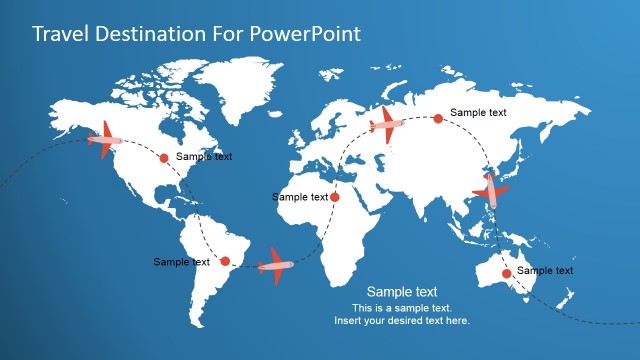
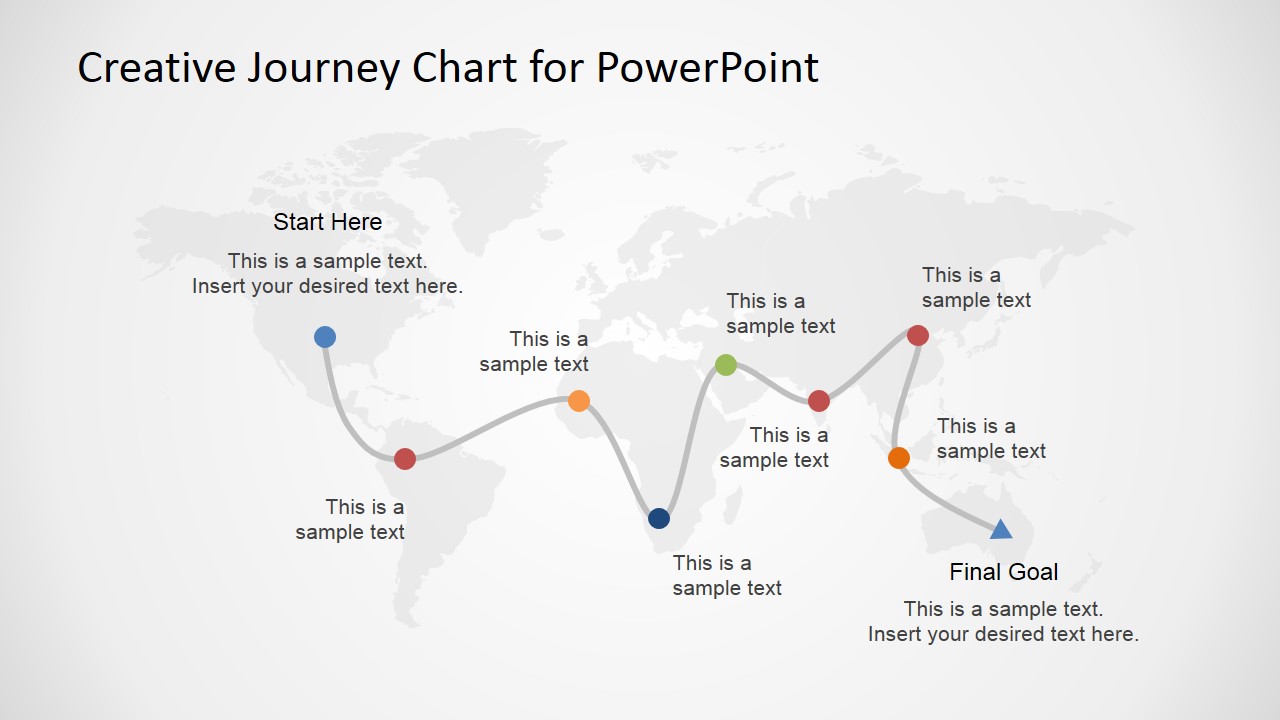
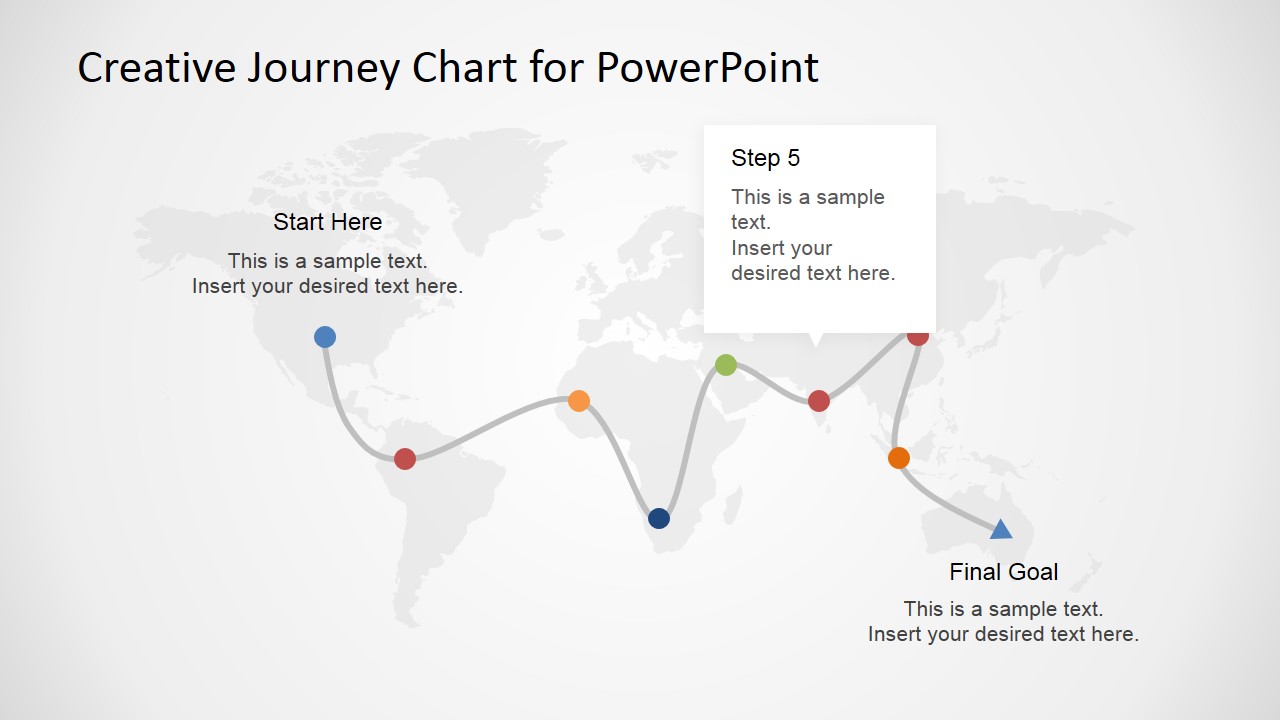
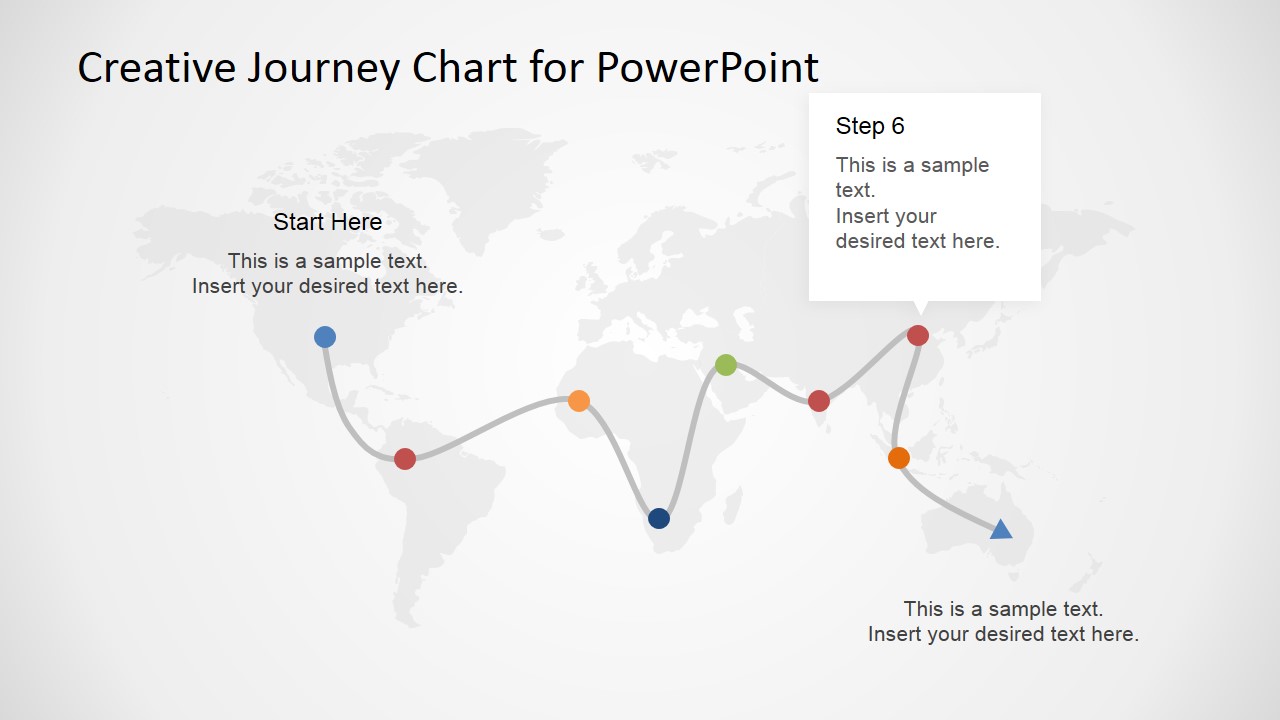
- A travel agency can use the world map route to explain a multi-city vacation plan, showing the start point, stop sequence, and final destination.
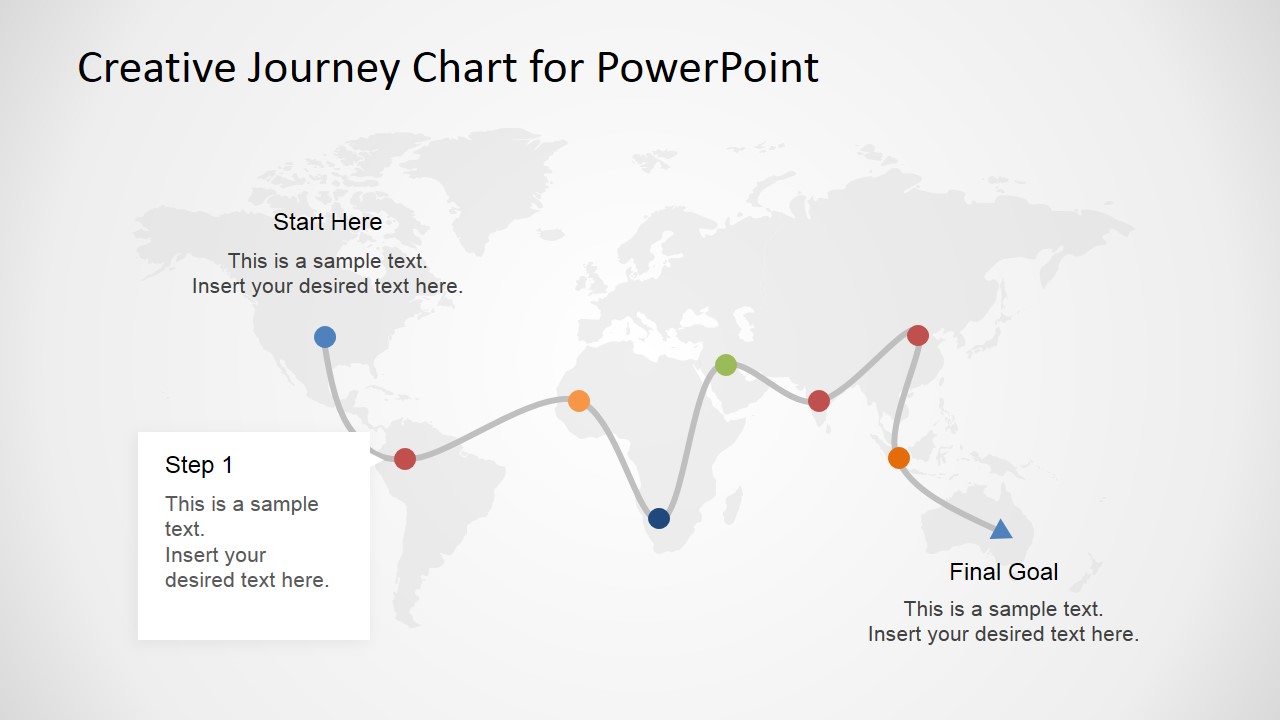
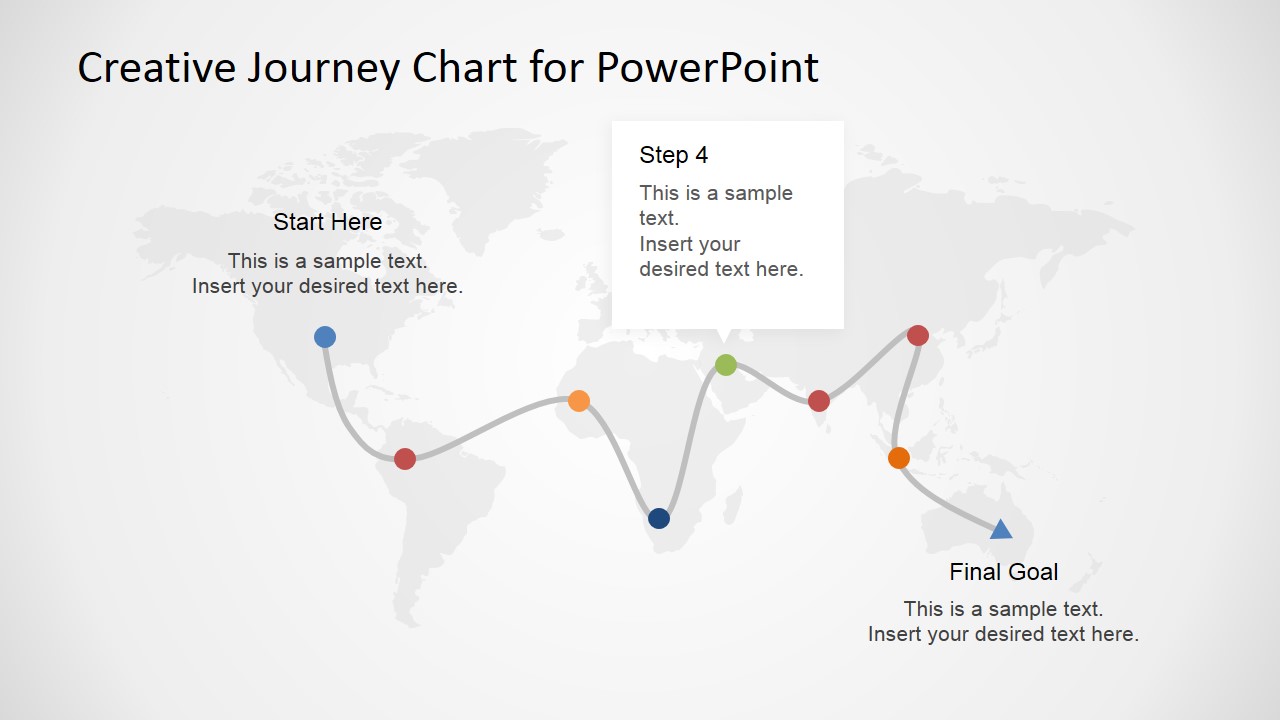
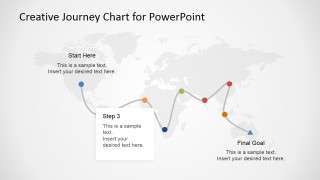
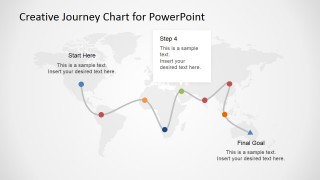
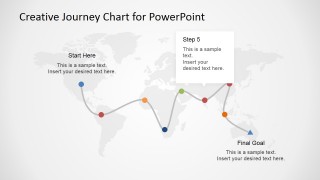
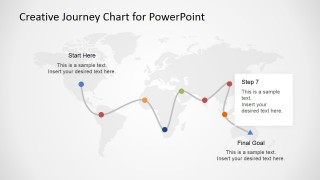
- A tour operator can use the Step 1 through Step 7 callout slides to walk clients through each stage of an international itinerary.
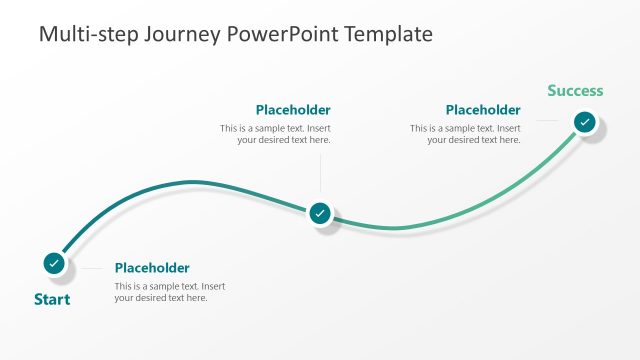
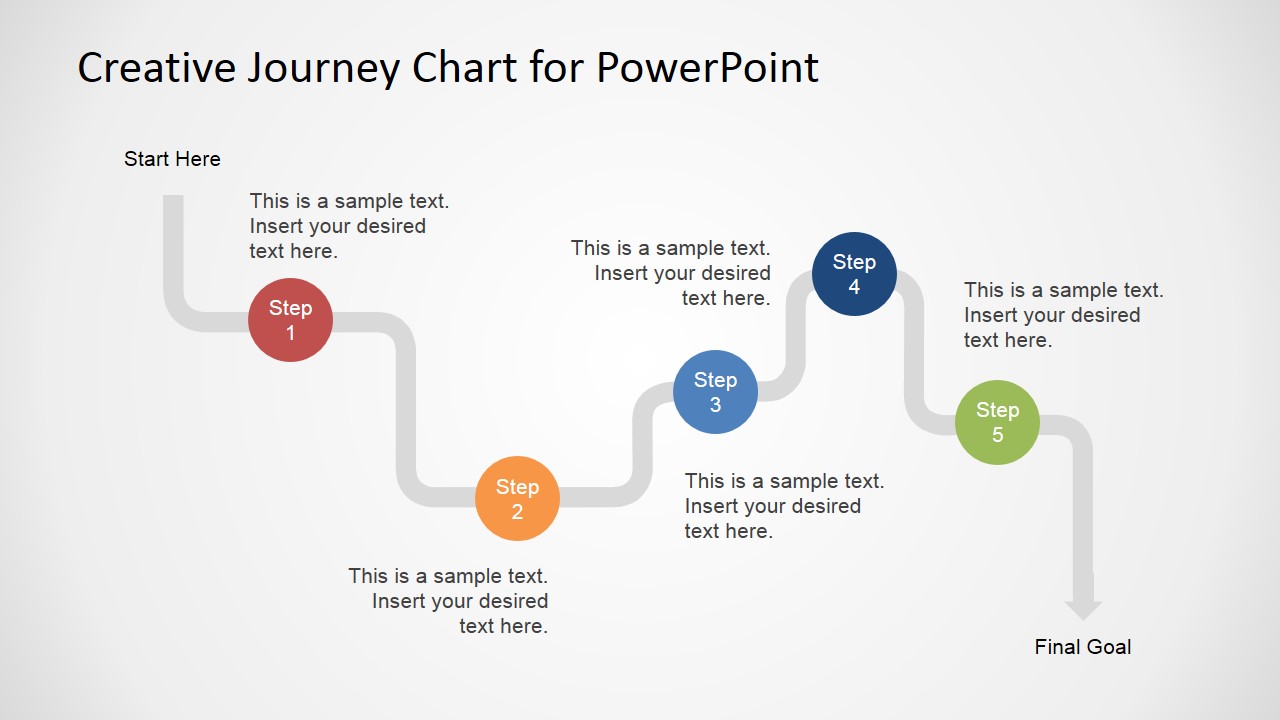
- A project manager can use the 5-step winding path diagram to present a regional rollout plan with clear milestones and ownership points.
- A consultant can use the colored map pins and final goal marker to compare the current journey design with a recommended route.
Features
- 100% editable presentation template
- Compatible with Microsoft PowerPoint and Google Slides
- 16:9 aspect ratio slides
- Scalable vector shapes, icons and illustrations
- AI-Ready for Microsoft Copilot and Claude
- Instant access and download
Frequently asked questions
Q: How should I present the journey so the audience follows the route instead of reading every label?
A: Start with the full map route to give the audience the whole trip, then use the individual step callout slides to focus attention on one decision point at a time. Keep each callout short: location, purpose, and next action. The final goal marker should repeat the outcome so the route feels intentional.
Q: Who is this template best suited for when the message is not only about travel?
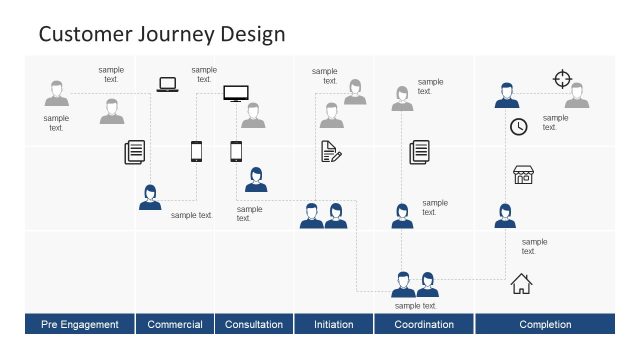
A: This template fits any presenter who needs to turn a sequence into a visible path. Travel planners can show itineraries, consultants can explain customer journeys, and project teams can map rollout stages. The world map works best when geography, movement, or distance helps the audience understand the plan.
Q: Why does the map-and-route metaphor help explain a phased plan?
A: The route metaphor makes progress visible. Colored pins act as milestones, the curved line creates continuity, and the final goal marker gives the audience a destination. By isolating Step 1 through Step 7 in separate callout slides, the presenter can reduce cognitive load while preserving the larger journey context.





Creative Journey Chart for PowerPoint
9-slide presentation template with world map route, journey steps, and travel planning callouts
Creative Journey Chart for PowerPoint is a 9-slide presentation template for showing trips, process journeys, or route-based plans. It includes a world map route, colored milestone pins, step callout cards, and a 5-step path diagram. It is made for travel planners, consultants, and business presenters using PowerPoint or Google Slides.
- Category
- Maps
- Rating


 Loading...
- Aspect ratio
- 16:9, 4:3
- Item ID
- 6595-01
- Colors
 Microsoft PowerPoint
  Microsoft Copilot
  Claude for PowerPoint
 Other formats supported
Subscribe today and get immediate
access to download our PowerPoint templates.