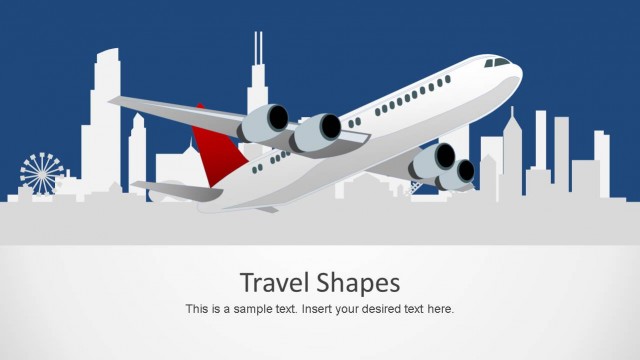
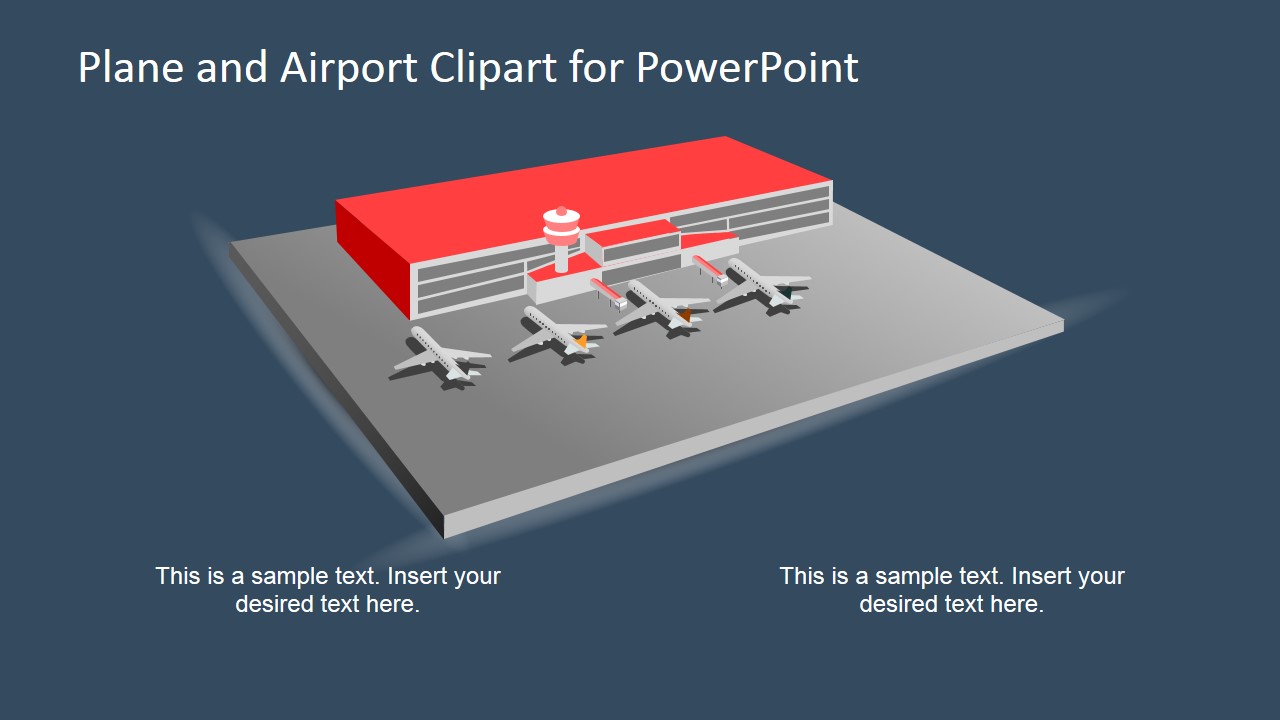
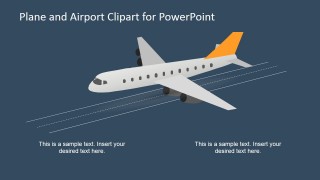
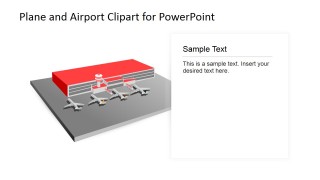
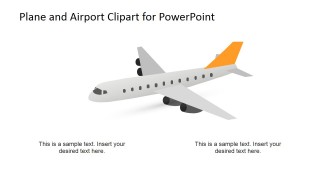
3D Airplane and Airport Shapes for PowerPoint – Make a notable travel and leisure presentation using the “3D Airplane and Airport Shapes for PowerPoint.” This innovative design flaunts a complete of 3D airport shapes with airplanes. The shapes and objects in the template are all customizable. The airplanes can be presented individually as the point of interest in one single page or as a fleet parked in the airport’s apron. The background is also editable to any color. These PowerPoint shapes make a great addition to a range of PowerPoint Templates we have.
This PowerPoint design is great for travel and leisure presentations such as travel suggestions and plane trip tips. The familiar airport settings make a great platform in relation to travel tips and suggestions. Travelling often will make you realize how airports differ from each other especially if they are located in different countries. Plane trip tips and travel suggestions that provide relevant information about certain airports and how to find your way through them is very helpful.
Another great use for this template is for presentations on airport service plans. It can be a great tool in presenting how the airport accommodates its planes, which ways the planes come and go and how it accommodates its passengers on a regular basis.
This PowerPoint template also works great for airport security plans. It can demonstrate which parts of the airport and apron must have security cameras and personnel, the covered area of each security unit and other similar security demonstration.
This template can also work as a diagram in reenacting relevant airport and plane scenarios. It can demonstrate ideal airplane landing in an airport. The template can also demonstrate possible emergency landing along with its applicable contingency plans. For example, it can illustrate how a plane could have a wheel malfunction, what it will look like and how the plane will have an emergency landing. It can also demonstrate how the passengers are going to be guided out of the plane and away from it, towards a safe area in the airport.
What’s inside this template
Example presentation scenarios
- An airport operations manager can explain aircraft parking, apron flow, or terminal services with the airport apron scene and editable caption areas.
- A travel consultant can brief passengers on airport navigation or flight tips by pairing the side text panel with the airport scene.
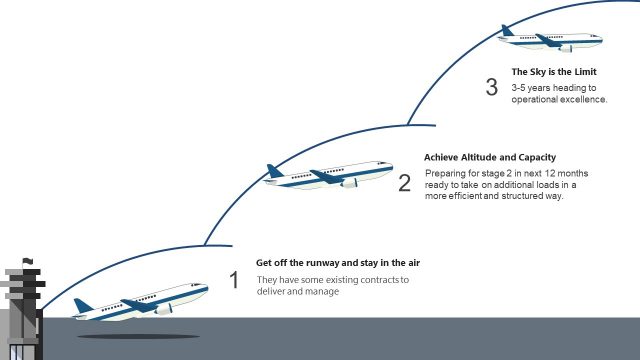
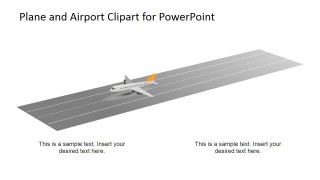
- A logistics presenter can describe air freight movement or route planning using the flying airplane view and runway takeoff scene.
- A safety trainer can introduce aircraft emergency or security procedures by using the runway and airport apron layouts as scenario backdrops.
Features
- 100% editable presentation template
- Compatible with Microsoft PowerPoint and Google Slides
- 16:9 aspect ratio slides
- Scalable vector shapes, icons and illustrations
- AI-Ready for Microsoft Copilot and Claude
- Instant access and download
Frequently asked questions
Q: How should a presenter use the 3D airport scenes without distracting from the message?
A: Use one aviation visual as the main setting and keep the caption areas focused on the action being explained, such as parking, takeoff, landing, or passenger flow. The airport apron and runway slides work best when the presenter labels only the most important operational points instead of filling the slide with long instructions.
Q: Who is this template best suited for in a business presentation?
A: This template fits presenters who need to make aviation or travel processes visible, such as airport service teams, travel advisors, logistics planners, and safety trainers. It is most useful when the audience benefits from seeing a 3D aircraft or runway context before hearing procedures, service plans, or travel recommendations.
Q: Why use 3D airplane and runway metaphors instead of flat bullet slides?
A: The 3D airplane, terminal, apron, and runway visuals create an immediate spatial metaphor for movement, arrival, departure, and airport coordination. That helps the audience understand relationships between aircraft, infrastructure, and procedures faster than a plain list, especially when the presenter needs to explain sequence, location, or operational responsibility.

3D Airplane and Airport Shapes for PowerPoint
5-slide presentation template with 3D airplane clipart, airport apron scenes, and runway graphics.
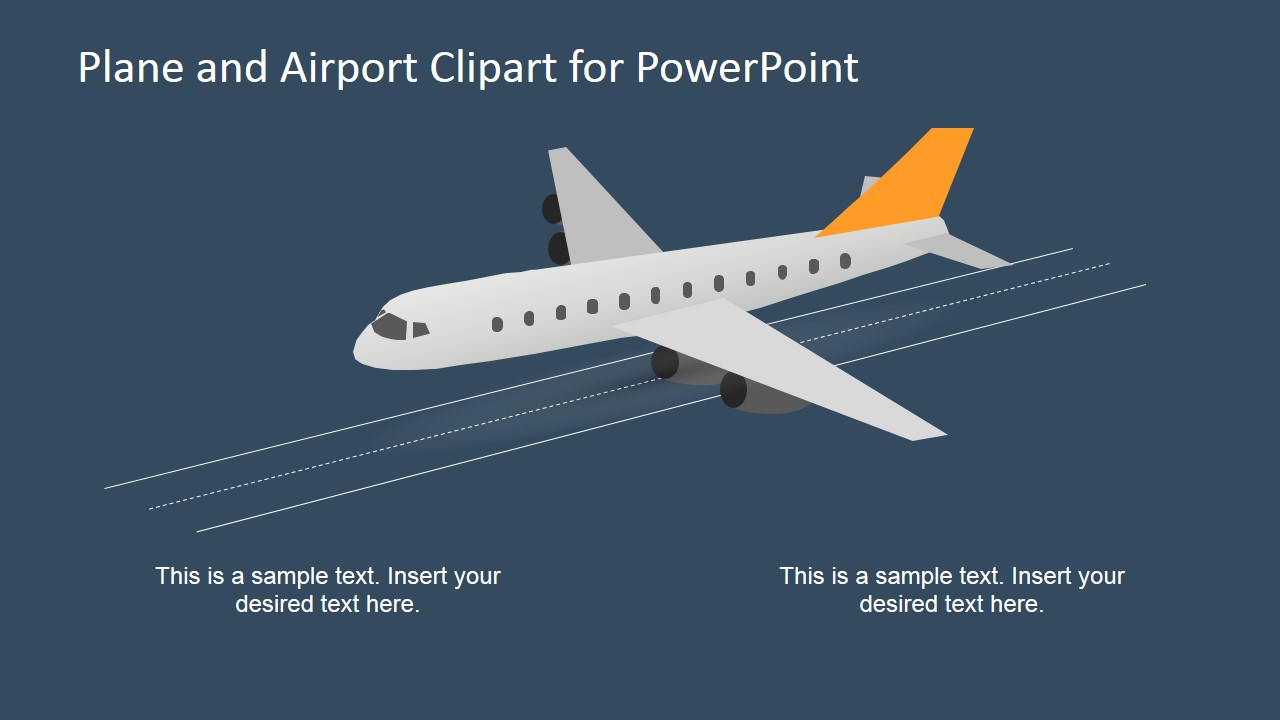
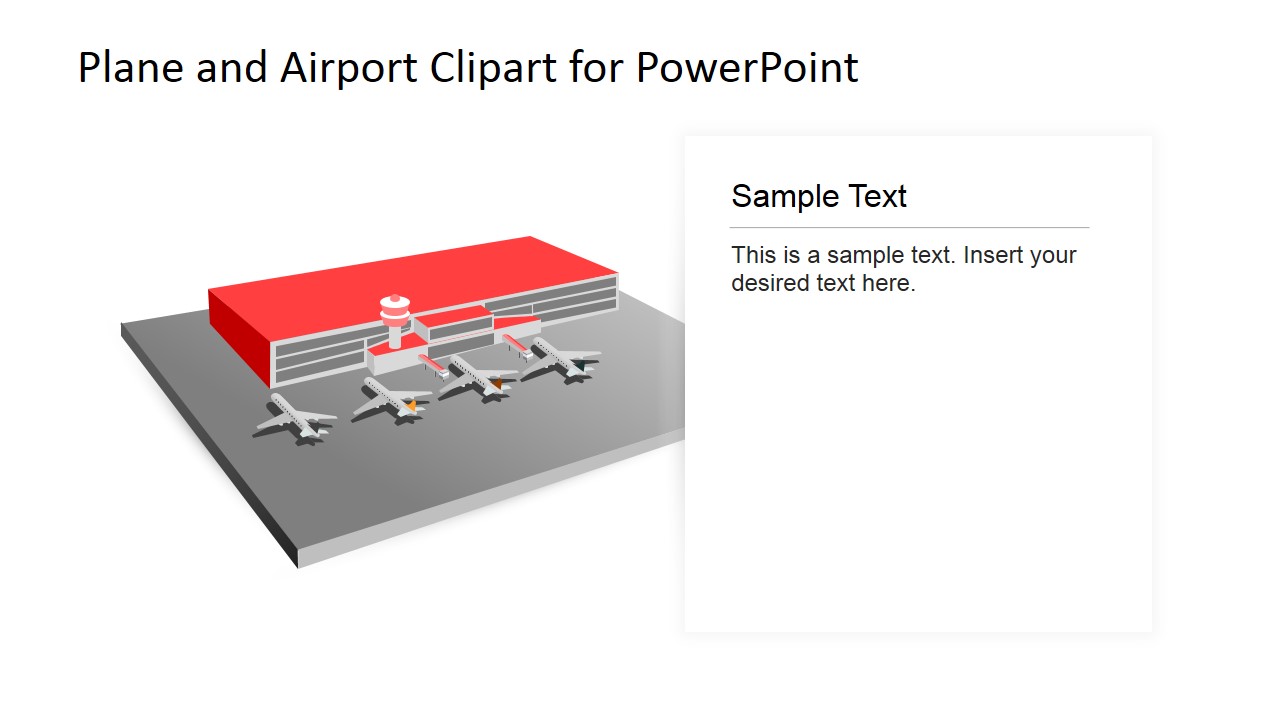
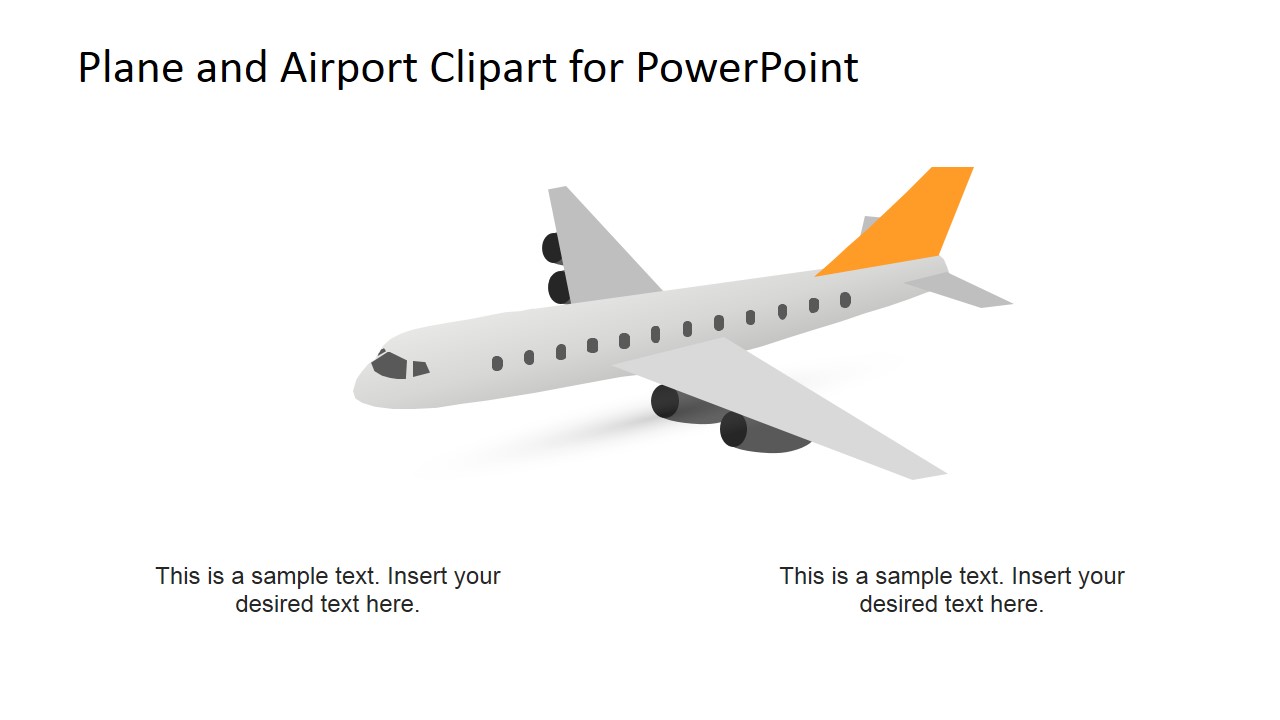
This 5-slide presentation template provides editable 3D airplane and airport shapes for travel, logistics, aviation, and airport planning presentations. Visible layouts include an airport apron scene, flying aircraft view, side text panel, runway takeoff scene, and standalone airplane clipart for Microsoft PowerPoint and Google Slides.
- Category
- Shapes
- Rating


 Loading...
- Aspect ratio
- 16:9, 4:3
- Item ID
- 6792-01
- Colors
 Microsoft PowerPoint
  Microsoft Copilot
  Claude for PowerPoint
 Other formats supported
Subscribe today and get immediate
access to download our PowerPoint templates.