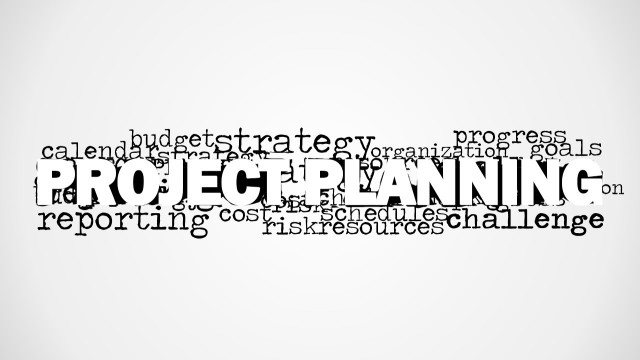
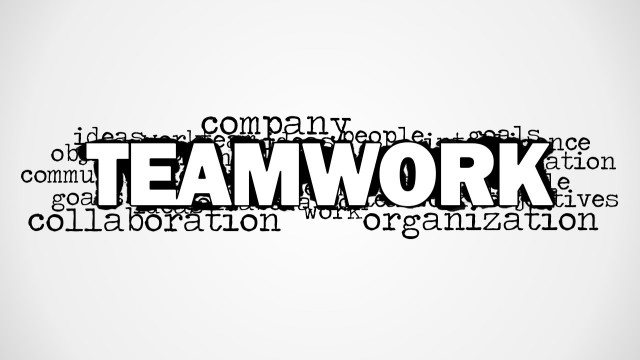
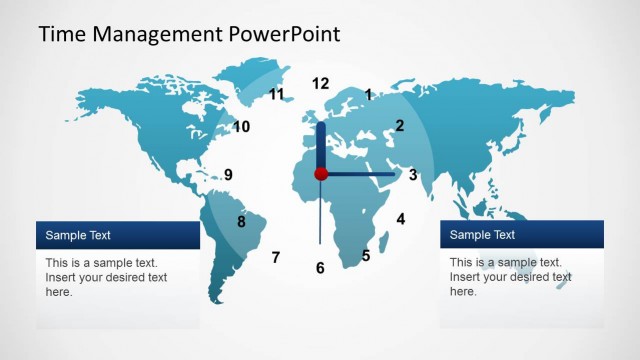
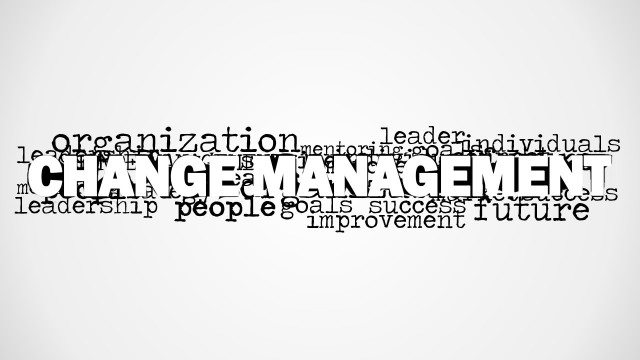
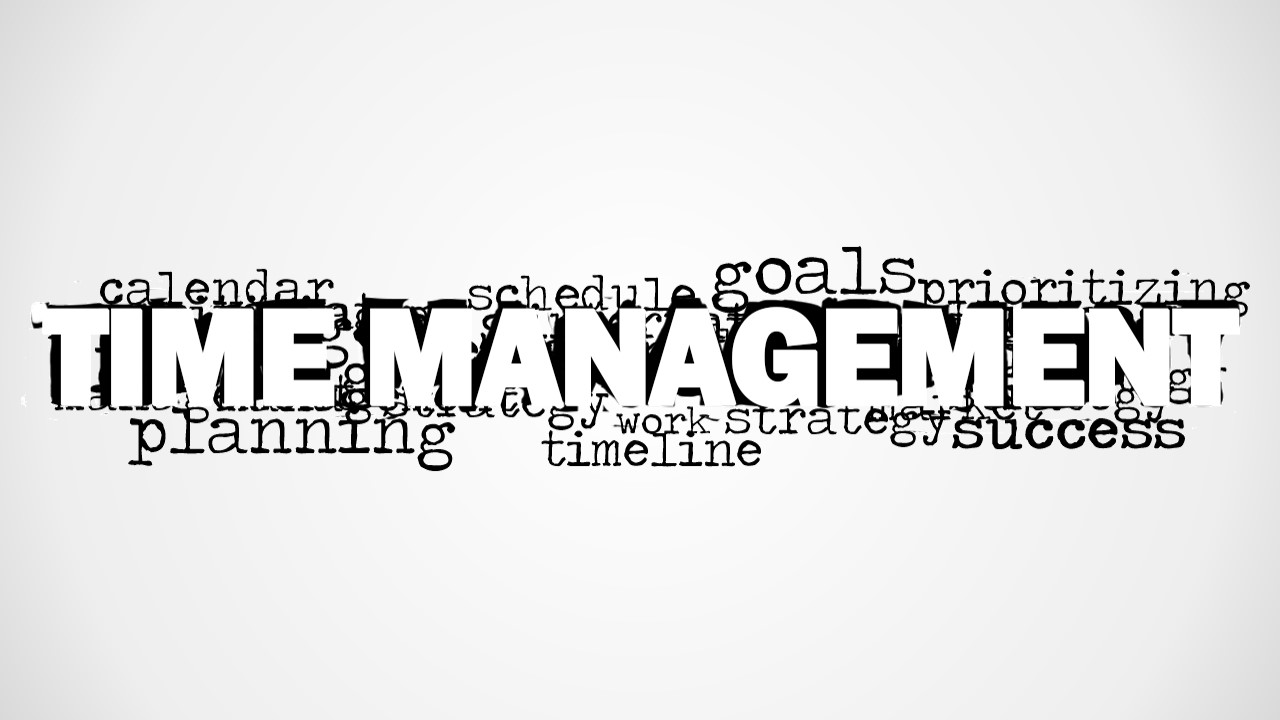
Time Management Word Cloud Picture for PowerPoint is a creative presentation design containing a Time Management picture created as a tag cloud illustration. Inside this presentation for PowerPoint you can find a tag cloud picture with the main word Time Management and other secondary keywords relevant to planning and time management topics such as Goals, Prioritization, Schedule, Time, Agenda, Planning, Project, Calendar.
What’s inside this template
Example presentation scenarios
- A project manager can use the word cloud picture to open a project planning meeting and focus the team on schedule, calendar, goals, and prioritization.
- A corporate trainer can use the blank canvas after the word cloud as a discussion prompt slide before teaching practical time management methods.
- A consultant can use the white-background word cloud variation to frame an executive workshop on productivity, resource planning, and team focus.
- An educator can use the large TIME MANAGEMENT graphic as an opening visual for a lesson on planning behavior, deadlines, and goal setting.
Features
- 100% editable presentation template
- Compatible with Microsoft PowerPoint and Google Slides
- 16:9 aspect ratio slides
- Scalable vector shapes, icons and illustrations
- AI-Ready for Microsoft Copilot and Claude
- Instant access and download
Frequently asked questions
Q: How should a presenter use the word cloud without making it feel like decoration?
A: Treat the word cloud as a conversation frame, not as body content. Start with the large TIME MANAGEMENT phrase, then point to selected supporting words such as goals, schedule, planning, and prioritizing. Ask the audience which terms create the most friction in their work before moving into methods, examples, or an agenda.
Q: Who is this template best suited for?
A: This template fits presenters who need a quick conceptual opener for time management, productivity, or project planning. Trainers, project managers, consultants, and team leads can use it before a workshop, planning session, or coaching discussion where the main goal is to align people around common schedule and prioritization concerns.
Q: Why does a word cloud work for a time management topic?
A: A word cloud shows that time management is not a single tactic; it is a network of behaviors and decisions. The oversized TIME MANAGEMENT label creates the main idea, while smaller terms such as calendar, goals, schedule, strategy, and success help the audience see the related factors that shape the conversation.


Time Management Word Cloud Picture for PowerPoint
2-slide presentation template with a time management word cloud for planning and scheduling topics
Time Management Word Cloud Picture for PowerPoint is a 2-slide presentation template built around a time management word cloud picture. It includes a full-slide word cloud on a gray gradient background, a blank white canvas, and a white-background word cloud variation for training, planning, and productivity presentations in Microsoft PowerPoint and Google Slides.
- Category
- Pictures
- Rating

 Loading...
- Aspect ratio
- 16:9
- Item ID
- 8182-01
- Colors
 Microsoft PowerPoint
  Microsoft Copilot
  Claude for PowerPoint
 Other formats supported
Subscribe today and get immediate
access to download our PowerPoint templates.