Time Management PowerPoint Template is a presentation template containing useful slide designs for meeting scheduling or time management PowerPoint presentations.
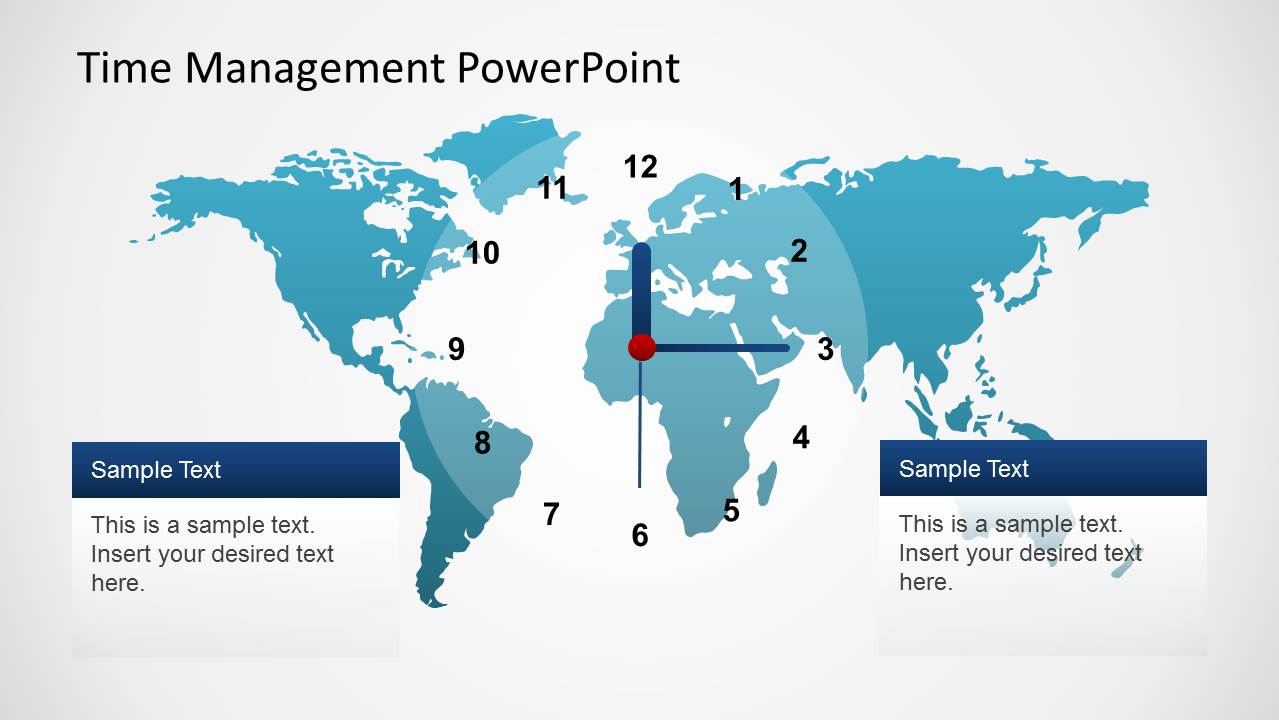
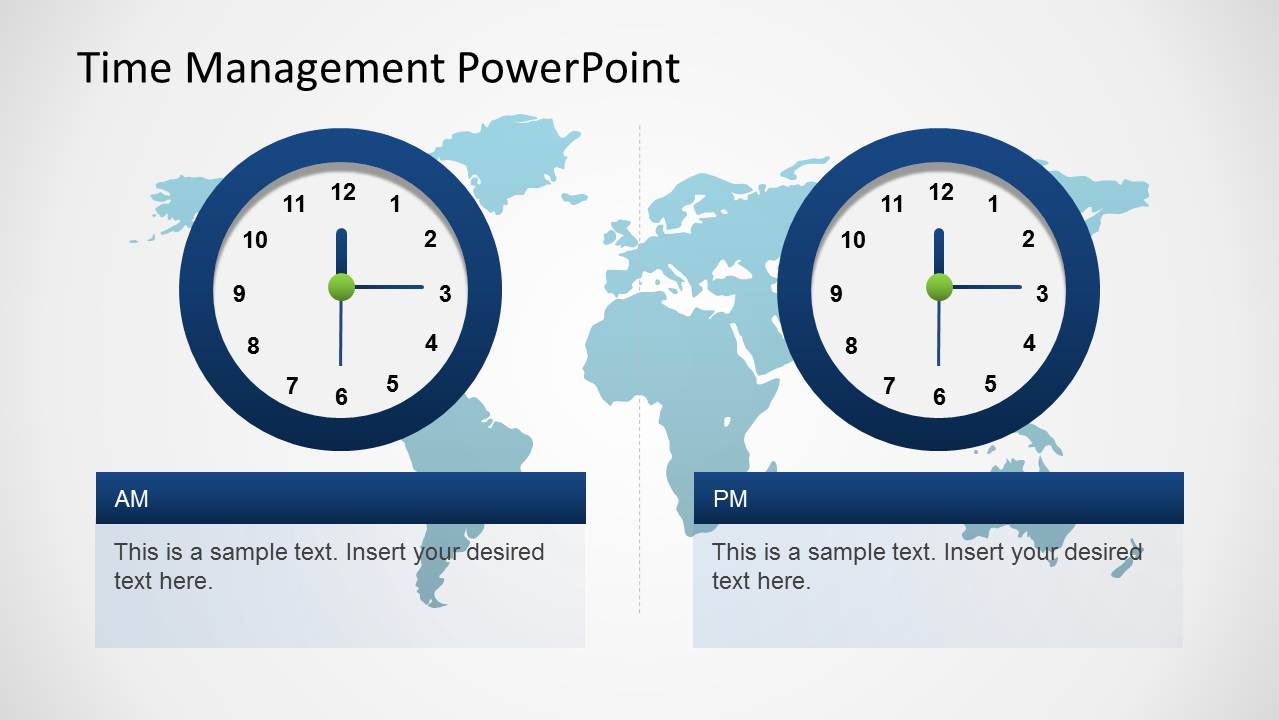
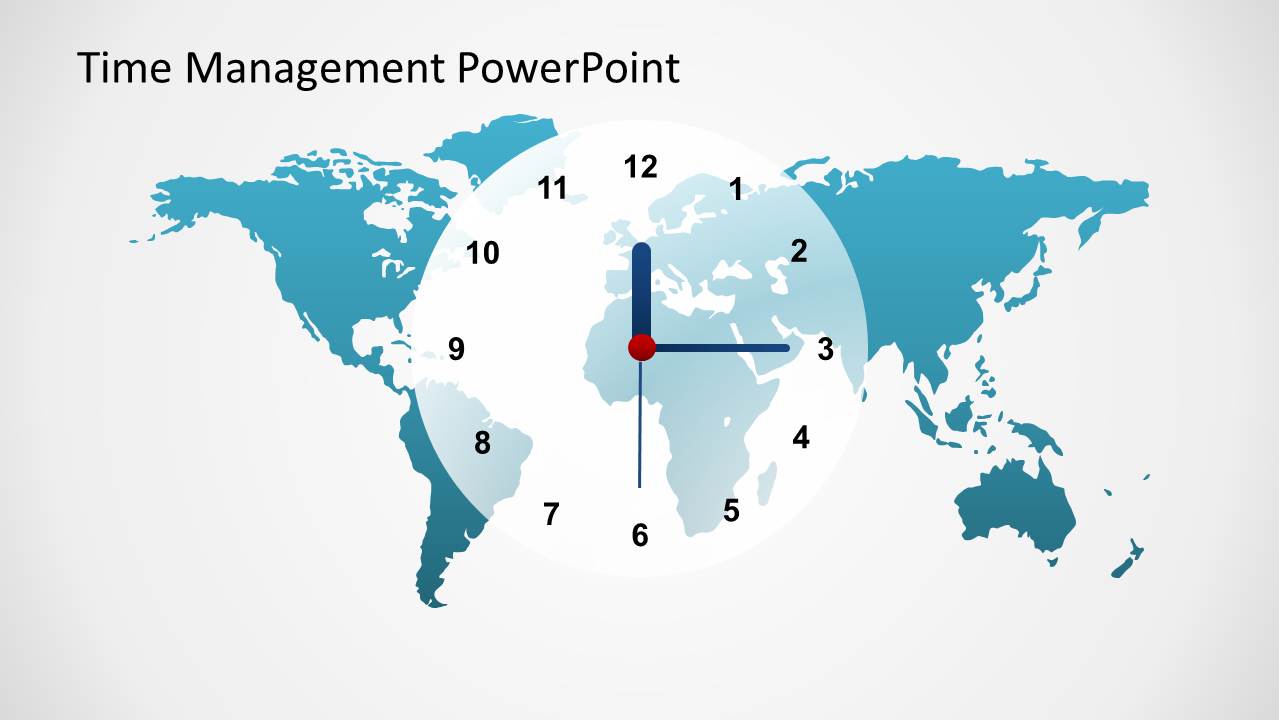
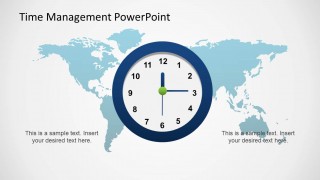
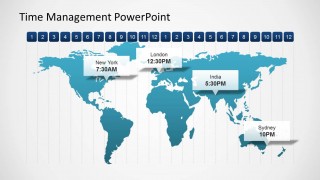
This presentation template can be used to prepare awesome meeting PowerPoint presentations with participants from different locations. The time management PowerPoint template contains useful world map illustrations and analog clock shapes that can be easily adjusted to match any desired time.
This time management presentation template can also be used to make presentations on project planning and project management or other business PowerPoint presentations.
What’s inside this template
Example presentation scenarios
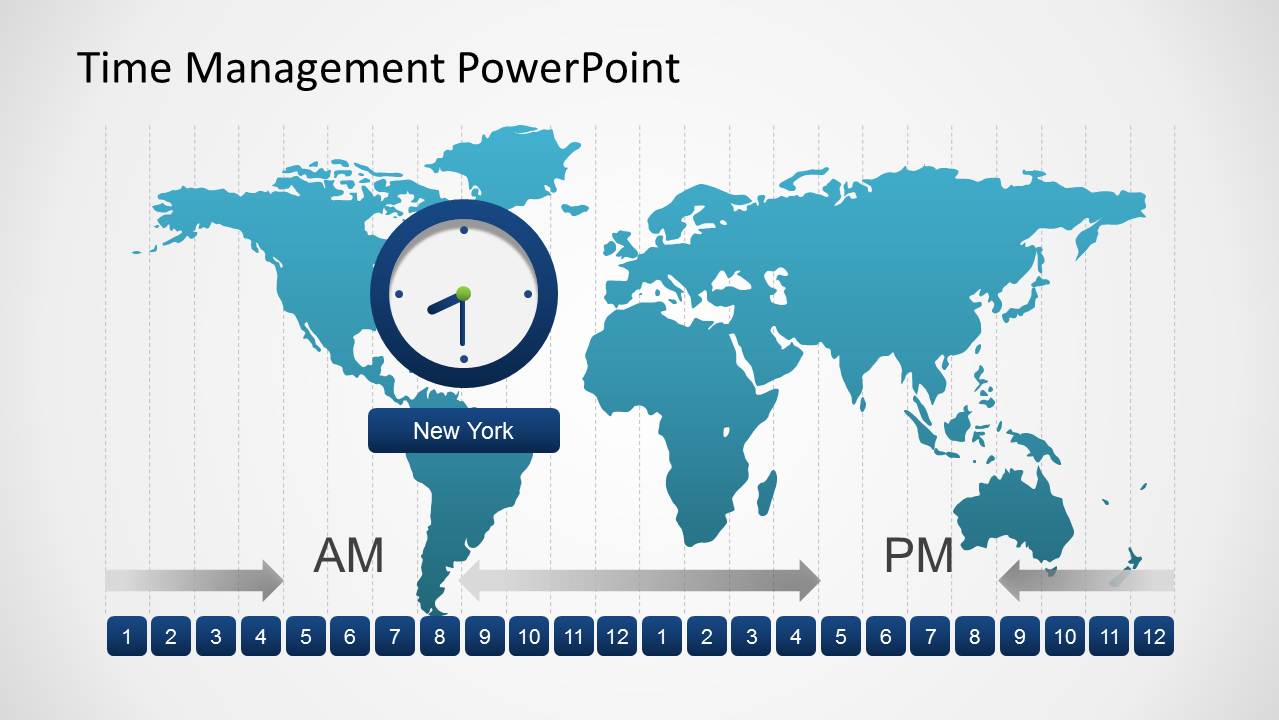
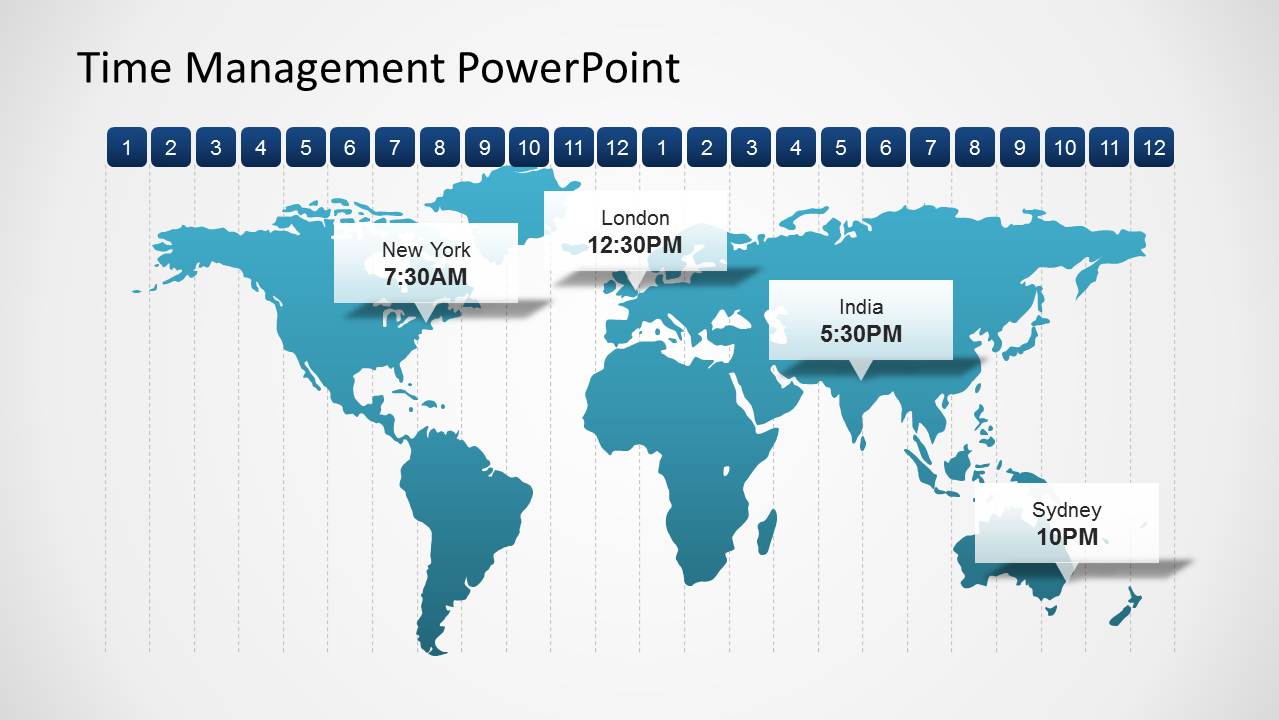
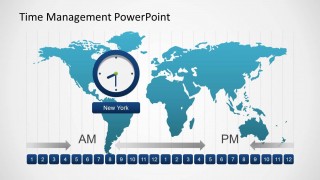
- A project manager can brief a distributed delivery team on meeting windows by using the world map time zone diagram and AM/PM scale to show practical overlap hours.
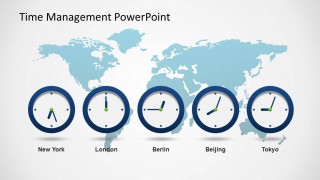
- An executive assistant can explain proposed international meeting slots to leadership with the city-labeled clock row for New York, London, Berlin, Beijing, and Tokyo.
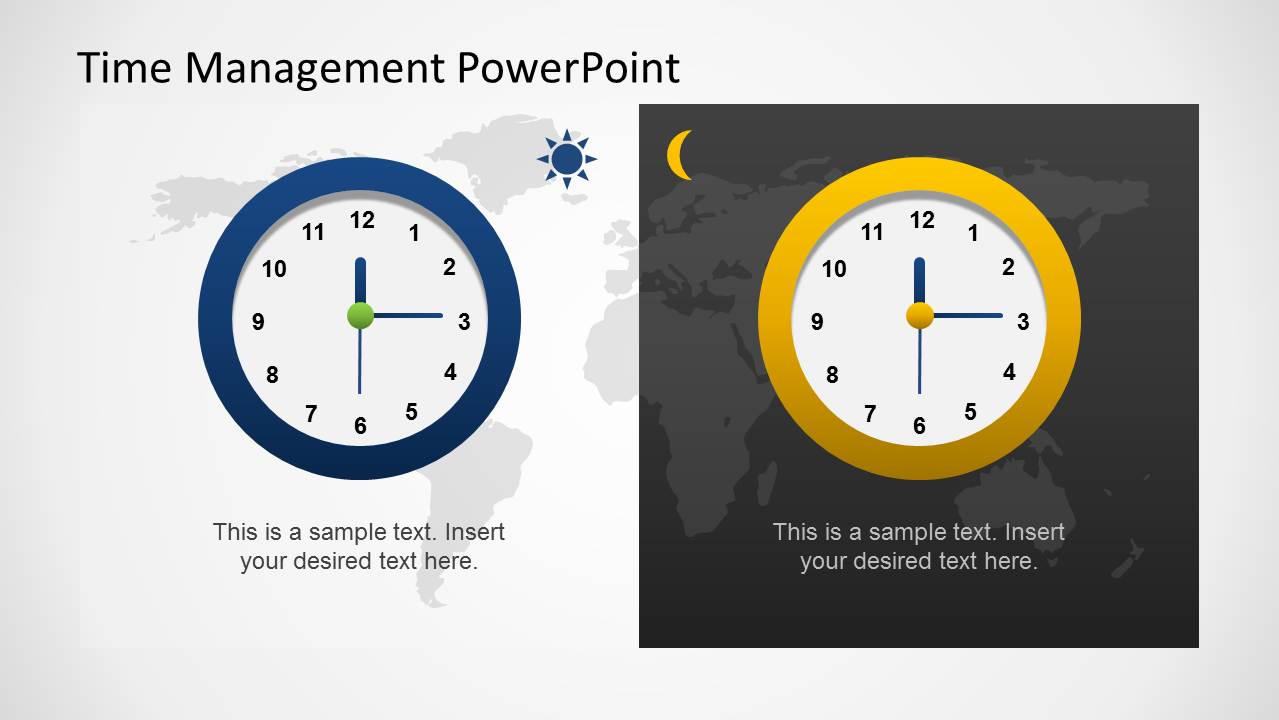
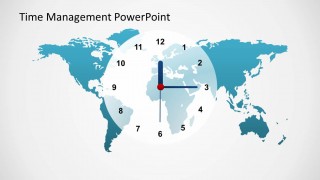
- A remote team lead can introduce a recurring schedule by using the day/night comparison slide to show why some time slots are fairer across regions.
- An operations presenter can prepare a project planning update with the map callouts for New York, London, India, and Sydney to connect milestones to local working hours.
Features
- 100% editable presentation template
- Compatible with Microsoft PowerPoint and Google Slides
- Scalable vector shapes, icons and illustrations
- AI-Ready for Microsoft Copilot and Claude
- Instant access and download
Frequently asked questions
Q: How should a presenter explain time differences clearly with this template?
A: Start with one map-and-clock slide to orient the audience, then move to a city clock row or AM/PM scale only after the meeting objective is clear. Keep each clock tied to a decision, such as preferred overlap time, local deadline, or participant availability. Avoid filling every text box; the clocks should carry the timing logic.
Q: Who is this template best suited for in a business presentation?
A: This template fits presenters who coordinate people across regions, such as project managers, operations leads, executive assistants, and remote team managers. It is strongest when the goal is to align calendars, explain regional working hours, or prepare participants for a global meeting. It is less suited to deep project tracking or budget reporting.
Q: Why do the map and clock metaphors help the message?
A: The world map gives geographic context while the analog clocks make time difference visible without asking the audience to calculate offsets. The day/night slide adds a fairness cue for inconvenient meeting hours, and the labeled city clocks translate the same decision into local terms. Together, the metaphors reduce confusion before the schedule is discussed.


Time Management PowerPoint Template
8-slide PowerPoint presentation template for time zones, world maps, and meeting schedules
The Time Management PowerPoint Template is an 8-slide business presentation template for scheduling across locations. It includes world map time zone diagrams, analog clock comparison slides, an AM/PM split layout, and city-labeled clock rows. Business presenters can use it for meeting planning, project coordination, and distributed-team updates in PowerPoint.
- Category
- Business PowerPoint Templates
- Rating


 Loading...
- Item ID
- 6304-01
- Colors
 Microsoft PowerPoint
  Microsoft Copilot
  Claude for PowerPoint
 Other formats supported
Subscribe today and get immediate
access to download our PowerPoint templates.