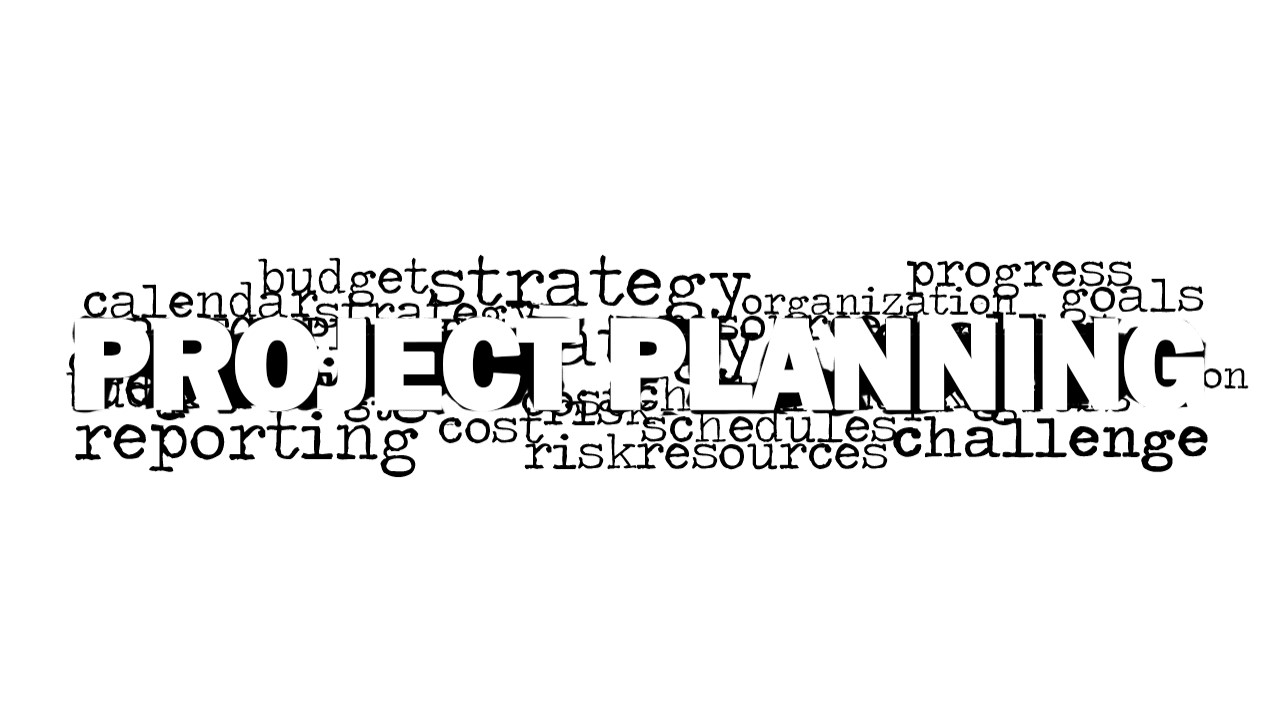
Project Planning Word Cloud Picture for PowerPoint is a word cloud picture design for PowerPoint presentations containing the main keyword Project Planning. You can use this stock photo picture for PowerPoint to decorate your planning and management slide designs.
Alternatively you can download other business pictures and tag cloud illustrations for presentations, including time management word cloud picture, finance PowerPoint pictures and more.
A tag cloud is a visual illustration of words or terms that revolves around a certain subject. These words center on the description of a certain topic. The tag cloud or word cloud represents an ideology, business ideas, a person or an event. In the internet, tag clouds are commonly seen in website or blog tags which summarize the keywords used by the site. These words are usually hyperlinked to the articles, pages, photos or other site elements associated to it. The words are placed randomly on a floating manner where their distinction varies according to its sizes. These various word sizes represent its prominence within the group.
What’s inside this template
Example presentation scenarios
- A project manager can open a kickoff meeting by showing the word cloud picture to frame the conversation around schedule, budget, resources, risk, and goals.
- A consultant can use the white-background word cloud as a section divider before presenting a client planning framework or implementation roadmap.
- A training facilitator can use the blank light canvas to add a prompt or discussion question, then follow with the project planning word cloud as a visual summary.
- An operations leader can place the word cloud before a management update to connect tactical workstreams with planning topics such as progress, strategy, and organization.
Features
- 100% editable presentation template
- Compatible with Microsoft PowerPoint and Google Slides
- 16:9 aspect ratio slides
- Scalable vector shapes, icons and illustrations
- AI-Ready for Microsoft Copilot and Claude
- Instant access and download
Frequently asked questions
Q: How should a presenter use the word cloud without making the slide feel decorative only?
A: Use the largest Project Planning text as the discussion anchor, then call out a few surrounding terms that match the meeting objective, such as budget, schedule, resources, or risk. The slide works best as an opener or transition when the presenter links the words to the agenda, not as a replacement for a project plan.
Q: Who is this template best suited for in a business presentation?
A: This template fits project managers, consultants, and operations leaders who need a simple visual cue before discussing planning methods, kickoff goals, or management priorities. It is especially useful when the presentation already contains detailed tables or timelines and needs a lighter opening slide or divider to reset audience attention.
Q: Why use a word cloud metaphor for project planning?
A: The word cloud metaphor shows that project planning is a cluster of related concerns rather than a single task. Terms such as strategy, goals, budget, reporting, schedule, cost, and risk surround the central idea, helping the audience see planning as a connected management discipline before the presenter explains details.



Project Planning Word Cloud Picture for PowerPoint
2-slide presentation template with project planning word cloud visuals for management and planning topics
Project Planning Word Cloud Picture for PowerPoint is a 2-slide presentation template with monochrome word cloud picture layouts focused on project planning terms. Visible layouts include a grayscale word cloud, a blank light canvas, and a white-background word cloud. It is for managers, project leads, and consultants using Microsoft PowerPoint or Google Slides.
- Category
- Pictures
- Rating


 Loading...
- Aspect ratio
- 16:9
- Item ID
- 8183-01
- Colors
 Microsoft PowerPoint
  Microsoft Copilot
  Claude for PowerPoint
 Other formats supported
Subscribe today and get immediate
access to download our PowerPoint templates.