Time & Date PowerPoint Template is a presentation template that you can use to make presentations on time management or event planning in PowerPoint. You can use the editable date & time presentation slides as an alternative to other PowerPoint slide designs to prepare online meetings, as an event planner or even to schedule tasks online and present date & time to an audience.
This presentation template contains flat icons for PowerPoint that you can use to make modern presentations. Creative flat icons and shapes used in this presentation template let you resize the objects without losing the quality or edit the shape properties to change colors and effects.
What’s inside this template
Example presentation scenarios
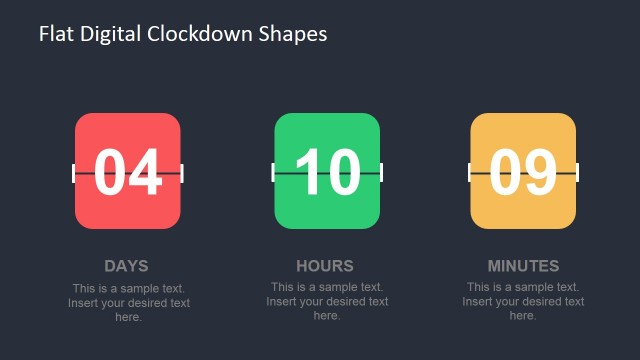
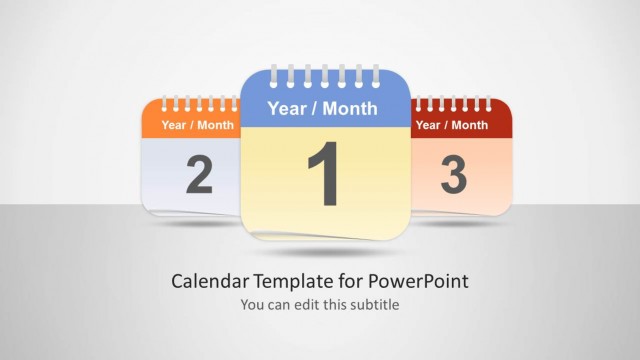
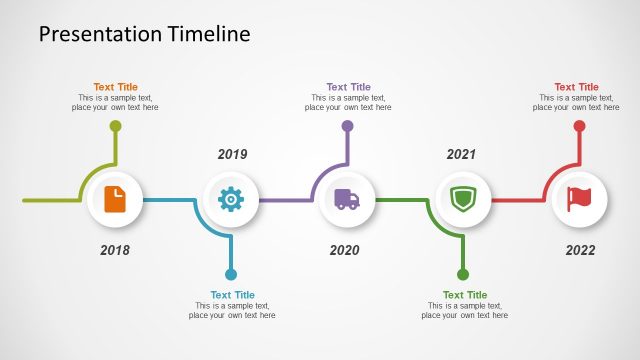
- An event planner can present a conference schedule by using the calendar date slide, the time banner, and the clock sequence to separate key dates, session times, and flow between activities.
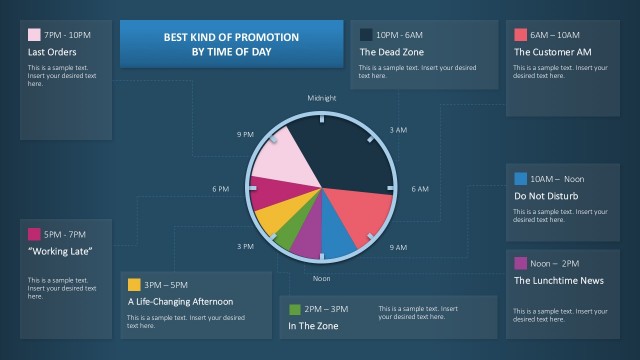
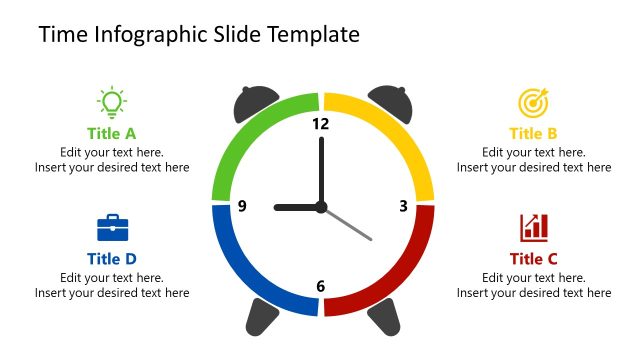
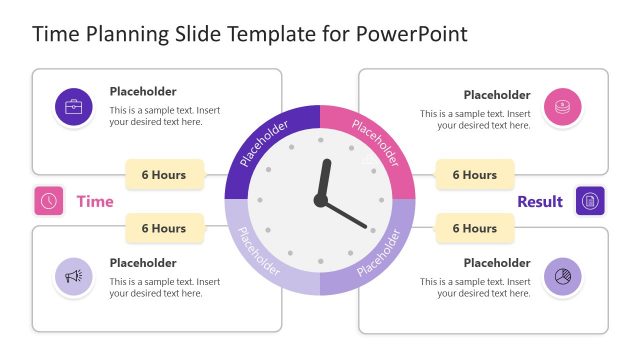
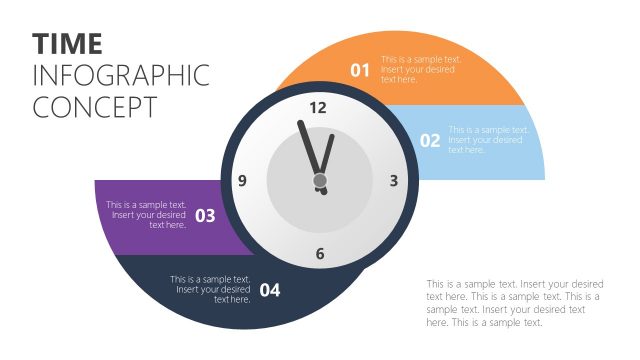
- A project manager can brief a team on deadline discipline by using the circular clock diagram to list schedule drivers and the bar chart illustration to compare time-related activity levels.
- An executive assistant can prepare a meeting coordination update by using the desktop scheduling slide and the date banner to show online meeting context, appointment timing, and reminders.
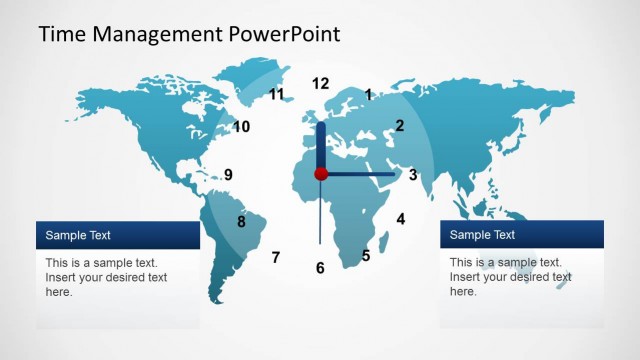
- A global operations lead can explain cross-region timing by using the world map with clock face to frame time zone coordination and the side text blocks for regional notes.
Features
- 100% editable presentation template
- Compatible with Microsoft PowerPoint and Google Slides
- 16:9 aspect ratio slides
- Scalable vector shapes, icons and illustrations
- AI-Ready for Microsoft Copilot and Claude
- Instant access and download
Frequently asked questions
Q: How should a presenter organize a schedule message with this template?
A: Start with the calendar or date banner to anchor the audience in the key day, then use the time banner for the critical hour or deadline. Follow with the clock sequence when the audience needs to understand order. Keep each text block short so the icons act as signposts rather than decoration.
Q: Who is this template best suited for in a business presentation?
A: This template fits presenters who need to make timing information easy to scan, such as event planners, project managers, operations coordinators, and meeting organizers. It is strongest when the message is about appointments, deadlines, session timing, or time zone coordination rather than detailed project governance.
Q: Why do the clock, calendar, and map metaphors work for this topic?
A: The design uses familiar time metaphors that audiences recognize immediately. A calendar signals the date, a clock signals urgency or exact timing, and the world map signals time zones or distributed teams. These visual cues reduce the effort needed to interpret schedule information during a live briefing.


Time & Date PowerPoint Template
9-slide presentation template with date icons, clock diagrams, and event schedule layouts
Time & Date PowerPoint Template is a 9-slide presentation template for explaining schedules, deadlines, meetings, and event timing. It includes clock icon networks, circular time diagrams, date and time banners, a bar chart illustration, a process sequence, and a world time map. It is built for Microsoft PowerPoint and Google Slides.
- Category
- Shapes
- Rating


 Loading...
- Aspect ratio
- 16:9
- Item ID
- 6660-01
- Colors
 Microsoft PowerPoint
 Microsoft Copilot
 Claude for PowerPoint
Other formats supported
Subscribe today and get immediate
access to download our PowerPoint templates.