Make an impressive presentation of the importance of time in achieving success using the Hand Drawn Time Management PowerPoint Charts. This PowerPoint template is composed of a simple hand-drawn style line graph that relates to various business activities. Its professional yet minimalistic design appeals to professionals from all levels in a business organization. The shapes in this template are all 100% editable. Their combinations, colors and sizes are customizable according to the presenter’s concepts. The diagram’s useful application is simple and easy to understand. This is a key aspect in communicating the presentation’s message across everyone in the audience.
Time management serves a significant role in achieving time-sensitive goals. It sets expectations by plotting goal-related activities in a given timeframe. The objective of completing these activities as planned and in a timely manner sets the expectation that the goal will be achieved in a timely manner as well. Establishing a goal can be fairly easy. However, complications arise from the nature of the entity setting it. A computer software can easily achieve its goal once its mechanisms are in place. It is because most software usually has one goal that is set at a time. That’s the difference between humans and computers. Humans have more complicated day-to-day functions and responsibilities. These circumstances affect an individual’s ability to achieve goals. Time management is a tool we use in solving this predicament. This concept allows people to set activities that will fulfill required goal oriented actions along with other responsibilities. This is made possible by time management because it helps people in identifying priorities and scheduling less important pursuits accordingly. It also guides people in increasing efficiency in daily activities. Time management is an example of planning through acknowledging things to do, when to do them and for how long it should be done.
What’s inside this template
Example presentation scenarios
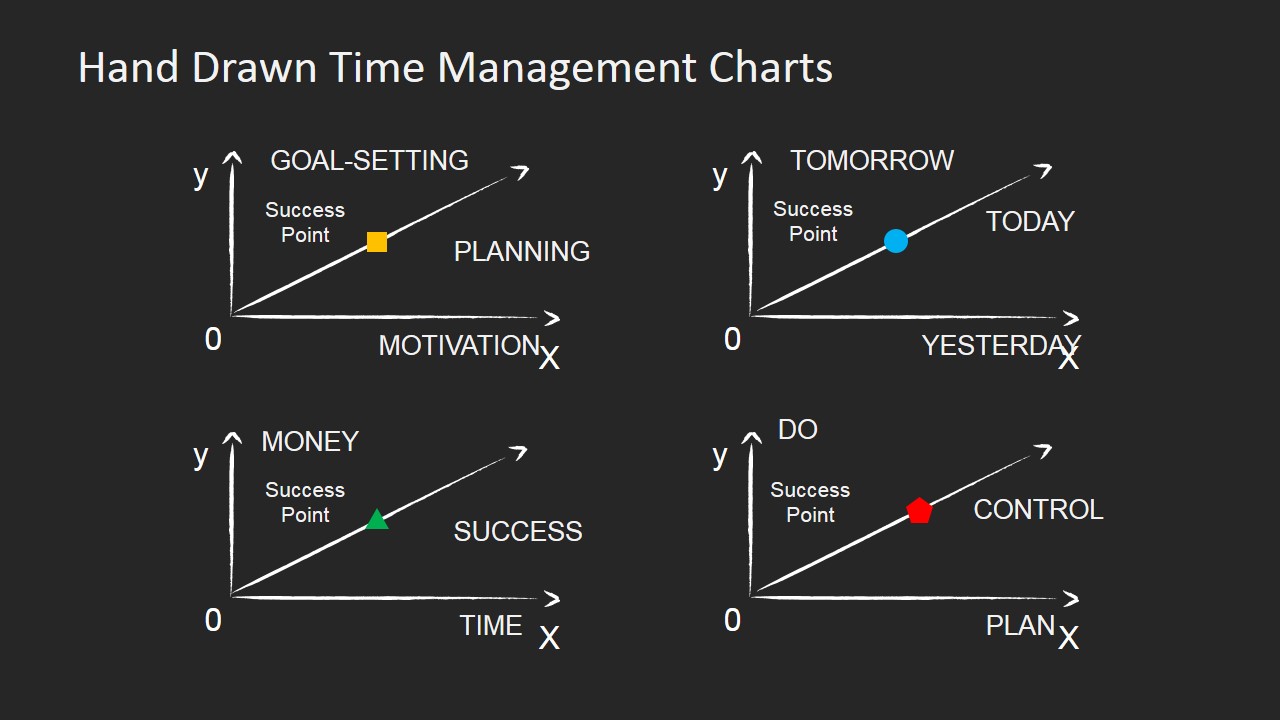
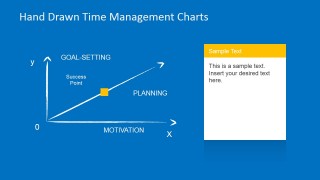
- A training facilitator can use the goal-setting versus motivation line graph to explain how planning discipline supports progress toward a defined success point.
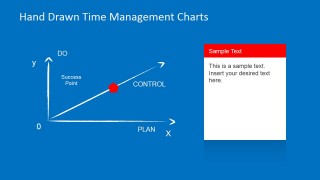
- A team leader can use the do versus plan chart and red note card to discuss control, execution priorities, and the balance between action and preparation.
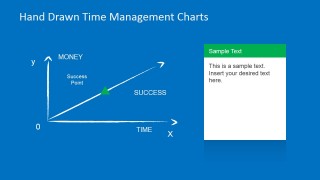
- A productivity coach can use the money versus time chart to connect time allocation decisions with practical success outcomes during a coaching session.
- A manager can use the four-chart overview slide to introduce a discussion about motivation, planning, timing, money, and control before assigning action items.
Features
- 100% editable presentation template
- Compatible with Microsoft PowerPoint and Google Slides
- 16:9 aspect ratio slides
- Scalable vector shapes, icons and illustrations
- AI-Ready for Microsoft Copilot and Claude
- Instant access and download
Frequently asked questions
Q: How should a presenter explain the hand-drawn time management charts effectively?
A: Start with the four-chart overview to frame the main relationships, then move to one focused graph at a time. Treat each success point marker as the key message, not as a precise data value. Use the note-card area to translate the visual into one takeaway, such as the behavior, planning habit, or priority the audience should act on.
Q: Who is this template best suited for?
A: This template fits presenters who need to explain productivity and goal-setting ideas without heavy data. Trainers, managers, consultants, and coaches can use the simple line graphs to make abstract themes such as motivation, control, planning, and timing easier to discuss with teams, workshop participants, or individual contributors.
Q: Why use sketch-style graphs instead of formal charts for this topic?
A: The hand-drawn style signals that these are conceptual relationships, not measured financial or operational results. That reduces pressure to read exact values and helps the audience focus on cause, direction, and behavior. The repeated diagonal line metaphor keeps attention on forward progress toward a labeled success point.


Hand Drawn Time Management PowerPoint Charts
6-slide presentation template for time management charts, goal setting, and success planning.
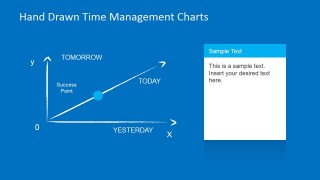
Hand Drawn Time Management PowerPoint Charts is a 6-slide diagram template for explaining time management, goal setting, planning, and success concepts. It includes a four-chart overview, single line graph layouts, colored success point markers, and note-card text panels for managers, trainers, and coaches using Microsoft PowerPoint or Google Slides.
- Rating


 Loading...
- Aspect ratio
- 16:9, 4:3
- Item ID
- 6659-01
- Colors
 Microsoft PowerPoint
  Microsoft Copilot
  Claude for PowerPoint
 Other formats supported
Subscribe today and get immediate
access to download our PowerPoint templates.