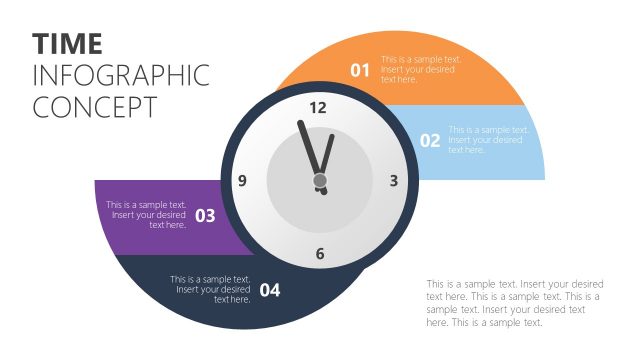
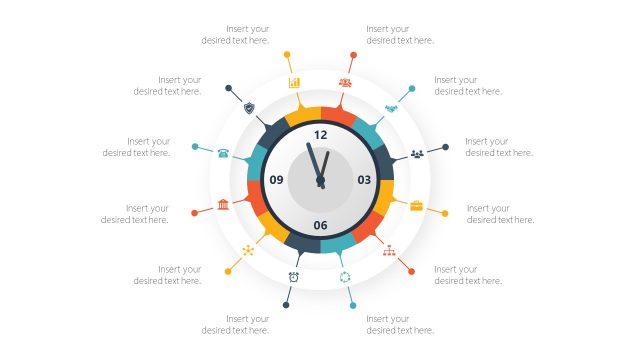
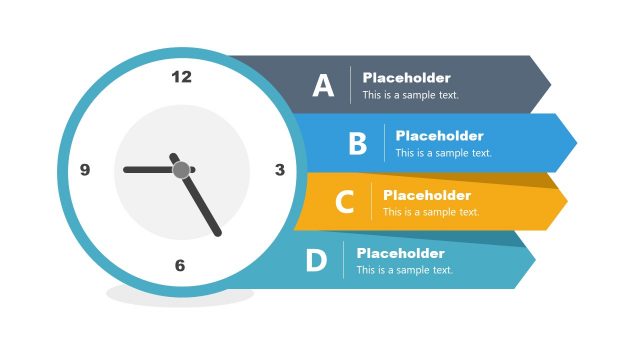
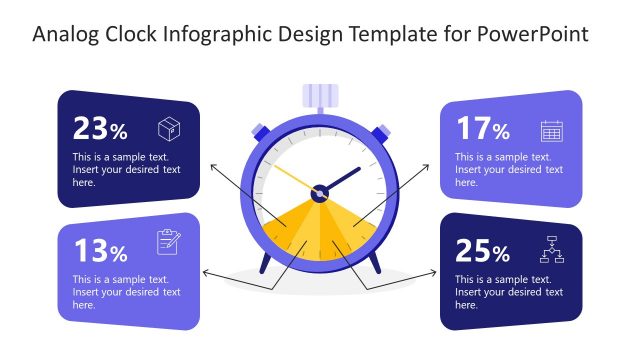
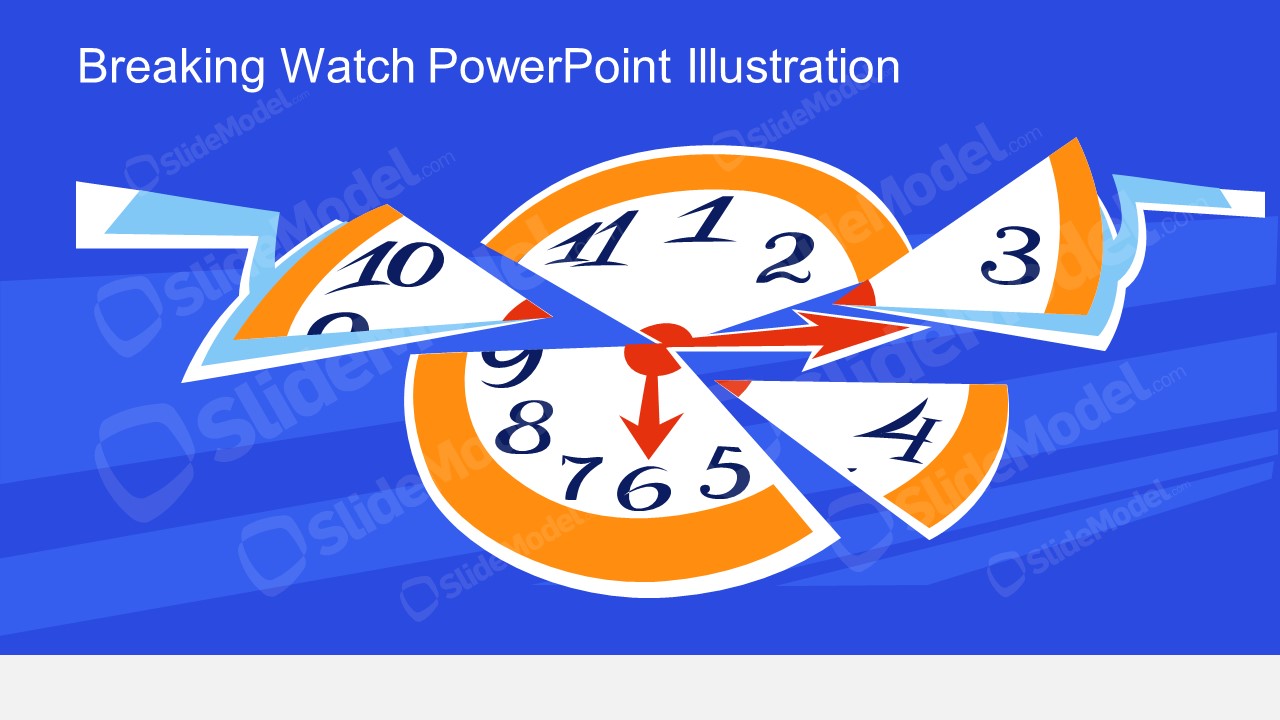
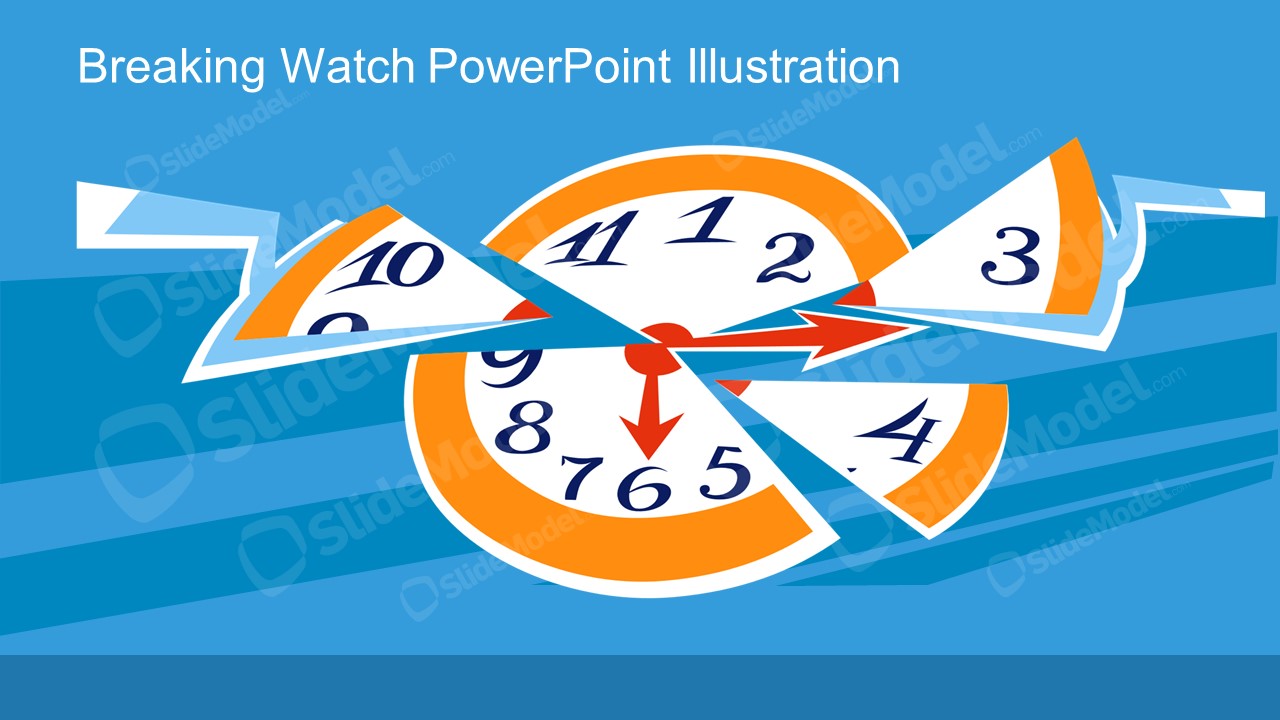
The Time Breaking Metaphor Illustration Scene shows cut-out pieces of a clock as a pie chart. It displays how parts of time are being sliced away. You can use the time metaphor scene illustration to discuss various time management concepts. The time-breaking metaphor is a collection of vector images to demonstrate time concepts through a watch dial or clock. One example of using the template is a review presentation for Book: Breaking the time barrier. These editable vectors offer the flexibility to customize design properties of PowerPoint shapes and personalize layouts.
What’s inside this template
Example presentation scenarios
- A productivity trainer can open a workshop by using the broken clock illustration to show how meetings, interruptions, and rework divide the workday.
- A project manager can introduce deadline risk by placing a short warning message above the pie-slice clock dial and using the arrow shapes to suggest urgency.
- A consultant can frame a time audit discussion by connecting each fragmented clock segment to a competing business priority or process bottleneck.
- An educator or facilitator can use the alternate blue color variant as a section divider before discussing time management habits or a book review on time constraints.
Features
- 100% editable presentation template
- Compatible with Microsoft PowerPoint and Google Slides
- 16:9 aspect ratio slides
- Scalable vector shapes, icons and illustrations
- AI-Ready for Microsoft Copilot and Claude
- Instant access and download
Frequently asked questions
Q: How should a presenter use the broken clock metaphor without overloading the slide?
A: Use the illustration as the central idea and keep the text short. A strong approach is to place one headline above the clock, then explain verbally what each broken segment represents. The red arrows already imply motion and pressure, so avoid adding extra callouts unless they clarify a specific time management point.
Q: Who is this template best suited for in a business presentation?
A: This template fits presenters who need to introduce a time-related problem quickly, such as trainers, project managers, consultants, or team leads. It works best when the message is conceptual: lost productivity, deadline pressure, fragmented focus, or competing priorities. It is less suited for detailed scheduling or numerical planning.
Q: Why does the clock sliced like a pie chart help communicate time management?
A: The clock metaphor makes an abstract issue visible. By breaking the dial into separated pieces, the design suggests that time is being consumed, redirected, or lost. The pie-like fragments help audiences think in portions, while the arrows add urgency and guide the eye toward the center of the problem.
Time Breaking Metaphor Illustration Scene
2-slide presentation template with breaking clock metaphor illustration scenes for time management concepts
This 2-slide presentation template uses a broken clock metaphor to show time being sliced into pieces. It includes a pie-slice clock dial, directional arrows, and two blue background color variants. The template is for time management, urgency, prioritization, and productivity discussions in Microsoft PowerPoint and Google Slides.
- Category
- People & Silhouettes
- Rating

 Loading...
- Aspect ratio
- 16:9
- Item ID
- 970007-01
- Colors
 Microsoft PowerPoint
  Microsoft Copilot
  Claude for PowerPoint
 Other formats supported
Subscribe today and get immediate
access to download our PowerPoint templates.