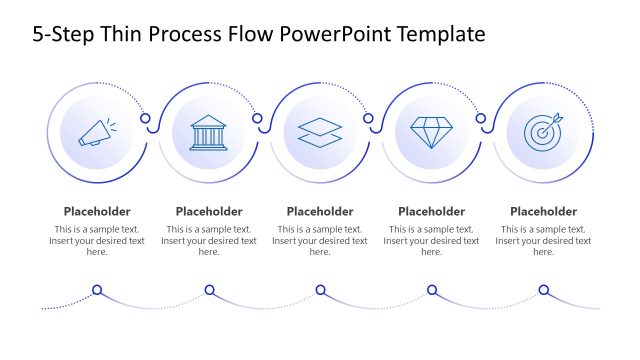
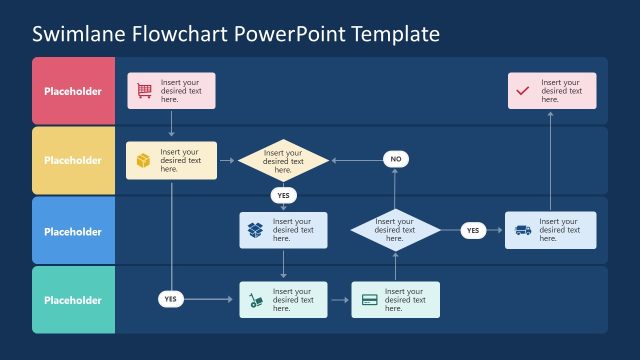
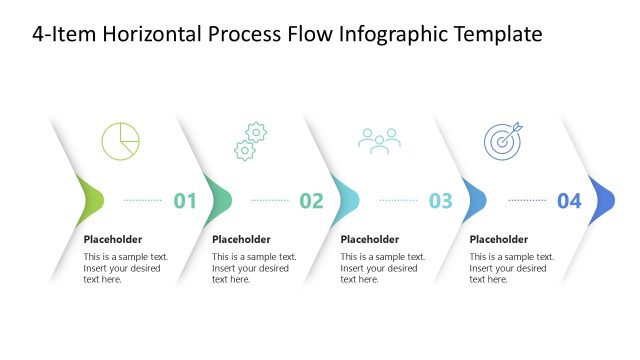
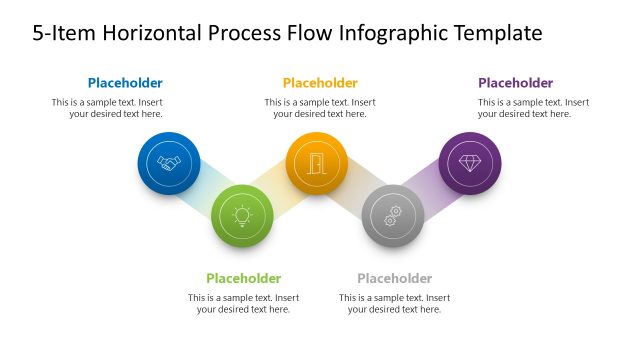
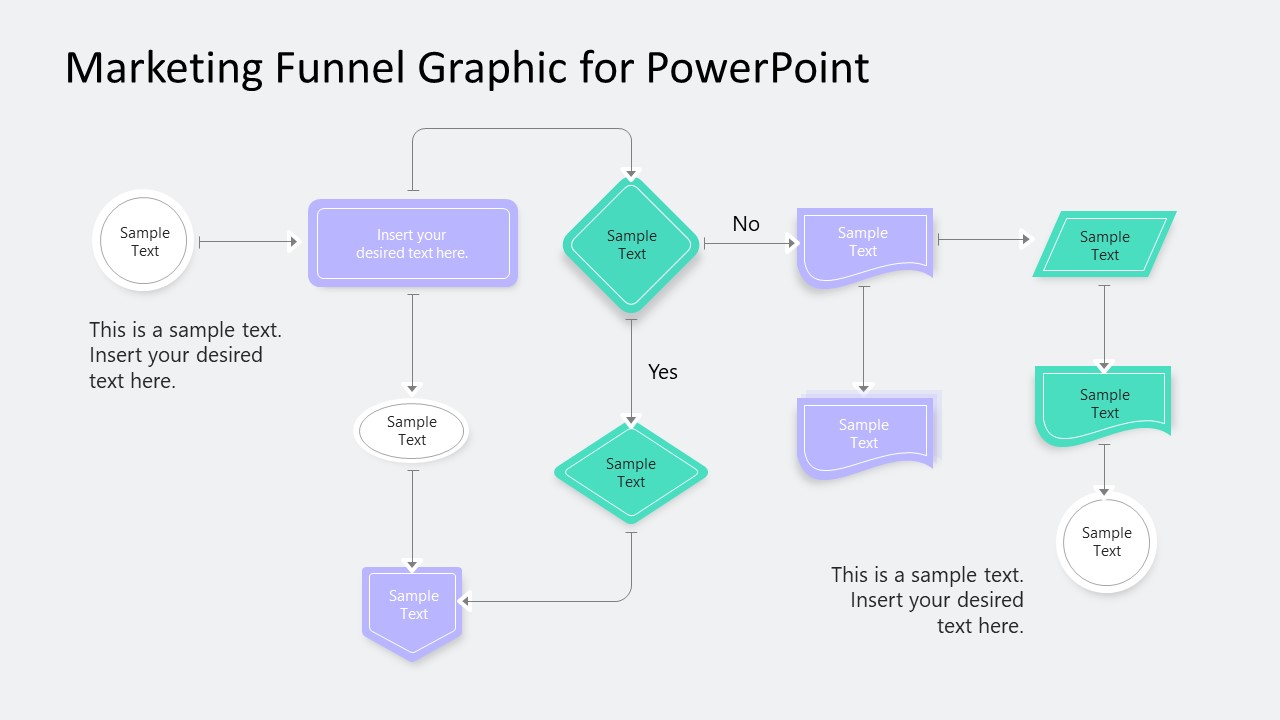
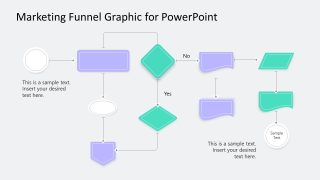
Present the complete lead journey through multiple stages in a structured format with our Thin Border Flow Chart Template PowerPoint. The flowchart diagram is useful to present a full process with different nodes, touch points, yes/no logic, etc. A flowchart diagram using different shapes to present the key points of the process. For instance, diamond shapes are used to showcase decision points in the lead acquisition journey. The flowchart diagram template helps marketing directors showcase trigger points and qualification stages in the customer journey roadmap that lead to the purchase. They can clearly explain the funnel logic in their stakeholder presentations using this simple layout. This also helps business decision-makers target touchpoints effectively to influence customer decisions.
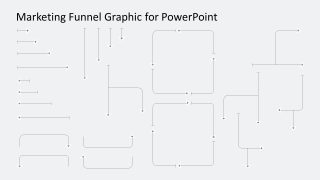
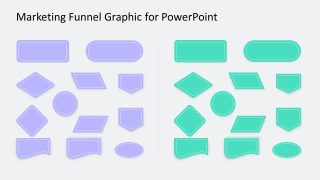
Demand generation managers in their sales leadership meetings use our The Thin Border Flow Chart Template PowerPoint. They edit the shapes to visualize the nodes where leads advance, stall, or exit the funnel. The template has a grey background that gives a professional appearance to the layout. On the first slide, the growth consultant showcases a conversion optimization audit to the clients using colorful shapes. The second slide comprises the same flowchart, but the text sections are only in the first one. In the third slide, there are multiple arrows that project managers or analysts can use in their flowchart. The last slide contains two sets of shapes wth different colors to make customized flowcharts.
Furthermore, the thin border flowchart template is editable, and professionals can adjust the shapes or colors to match their presentation theme. They can change the fonts to adjust the appearance. Download the thin border flowchart template to showcase the operational process in executive presentations.
Features
- 100% editable presentation template
- Compatible with Microsoft PowerPoint and Google Slides
- 16:9 aspect ratio slides
- Scalable vector shapes, icons and illustrations
- AI-Ready for Microsoft Copilot and Claude
- Instant access and download


Thin Border Flow Chart Template PowerPoint
- Category
- Data & Charts
- Rating

 Loading...
- Aspect ratio
- 16:9
- Item ID
- 23687-01
- Colors
 Microsoft PowerPoint
  Microsoft Copilot
  Claude for PowerPoint
 Other formats supported
Subscribe today and get immediate
access to download our PowerPoint templates.