Present the sequential stages of an organizational workflow in business presentations with our editable 5-Step Horizontal Process Flow PowerPoint Template. The horizontal process flow template has a modern, minimalist design that captures the audience’s attention. Program directors discuss the five stages of their project management lifecycle in executive presentations with our horizontal process flow template. HR directors communicate the 5-step talent onboarding plan using this process flow diagram template. Startup founders describe their go-to-market strategy in five simple steps using focus slides in the 5-step horizontal process diagram template. Change management consultants use this PPT layout to structure a five-phase adoption process for a new internal system. Alternatively, you can also visit our process diagram templates collection to find the perfect layout for your next executive presentations.
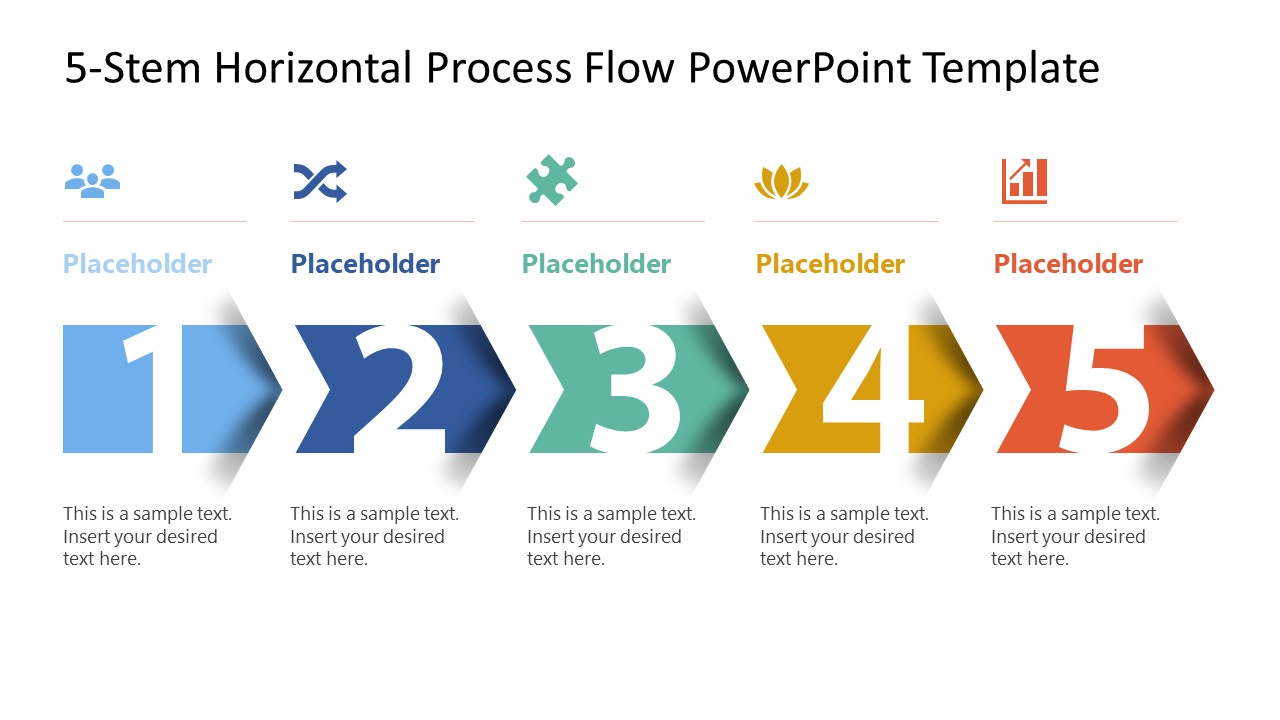
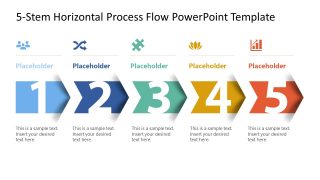
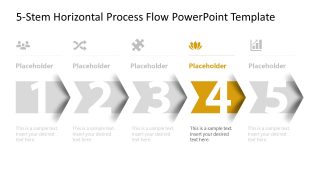
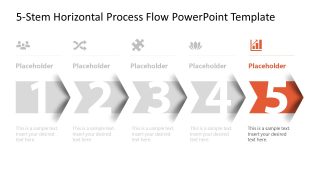
Our 5-Step Horizontal Process Flow PowerPoint Template is compatible with all versions of Microsoft PowerPoint. The layout uses a horizontal array of connected arrow shapes, with a dominant large numerical digit to mark the step number. Business analysts use the icons above the arrow and place the description below it to maintain a consistent appearance in the presentation. Next, there are additional slides with the same graphical arrangement but a focus effect, enabling the presenters to address one step at a time. This also allows the audience to grasp the concepts clearly and effectively. Presenters can customize label colors, visual icons, text fonts, and other design features to perfectly match their needs. Download the 5-step horizontal process flow PPT template for your strategy presentation to discuss business execution plans in a stepwise manner.
What’s inside this template
Example presentation scenarios
- A project manager can use the horizontal arrow process to present a five-phase delivery lifecycle and then move through the step-focus slides during an executive status briefing.
- An HR director can use the icon-labeled stages and text placeholders to explain a structured talent onboarding plan from initial intake through final integration.
- A startup founder can use the full process overview and individual highlighted steps to describe a go-to-market sequence to advisors, investors, or internal teams.
- A change management consultant can use the muted background steps and highlighted active stage to guide stakeholders through a phased system adoption plan.
Features
- 100% editable presentation template
- Compatible with Microsoft PowerPoint
- 16:9 aspect ratio slides
- Scalable vector shapes, icons and illustrations
- AI-Ready for Microsoft Copilot and Claude
- Instant access and download
Frequently asked questions
Q: How should a presenter explain the five-step process without making the audience read every placeholder?
A: Start with the full-process overview to name the five stages and establish the sequence. Then use the focus slides to discuss one step at a time while the other arrows stay muted. Keep each description short, use the icon as a memory cue, and connect every stage to the next decision or handoff.
Q: Who benefits most from this process flow template?
A: This template fits presenters who need to simplify a linear business method into five clear stages. Project managers, HR leaders, consultants, and founders can use it when the audience must understand order, ownership, or progress. It is especially useful for onboarding plans, implementation models, delivery processes, and management routines.
Q: Why does the arrow-based design help explain a process?
A: The connected arrows create a direct visual metaphor for forward movement, which makes the sequence easy to follow. The large numbers make the order unmistakable, while the grayed-out focus slides reduce distraction. Icons above the arrows add quick category recognition without requiring long labels or dense process documentation.


5-Step Horizontal Process Flow PowerPoint Template
6-slide presentation template for a 5-step process flow with horizontal arrows and focus layouts
The 5-Step Horizontal Process Flow PowerPoint Template is a 6-slide Microsoft PowerPoint deck for explaining a five-stage workflow. It includes a full horizontal arrow process diagram, five step-focus variants, icon-labeled stage headers, numbered chevron arrows, and text placeholders for business process, delivery, onboarding, or management presentations.
- Category
- Process Diagrams
- Rating

 Loading...
- Aspect ratio
- 16:9
- Item ID
- 23776-01
- Colors
 Microsoft PowerPoint
  Microsoft Copilot
  Claude for PowerPoint
 Other formats supported
Subscribe today and get immediate
access to download our PowerPoint templates.