Slide 4 of 4 from Thin Border Flow Chart Template PowerPoint
Thin Border Flow Chart Template with Multiple Shapes
Marketing Funnel Graphic for PowerPoint
- Diagram
- Other
- Process Slide
- 16:9
- 100% Editable
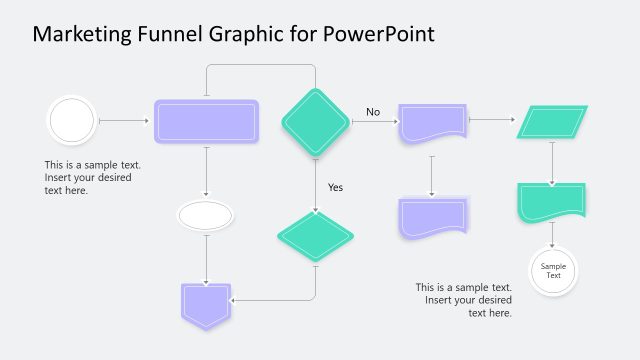
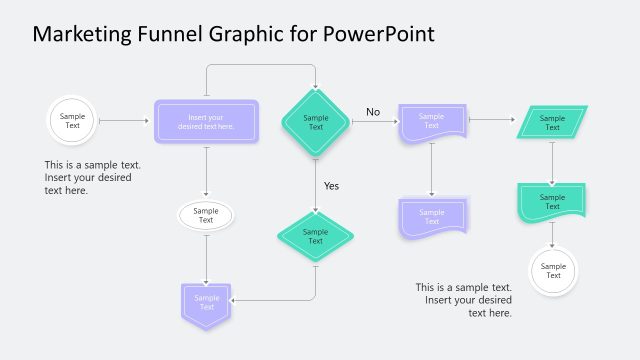
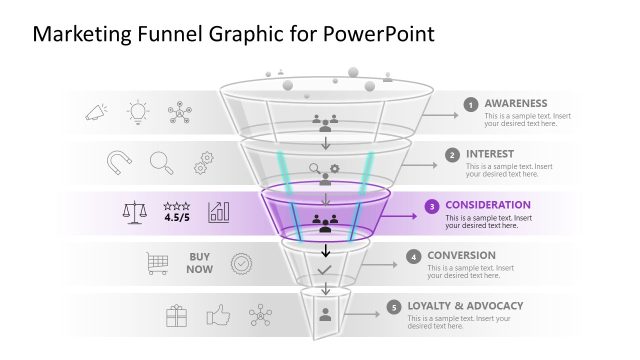
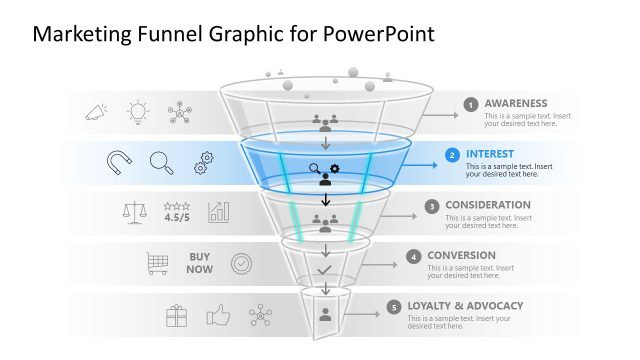
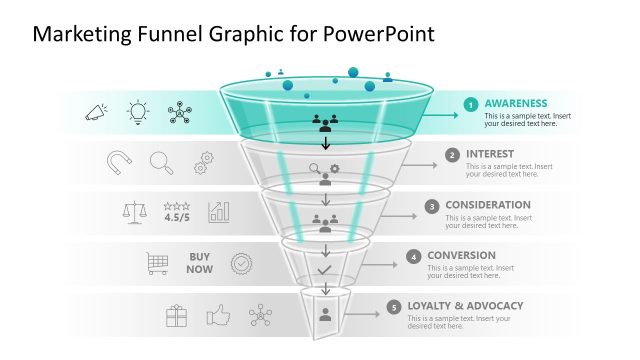
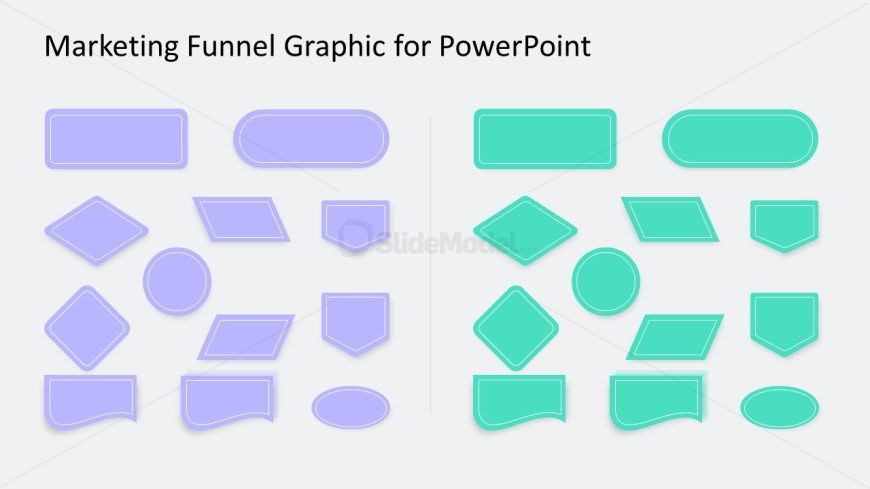
The Marketing Funnel Graphic slide from the Thin Border Flow Chart Template PowerPoint offers a clear visual process layout ideal for marketing presentations. This slide uses editable shapes arranged in two columns with distinct colors to represent stages in a marketing funnel, supporting workflow diagrams and process visualizations. Its balanced design and customizable text placeholders make it a practical choice for corporate presentations and pitch deck templates focused on illustrating sequential steps or user flows.
What’s on This Slide
The layout features a collection of various shapes organized in two columns. The left column contains light purple shapes, including rectangles, diamonds, and circles, while the right column displays light green shapes of similar types. Each shape varies in size and style, with rounded edges on some and sharp corners on others. Text placeholders are present, positioned above the shapes, indicating where titles or descriptions can be added. The overall composition is balanced, with a neutral background that enhances the visibility of the shapes.
How to Use It
This layout serves as a visual representation of a marketing funnel, ideal for illustrating stages in a process. It fits well in presentations discussing marketing strategies, user flows, or workflow processes. The arrangement allows for easy customization, making it suitable for various business contexts. Use it to depict sequential steps or categories in a marketing campaign, product development, or customer journey. It is particularly effective in summarizing complex information in a clear, visual format.
Text Placeholders & Capacity
Keep your copy within these limits so it fits without resizing. Node labels can accommodate roughly 3-4 words each.
| Placeholder | Count | Max characters (approx.) |
|---|---|---|
| Slide title | 1 | 40 |
| Item heading | 12 | 20 |
Slide Keywords
Download unlimited PowerPoint templates, charts and graphics for your presentations with our annual plan.
DOWNLOADReturn to Thin Border Flow Chart Template PowerPoint.