Are you looking to give a brief overview of the organizational workflow in your team presentations? Download our editable 4-Box Horizontal Process Flow PowerPoint Template to showcase the four progressive stages in the strategic execution plan. The product manager will find this template diagram useful for cross-functional team presentations to demonstrate the feature release process. At a consulting firm, the project manager can edit the four-box layout to outline the four-phase client engagement model. They can easily use our slides in project proposals or investor pitch decks. HR directors can explain the four phases of employee onboarding. Or IT team leads can discuss the four-phase tech system implementation to non-tech leadership using this process flow diagram. Our layout is compatible with Google Slides and contains editable PPT features for strategy presentations.
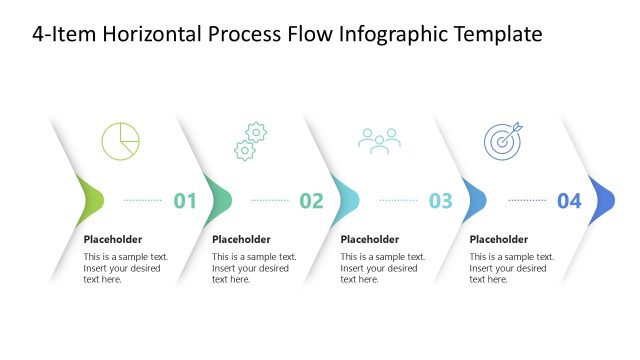
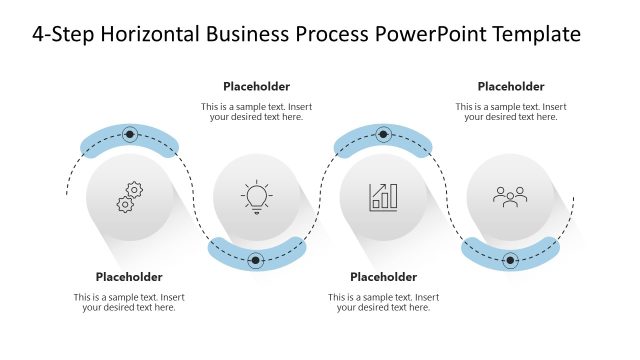
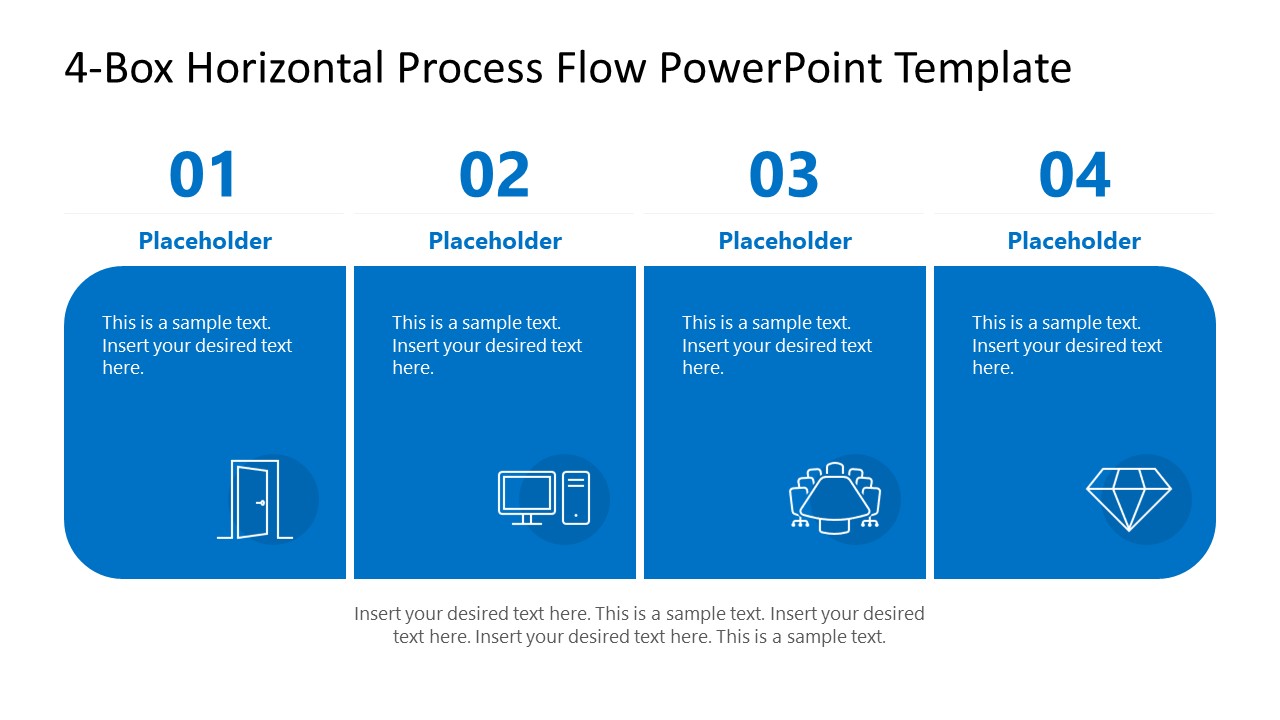
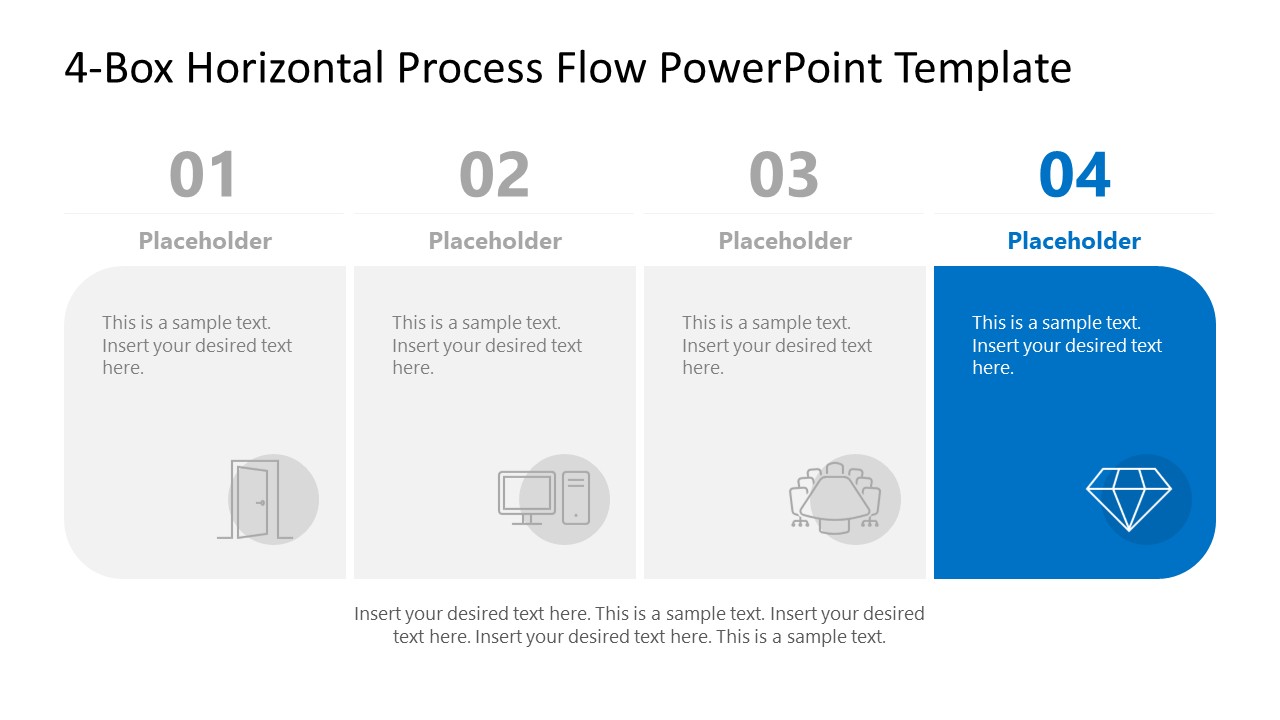
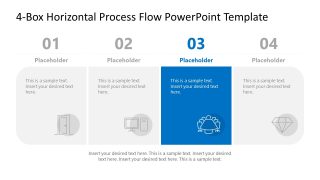
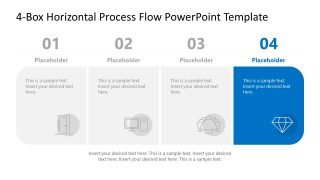
The 4-Box Horizontal Process Flow PowerPoint Template is useful for strategic leaders to highlight the quarterly growth process in executive presentations. The diagram features a simple segmented bar with four sections. Each section includes an infographic to illustrate the concept and a placeholder line for visual details. At the top, presenters can use built-in digits to mark the step number. The operations manager can use this process flow diagram template to explain the supply chain process improvement plan to the COO. You can edit the template design to suit your needs and communicate more effectively with your team. The PPT template flow makes the sequence of concepts prominent, helping employees focus more on the practical side and less on orientation.
Download the 4-box horizontal process flow PPT template and shape your ideas with clarity in stakeholder presentations. Alternatively, visit the customizable process diagram templates and choose the one that aligns with your presentation needs.
What’s inside this template
Example presentation scenarios
- A product manager can use the full four-box overview to show a feature release process and then use the highlighted stage slides to explain each team handoff.
- A consulting project manager can present a four-phase client engagement model to sponsors, using the numbered panels and bottom note area to connect activities with expected outcomes.
- An HR director can explain employee onboarding to department heads by mapping orientation, setup, team introduction, and completion into the four highlighted process stages.
- An IT team lead can brief non-technical executives on a system implementation plan, using the muted and highlighted panels to keep attention on the current phase.
Features
- 100% editable presentation template
- Compatible with Microsoft PowerPoint and Google Slides
- 16:9 aspect ratio slides
- Scalable vector shapes, icons and illustrations
- AI-Ready for Microsoft Copilot and Claude
- Instant access and download
Frequently asked questions
Q: How should a presenter talk through the four-box process without making it feel repetitive?
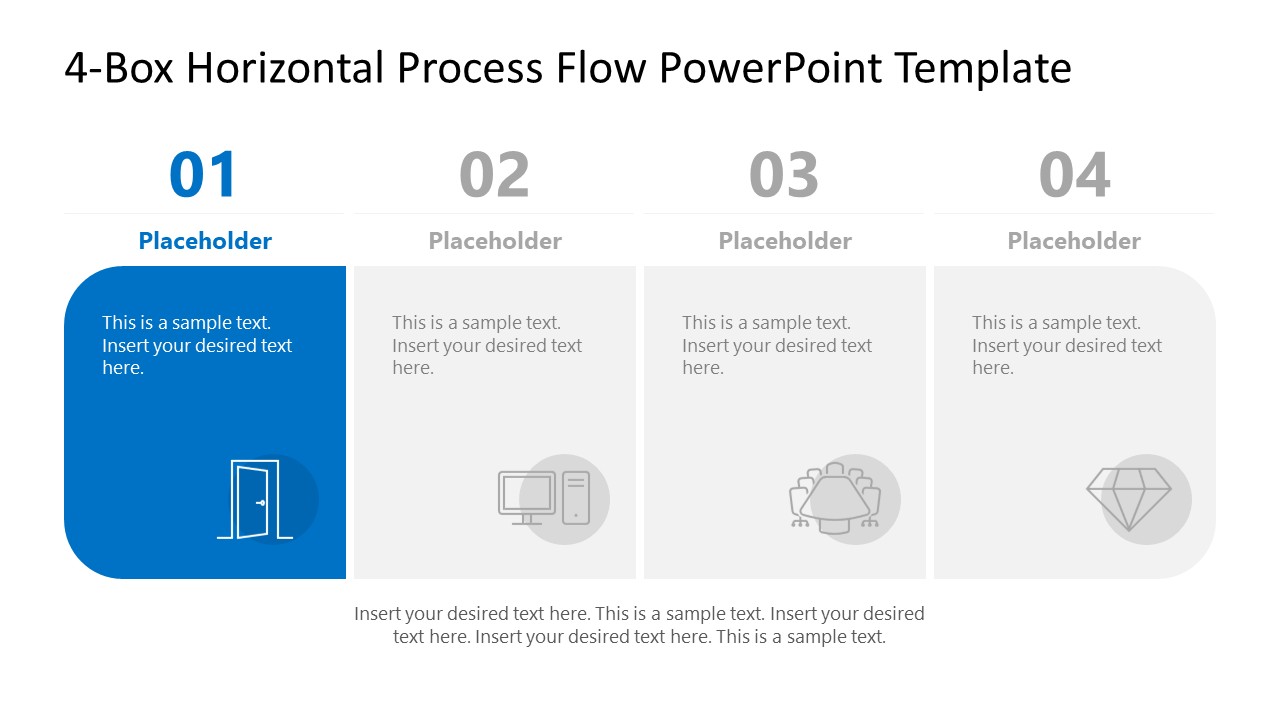
A: Start with Slide 1 to establish the complete sequence and explain the outcome of the process. Then use Slides 2 to 5 as a controlled walkthrough, highlighting only the current stage while the others stay muted. This keeps the audience oriented, reduces backtracking, and gives each step room for context, decisions, and owner responsibilities.
Q: What type of business message is this template best suited for?
A: This template fits brief process explanations where the audience must understand order, handoffs, or phased execution. Product, operations, HR, consulting, and IT presenters can use it for release workflows, onboarding, client engagement models, and implementation plans. It works best when the message has exactly four major stages and each stage needs a short explanation.
Q: Why does the design repeat the same four panels across the deck?
A: The repeated four-panel structure creates a stable mental map. The audience always sees where the current step sits in the larger flow, while the blue highlight acts like a spotlight. This visual metaphor of progressive focus is useful for process teaching because it separates orientation from detailed explanation without changing the diagram.


4-Box Horizontal Process Flow PowerPoint Template
5-slide presentation template for four-step process flow, workflow stages, and user flow diagrams
The 4-Box Horizontal Process Flow PowerPoint Template is a 5-slide process diagram deck for showing four sequential stages. It includes a full four-box overview, individual highlighted stage slides, numbered step headings, icon panels, and bottom notes. It is intended for workflow, user flow, onboarding, implementation, and operations presentations in Microsoft PowerPoint and Google Slides.
- Category
- Process Diagrams
- Rating

 Loading...
- Aspect ratio
- 16:9
- Item ID
- 23572-01
- Colors
 Microsoft PowerPoint
  Microsoft Copilot
  Claude for PowerPoint
 Other formats supported
Subscribe today and get immediate
access to download our PowerPoint templates.