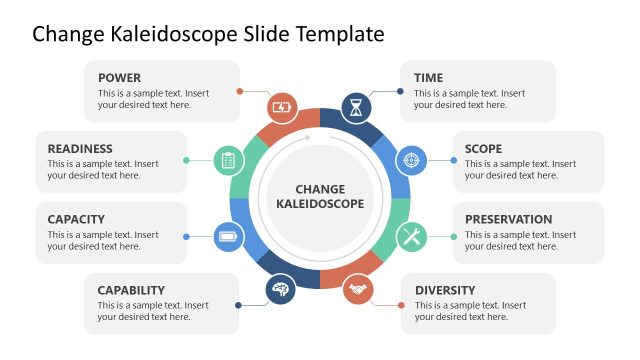
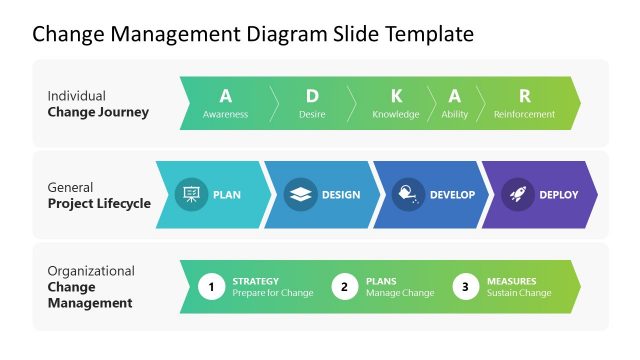
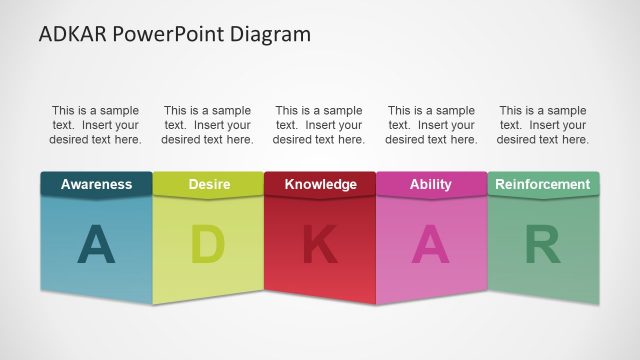
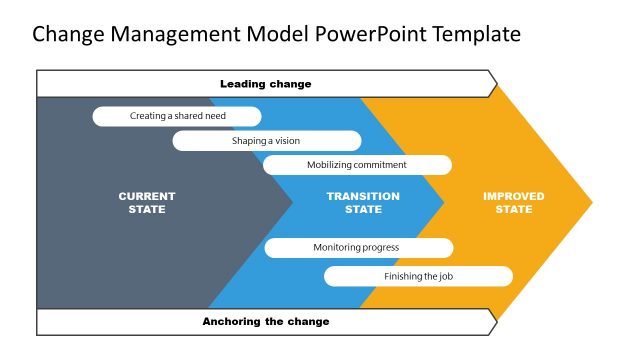
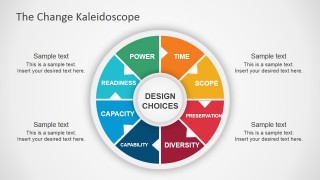
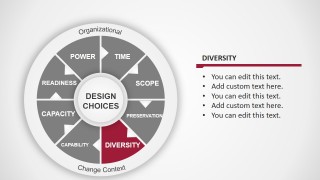
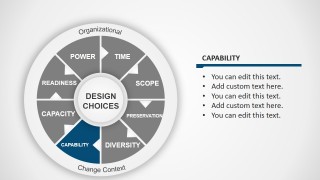
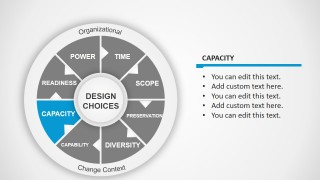
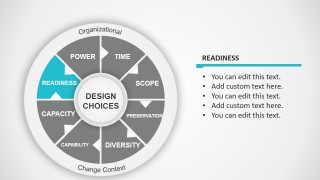
The Change Kaleidoscope PowerPoint Diagram is a presentation template containing a diagram that was inspired by The Change Kaleidoscope diagram used for strategic development and strategic change as well as other topics such as organizational change or for change management presentations.
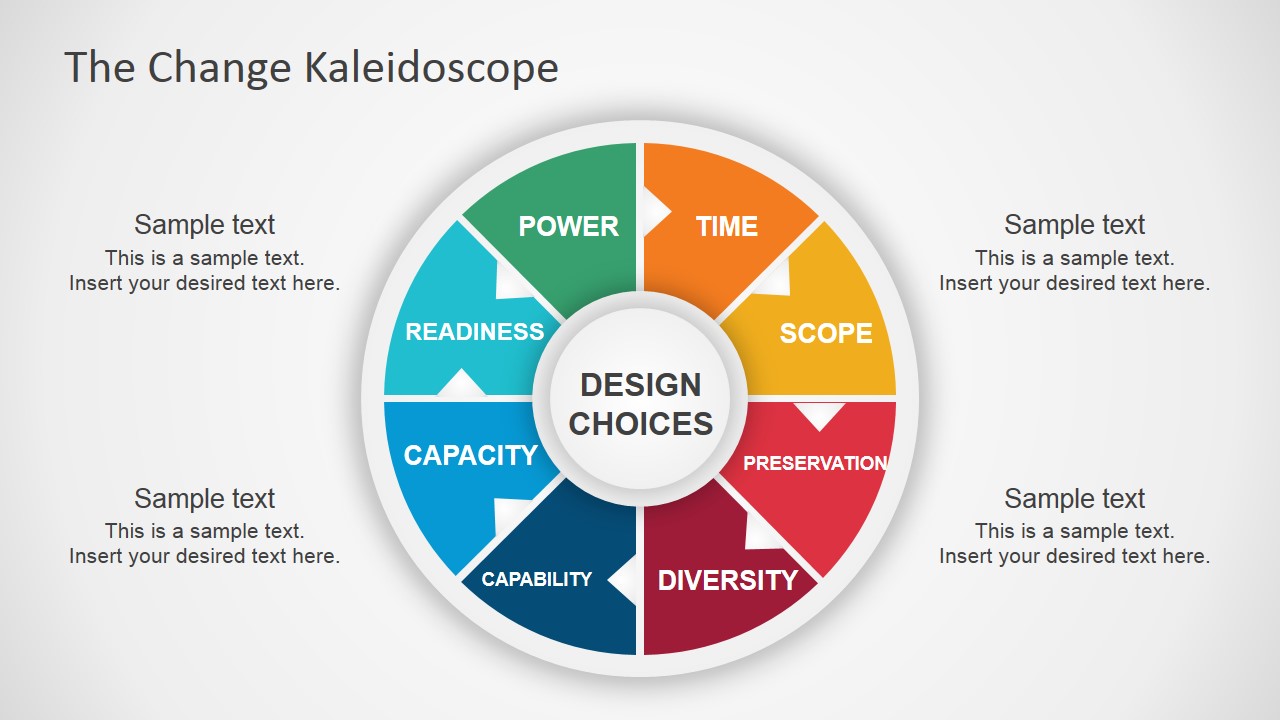
This diagram contains eight components representing a factor that can be assessed as positive, neutral or negative in the context of change. The following factors were considered:
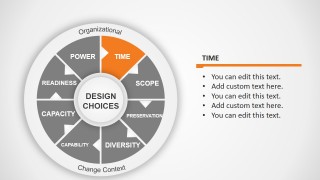
- Time
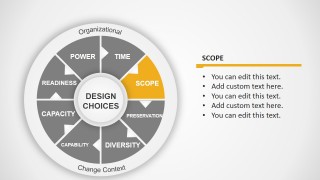
- Scope
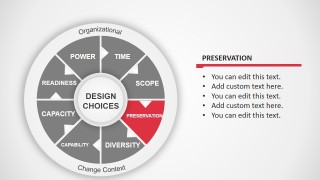
- Preservation
- Diversity
- Capability
- Capacity
- Readiness
- Power
The positive factors facilitate the change while the negative ones restrict the change. The neutral factors may not take effect in the change.
The change kaleidoscope model was developed by Julia Balogun and Veronica Hope Hailey and it was used to help managers design a context sensitive approach to change.
What’s inside this template
Example presentation scenarios
- A change manager can use the full kaleidoscope slide to introduce design choices and frame an executive discussion around time, scope, preservation, and other context factors.
- An organizational development consultant can use the individual factor slides to facilitate a workshop where leaders score or discuss capability, capacity, readiness, and power.
- An HR transformation lead can present the readiness and diversity slides to explain people-related conditions before recommending a change approach.
- A strategy team can use the time, scope, and preservation slides to compare constraints during an operating model redesign or restructuring conversation.
Features
- 100% editable presentation template
- Compatible with Microsoft PowerPoint and Google Slides
- 16:9 aspect ratio slides
- Scalable vector shapes, icons and illustrations
- AI-Ready for Microsoft Copilot and Claude
- Instant access and download
Frequently asked questions
Q: How should a presenter use this template to make a change assessment clear?
A: Start with the full kaleidoscope slide to explain the eight factors as one connected context, not as separate checklist items. Then move to the relevant factor slides, adding concise bullets that state what helps or restricts the change. Keep each factor tied to design choices so the audience sees how the assessment affects decisions.
Q: Who is this Change Kaleidoscope diagram best suited for?
A: This template fits change managers, consultants, HR leaders, and strategy teams who need to structure a conversation before selecting a change approach. It is especially useful when stakeholders must discuss qualitative conditions such as readiness, power, capability, and preservation rather than review a linear project plan.
Q: Why does the circular kaleidoscope layout work for change management communication?
A: The circular diagram shows that change context is interdependent, with design choices placed at the center and the eight factors around it. Highlighting one colored segment at a time helps the presenter focus attention without losing the whole model. The metaphor supports the idea that different contextual angles can reshape the change approach.


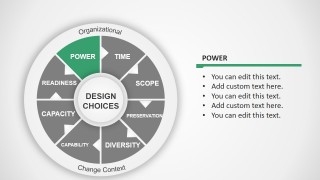
The Change Kaleidoscope PowerPoint Diagram
9-slide presentation template for Change Kaleidoscope analysis with design choices and change context factors
The Change Kaleidoscope PowerPoint Diagram is a 9-slide diagram template for change management planning. It includes a complete eight-factor kaleidoscope model, individual focus slides for time, scope, preservation, diversity, capability, capacity, readiness, and power, plus editable text callouts for assessment notes in PowerPoint and Google Slides.
- Category
- Business PowerPoint Templates
- Rating


 Loading...
- Aspect ratio
- 16:9
- Item ID
- 7140-03
- Colors
 Microsoft PowerPoint
  Microsoft Copilot
  Claude for PowerPoint
 Other formats supported
Subscribe today and get immediate
access to download our PowerPoint templates.