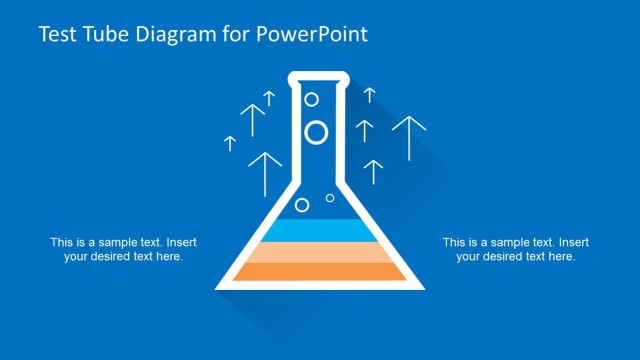
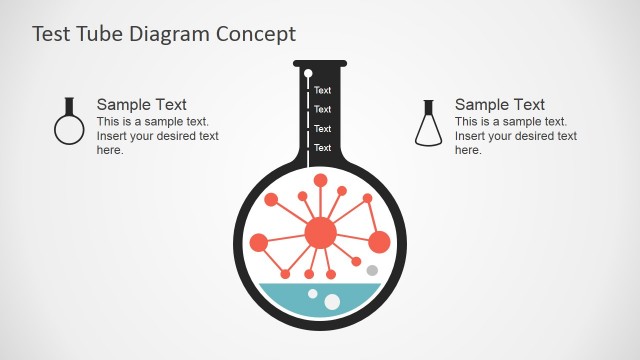
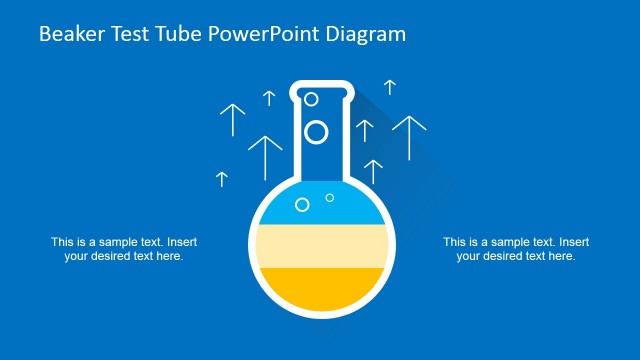
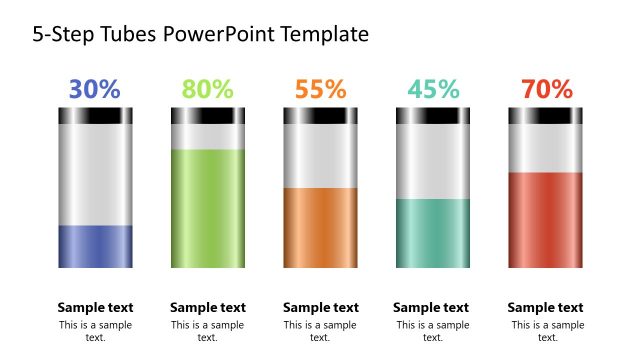
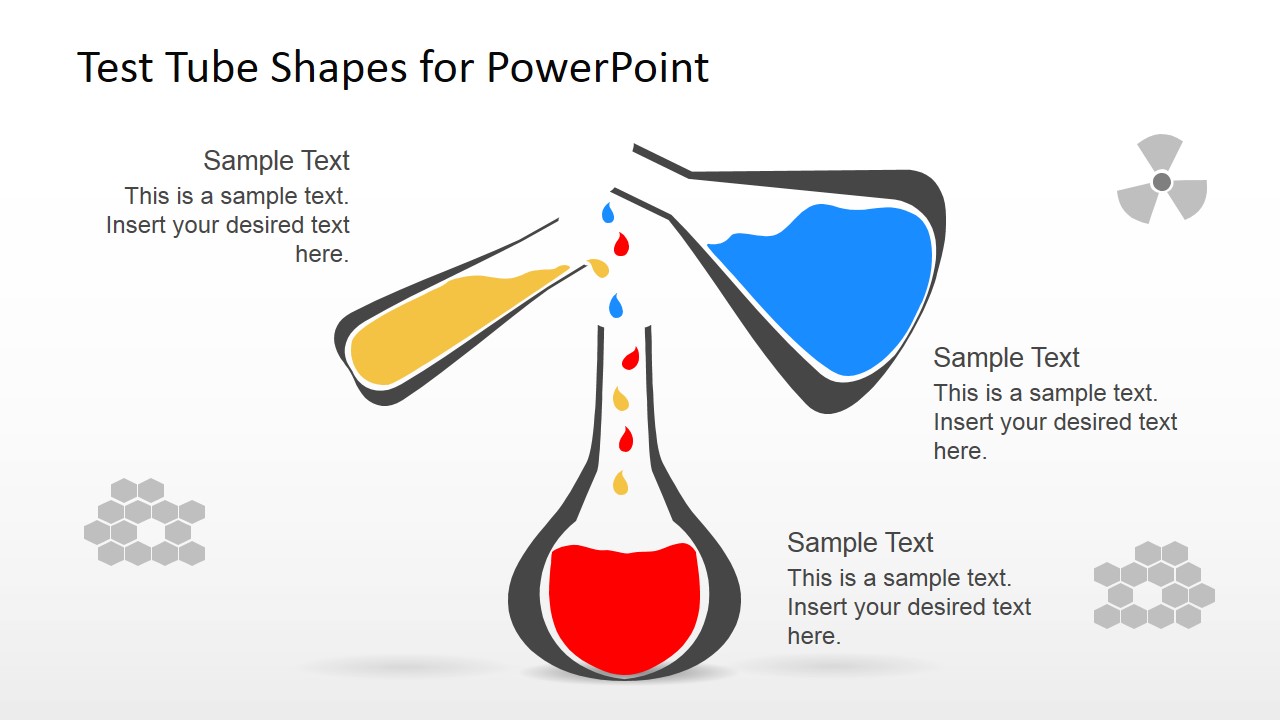
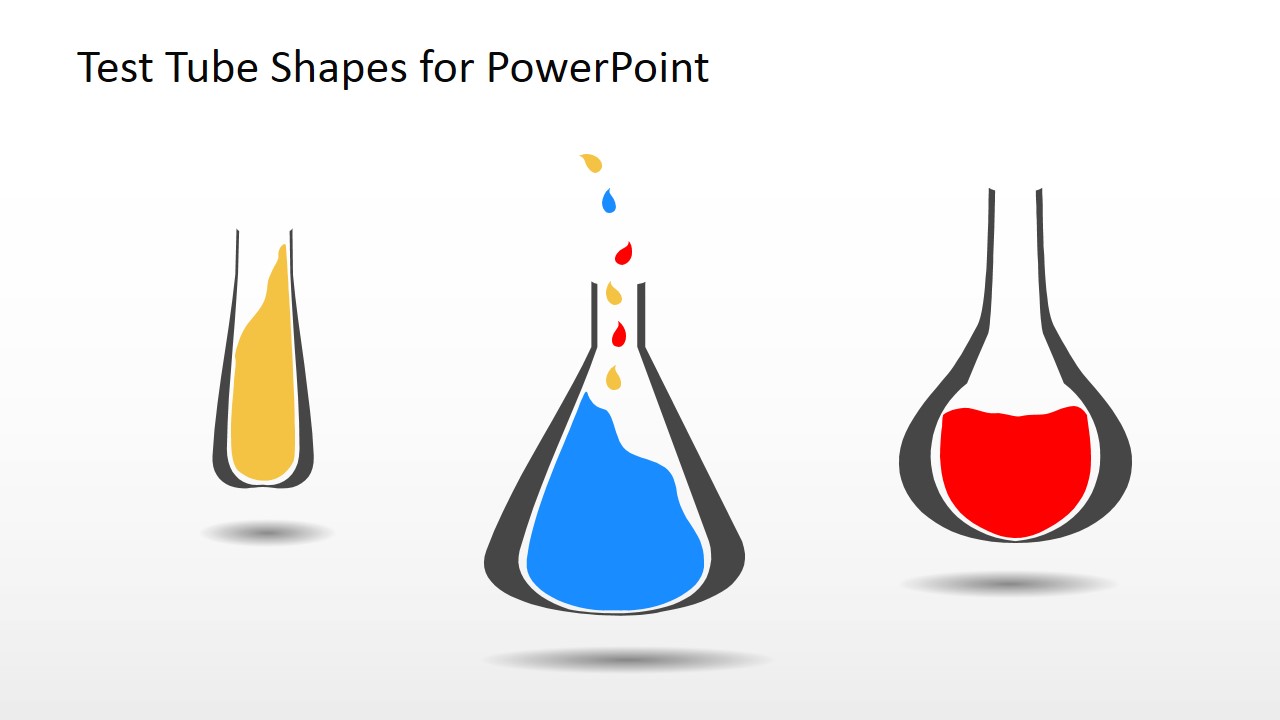
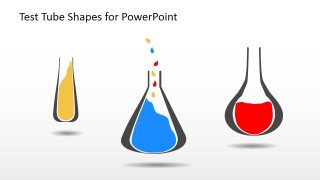
Test Tube Shapes for PowerPoint is a creative presentation template containing hand-drawn test tube illustrations that you can use to make presentations on science projects.
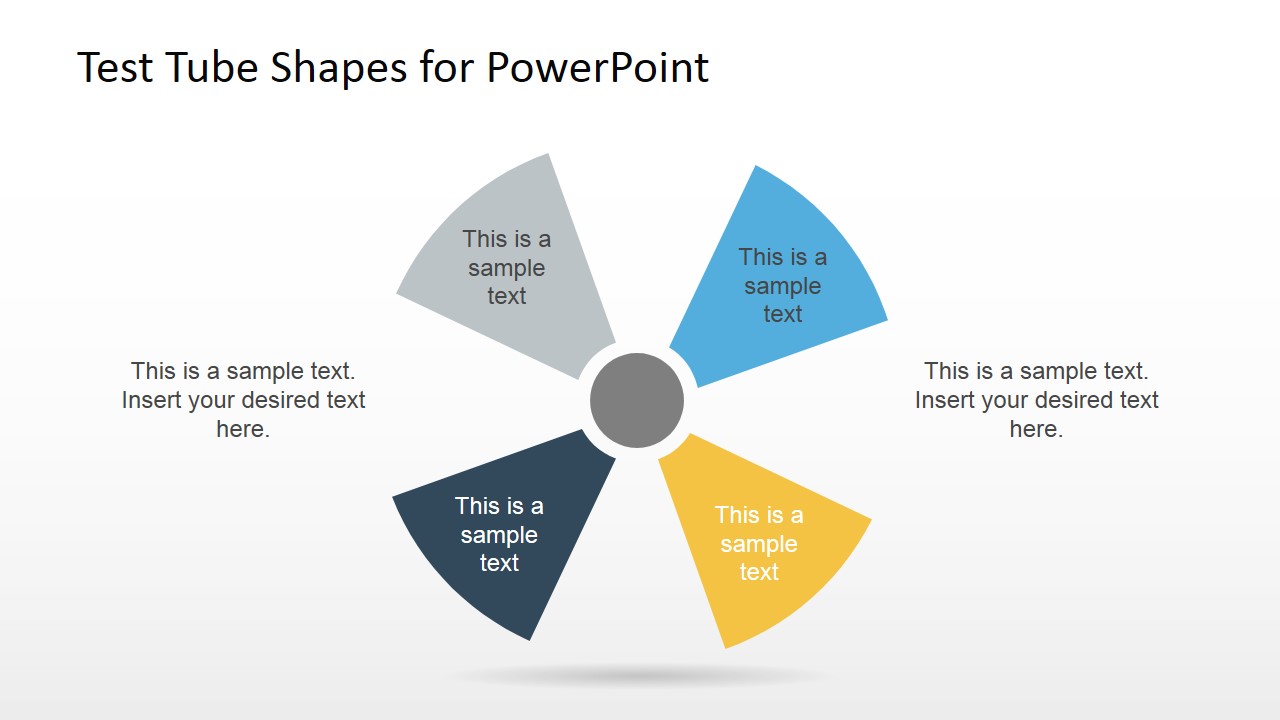
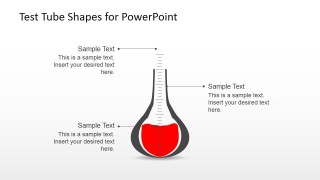
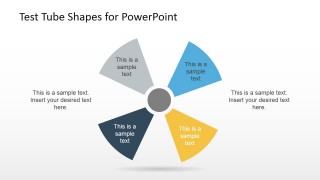
This test tubes PowerPoint template contains several test tube illustrations created as PowerPoint shapes, so you can easily edit the shape properties and match your presentations needs. For instance, you may choose to change the fill color or re-arrange the slides to form other layout variants. We also included a nice nuclear diagram design containing four components that you can easily customize by editing the text placeholders and use as an alternative to traditional SmartArt graphics.
Alternatively you can download other science PowerPoint templates and presentation slides for science projects, chemistry or research & development.
What’s inside this template
Example presentation scenarios
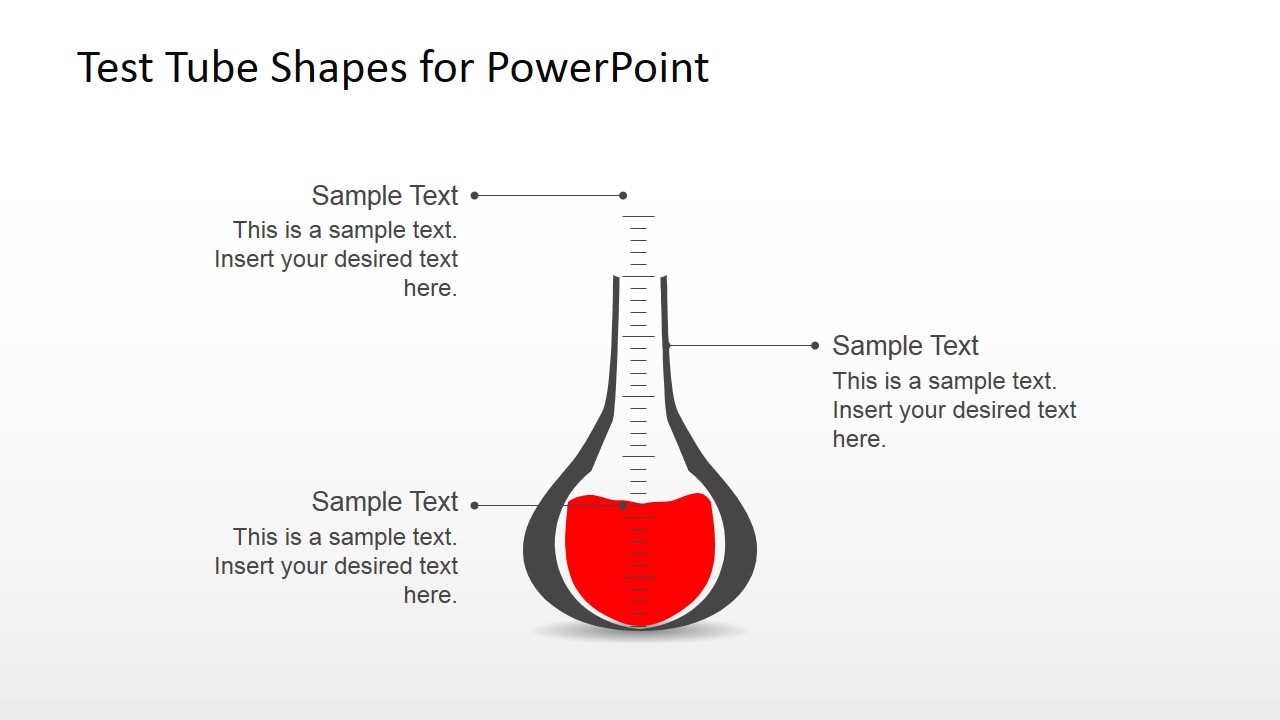
- A science teacher can introduce a chemistry lab activity by using the labeled flask diagram to point out materials, reactions, or safety notes before students begin.
- A student presenter can explain a science fair experiment by placing the research question on the test tube illustration and using callouts for variables, observations, and results.
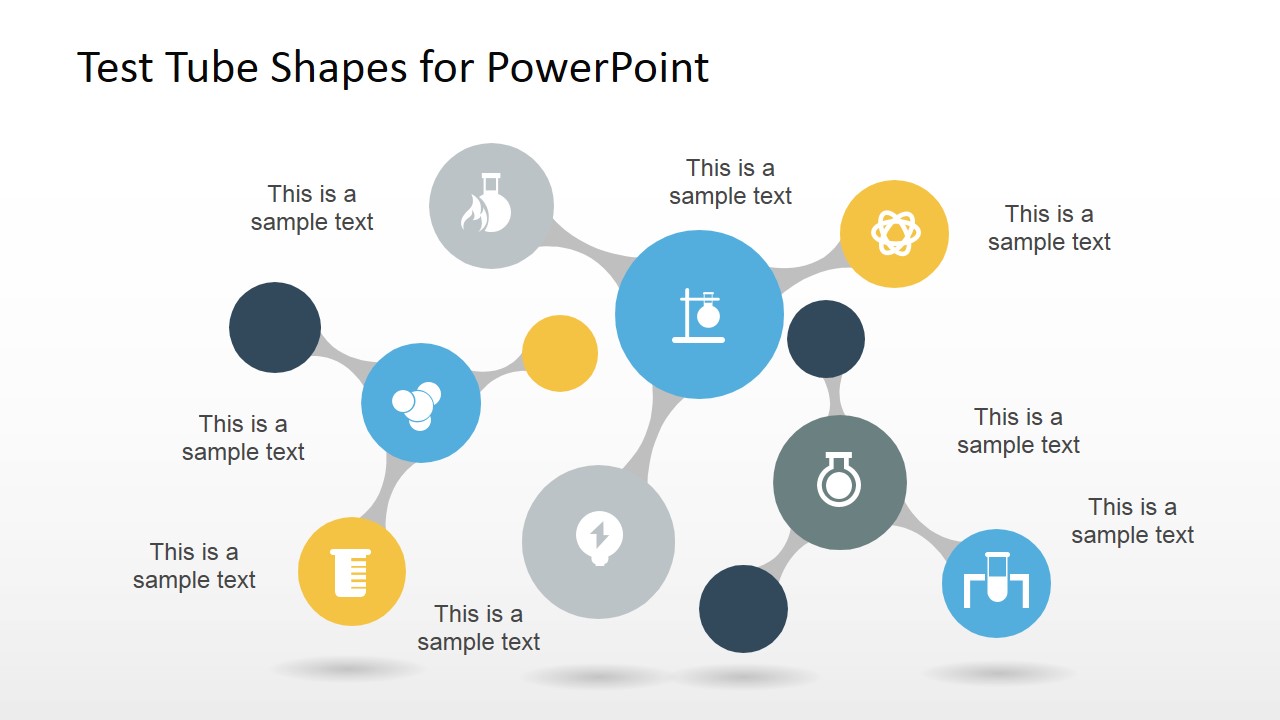
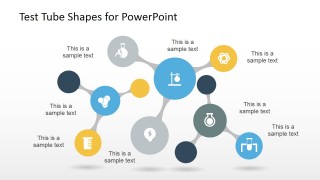
- A researcher or R&D lead can summarize related hypotheses or experiment streams with the molecule-style network diagram and science icon nodes.
- A training presenter can show four lab process factors with the radial diagram, assigning one segment each to equipment, procedure, measurement, and quality checks.
Features
- 100% editable presentation template
- Compatible with Microsoft PowerPoint and Google Slides
- 16:9 aspect ratio slides
- Scalable vector shapes, icons and illustrations
- AI-Ready for Microsoft Copilot and Claude
- Instant access and download
Frequently asked questions
Q: How should a presenter structure a short science explanation with this template?
A: Start with the illustrated test tube slide to name the experiment or science topic, then use the labeled flask to explain parts, materials, or variables. Follow with the radial diagram for the main factors and the molecule-style network for relationships. Keep each callout short so the hand-drawn illustration stays central.
Q: Who is this template best suited for in a science presentation setting?
A: It fits teachers, students, and research teams who need to explain scientific concepts visually without building custom lab graphics. The design is strongest for introductions, classroom projects, experiment summaries, and R&D concept overviews where test tubes, flasks, icons, and connected nodes can replace text-heavy explanation.
Q: Why do the hand-drawn lab shapes and molecule networks help the message?
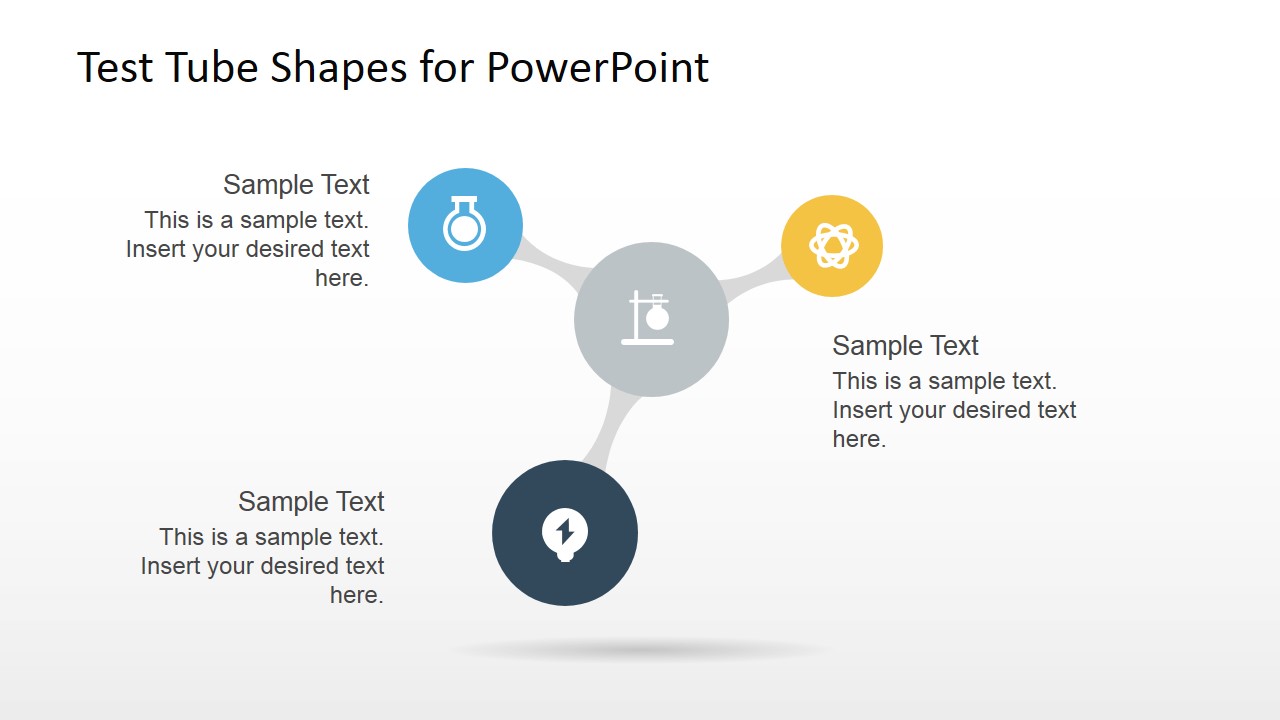
A: The test tubes and flasks create an immediate science metaphor, so the audience understands the topic before reading the text. The radial layout groups four ideas around one center, while the molecule-style network shows relationships between connected concepts. This reduces long bullet lists and supports faster orientation.



Test Tube Shapes for PowerPoint
7-slide presentation template with hand-drawn test tubes, science icons, and radial diagram layouts
Test Tube Shapes for PowerPoint is a 7-slide science shapes presentation template for Microsoft PowerPoint and Google Slides. It includes hand-drawn test tube illustrations, callout labels, a four-part radial diagram, molecule-style node networks, and a science icon set for educators, students, researchers, and project teams.
- Category
- Shapes
- Rating


 Loading...
- Aspect ratio
- 16:9, 4:3
- Item ID
- 6774-01
- Colors
 Microsoft PowerPoint
  Microsoft Copilot
  Claude for PowerPoint
 Other formats supported
Subscribe today and get immediate
access to download our PowerPoint templates.