The Chemical Industry Shapes for PowerPoint is a compilation of industrial diagrams and visuals. The diagrams point to different procedures and tools used in the chemical industry. These slides help elaborate on various industrial phenomena in academic or industrial presentations.
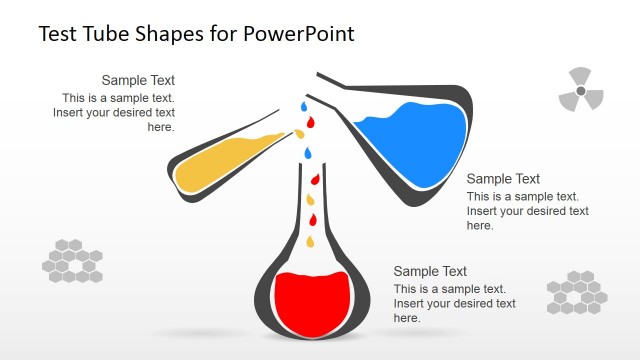
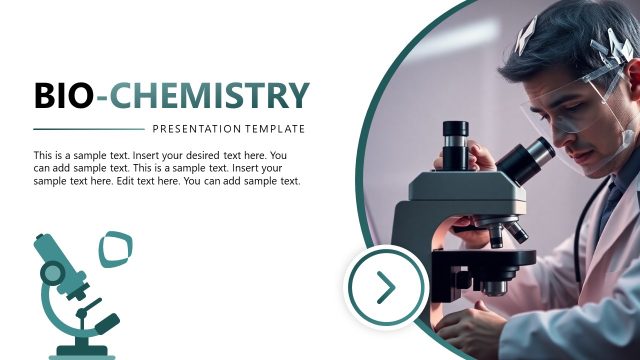
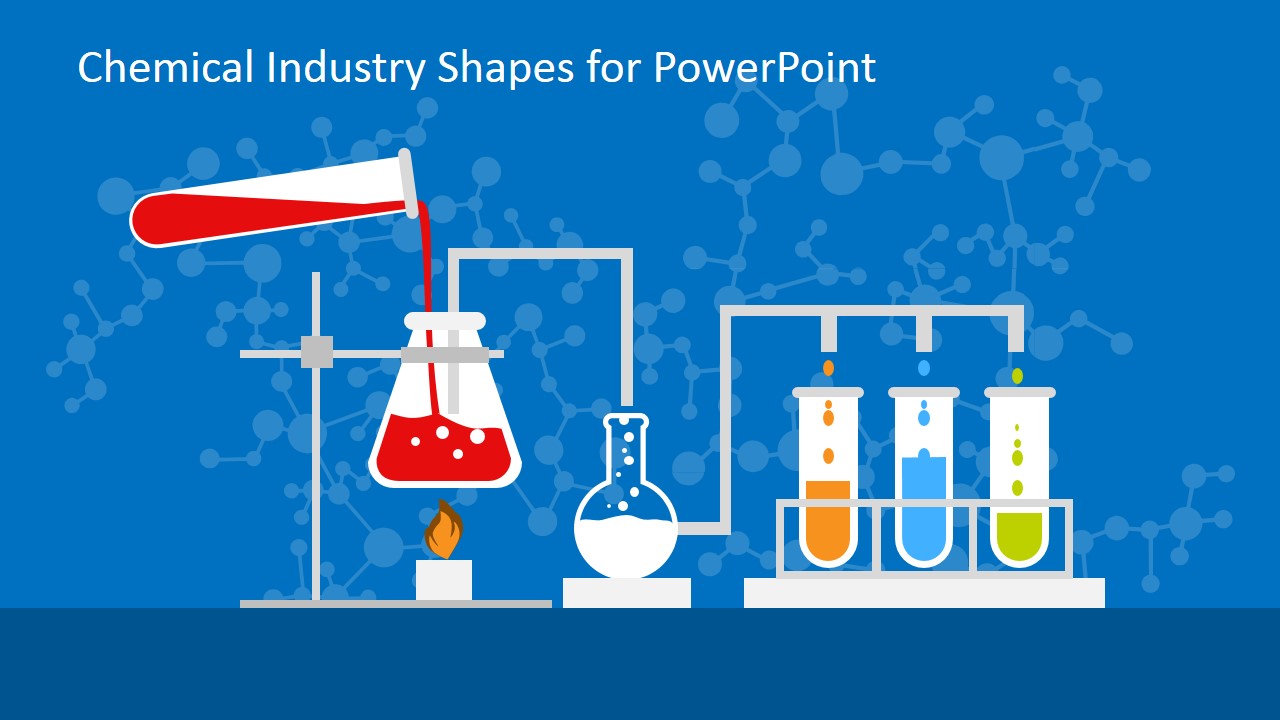
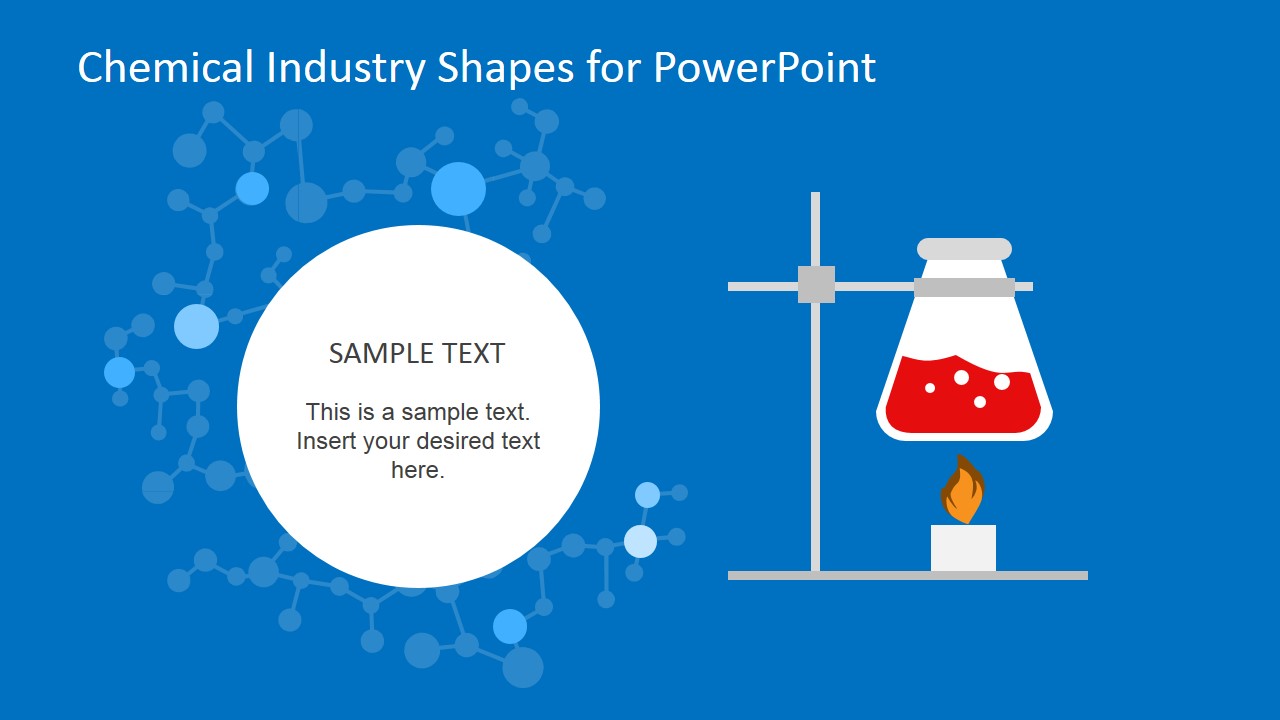
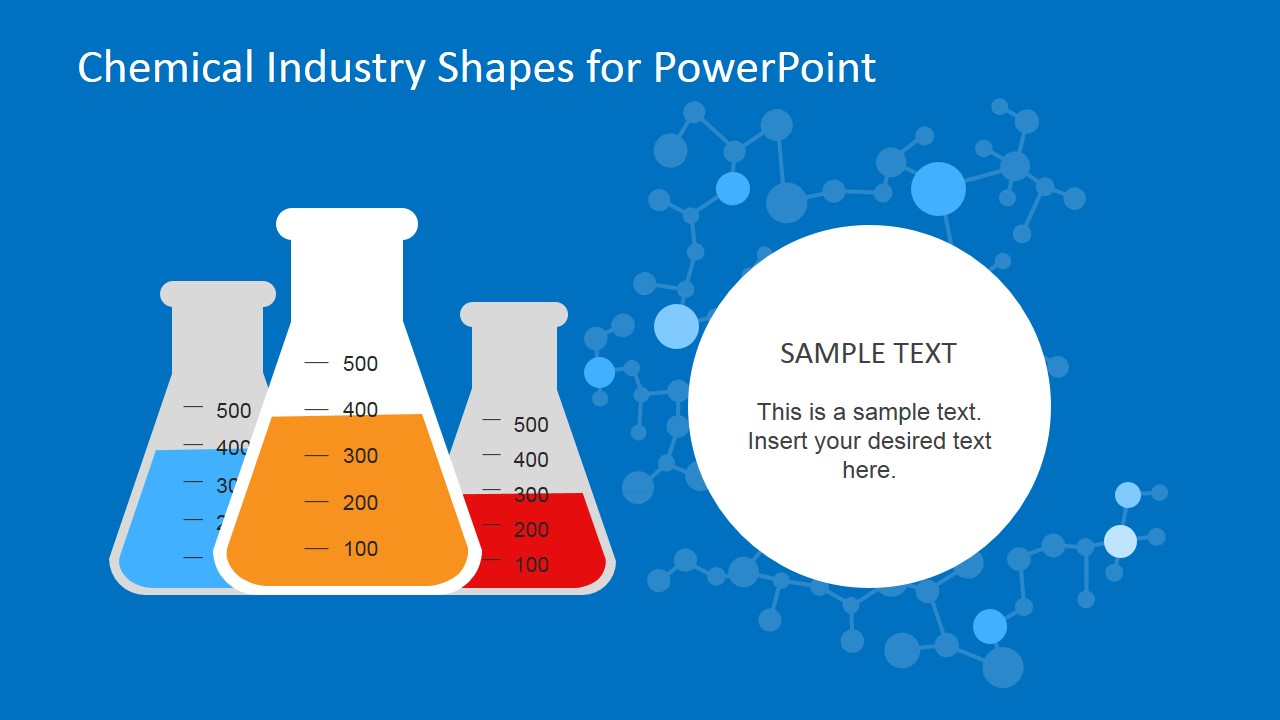
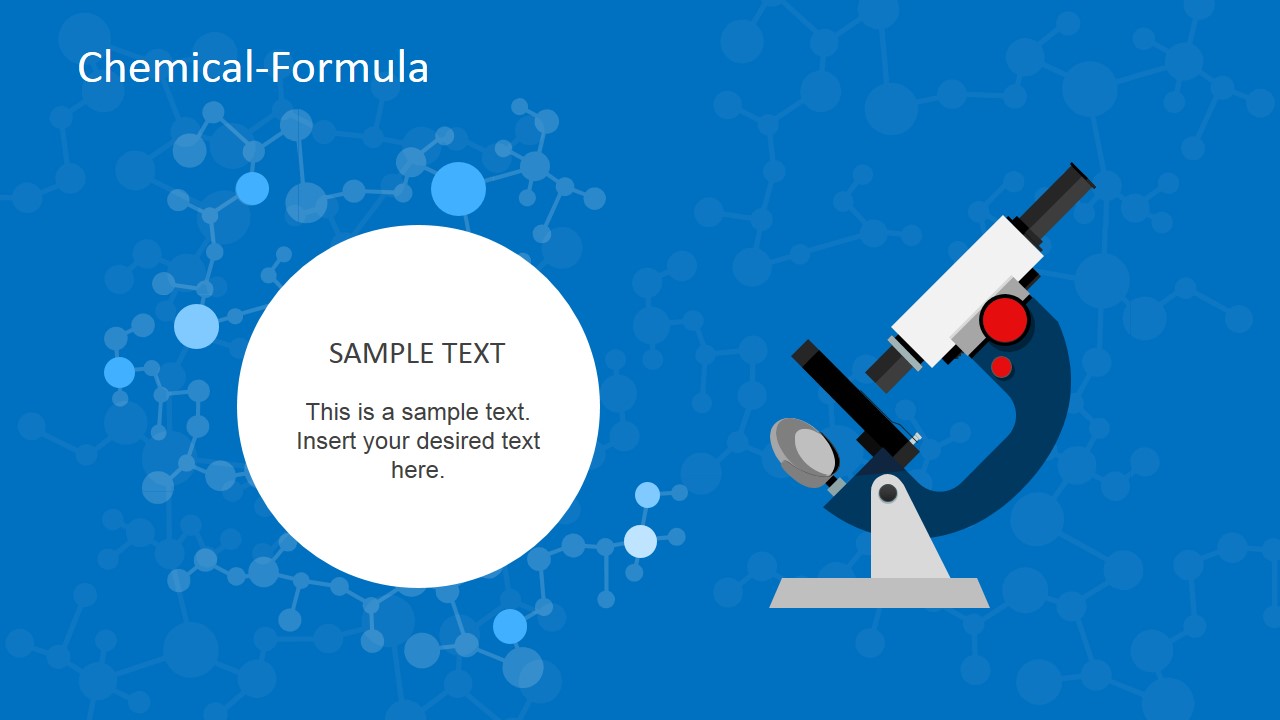
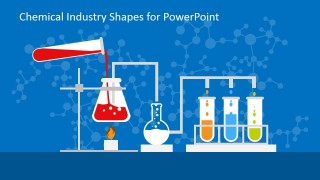
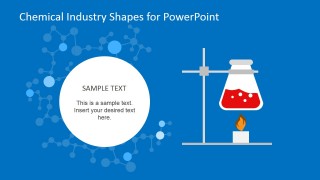
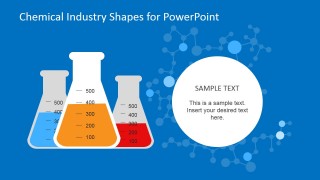
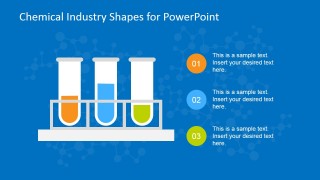
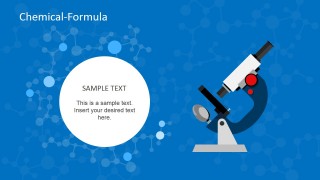
The first slide shows the concept of fractional distillation. It contains a flask on the flame, and afterward, the components of this mixture are shown separated into three different test tubes. The following four slides are a continuation of this idea where heating, solutions in graduated flasks, and test tubes containing each component are displayed progressively. Text boxes on all the slides are used to add relevant details. The slide with a microscope diagram can help explain the importance of a light microscope in the chemical industry.
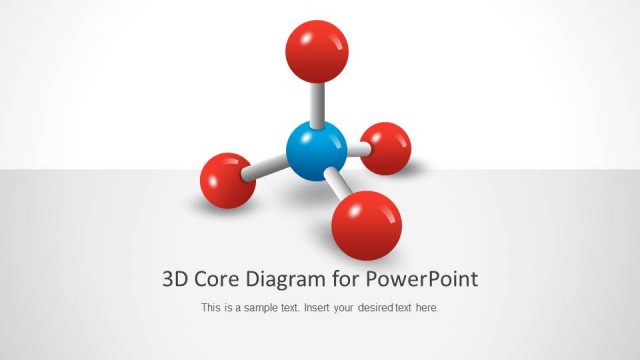
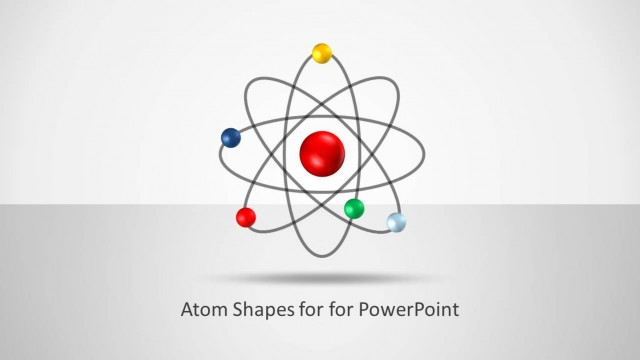
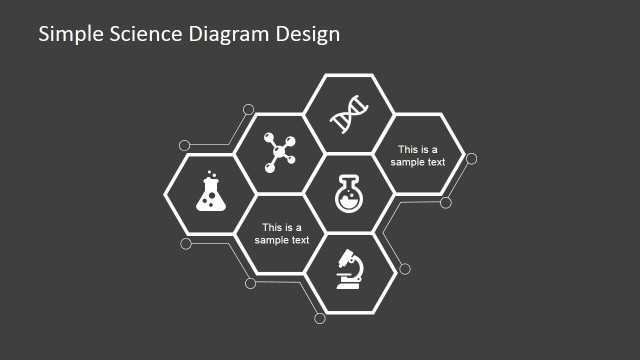
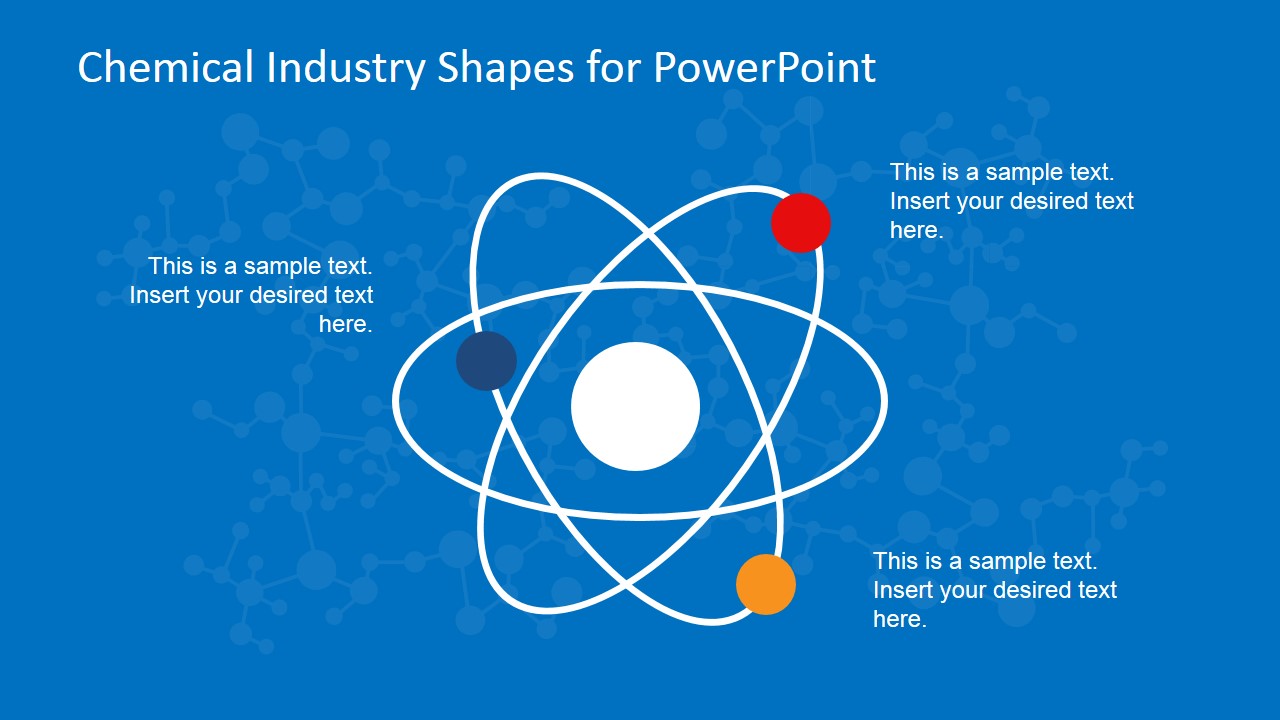
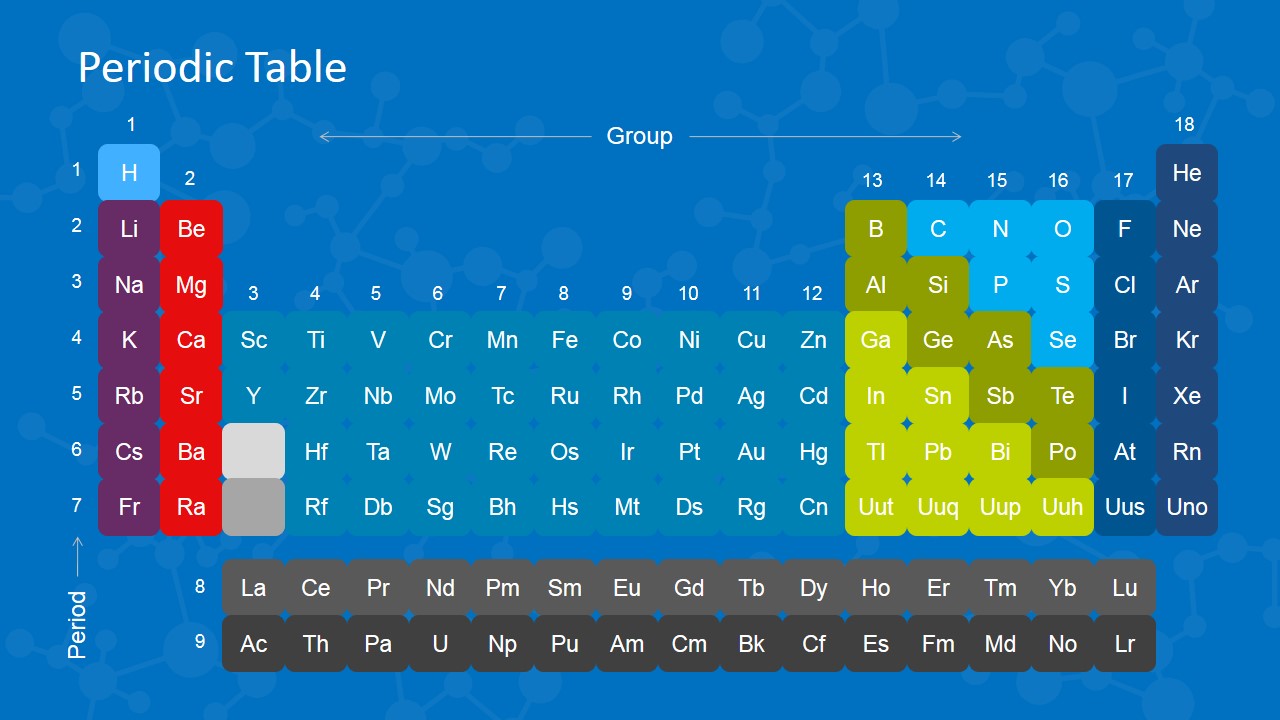
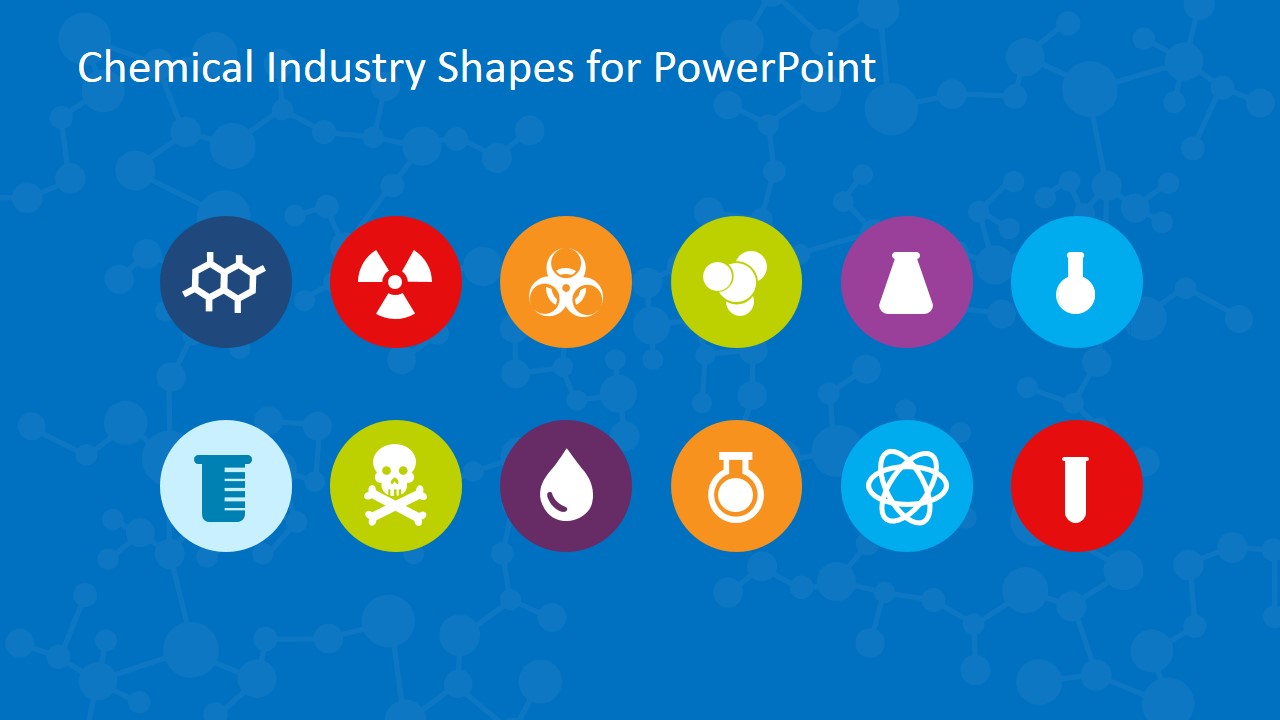
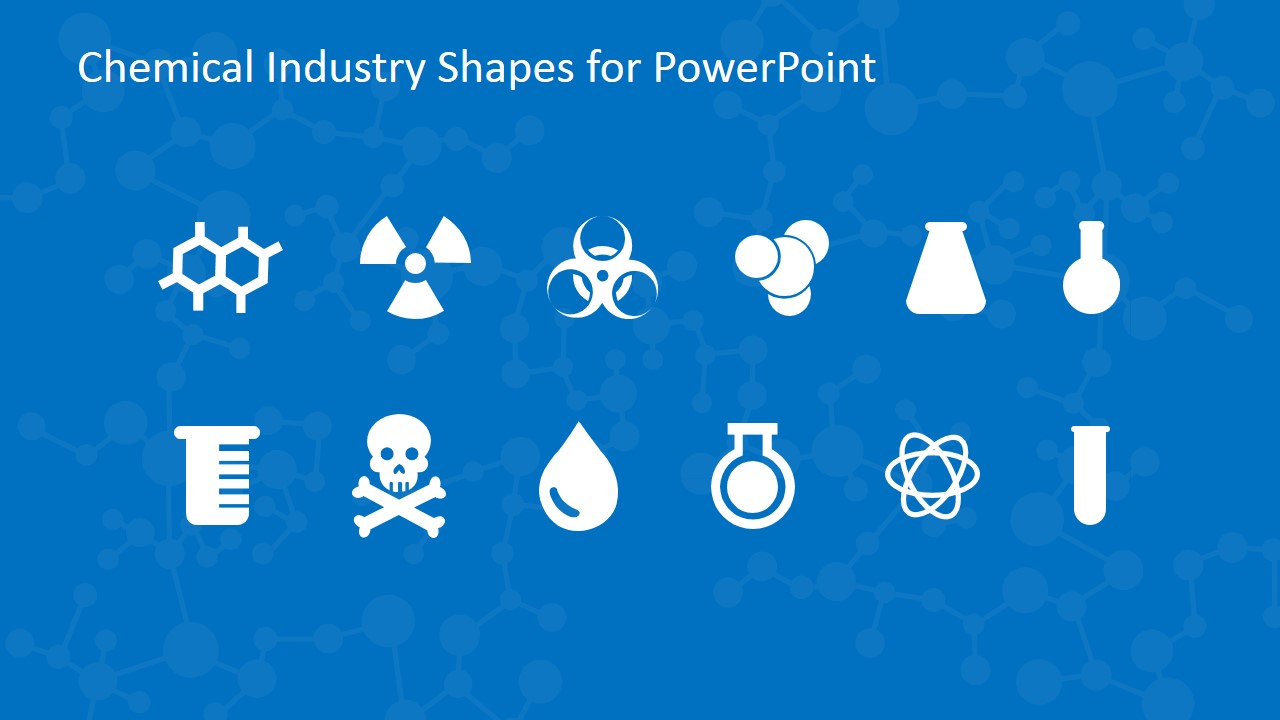
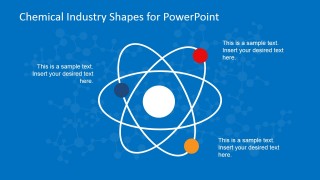
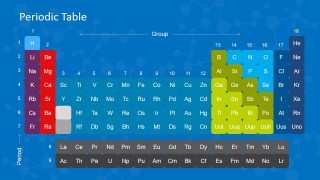
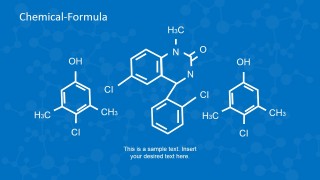
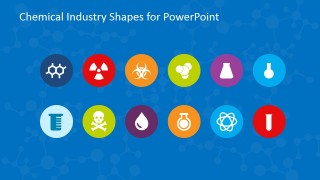
The periodic table slide shows each elements group with distinct colors. It is an electronegativity chart that can be studied for various elemental characteristics. If you want to have a descriptive model of the periodic table, you can also download the Periodic Table of Elements template and customize it accordingly. The last two slides display several icons or symbols commonly used in the chemical industry. The template also has a slide with atom shapes and visuals of chemical formulas drawn on it.
The Chemical Industry Shapes for PowerPoint is designed for researchers, industrial management teams, or other institutions which deal in chemicals or their business. Simple ideas can become much more interesting through catchy diagrams and the template’s color scheme. This template is easily editable on any version of PowerPoint and Google Slides. Users can change colors, shapes, and placement of objects accordingly.
What’s inside this template
Example presentation scenarios
- A chemistry instructor can introduce separation methods by walking students through the distillation apparatus slide and the follow-up test tube process slide.
- A laboratory supervisor can brief staff on equipment and safety awareness by combining the microscope slide with the hazard and lab icon set.
- A researcher can explain molecular behavior or compound examples by using the atom diagram, chemical formula slide, and periodic table layout.
- A chemical plant manager can present an overview of lab capabilities by selecting the glassware, test tube process, and industry icon slides.
Features
- 100% editable presentation template
- Compatible with Microsoft PowerPoint and Google Slides
- 16:9 aspect ratio slides
- Scalable vector shapes, icons and illustrations
- AI-Ready for Microsoft Copilot and Claude
- Instant access and download
Frequently asked questions
Q: How should a presenter organize a chemistry explanation with this template?
A: Start with the visible process, such as the distillation apparatus, before introducing abstract concepts. Then use the test tube process slide to show outcomes or separated components. Place the atom diagram, chemical formula slide, or periodic table after the procedure so the audience can connect the lab action to the underlying chemistry.
Q: Who is this template best suited for in a technical presentation?
A: It fits presenters who need to make chemistry topics visual without building scientific diagrams from scratch. Chemistry teachers can use it for lessons, researchers can frame compound or equipment explanations, and chemical industry teams can use the icon sets and lab layouts for briefings about processes, substances, or safety categories.
Q: Why do the lab and molecular metaphors help the message?
A: The design alternates between concrete lab objects and abstract chemistry visuals. Flasks, burners, and test tubes make procedures easy to picture, while atoms, formulas, and the periodic table support theory. This shift helps audiences move from what they can see in the lab to what happens at the molecular level.


Chemical Industry Shapes for PowerPoint
10-slide presentation template with chemistry shapes, periodic table, and lab process diagrams
Chemical Industry Shapes for PowerPoint is a 10-slide 16:9 presentation template for science and industrial chemistry topics. It includes a distillation apparatus, test tube process, atom diagram, microscope callout, periodic table, chemical formula layouts, and hazard icon sets for Microsoft PowerPoint and Google Slides.
- Category
- Shapes
- Rating


 Loading...
- Aspect ratio
- 16:9
- Item ID
- 6757-01
- Colors
 Microsoft PowerPoint
  Microsoft Copilot
  Claude for PowerPoint
 Other formats supported
Subscribe today and get immediate
access to download our PowerPoint templates.