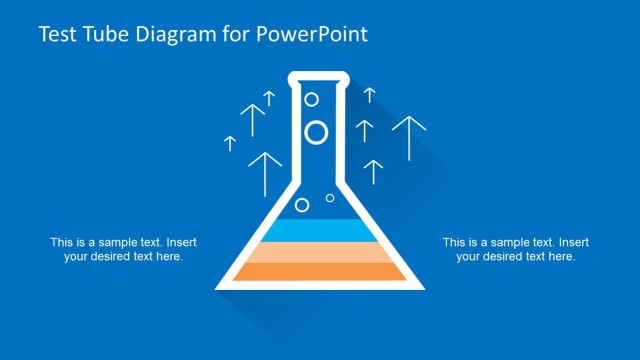
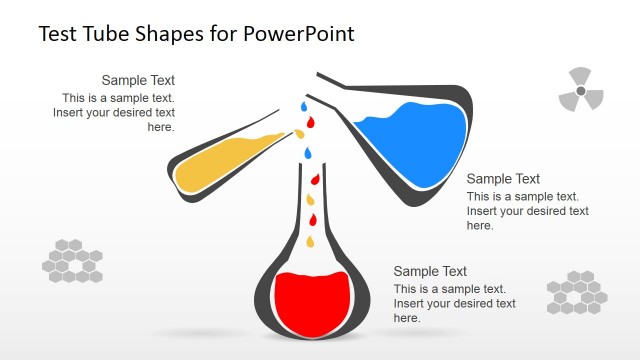
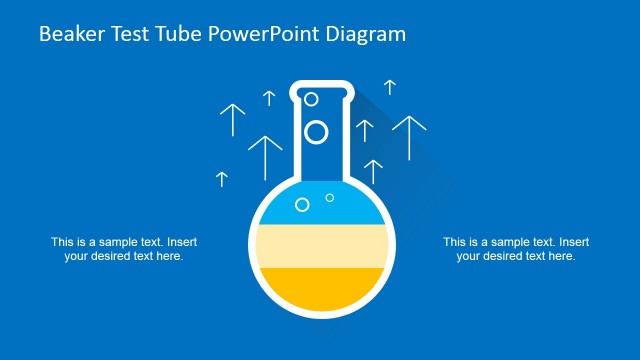
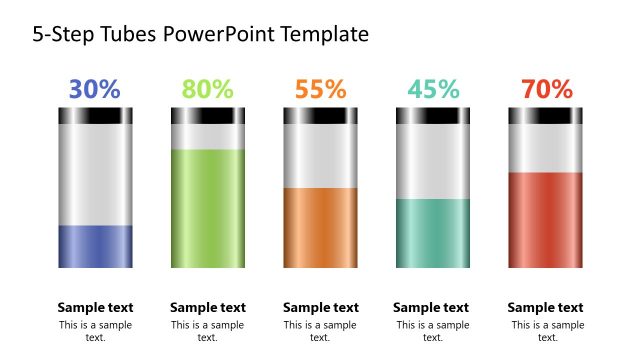
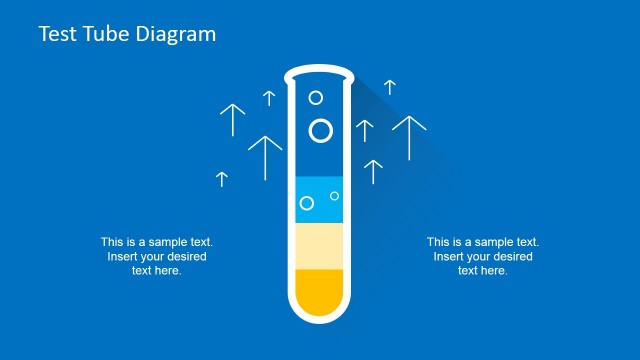
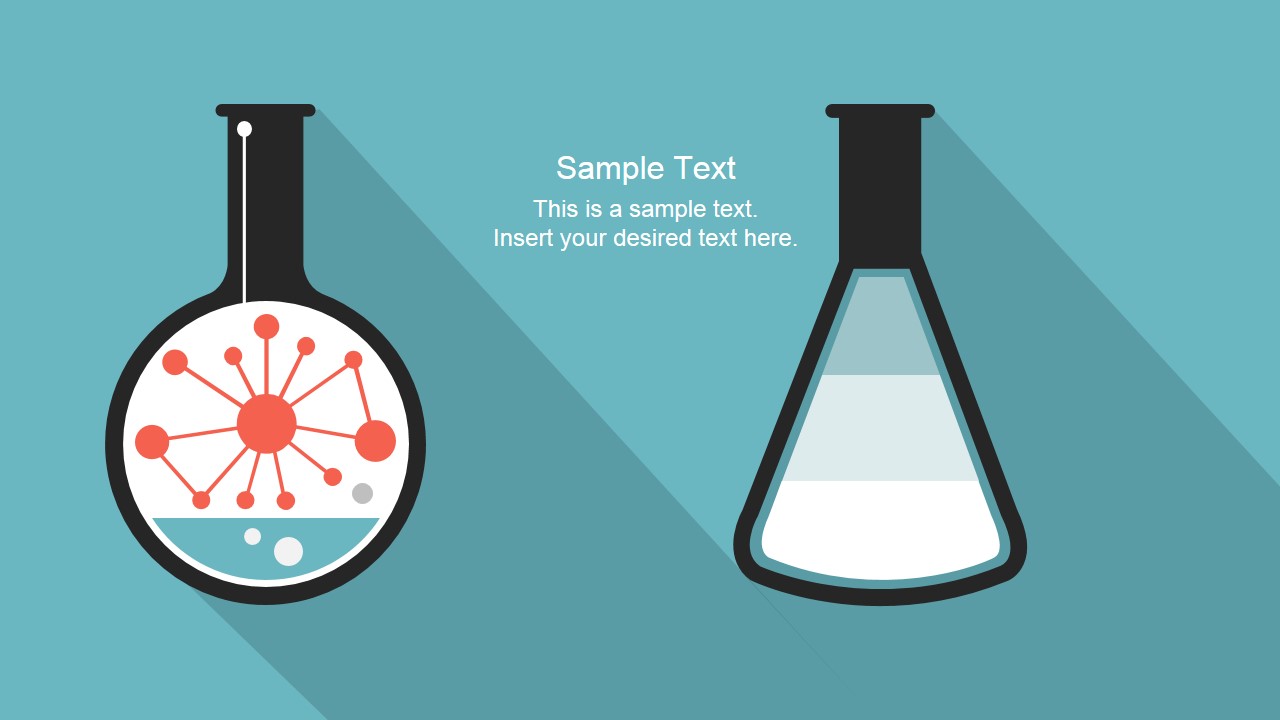
Test Tube Concept Template for PowerPoint is a slide design concept for Microsoft PowerPoint presentations with creative test tube illustrations. You can easily change the test tube illustration and adapt the colors and fill levels to make presentations taking advantage of a test tube metaphor or analogy. Test tubes can be used as a visual aid to decorate your sales & marketing presentations and as an alternative to other conventional graphics and make an impact in your audience.
What’s inside this template
Example presentation scenarios
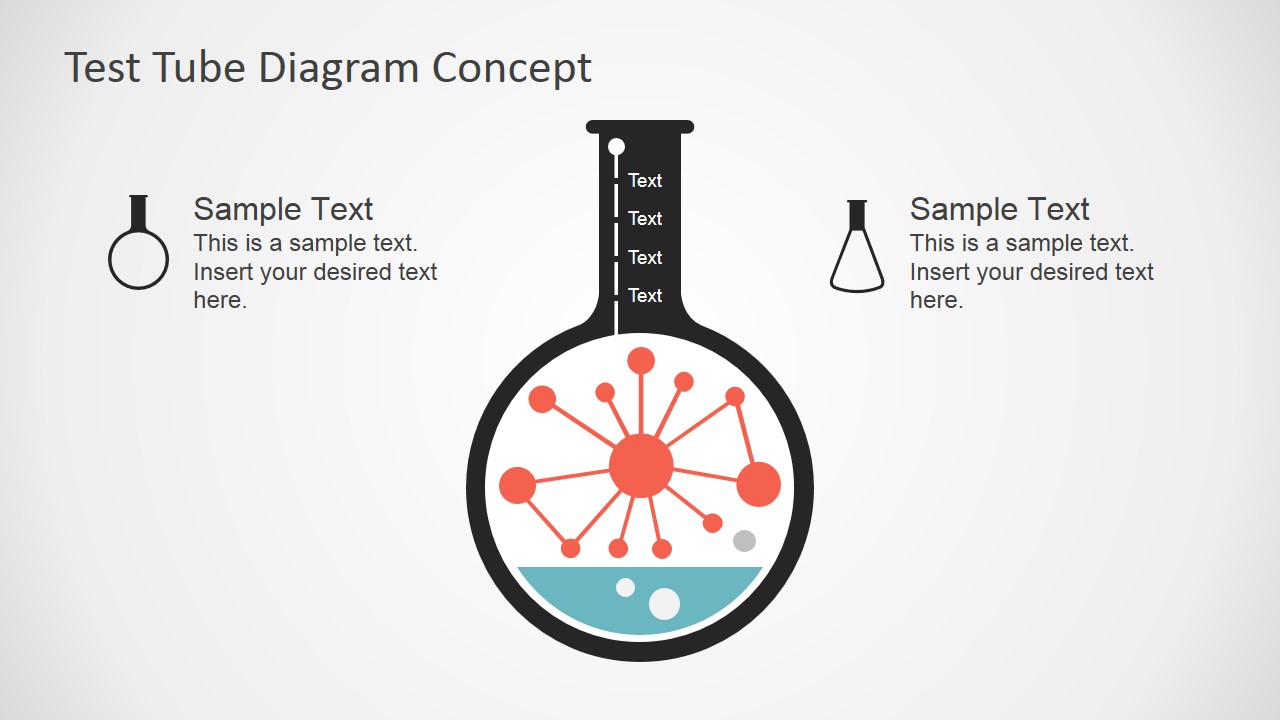
- A product manager can present an experiment pipeline by using the fill-level flask to show maturity stages and the hub-and-spoke concept map to connect supporting initiatives.
- A marketing presenter can explain campaign impact by replacing the sample labels around the test tube diagram with audience, channel, and outcome messages.
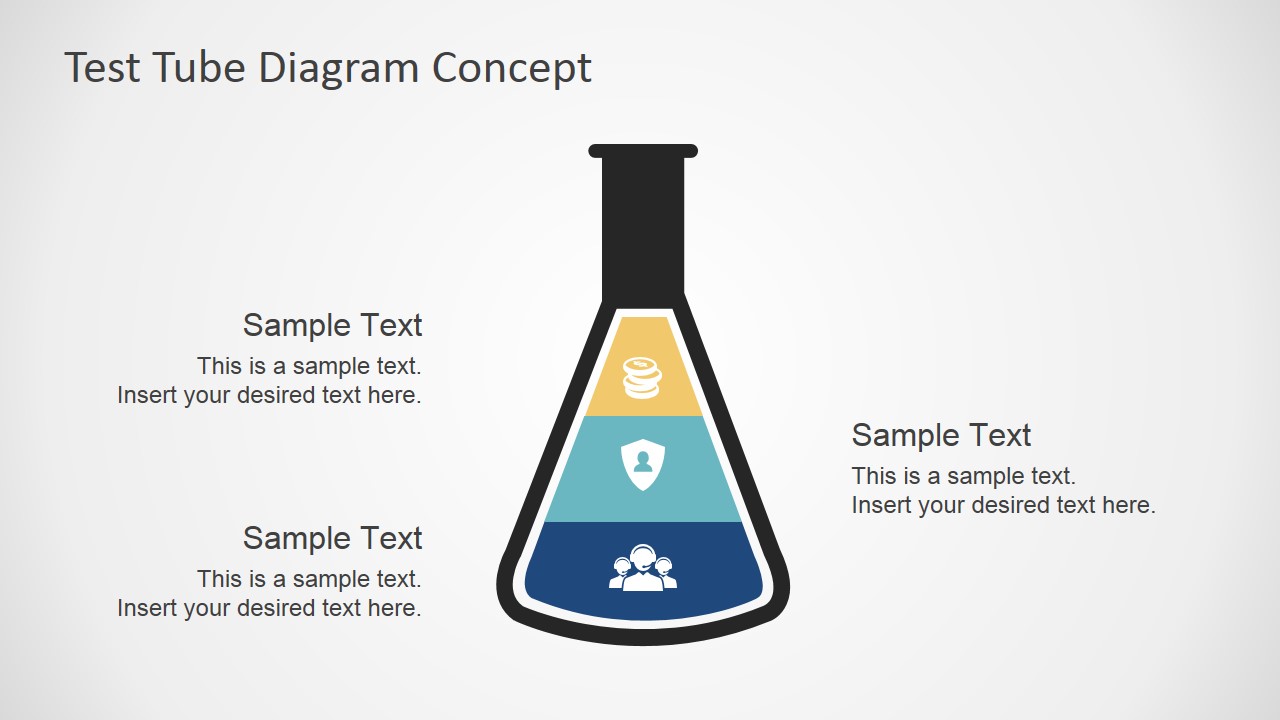
- A consultant can introduce a transformation concept with the segmented flask, assigning each liquid band to a capability, risk level, or readiness category.
- An educator or trainer can teach a science-related business analogy by pairing the large lab vessel illustrations with the icon sheet for examples, terms, and discussion prompts.
Features
- 100% editable presentation template
- Compatible with Microsoft PowerPoint and Google Slides
- 16:9 aspect ratio slides
- Scalable vector shapes, icons and illustrations
- AI-Ready for Microsoft Copilot and Claude
- Instant access and download
Frequently asked questions
Q: How should a presenter make the test tube metaphor clear without overexplaining it?
A: Assign one meaning to the liquid level before presenting: progress, readiness, impact, capacity, or risk. Then keep each label tied to that meaning. For example, use the segmented flask to show three readiness levels, and use the surrounding callouts for the reason each level matters to the audience.
Q: Who is this template best suited for in a business presentation?
A: It works best for presenters who need a memorable concept visual rather than a dense report. Product managers, consultants, educators, and marketing teams can use the test tube and hub-and-spoke slides to frame experiments, inputs, ingredients, dependencies, or campaign impact in a simple visual language.
Q: Why use test tubes instead of standard business process boxes?
A: The laboratory metaphor makes abstract change easier to grasp because fill level, mixture, and reaction are already familiar visual ideas. The segmented flask can show accumulation or stages, while the molecule and central light bulb graphics suggest cause, experimentation, and discovery without requiring a complex process diagram.




Test Tube Concept Template for PowerPoint
5-slide presentation template with editable test tube diagrams, fill levels, and science metaphor icons
Test Tube Concept Template for PowerPoint is a 5-slide diagram template for explaining impact, capacity, experimentation, or progress with lab-style visuals. It includes a labeled test tube diagram, hub-and-spoke concept map, segmented flask, paired tube illustration, and useful icon sheet for Microsoft PowerPoint and Google Slides.
- Category
- Shapes
- Rating

 Loading...
- Aspect ratio
- 16:9
- Item ID
- 6941-01
- Colors
 Microsoft PowerPoint
  Microsoft Copilot
  Claude for PowerPoint
 Other formats supported
Subscribe today and get immediate
access to download our PowerPoint templates.