Slide 2 of 3 from Tachometer Shape for PowerPoint
Tachometer Gauge Slide for PowerPoint
Tachometer Shape for PowerPoint Slide 2
- Diagram
- Gauge
- Kpi Reporting Slide
- 16:9
- 100% Editable
The Modern Tachometer slide layout from the Tachometer Shape for PowerPoint template offers a clear KPI reporting tool ideal for business presentations. Featuring editable shapes and a vibrant gauge graphic, it supports performance dashboards and status updates with a focus on data visualization. This slide is designed to enhance corporate presentations and pitch decks by providing quick, visual insights into key metrics using professional slide templates.
What’s on This Slide
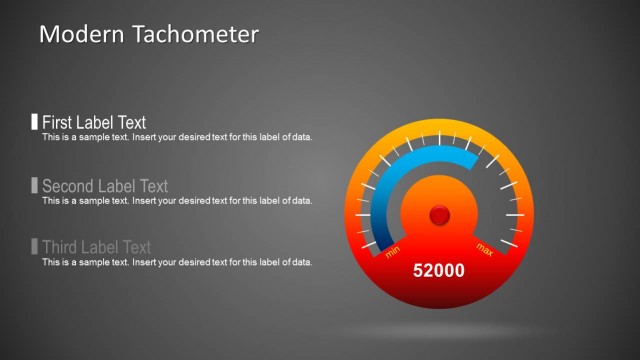
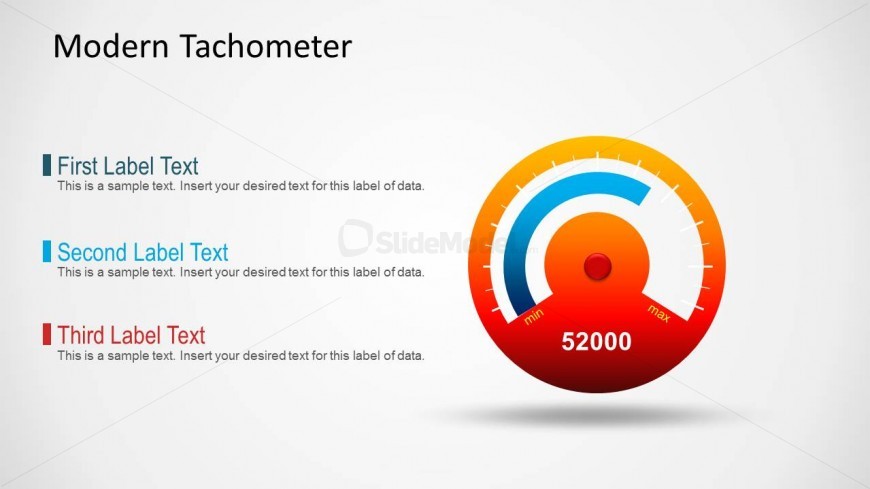
The layout features a tachometer graphic positioned on the right side, displaying a color gradient from yellow to red. The tachometer includes a needle pointing to the value '52000' in the center. To the left, three text placeholders are vertically aligned, each labeled 'First Label Text', 'Second Label Text', and 'Third Label Text'. These placeholders are positioned in a column with a consistent left alignment. The background is light gray, providing contrast to the colorful tachometer. The overall composition emphasizes the tachometer as the focal point.
How to Use It
This layout serves as a KPI dashboard display, effectively visualizing performance metrics. It is suitable for status reporting in business presentations, allowing users to highlight key data points. Positioned after a problem slide, it can transition into a roadmap or action plan. This structure is ideal for scenarios where quick visual insights are required, such as project updates or performance reviews, ensuring clarity in data presentation.
Text Placeholders & Capacity
Keep your copy within these limits so it fits without resizing. Node labels can accommodate roughly 5-6 words each.
| Placeholder | Count | Max characters (approx.) |
|---|---|---|
| Slide title | 1 | 20 |
| Item heading | 3 | 30 |
| Item body | 3 | 60 |
| Data label | 1 | 10 |
Slide Keywords
Download unlimited PowerPoint templates, charts and graphics for your presentations with our annual plan.
DOWNLOADReturn to Tachometer Shape for PowerPoint.