Slide 3 of 3 from Speedmeter Shape for PowerPoint Dashboards
9501-dashboard-speedometer-wide-3
Speedometer Dashboard for KPI Reporting
- Diagram
- Gauge
- Kpi Reporting Slide
- 16:9
- 100% Editable
The Speedometer Dashboard slide from the Speedmeter Shape for PowerPoint Dashboards template offers a clear visual tool for KPI reporting in business presentations. This slide template features editable shapes and vector icons that emphasize performance metrics, making it suitable for project updates and corporate slide decks focused on operational efficiency.
What’s on This Slide
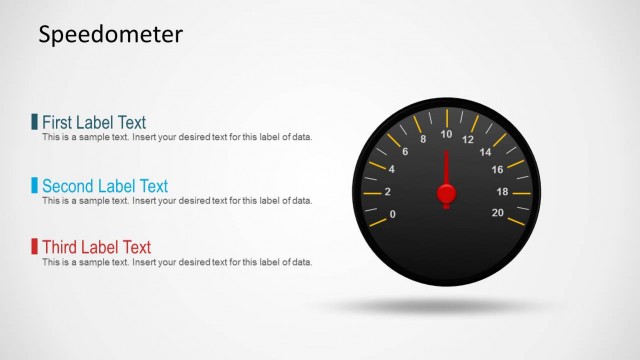
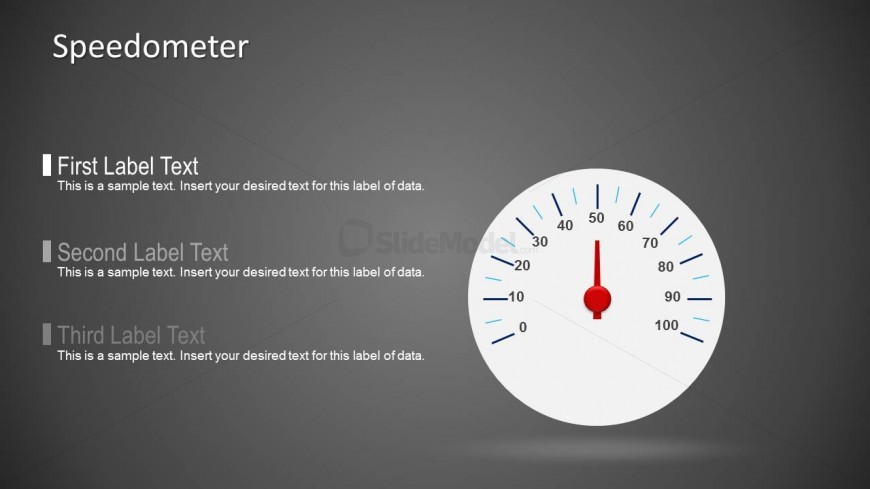
The slide features a speedometer graphic positioned on the right side, displaying a range from 0 to 100. The speedometer has a red needle indicating a specific value. To the left of the speedometer, there are three text placeholders stacked vertically. The first placeholder is at the top, followed by the second and third placeholders, each labeled for data input. The background is a gradient gray, providing contrast to the white speedometer. The overall layout emphasizes the speedometer as the focal point.
How to Use It
This layout serves as a performance indicator, ideal for displaying KPIs in a dashboard format. It fits well in a presentation sequence focused on performance metrics, following problem identification slides. This structure is useful in business scenarios such as project status updates, sales performance reviews, or operational efficiency assessments, where visual representation of data is crucial for audience understanding.
Text Placeholders & Capacity
Keep your copy within these limits so it fits without resizing. Label slots can hold about 8-10 words each, body slots are tighter.
| Placeholder | Count | Max characters (approx.) |
|---|---|---|
| Item heading | 3 | 50 |
| Item body | 3 | 100 |
Slide Keywords
Download unlimited PowerPoint templates, charts and graphics for your presentations with our annual plan.
DOWNLOADReturn to Speedmeter Shape for PowerPoint Dashboards.