Slide 1 of 3 from Tachometer Shape for PowerPoint
Analog Tachometer Gauge Slide for PowerPoint
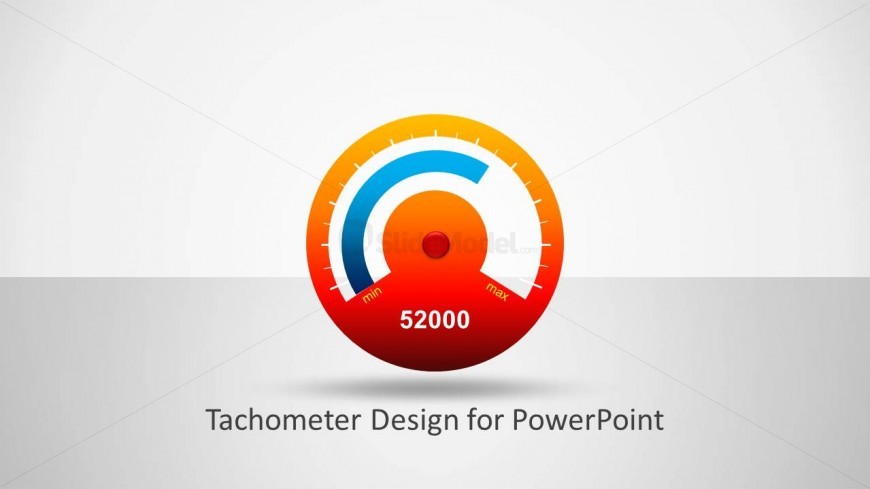
Tachometer Design for PowerPoint Slide
- Diagram
- Gauge
- Kpi Reporting Slide
- 16:9
- 100% Editable
The Tachometer Design for PowerPoint slide from the Tachometer Shape for PowerPoint template offers a clear and editable gauge diagram ideal for KPI reporting and performance tracking. This slide layout integrates editable shapes and vector icons to visually represent status updates, making it suitable for business presentations and slide decks focused on data-driven insights.
What’s on This Slide
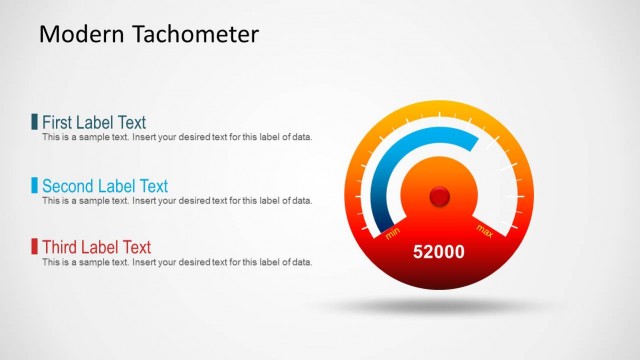
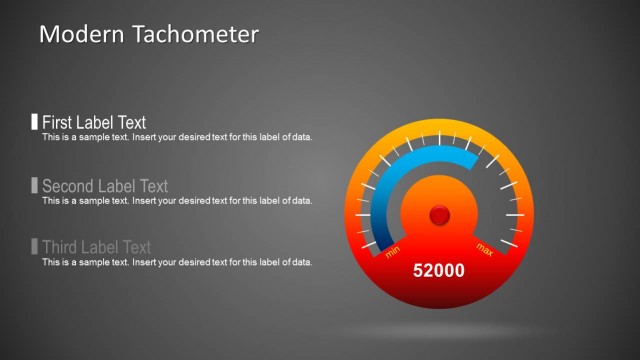
The slide features a central tachometer graphic, prominently displaying a gauge with a red and orange gradient background. The gauge includes a blue arc indicating a value, with a red dot at the center. Below the gauge, the number '52000' is displayed in a bold font, centered horizontally. Text placeholders are positioned beneath the gauge, aligned centrally, indicating space for additional labels or descriptions. The overall composition is balanced, with the tachometer as the focal point and the text placeholders providing a clear area for supplementary information.
How to Use It
This layout serves as a KPI indicator, effectively visualizing performance metrics. It fits well in presentations that require status updates or performance tracking. Ideal scenarios include business reviews, project updates, or dashboard presentations. The design allows for quick comprehension of data, making it suitable for executive summaries or team meetings. It can be used individually or as part of a series to represent various metrics across multiple slides.
Text Placeholders & Capacity
Keep your copy within these limits so it fits without resizing. Body slots can hold limited text, roughly 1-2 words each.
| Placeholder | Count | Max characters (approx.) |
|---|---|---|
| Slide title | 1 | 30 |
| Item body | 1 | 6 |
| Item heading | 2 | 10 |
Slide Keywords
Download unlimited PowerPoint templates, charts and graphics for your presentations with our annual plan.
DOWNLOADReturn to Tachometer Shape for PowerPoint.