Slide 1 of 3 from Speedmeter Shape for PowerPoint Dashboards
9501-dashboard-speedometer-wide-1
Speedometer Design for PowerPoint
- Diagram
- Gauge
- Kpi Reporting Slide
- 16:9
- 100% Editable
The Speedometer Design for PowerPoint slide from the Speedmeter Shape for PowerPoint Dashboards template offers a clear visual gauge ideal for KPI reporting and performance dashboards. This slide layout features editable shapes and vector icons that help illustrate sales metrics or operational efficiency within a corporate presentation or business presentation. Its design supports effective communication of key performance indicators in a professional slide deck or pitch deck template.
What’s on This Slide
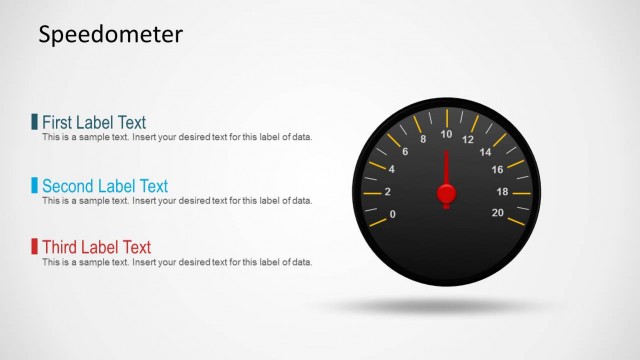
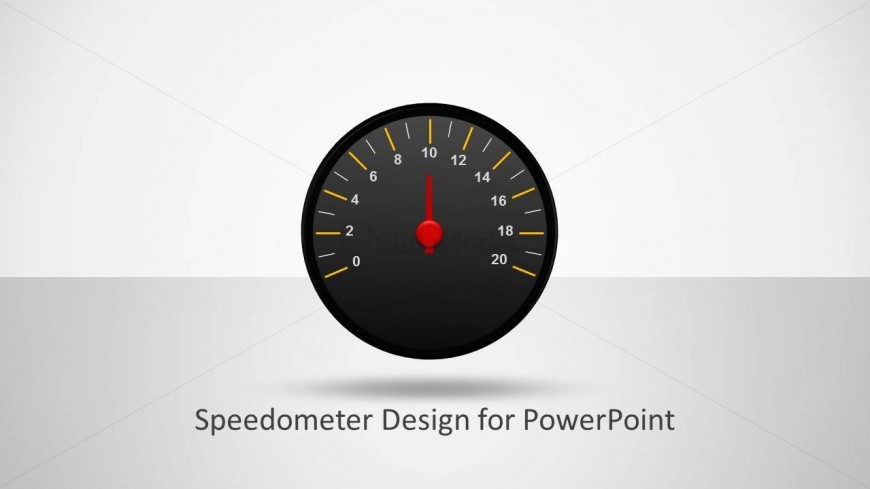
The slide features a central speedometer gauge with a black circular frame. The gauge displays numbers from 0 to 20, with tick marks and a red needle indicating the current value. Below the speedometer, there is a text placeholder for a title, centered and aligned horizontally. The background is a light gradient, transitioning from white at the top to a subtle gray at the bottom. The overall composition emphasizes the speedometer as the focal point, with the text placeholder providing space for a descriptive title.
How to Use It
This layout serves as a performance indicator, ideal for showcasing key metrics in a dashboard format. It fits well in presentations focused on KPI reporting or performance analysis. This design is particularly useful in business contexts where visualizing speed or progress is essential, such as sales performance, project timelines, or operational efficiency. It can be used individually or as part of a series of slides to convey ongoing performance metrics.
Text Placeholders & Capacity
Keep your copy within these limits so it fits without resizing. The title slot can accommodate a title of about 5-7 words comfortably.
| Placeholder | Count | Max characters (approx.) |
|---|---|---|
| Slide title | 1 | 30 |
Slide Keywords
Download unlimited PowerPoint templates, charts and graphics for your presentations with our annual plan.
DOWNLOADReturn to Speedmeter Shape for PowerPoint Dashboards.