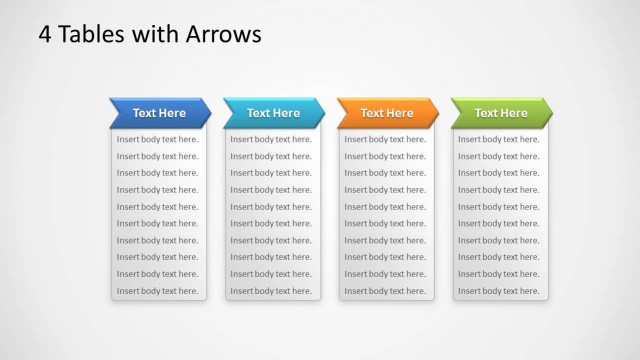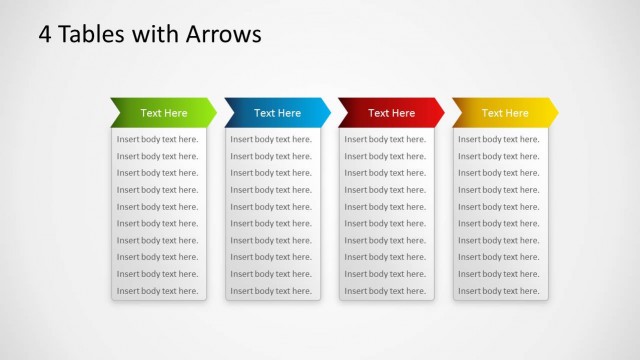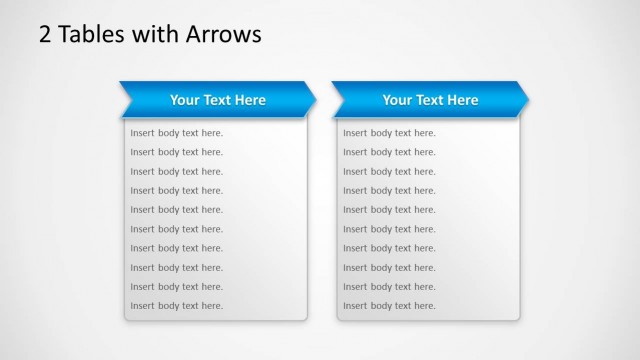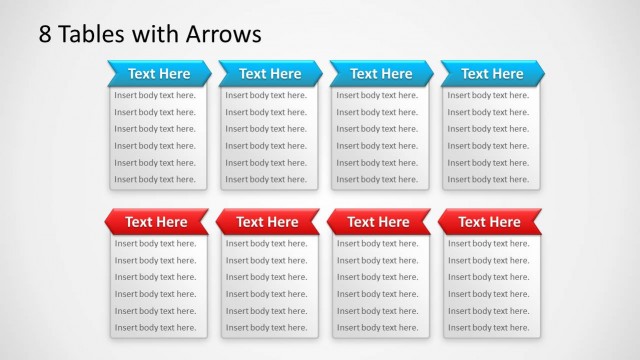
Slide 5 of 6 from Tables with Arrows Template for PowerPoint
3 Table Columns PowerPoint Slide
3 Tables with Arrows for Comparison
- Table
- Comparison Table
- Comparison Slide
- 16:9
- 100% Editable
The 3 Tables with Arrows slide from the Tables with Arrows Template for PowerPoint offers a structured layout ideal for product feature comparison or project updates. This slide uses editable tables with colored headers and arrows to highlight key distinctions, making it a practical choice for business presentations and corporate slide decks requiring clear comparative visuals.
What’s on This Slide
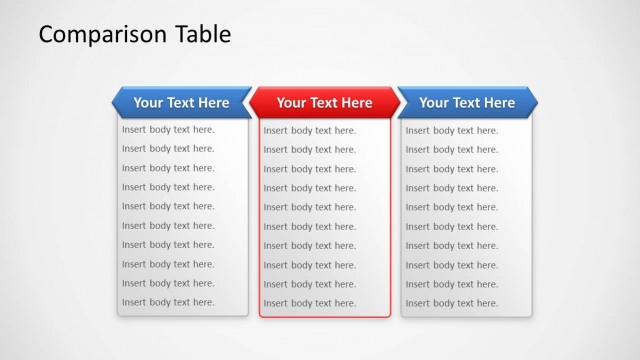
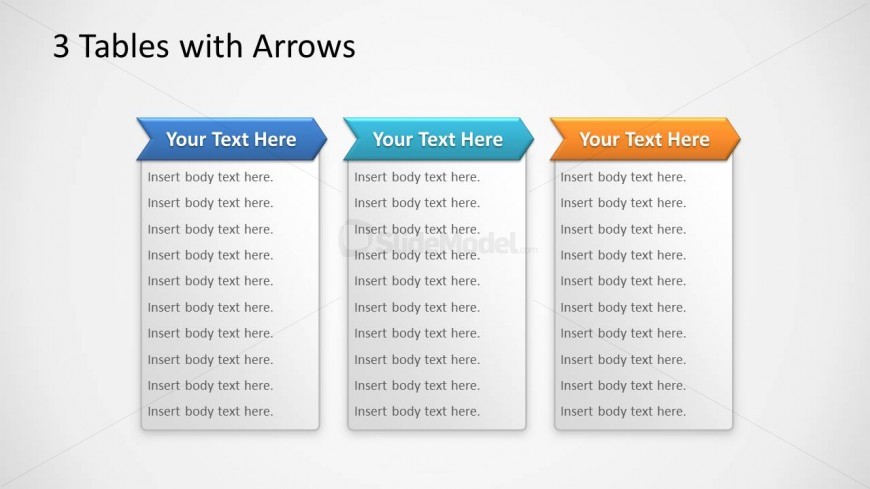
The layout features three vertical tables aligned horizontally across the center. Each table has a colored header with a triangular arrow pointing upwards, labeled 'Your Text Here.' Below each header, there are multiple lines of text placeholders labeled 'Insert body text here,' arranged in a single column. The tables are separated by slight spacing, maintaining a clean visual structure. The background is a light gradient, enhancing the focus on the tables. The overall composition emphasizes clarity and organization, with a clear visual hierarchy established by the colored headers.
How to Use It
This layout serves as a comparison tool, allowing for the presentation of three distinct sets of information side by side. It is suitable for scenarios such as product feature comparisons, project status updates, or service descriptions. This structure fits well in the middle of a presentation, following an introduction or problem statement, and can effectively summarize key points or differences. It can be used in business meetings, marketing presentations, or educational contexts to facilitate clear communication of comparative data.
Text Placeholders & Capacity
Keep your copy within these limits so it fits without resizing. Body slots can accommodate roughly 5-7 lines of text each.
| Placeholder | Count | Max characters (approx.) |
|---|---|---|
| Item heading | 3 | 15 |
| Item body | 21 | 30 |
Slide Keywords
Download unlimited PowerPoint templates, charts and graphics for your presentations with our annual plan.
DOWNLOADReturn to Tables with Arrows Template for PowerPoint.