Slide 1 of 6 from Tables with Arrows Template for PowerPoint
3 Columns Table Arrows Slide
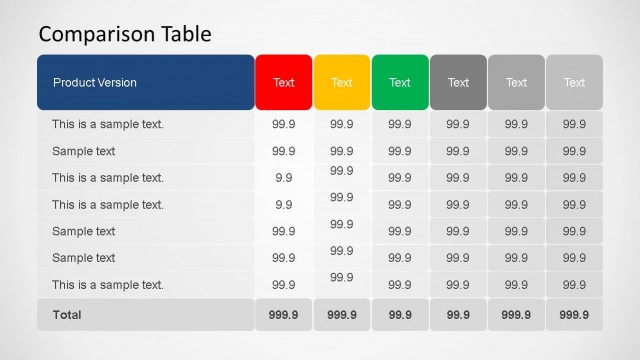
Comparison Table for Presentations
- Table
- Comparison Table
- Comparison Slide
- 16:9
- 100% Editable
The Comparison Table slide from the Tables with Arrows Template for PowerPoint provides a clear layout for product comparisons and feature evaluations. This slide template includes editable shapes and text placeholders arranged in three vertical sections with distinct colored headers, enhancing readability and organization. It is suitable for corporate presentations and business presentation slide decks that require structured side-by-side contrasts, making it a practical choice for pitch deck templates and marketing strategies.
About This Slide
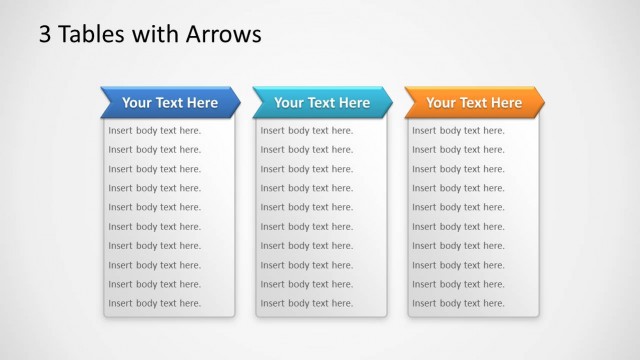
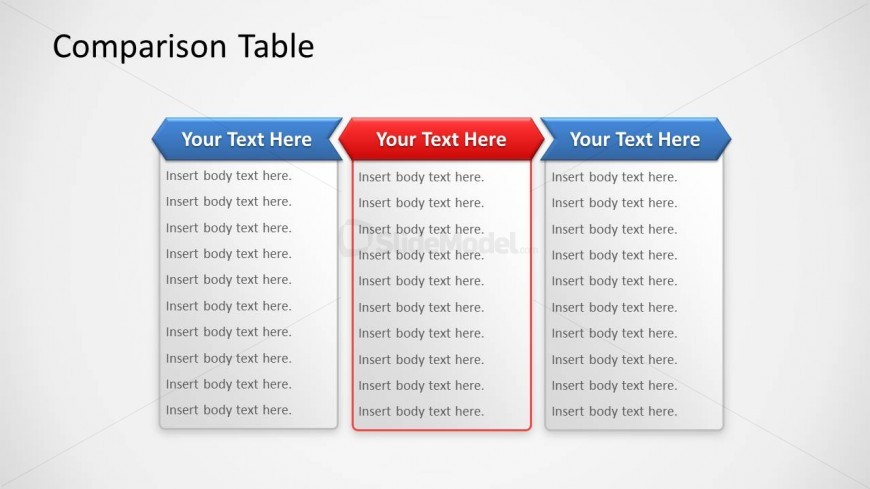
3 Columns table PowerPoint slide design with arrows in the table header and highlighted column in the center.
What’s on This Slide
The layout features a title at the top center labeled 'Comparison Table.' Below, three vertical sections are arranged side by side. Each section has a header with a placeholder for text, styled with a colored background. The left and right sections have blue headers, while the middle section has a red header. Each section contains multiple text placeholders for body text, aligned vertically. The placeholders are evenly spaced, with a consistent font size, creating a clear visual hierarchy. The background is light, enhancing readability.
How to Use It
This layout serves as a structured comparison table, ideal for contrasting features or products. It fits well in presentations that require side-by-side evaluations, such as product comparisons or feature analyses. This slide can be effectively used in business meetings, marketing strategies, or product development discussions, where clarity in comparison is essential. It is best positioned early in a presentation to set the context for detailed discussions.
Text Placeholders & Capacity
Keep your copy within these limits so it fits without resizing. Body text slots can hold around 30-40 words each.
| Placeholder | Count | Max characters (approx.) |
|---|---|---|
| Slide title | 1 | 30 |
| Item heading | 3 | 20 |
| Item body | 3 | 200 |
Slide Keywords
Download unlimited PowerPoint templates, charts and graphics for your presentations with our annual plan.
DOWNLOADReturn to Tables with Arrows Template for PowerPoint.