Slide 6 of 6 from Tables with Arrows Template for PowerPoint
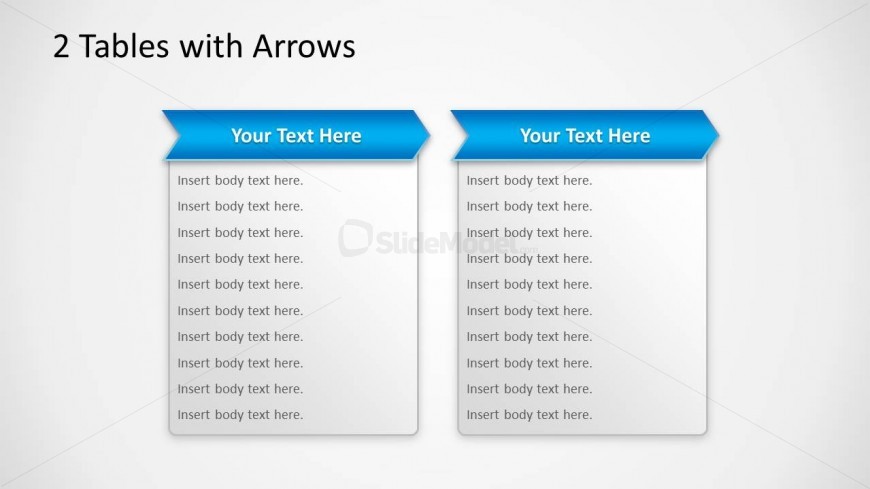
2 Tables with Arrows in PowerPoint
2 Tables with Arrows for Presentations
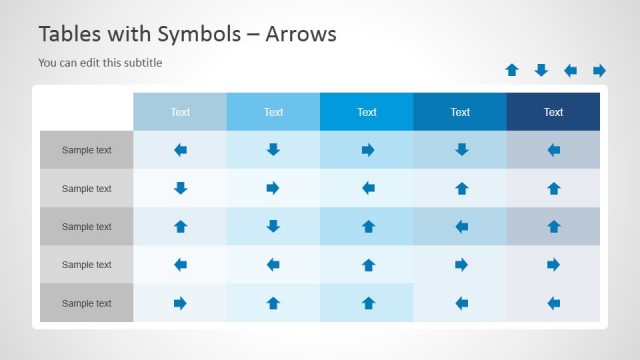
- Table
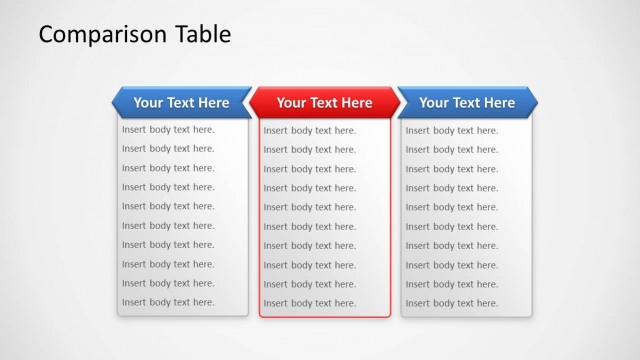
- Comparison Table
- Comparison Slide
- 16:9
- 100% Editable
The 2 Tables with Arrows slide from the Tables with Arrows Template for PowerPoint offers a clear comparison layout ideal for business presentations. Featuring two side-by-side tables with arrow-shaped headers, this slide template supports product comparisons and feature evaluations. Its editable slides provide a structured way to present decision-making data, enhancing clarity in corporate presentations and pitch deck templates.
What’s on This Slide
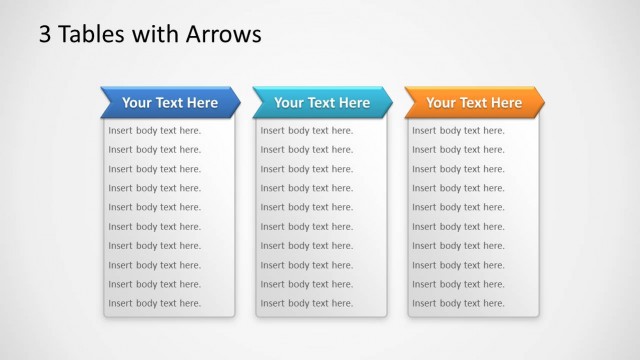
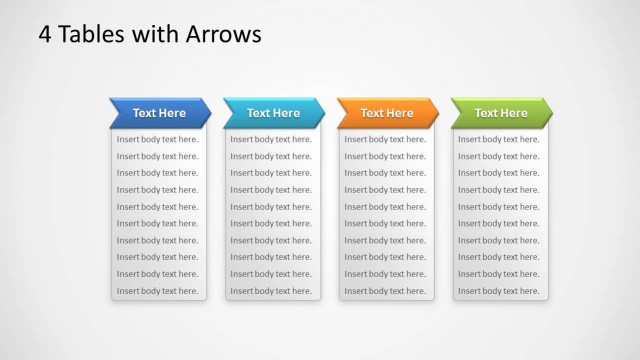
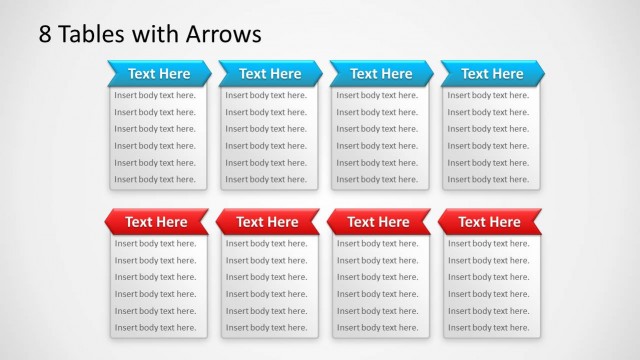
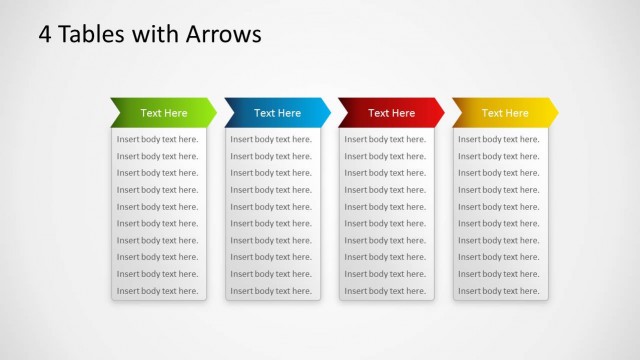
The layout features two side-by-side tables, each with a blue arrow-shaped header at the top. The tables are vertically aligned, with each containing multiple text placeholders for body text. The placeholders are evenly spaced and aligned left within each table. The background is light, enhancing the visibility of the tables. There are no additional images or icons present. The overall composition is symmetrical, with equal emphasis on both tables, allowing for easy comparison of the content within each.
How to Use It
This layout functions as a comparison tool, ideal for presenting two sets of information side by side. It fits well in a presentation sequence after introducing a concept or problem, allowing for a clear contrast between two options or features. This structure is useful in business scenarios such as product comparisons, feature evaluations, or decision-making processes where two alternatives need to be analyzed concurrently.
Text Placeholders & Capacity
Keep your copy within these limits so it fits without resizing. Body slots can hold roughly 5-8 words each.
| Placeholder | Count | Max characters (approx.) |
|---|---|---|
| Slide title | 1 | 30 |
| Item heading | 2 | 20 |
| Item body | 16 | 30 |
Slide Keywords
Download unlimited PowerPoint templates, charts and graphics for your presentations with our annual plan.
DOWNLOADReturn to Tables with Arrows Template for PowerPoint.