Slide 3 of 6 from Tables with Arrows Template for PowerPoint
4 Tables in PowerPoint with Flat Chevron Arrows
4 Tables with Arrows for Presentations
- Table
- Comparison Table
- Comparison Slide
- 16:9
- 100% Editable
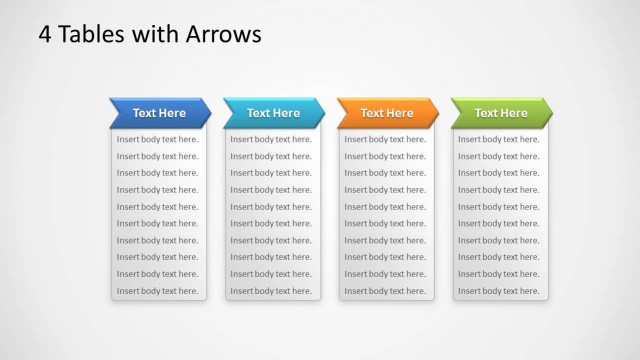
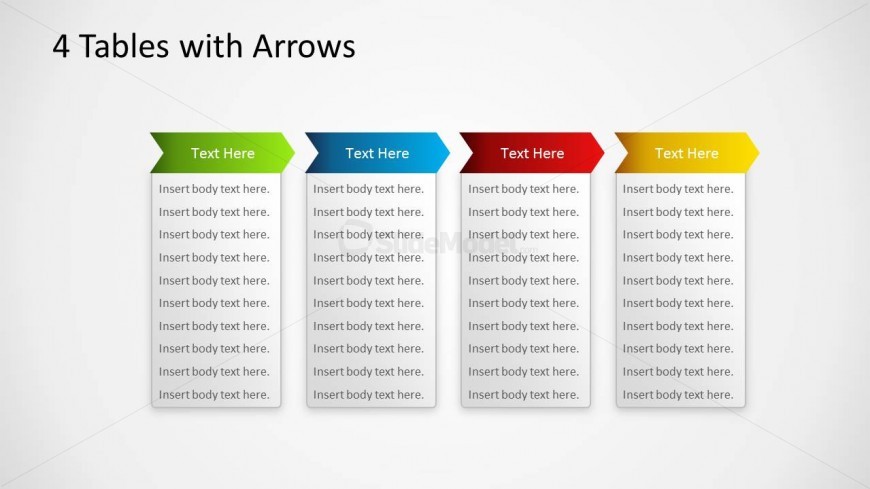
The 4 Tables with Arrows slide from the Tables with Arrows Template for PowerPoint offers a clear comparison layout ideal for business presentation needs. Featuring four vertically aligned tables with distinct colored arrow headers, this slide template supports detailed product feature comparisons, project status updates, or team role descriptions. Its structured design and editable shapes make it a practical choice for creating professional slide decks that enhance content clarity and audience understanding.
What’s on This Slide
The layout features four vertical tables aligned horizontally across the slide. Each table has a distinct colored arrow header at the top, with the first table in green, the second in blue, the third in red, and the fourth in yellow. Below each arrow header, there are multiple text placeholders for body text, aligned centrally within each table. The overall background is light, enhancing the visibility of the tables. The tables are evenly spaced, creating a structured appearance that allows for easy comparison of content across the four sections.
How to Use It
This layout serves as a comparison tool, allowing users to present multiple sets of information side by side. It is suitable for scenarios such as product feature comparisons, project status updates, or team role descriptions. Positioned within a presentation, it can follow an introduction or problem statement, providing clarity on different aspects of a topic. The structured format aids in visualizing differences and similarities, making it effective for business discussions and decision-making processes.
Text Placeholders & Capacity
Keep your copy within these limits so it fits without resizing. Body slots can hold roughly 30-40 words each.
| Placeholder | Count | Max characters (approx.) |
|---|---|---|
| Item heading | 4 | 15 |
| Item body | 4 | 200 |
Slide Keywords
Download unlimited PowerPoint templates, charts and graphics for your presentations with our annual plan.
DOWNLOADReturn to Tables with Arrows Template for PowerPoint.