Slide 2 of 2 from 10 Text Boxes with Numbers for PowerPoint
8060-02-table-with-numbers-2
10 Text Boxes with Numbers for PowerPoint
- Text Layout
- List Blocks
- Context Slide
- 16:9
- 100% Editable
The 10 Text Boxes with Numbers slide from the 10 Text Boxes with Numbers for PowerPoint template offers a structured grid layout ideal for business presentations and project updates. This slide template features editable shapes arranged in a clear numeric sequence, enhancing readability and organization for meeting agendas or feature lists within a corporate presentation or pitch deck template.
What’s on This Slide
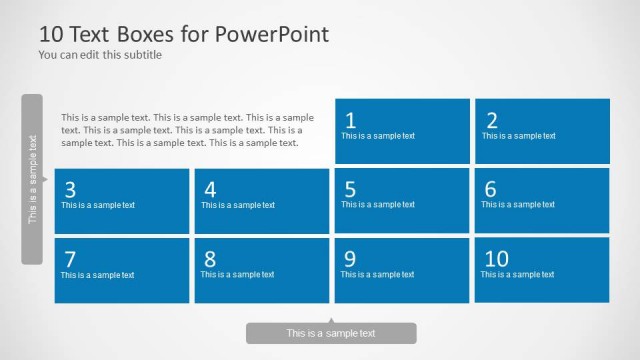
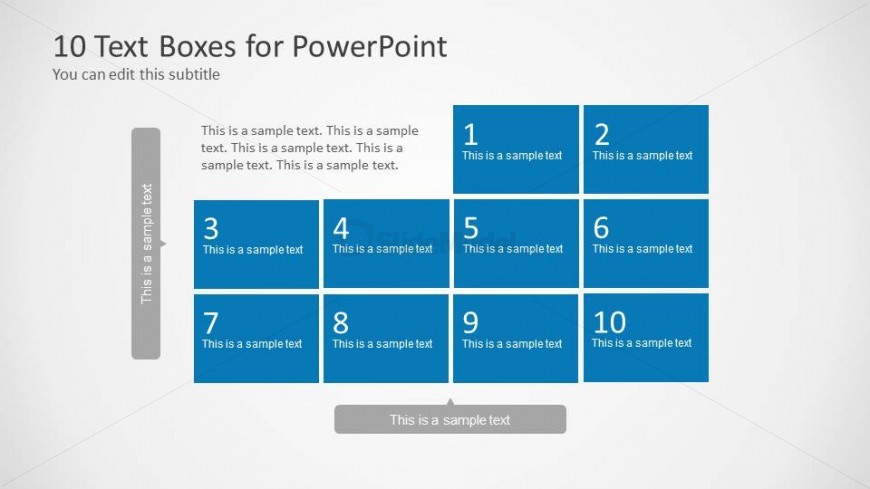
The layout features a grid of ten text boxes arranged in two rows and five columns. Each box is colored blue and contains placeholder text, with the first row displaying numbers 1 and 2, while the second row shows numbers 3 to 10. A vertical text box on the left side contains additional sample text. The visual hierarchy is clear, with numbered boxes prominently positioned. The background is light gray, enhancing contrast with the blue boxes. The overall composition is structured and organized, allowing for easy readability.
How to Use It
This layout serves as a text box grid suitable for presenting multiple items or concepts in a structured format. It fits well in a presentation sequence following introductory slides, allowing for detailed explanations or comparisons. Real-world applications include project updates, product features, or key points in a meeting. The clear numbering aids in referencing specific items during discussions, making it effective for team meetings or client presentations.
Text Placeholders & Capacity
Keep your copy within these limits so it fits without resizing. Node slots can accommodate concise text, roughly 10 words each.
| Placeholder | Count | Max characters (approx.) |
|---|---|---|
| Slide title | 1 | 30 |
| Subtitle | 1 | 50 |
| Item body | 10 | 50 |
| Callout | 1 | 50 |
Slide Keywords
Download unlimited PowerPoint templates, charts and graphics for your presentations with our annual plan.
DOWNLOADReturn to 10 Text Boxes with Numbers for PowerPoint.