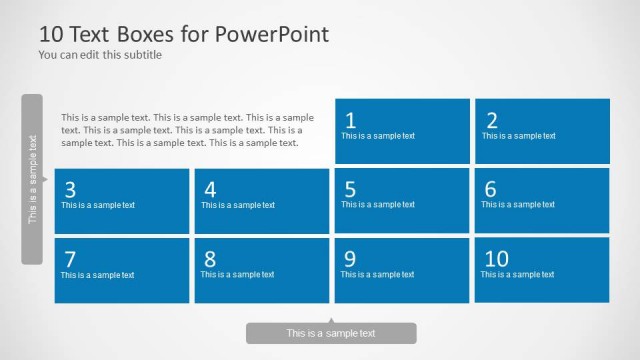
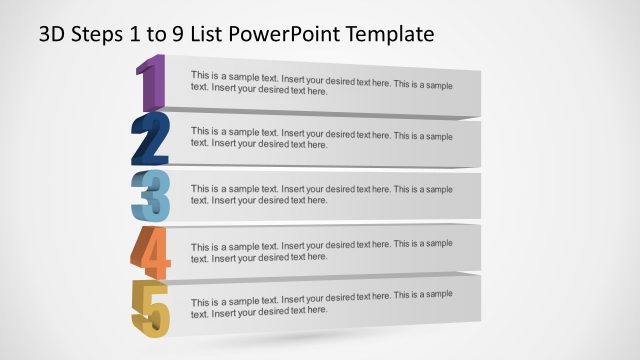
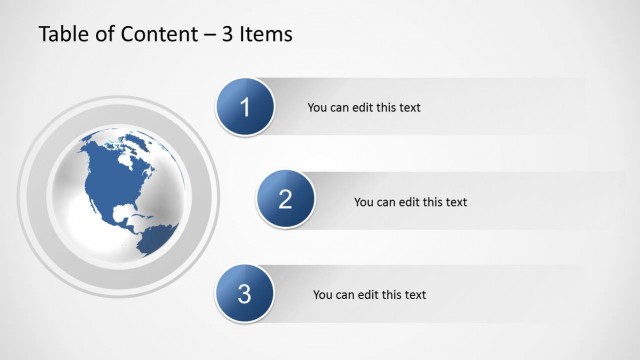
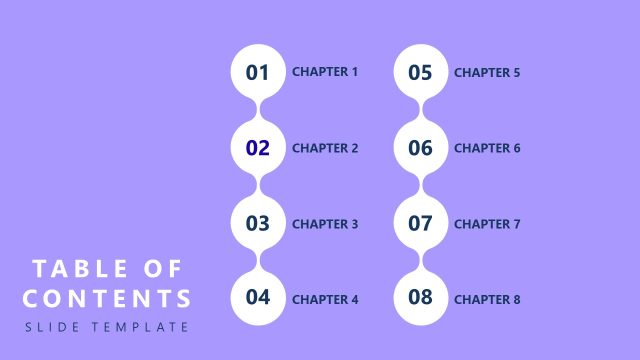
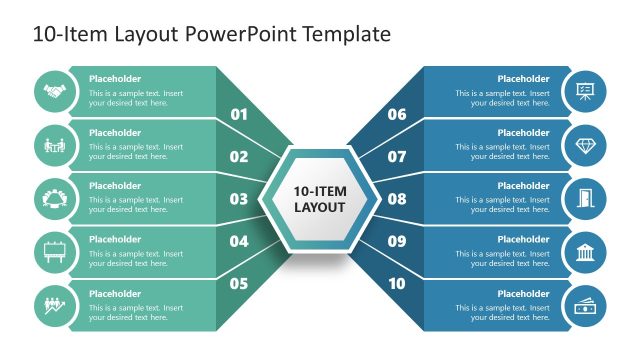
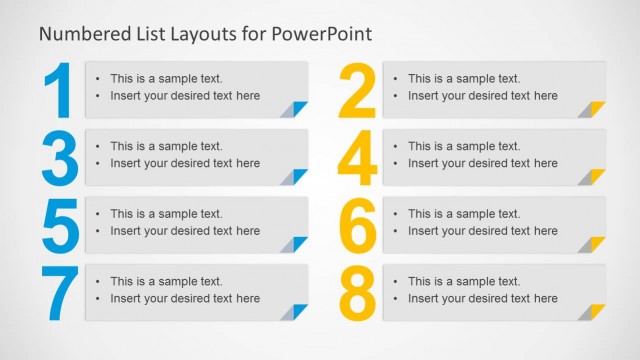
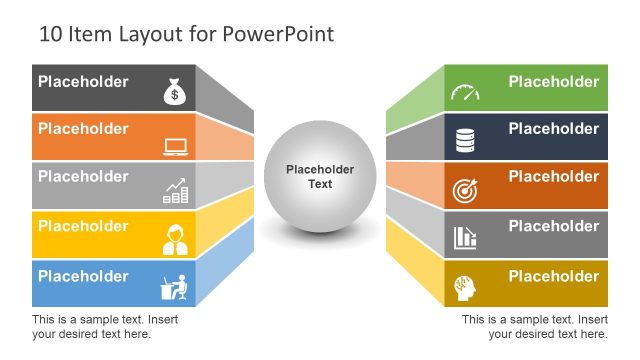
Top Ten Slide Layout PowerPoint Template is a sequential template which can be used for making a presentation depicting a list. This template can be used for making slides for top 10 categories related to a topic and you can even increase or reduce the number by adding or deleting slides.
The given slides have a minimalist design which makes it easy to add your own content such as text and images, as well as to reshape the sample content according to need without much effort,
This PowerPoint table of contents template is compatible with PowerPoint 2010 and PowerPoint 2013.
What’s inside this template
Example presentation scenarios
- A consultant can use the numbered ranking panels to present the top ten findings from an assessment, with each slide pairing one recommendation with a supporting image or visual cue.
- A marketing manager can build a campaign ideas shortlist by using the image placeholder for a product, channel, or creative example and the text block for the reason it made the list.
- An educator or trainer can use the ten repeated layouts to walk learners through ten rules, concepts, or mistakes, keeping attention on one point per slide.
- A project manager can turn the deck into an appendix by assigning each slide to a ranked risk, priority, or milestone and using the title/body area for concise context.
Features
- 100% editable presentation template
- Compatible with Microsoft PowerPoint and Google Slides
- Scalable vector shapes, icons and illustrations
- AI-Ready for Microsoft Copilot and Claude
- Instant access and download
Frequently asked questions
Q: How should a presenter communicate a Top 10 message with this template?
A: Use one idea per slide and keep the headline specific, such as a finding, rule, or ranked item. The image placeholder should support recognition, while the body copy explains why the item matters. Because every slide repeats the same structure, the audience can focus on the ranking logic instead of relearning the layout.
Q: When is this template the right choice for a business presentation?
A: This template works best when the presenter needs to explain an ordered list without complex data or dense tables. It fits consultants summarizing findings, marketers ranking ideas, trainers teaching ten principles, or managers presenting priorities. The repeated numbered panel makes the order clear and gives each item equal space.
Q: Why does the repeated numbered design help the audience follow the message?
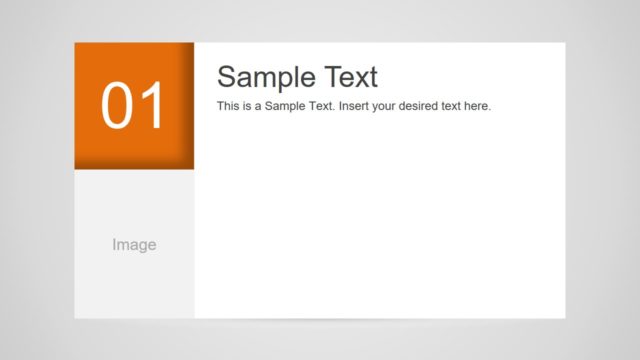
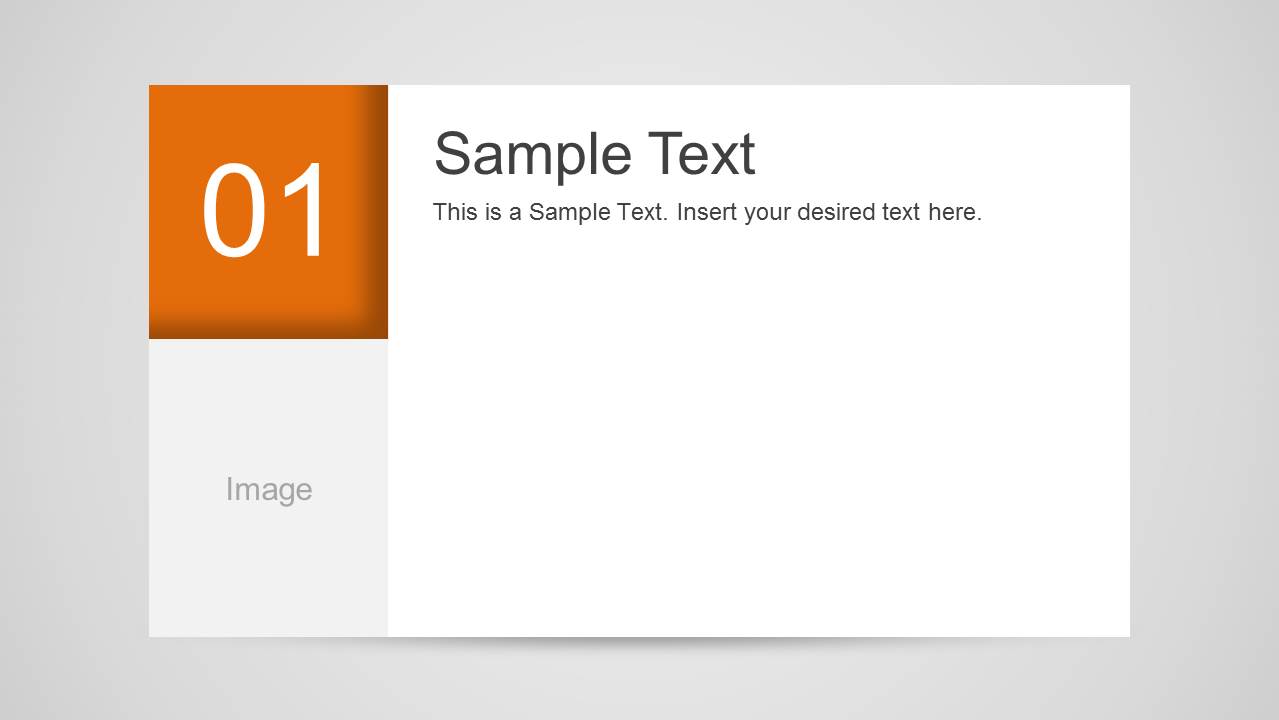
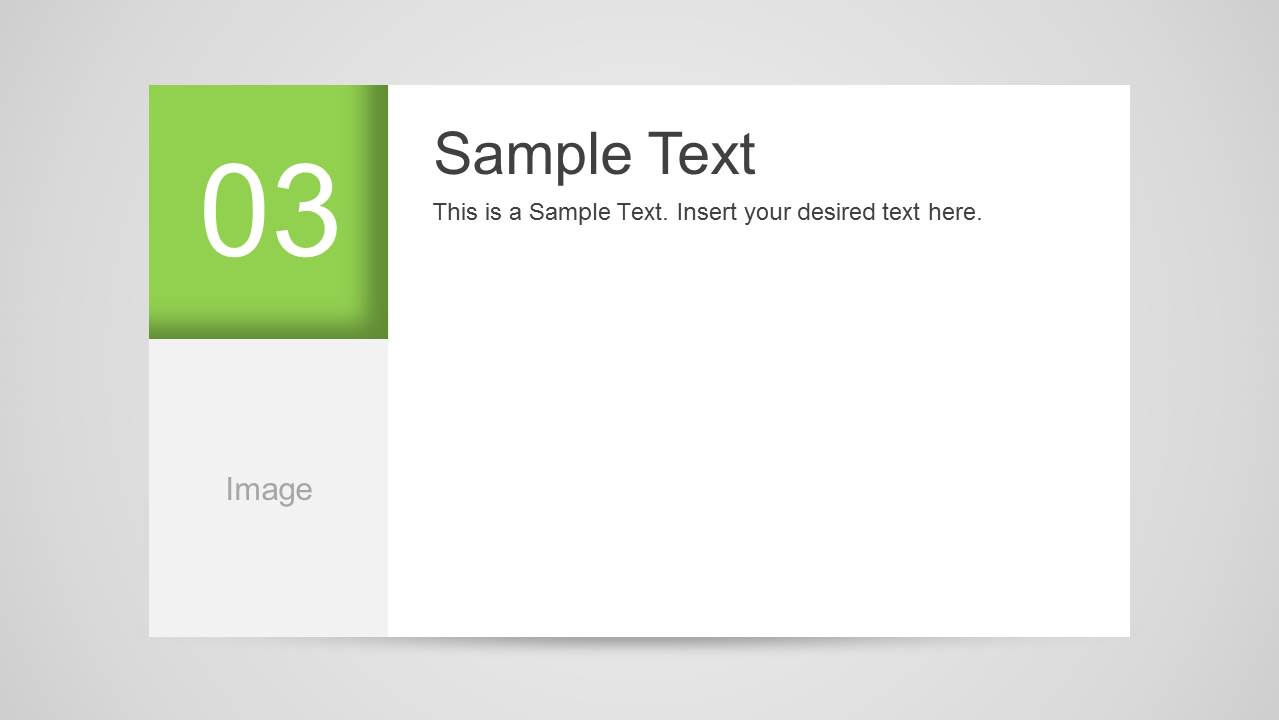
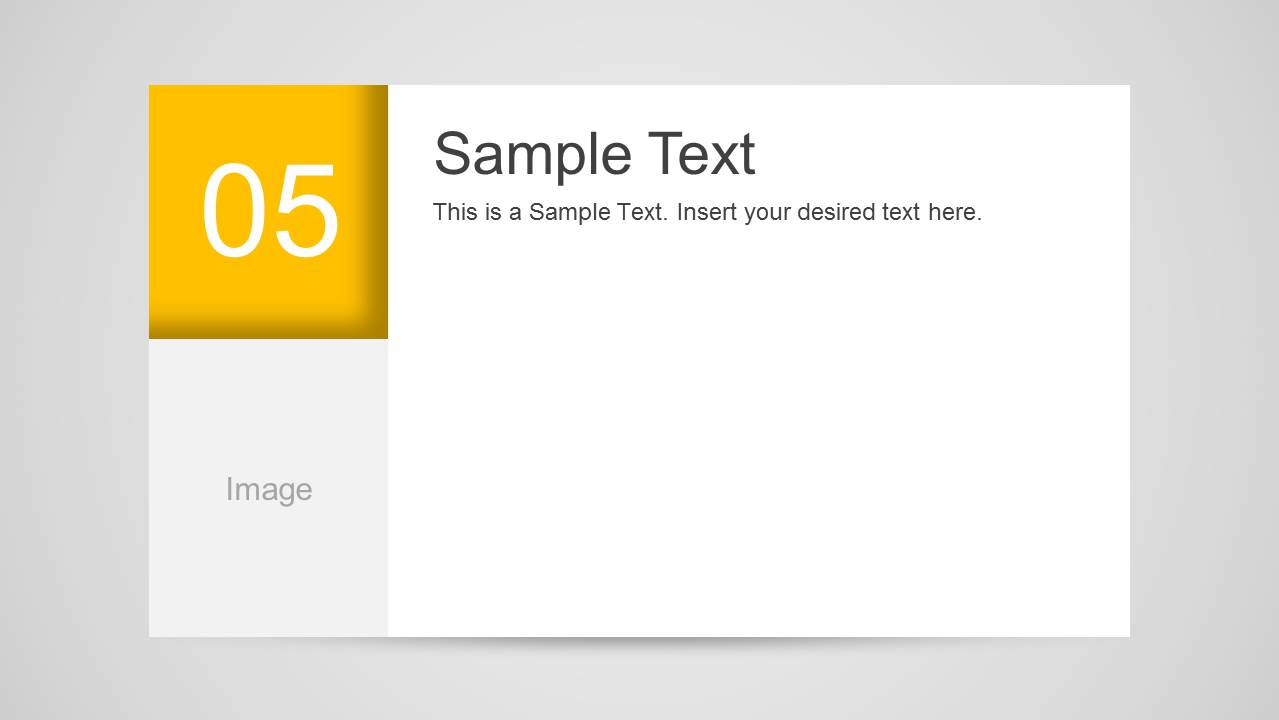
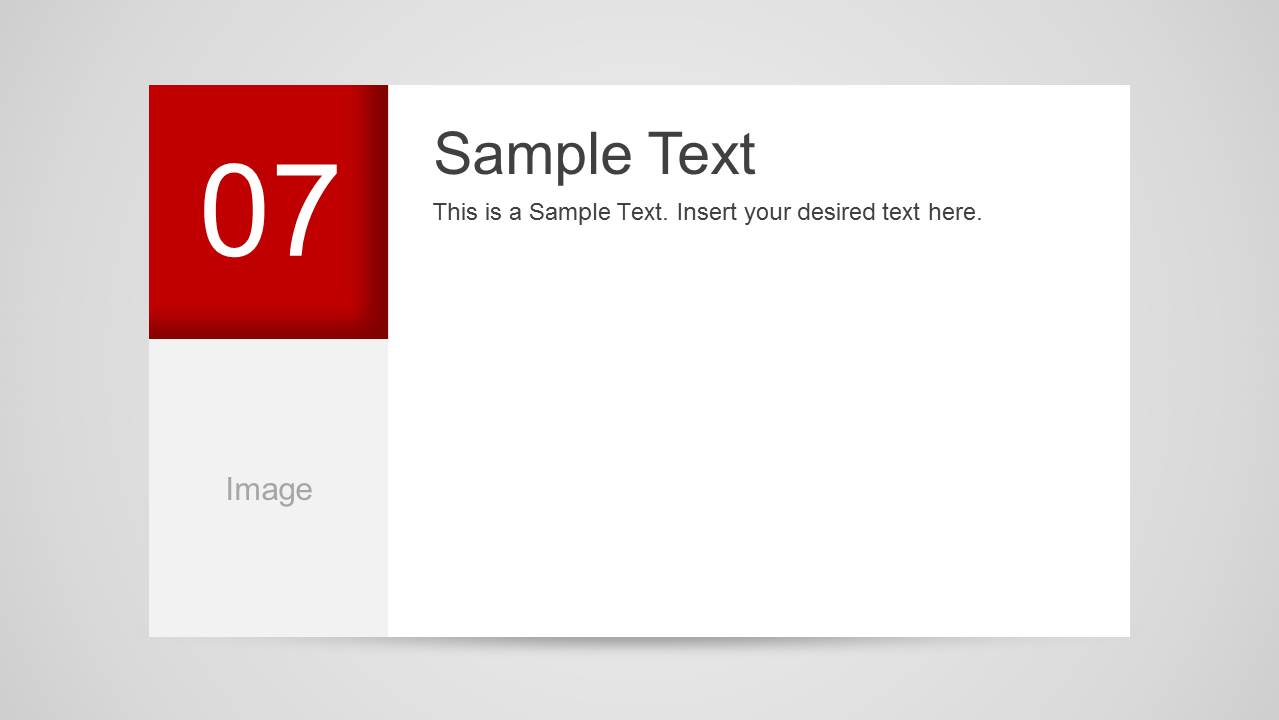
A: The large number block acts as a visual progress marker, turning the list into a countdown or sequence. Repetition reduces visual friction, while the changing colors separate items and prevent the slides from feeling static. The left-side image area gives each point a memorable anchor beside the text.




Top Ten Slide Layout PowerPoint Template
10-slide presentation template for Top 10 lists, numbered panels, and image placeholders
Top Ten Slide Layout PowerPoint Template is a 10-slide ranking deck for presenting a list one item at a time. Each slide uses a large numbered color panel, an image placeholder, and a title with short body text. It is suited to countdowns, report appendices, table of contents sections, and category lists.


 Loading...
 Microsoft PowerPoint
  Microsoft Copilot
  Claude for PowerPoint
 Other formats supported
Subscribe today and get immediate
access to download our PowerPoint templates.