Slide 3 of 3 from Table of Content Slides for PowerPoint
5 Items Agenda Slide Design for PowerPoint
Table of Content - 5 Items Slide
- Diagram
- Other
- Agenda Slide
- 16:9
- 100% Editable
The Table of Content - 5 Items slide from the Table of Content Slides for PowerPoint template offers a structured agenda layout featuring editable shapes and a central globe illustration. This slide is designed to present clear agendas or training session outlines within business presentations, making it an effective component of professional slide decks and Google Slides templates.
About This Slide
This is a creative agenda slide design with space for 5 items that you can use to prepare a table of content in your PowerPoint presentation.
What’s on This Slide
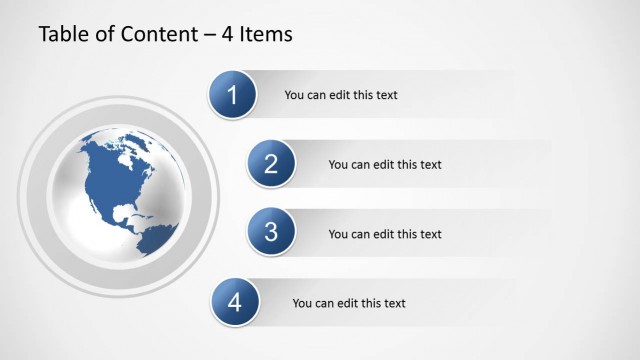
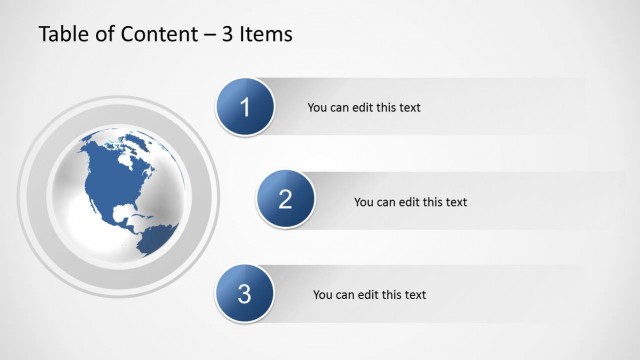
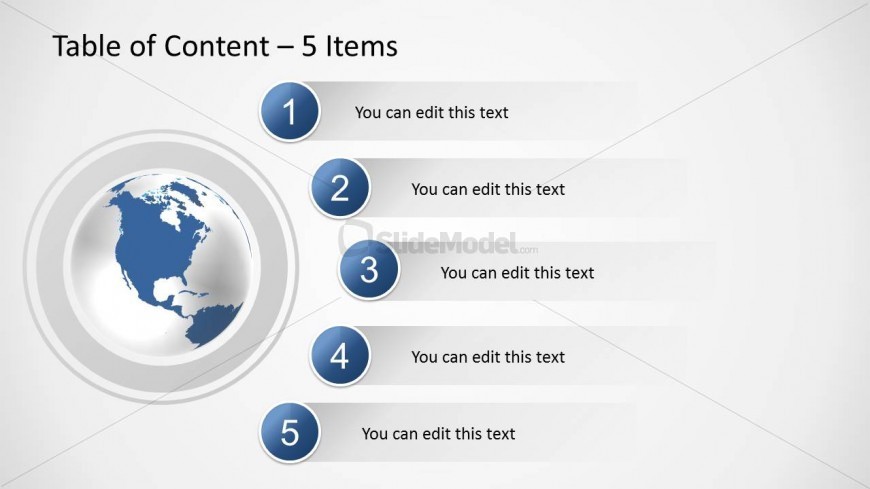
The layout features a central globe illustration positioned on the left side, with a circular shape containing a map of North America. To the right, there are five numbered circular markers arranged vertically, each accompanied by a text placeholder aligned to the right. The first marker is at the top, followed by four additional markers, all of equal size. The text placeholders are aligned horizontally next to each marker, maintaining a clear visual hierarchy. The background is light with a subtle gradient, enhancing the overall composition.
How to Use It
This layout serves as a five-item table of contents, ideal for outlining key sections in a presentation. It fits well after an introductory slide, providing a clear agenda for the audience. This structure is useful in business meetings, training sessions, or reports where a detailed overview is necessary. It allows for easy navigation through the content, ensuring that the audience understands the flow of information being presented.
Text Placeholders & Capacity
Keep your copy within these limits so it fits without resizing. Node labels can hold about 20 characters each, while body text can fit roughly 30 characters.
| Placeholder | Count | Max characters (approx.) |
|---|---|---|
| Slide title | 1 | 30 |
| Item heading | 5 | 20 |
| Item body | 5 | 30 |
Slide Keywords
Download unlimited PowerPoint templates, charts and graphics for your presentations with our annual plan.
DOWNLOADReturn to Table of Content Slides for PowerPoint.