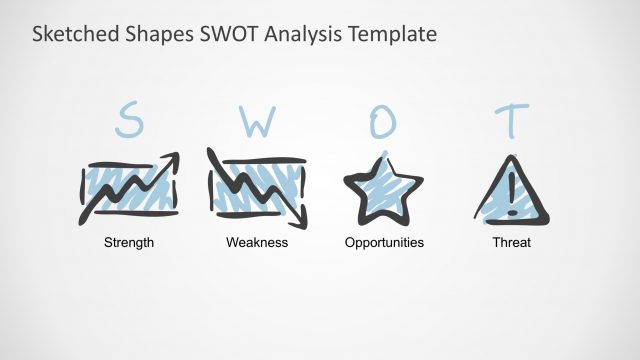
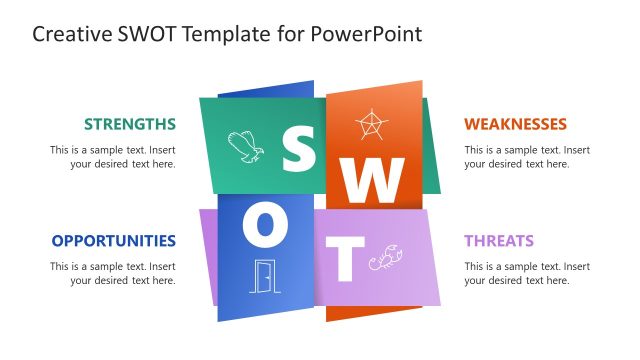
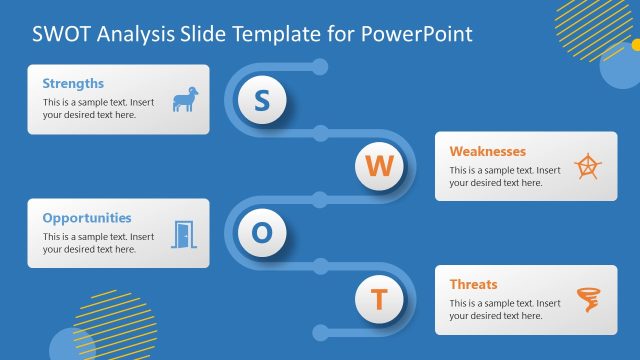
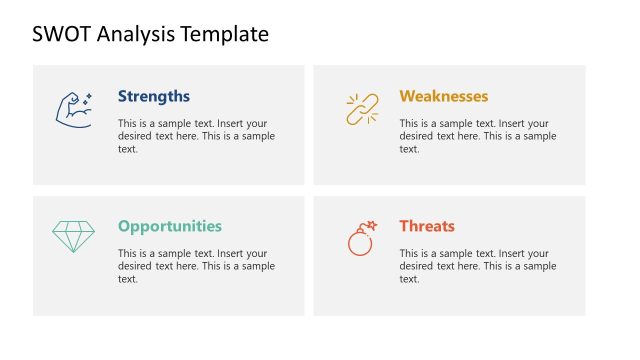
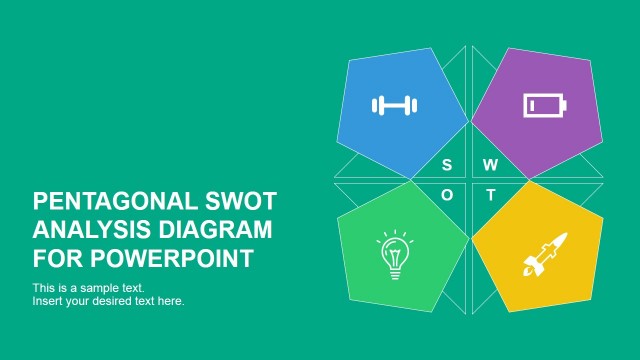
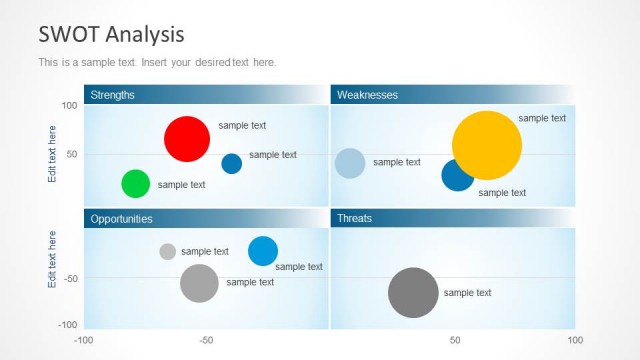
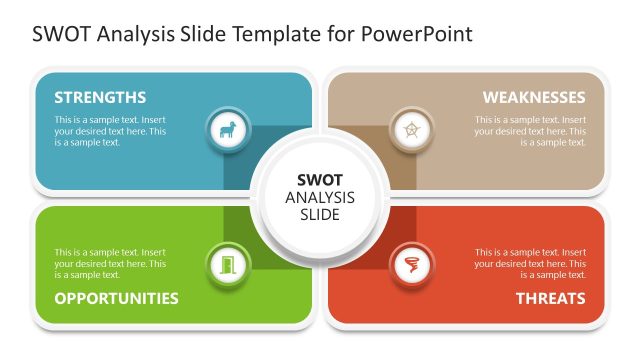
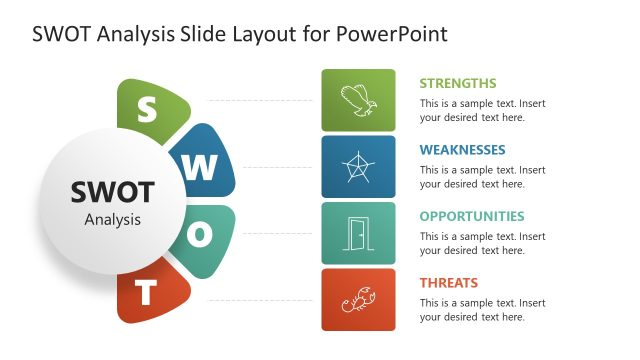
Crate modern SWOT Analysis Presentations applying the SWOT Analysis Handwritten Shapes for PowerPoint. The SWOT analysis presentation template is crafted with high quality clipart shapes, featuring modern handwritten effects. Ideal for academic lectures, due to its relaxed but professional look and feel. Startups are familiar with sketched design and handwritten shapes engage their audience. Present your SWOT Analysis to startup executives and impress your audience.
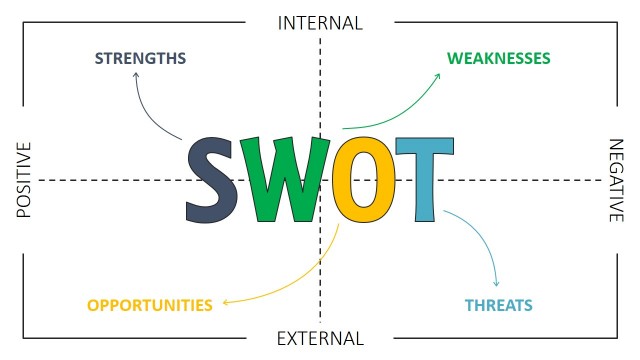
When developing SWOT Analysis, also known as the TOWS Analysis, analysts take advantage of the power and simplicity of the SWOT Matrix approach. Its power resided in the way it gives a review and how helps analysts to create and summarise strategies.
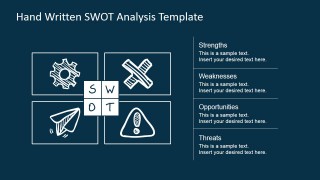
The SWOT Analysis Handwritten Shapes for PowerPoint are designed to create TOWS matrix reviews of internal strengths and weaknesses and external opportunities and threats.
What’s inside this template
Example presentation scenarios
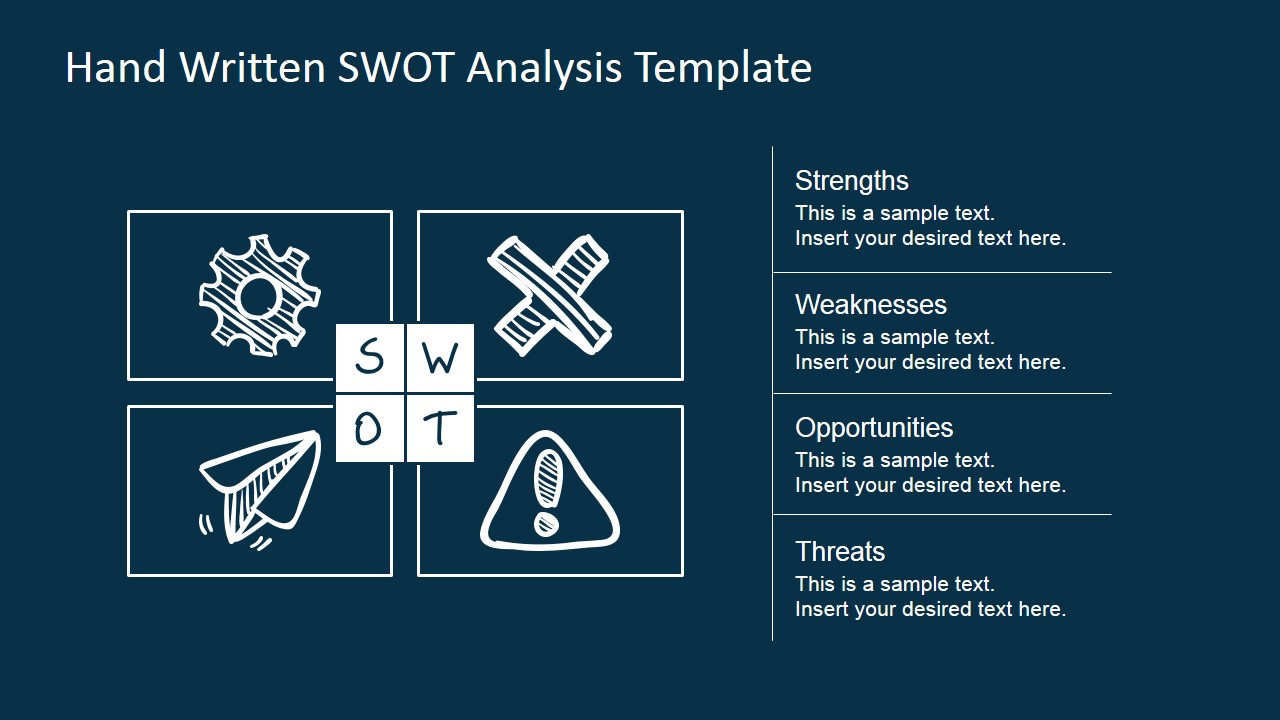
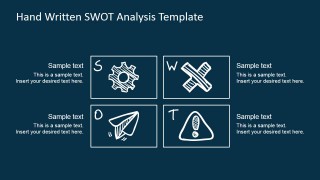
- A strategy consultant can use the four-quadrant SWOT matrix to summarize client findings before moving into separate strengths, weaknesses, opportunities, and threats discussions.
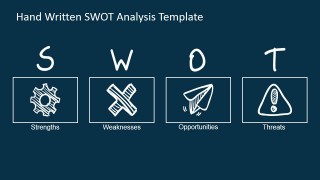
- A startup founder can use the handwritten icon overview to open a planning session and make the SWOT categories feel accessible to a mixed executive and product audience.
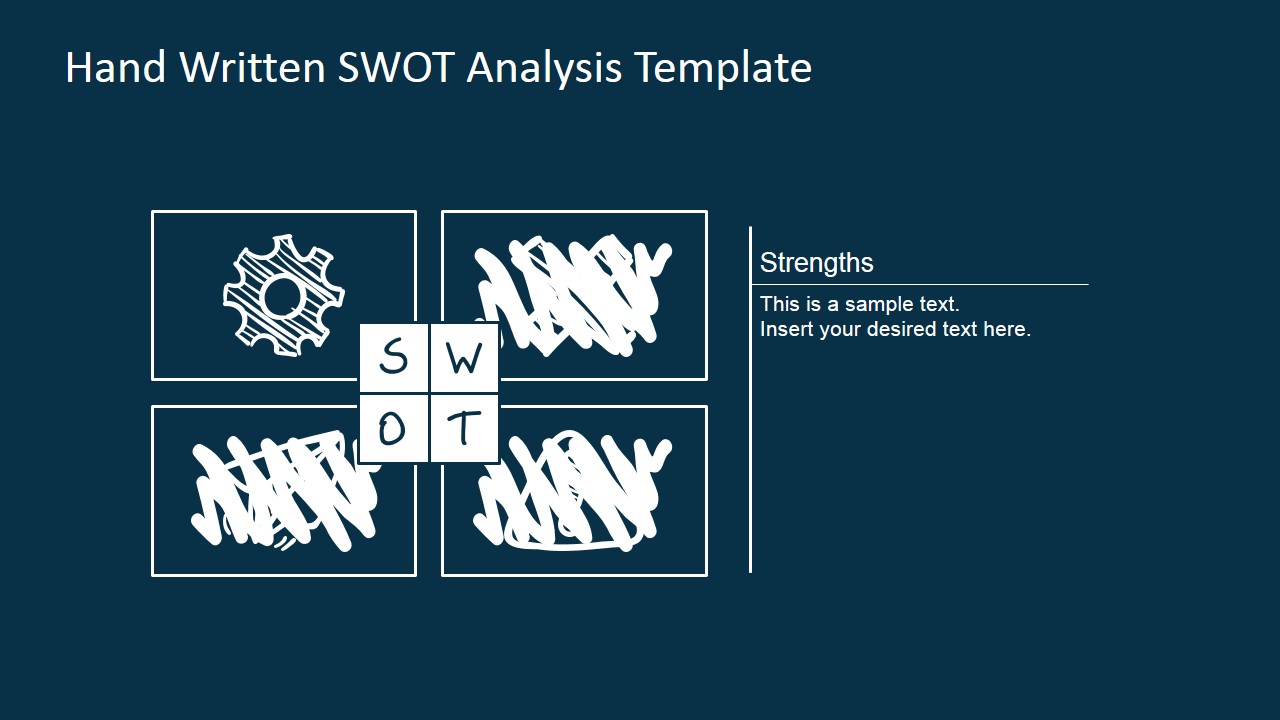
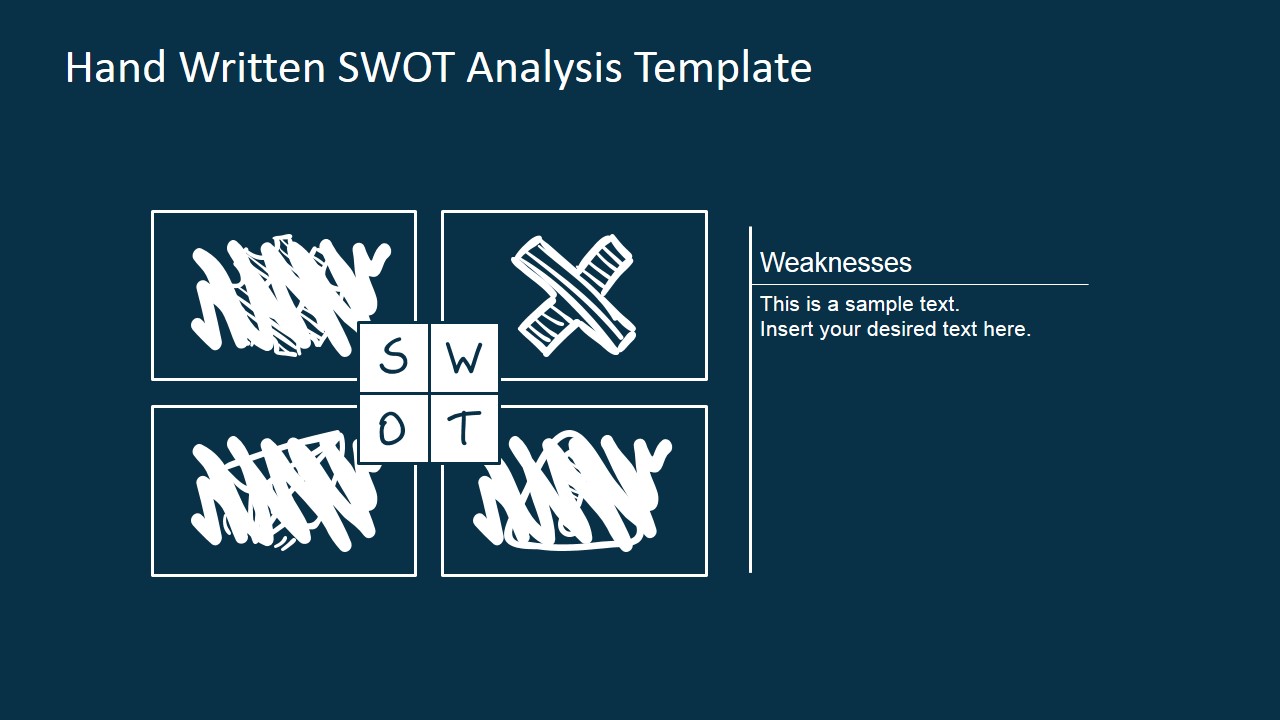
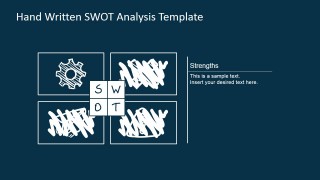
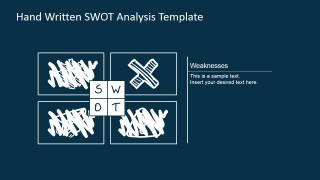
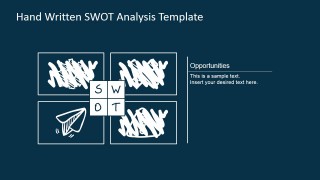
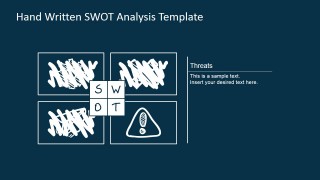
- A business instructor can use the focused quadrant slides to teach each SWOT category one at a time, with inactive sections visually crossed out to reduce distraction.
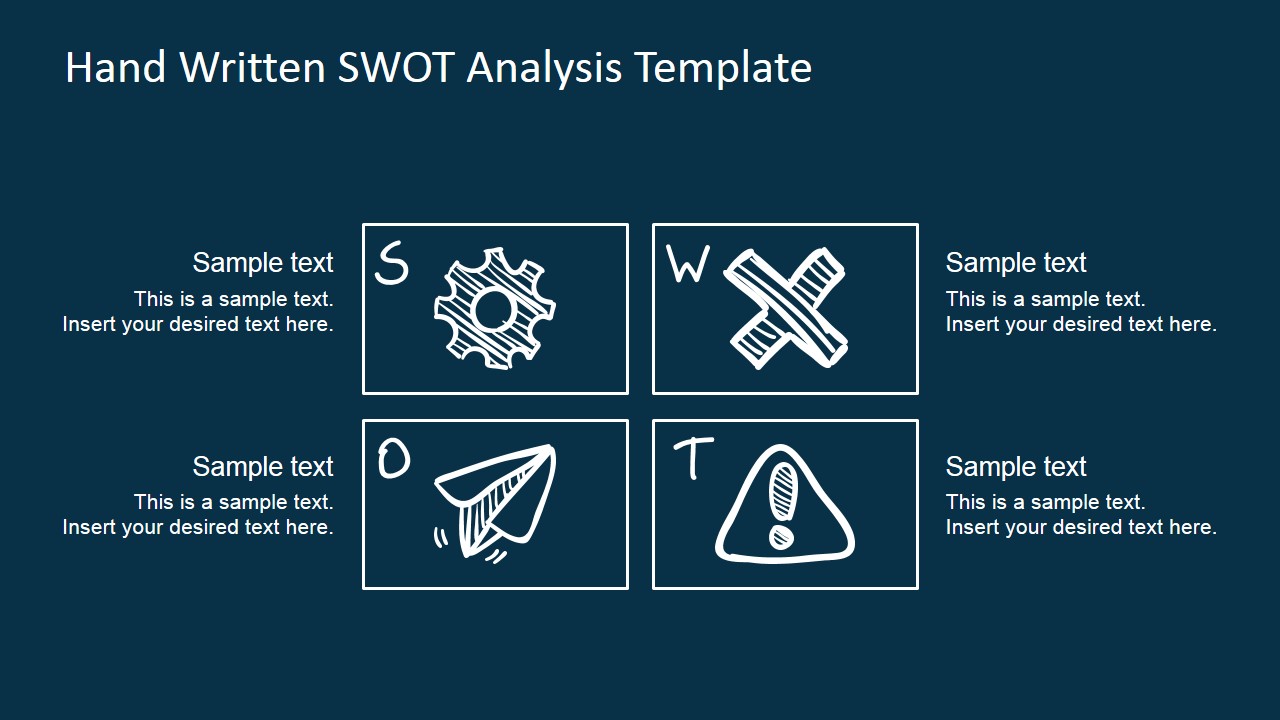
- A product manager can use the TOWS-style matrix with right-side notes to compare internal capabilities against external market conditions during roadmap planning.
Features
- 100% editable presentation template
- Compatible with Microsoft PowerPoint and Google Slides
- 16:9 aspect ratio slides
- Scalable vector shapes, icons and illustrations
- AI-Ready for Microsoft Copilot and Claude
- Instant access and download
Frequently asked questions
Q: How should a presenter structure a clear SWOT discussion with this template?
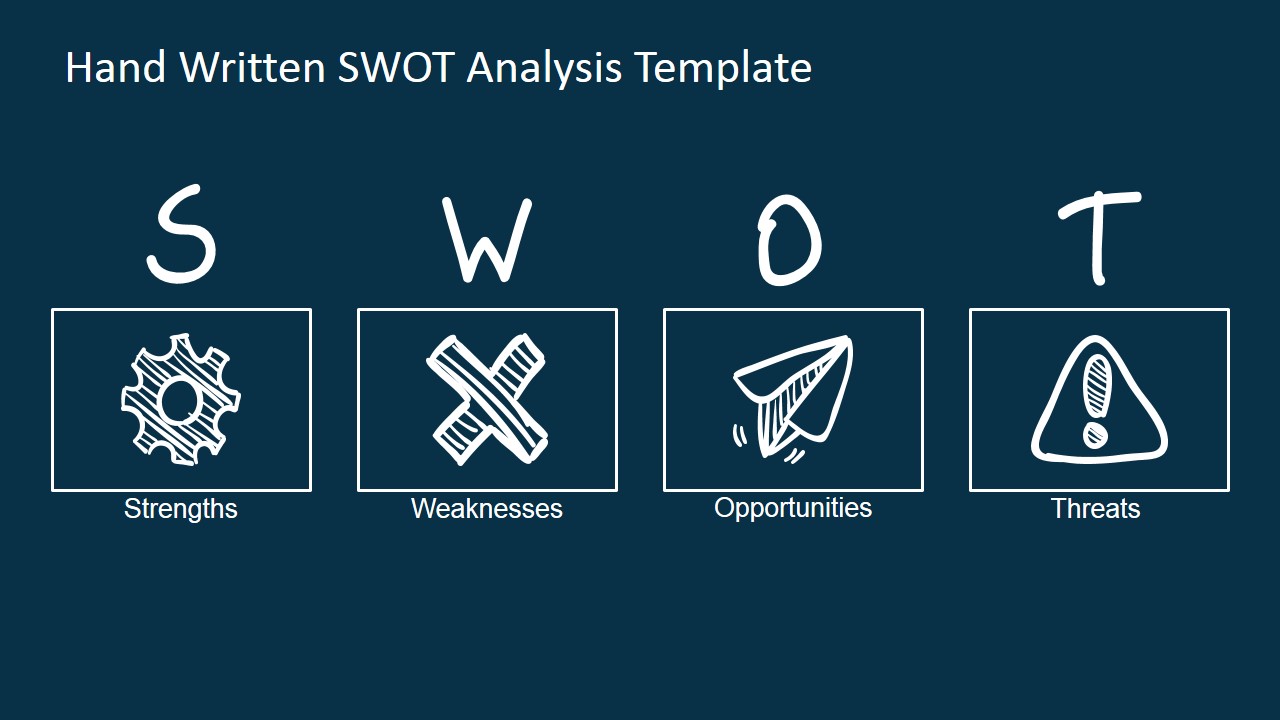
A: Start with the icon overview to define the four categories, then use the full matrix to show how the factors relate. After that, move through the focused quadrant slides one at a time. The scribbled inactive areas help keep attention on the current point instead of asking the audience to read every quadrant at once.
Q: Who benefits most from the handwritten SWOT style?
A: This template fits presenters who want a structured analysis without making the session feel too formal. Consultants, startup founders, instructors, and workshop facilitators can use the sketch style to invite discussion while still organizing ideas into the familiar strengths, weaknesses, opportunities, and threats framework.
Q: Why use scribble marks and hand-drawn icons in a strategy matrix?
A: The handwritten visual metaphor signals a working session rather than a finished report, which can make participants more comfortable contributing ideas. The icons create fast recognition for each SWOT category, while the crossed-out quadrants on focus slides show that the presenter is narrowing the discussion deliberately.


SWOT Analysis Handwritten Shapes for PowerPoint
7-slide presentation template for handwritten SWOT matrix and TOWS strategy review layouts
SWOT Analysis Handwritten Shapes for PowerPoint is a 7-slide strategy presentation template for Microsoft PowerPoint and Google Slides. It includes a handwritten SWOT icon row, four-quadrant matrix, TOWS-style matrix with notes, and focused quadrant slides for strengths, weaknesses, opportunities, and threats.
- Category
- Strategy
- Rating


 Loading...
- Aspect ratio
- 16:9, 4:3
- Item ID
- 7147-01
- Colors
 Microsoft PowerPoint
  Microsoft Copilot
  Claude for PowerPoint
 Other formats supported
Subscribe today and get immediate
access to download our PowerPoint templates.