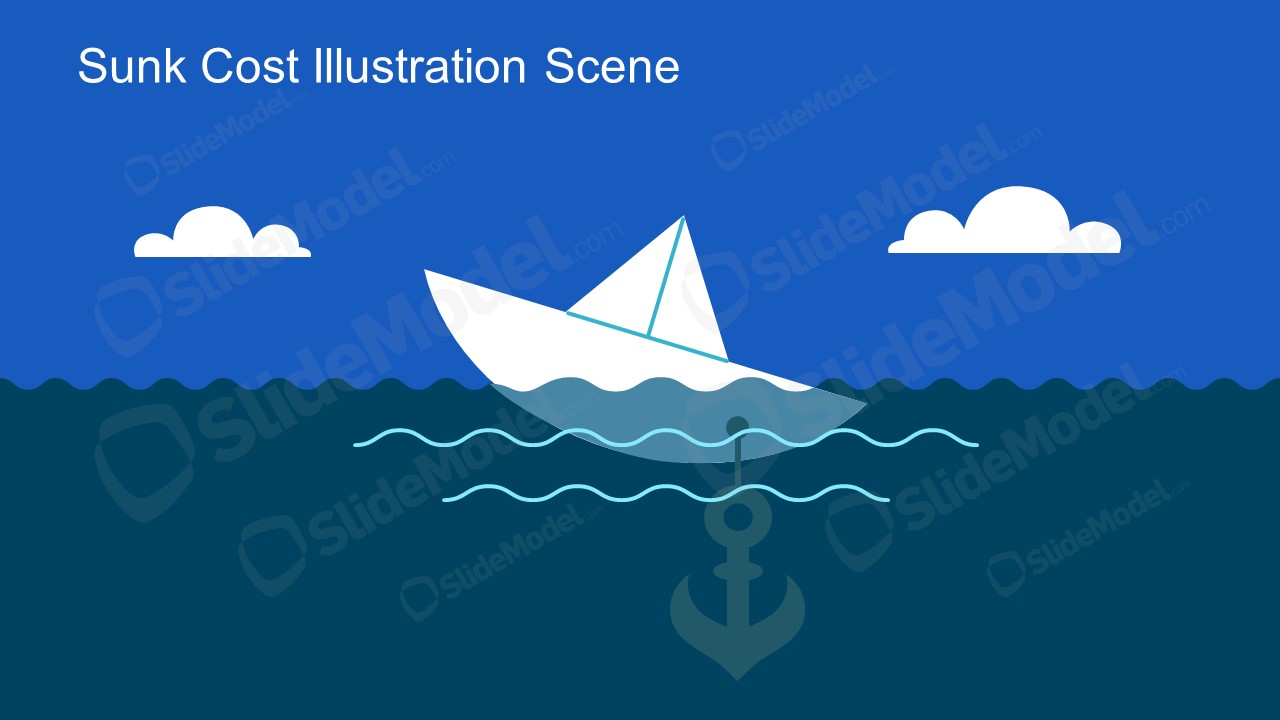
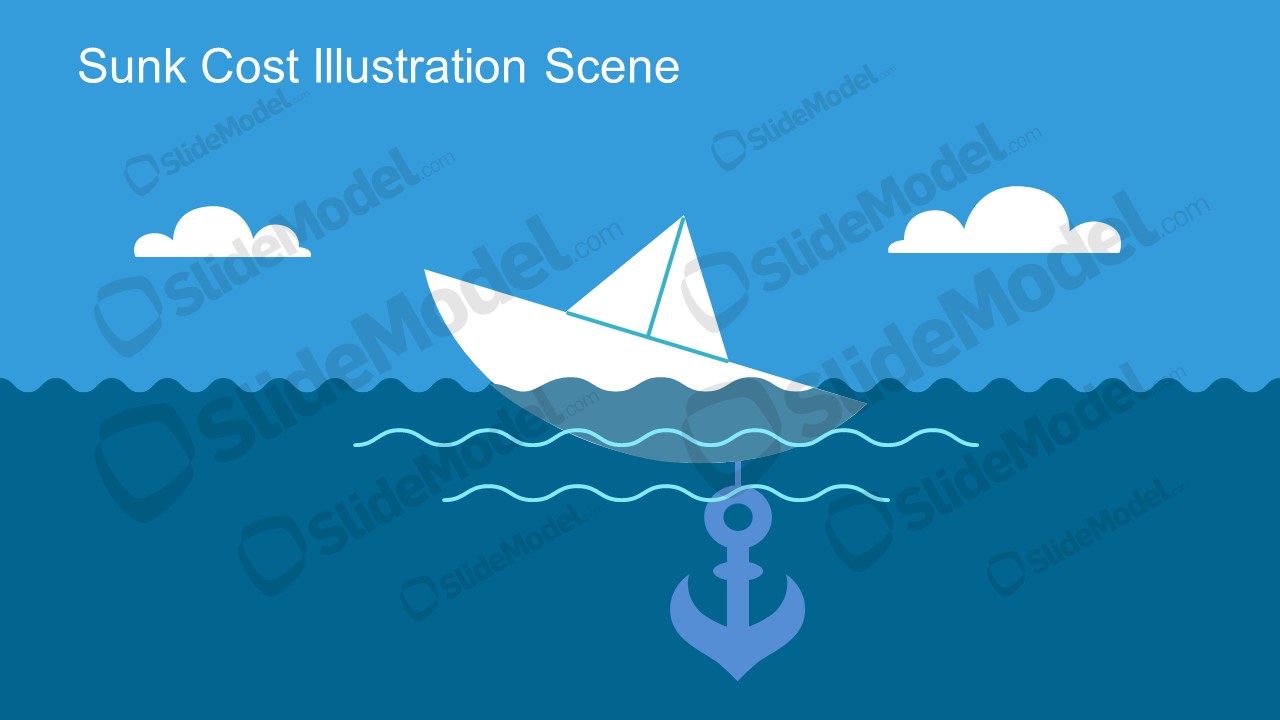
The Sunk Cost Illustration Scene for presentations is a PowerPoint presentation template with a visual metaphor representing a sunk cost and business decision. The sunk cost is unrecoverable costs. The ship in the ocean is an illustration scene for the sunk cost metaphor. The cartoon graphics make the presentation more engaging. You can add these vector images to business and education presentations. You can use this scene in your business presentations as an example to help explaining sunk costs. Alternatively, you can download other vector images and illustrations to use in your presentations and visual slides.
What’s inside this template
Example presentation scenarios
- A finance educator can introduce the sunk cost fallacy by showing the boat and anchor scene before defining why past spending should not control future decisions.
- A strategy consultant can open a project review with the submerged anchor metaphor to frame a discussion about ending an unproductive initiative.
- A corporate trainer can use the alternate blue version as a visual prompt during a decision-making workshop about bias, commitment, and resource allocation.
- A project manager can use the scene in a leadership update to explain why continuing a failing project may keep the organization tied to an unrecoverable cost.
Features
- 100% editable presentation template
- Compatible with Microsoft PowerPoint and Google Slides
- 16:9 aspect ratio slides
- Scalable vector shapes, icons and illustrations
- AI-Ready for Microsoft Copilot and Claude
- Instant access and download
Frequently asked questions
Q: How should a presenter explain the sunk cost message with this illustration?
A: Start with the visible relationship between the boat and the anchor: the boat represents the current decision, while the anchor represents money, time, or effort already spent. Then connect the metaphor to the audience's own choice point. Keep supporting text brief so the illustration remains the main teaching device.
Q: For which presentations is this scene a good fit?
A: This scene fits business education, finance training, project review, and consulting presentations where the goal is to make a behavioral economics idea easy to remember. It is most useful for presenters who need a quick conceptual slide before moving into options, criteria, or a recommendation.
Q: Why does the ship and anchor metaphor work for sunk cost?
A: The anchor gives the abstract idea a physical form: something below the surface that restricts movement. Because the boat is still visible and moving on the water, the audience can quickly understand the tension between past commitments and future direction without needing a dense explanation first.
Sunk Cost Illustration Scene for Presentations
2-slide presentation template with maritime sunk cost metaphor scenes for PowerPoint and Google Slides
The Sunk Cost Illustration Scene for Presentations is a 2-slide, 16:9 illustration template for explaining unrecoverable costs through a maritime metaphor. It includes a title illustration scene, sinking boat visual, submerged anchor metaphor, waves, clouds, and alternate blue color treatment for business or education use in PowerPoint and Google Slides.
- Category
- People & Silhouettes
- Rating

 Loading...
- Aspect ratio
- 16:9
- Item ID
- 970051-01
- Colors
 Microsoft PowerPoint
  Microsoft Copilot
  Claude for PowerPoint
 Other formats supported
Subscribe today and get immediate
access to download our PowerPoint templates.