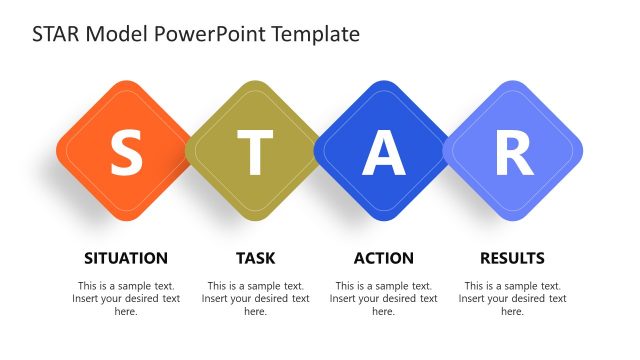
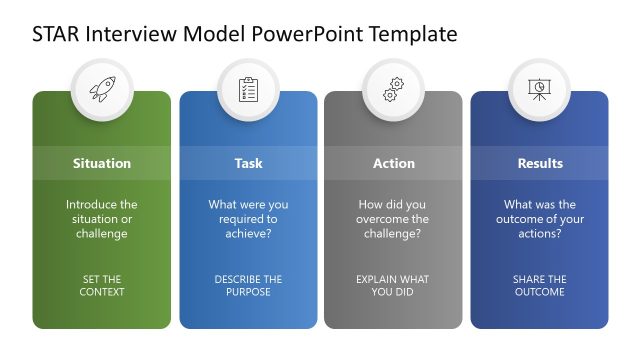
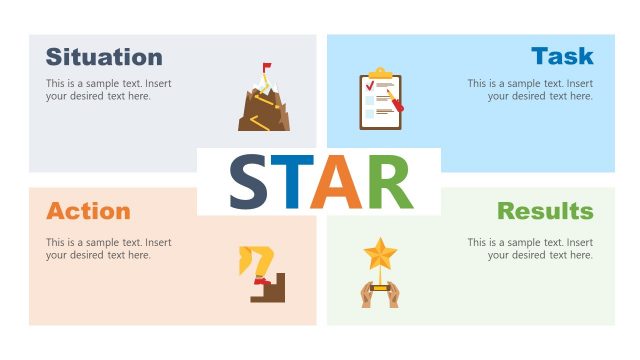
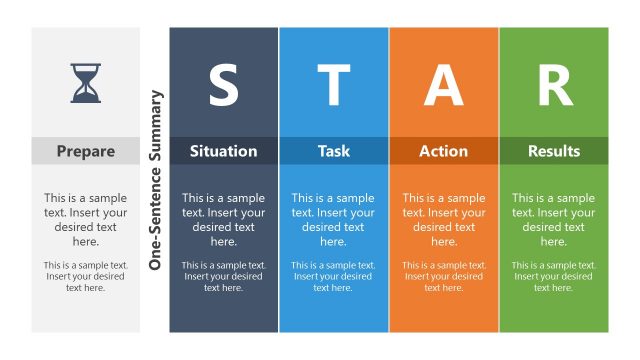
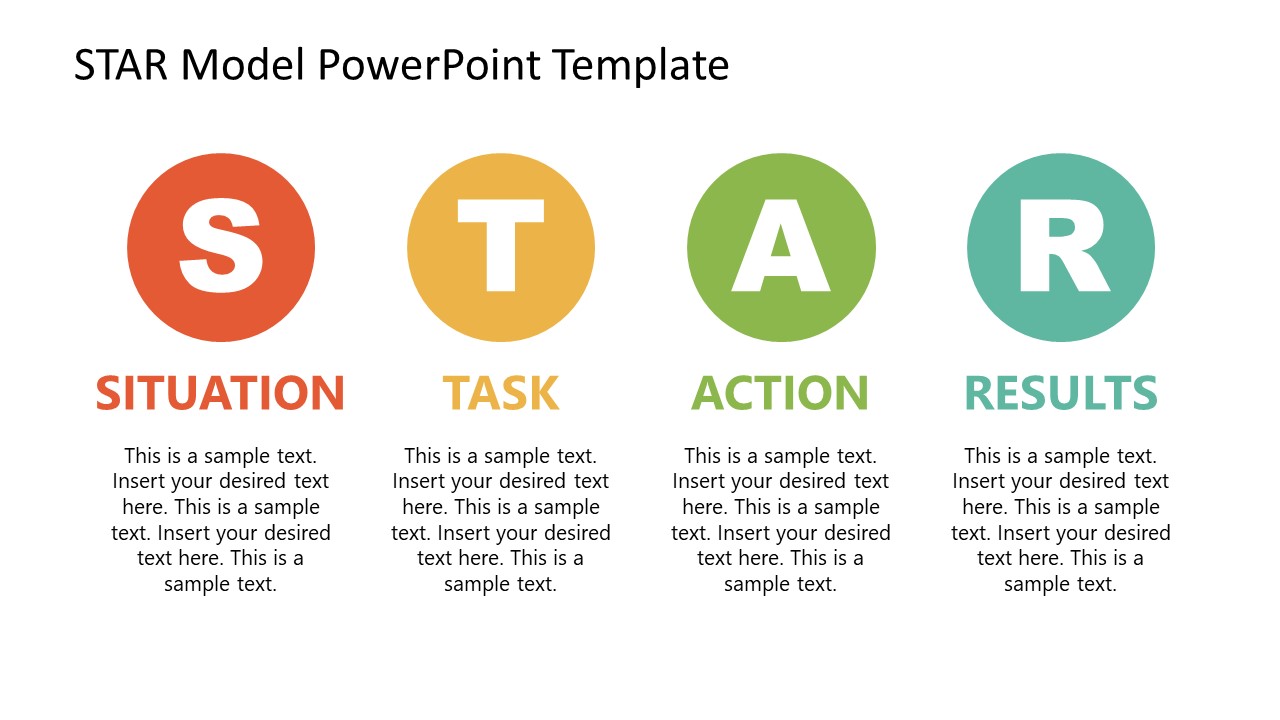
The STAR Model PowerPoint Template is a visual representation of the acronym STAR. STAR is a model people use when answering behavioral questions, usually in an interview. With this template, presenters can demonstrate each of the components of this model: situation, task, action, and result.
The STAR method provides interviewees with a structured way to respond to questions about behavioral situations. The S, or situation, represents the description of the situation the interviewee was in when they had a task they needed to accomplish. The T, or task, stands for the goal the interviewee was working toward. The A, or action, represents the things the individual did to address the situation and carry out the task. Finally, the R, or result, describes the outcomes of the actions, including what the individual learned and direct or indirect effects.
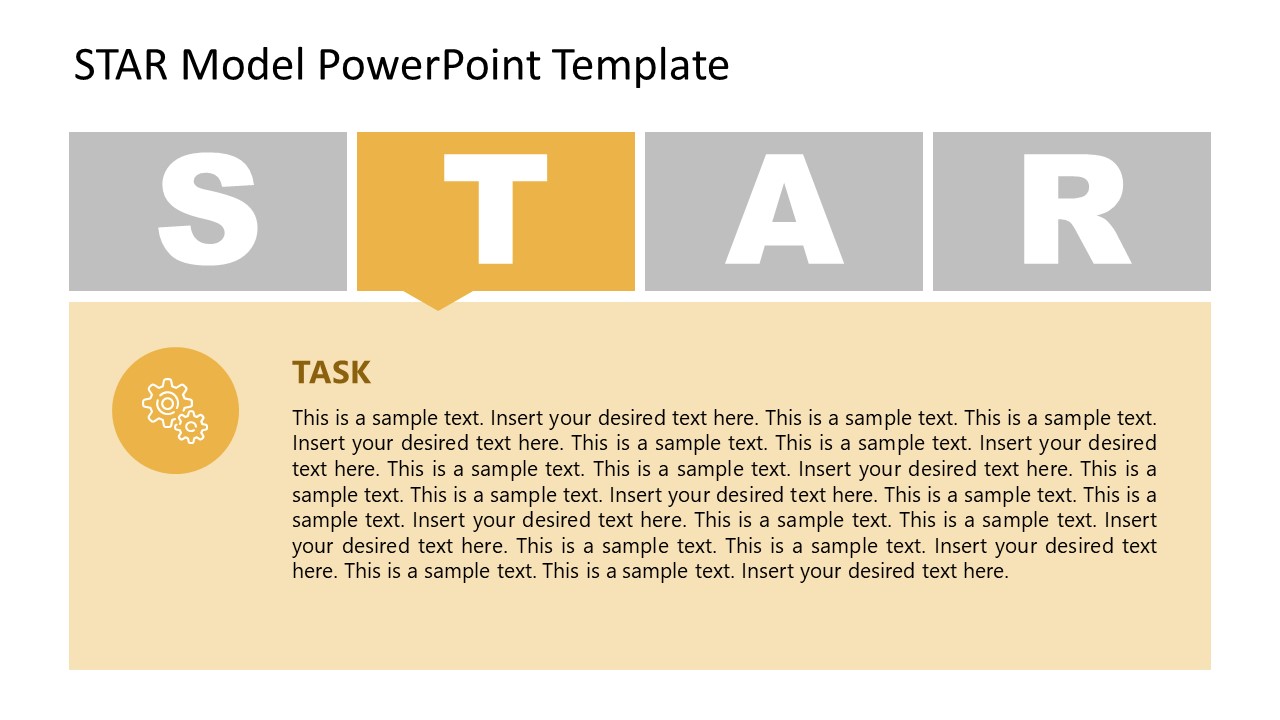
This PPT template provides presenters with a clear structure for demonstrating each of these components. You’ll find slide templates where you can add information for each of the four letters on the same slide. You’ll also find a slide that highlights each of the letters. Here, you can go into more detail about each particular component, whether it’s situation, task, action, or result.
These slides are compatible with Google Slides presentations and PPT presentations alike. Use them as stand-alone presentations or incorporate them into other presentations. Easily change the color palette according to preference or branding needs. While this STAR model template is specifically geared towards the STAR method, the basic structure can be modified to reflect another 4 letter acronym or concept, for example to model a SWOT Analysis slide.
With this template, users will be able to quickly and easily turn their presentation into a professional and attractive piece with little to no effort
What’s inside this template
Example presentation scenarios
- A career coach can use the four-column STAR overview to teach job seekers how to separate context, responsibility, action, and outcome before practicing interview answers.
- An HR trainer can use the Situation, Task, Action, and Results detail panels to explain what hiring teams expect in behavioral interview responses.
- A recruiter can use the circular acronym slide during a candidate workshop to define each STAR component before asking participants to draft examples.
- A university career services presenter can use the active-letter detail slides to guide students through one interview story step by step.
Features
- 100% editable presentation template
- Compatible with Microsoft PowerPoint and Google Slides
- 16:9 aspect ratio slides
- Scalable vector shapes, icons and illustrations
- AI-Ready for Microsoft Copilot and Claude
- Instant access and download
Frequently asked questions
Q: How should I present the STAR method with this template so the audience can apply it?
A: Start with the full four-column overview so the audience sees the complete response structure. Then move through the Situation, Task, Action, and Results detail panels in order. Ask participants to fill one interview example across the four parts, keeping each text block concise and evidence-based rather than turning the answer into a long story.
Q: Who is this template best suited for in a business or training setting?
A: This template fits presenters who need to teach behavioral interview preparation quickly and clearly. HR trainers, recruiters, career coaches, workforce development teams, and university career services staff can use the STAR acronym layouts to explain answer structure, run practice exercises, or help job seekers convert experience into organized interview responses.
Q: Why does the design use repeated STAR tabs and one highlighted letter per detail slide?
A: The repeated S, T, A, R header acts as a visual map. Gray inactive tabs show the full method while the colored active tab tells the audience which component is under discussion. This reduces cognitive load, keeps the acronym memorable, and makes each detail slide feel connected to the same framework.




STAR Model PowerPoint Template
5-slide STAR interview presentation template with acronym cards and component detail panels
The STAR Model PowerPoint Template is a 5-slide presentation template for explaining the Situation, Task, Action, Results interview method. It includes four-column STAR cards, circular acronym icons, and individual detail panels for Situation, Task, Action, and Results. It is built for HR trainers, career coaches, job seekers, Microsoft PowerPoint, and Google Slides.
- Category
- Models
- Rating

 Loading...
- Aspect ratio
- 16:9
- Item ID
- 90121-02
- Colors
 Microsoft PowerPoint
 Microsoft Copilot
 Claude for PowerPoint
Other formats supported
Subscribe today and get immediate
access to download our PowerPoint templates.