Slide 2 of 6 from SMART Objectives Slide Design for PowerPoint
Specific Description Slide of SMART Criteria
SMART Objectives Overview Slide
- Diagram
- Comparison Split
- Concept Explanation Slide
- 16:9
- 100% Editable
The SMART Objectives Overview slide from the SMART Objectives Slide Design for PowerPoint template visually breaks down the Specific, Measurable, Attainable, Relevant, and Time-Bound criteria using a clear, segmented layout. This slide layout is ideal for business presentation templates focused on goal-setting and project management, offering editable shapes and a structured format that supports training and performance discussions.
What’s on This Slide
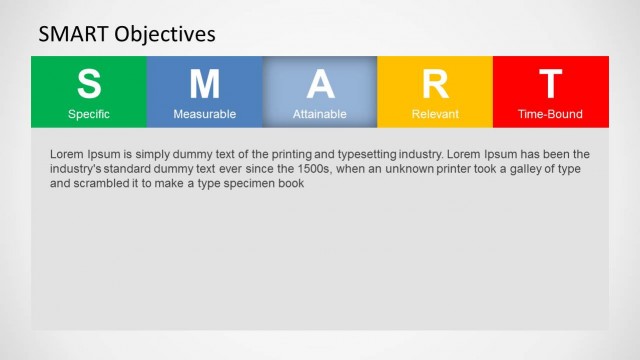
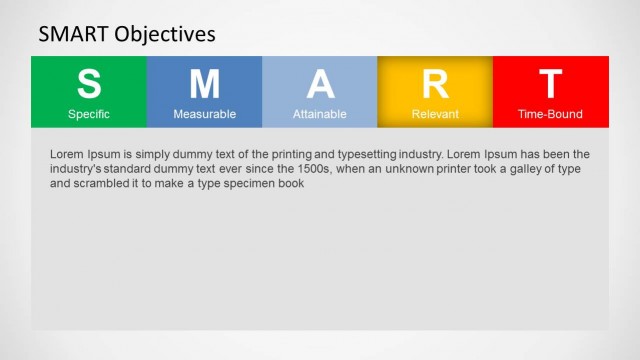
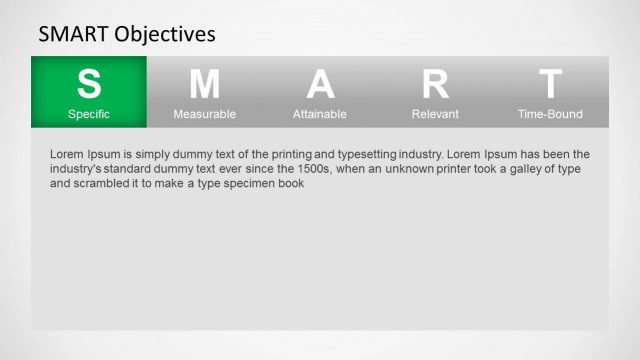
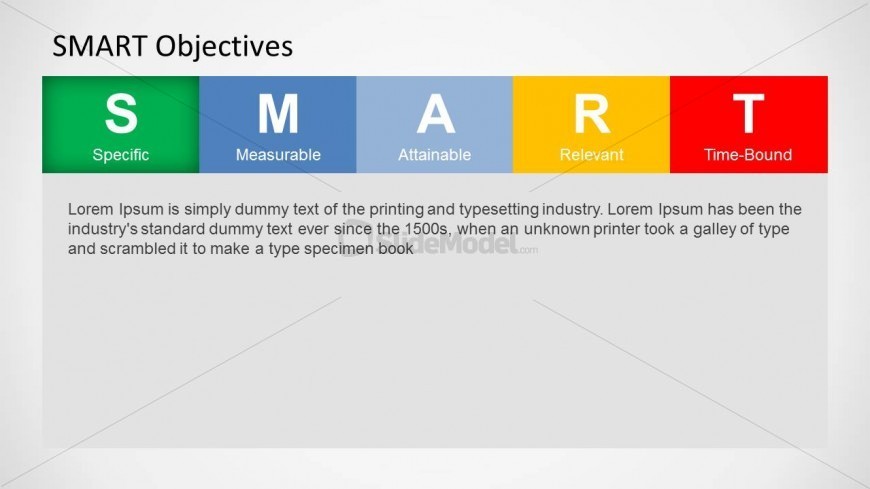
The slide features a horizontal layout with five colored segments labeled S, M, A, R, and T, representing Specific, Measurable, Attainable, Relevant, and Time-Bound. Each segment is a rectangle, with the first segment in green, the second in blue, the third in light blue, the fourth in yellow, and the last in red. Below the segments, there is a text placeholder for a description, aligned left, occupying the lower half of the slide. The overall composition is clean, with a light background that enhances the visibility of the colored segments and text.
How to Use It
This layout serves to present the SMART criteria for goal setting in a clear, structured manner. It fits well after an introductory slide on objectives, providing a visual breakdown of each criterion. This slide is useful for training sessions, project management meetings, or performance evaluations, where clarity in goal-setting is essential. It can be used individually or as part of a series to elaborate on each SMART component in detail.
Text Placeholders & Capacity
Keep your copy within these limits so it fits without resizing. Body slots can hold around 50-60 words each.
| Placeholder | Count | Max characters (approx.) |
|---|---|---|
| Slide title | 1 | 30 |
| Item heading | 5 | 10 |
| Item body | 5 | 50 |
| Body paragraph | 1 | 300 |
Slide Keywords
Download unlimited PowerPoint templates, charts and graphics for your presentations with our annual plan.
DOWNLOADReturn to SMART Objectives Slide Design for PowerPoint.