Slide 3 of 6 from SMART Objectives Slide Design for PowerPoint
Measurable Objectives Slide Description of SMART Criterion
SMART Objectives Overview Slide
- Diagram
- Other
- Concept Explanation Slide
- 16:9
- 100% Editable
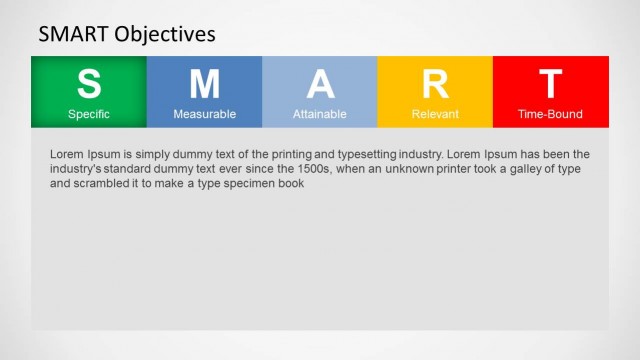
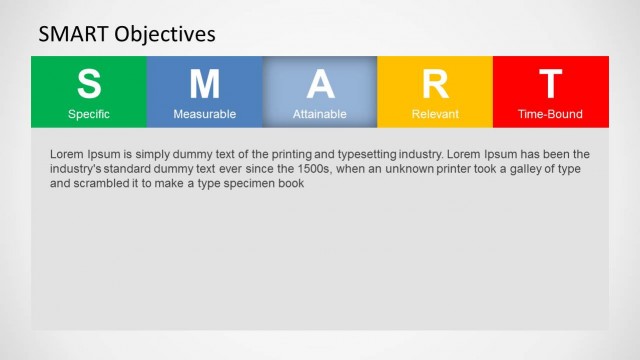
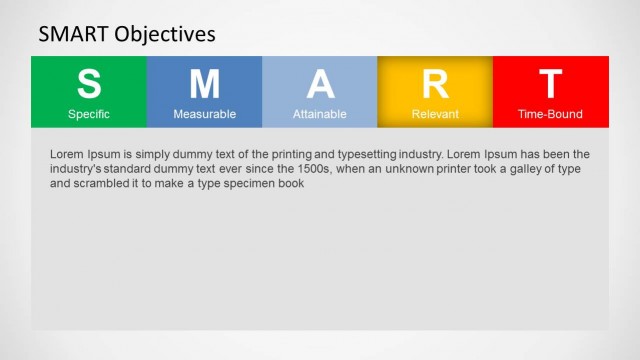
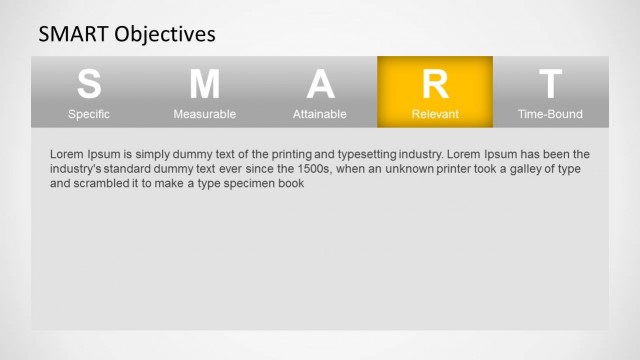
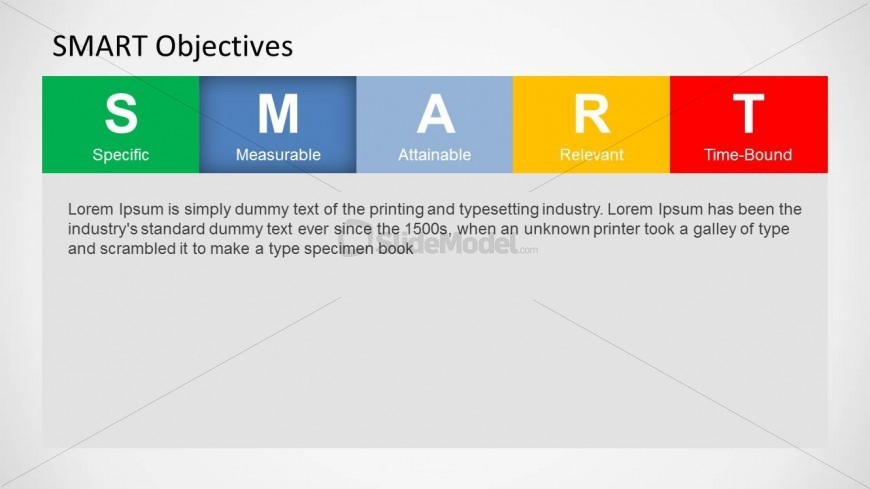
The SMART Objectives Overview slide from the SMART Objectives Slide Design for PowerPoint template visually breaks down the key components of effective goal-setting. This slide layout uses colored segments to highlight Specific, Measurable, Attainable, Relevant, and Time-Bound criteria, making it a practical addition to business presentation templates focused on project management and team training. Its clear design supports strategic discussions and enhances understanding of objective-setting frameworks within editable slides.
What’s on This Slide
The slide features a horizontal arrangement of five colored segments labeled S, M, A, R, and T, representing Specific, Measurable, Attainable, Relevant, and Time-Bound. Each segment has a distinct background color: green for Specific, blue for Measurable, orange for Attainable, yellow for Relevant, and red for Time-Bound. Below the segments, there is a large text placeholder for a description, aligned left, with a light gray background. The visual hierarchy emphasizes the acronym, with segments evenly spaced and the title prominently displayed at the top center.
How to Use It
This layout serves as an overview of SMART objectives, ideal for presentations on goal-setting or project management. It fits well after introductory slides that define SMART criteria, providing a clear visual representation of each component. This structure is useful for training sessions, workshops, or strategic planning meetings where clarity on objectives is essential. It can also be adapted for individual or team goal discussions, ensuring all participants understand the SMART framework.
Text Placeholders & Capacity
Keep your copy within these limits so it fits without resizing. Body slot can hold about 50 words comfortably.
| Placeholder | Count | Max characters (approx.) |
|---|---|---|
| Slide title | 1 | 30 |
| Item heading | 5 | 15 |
| Item body | 5 | 50 |
| Body paragraph | 1 | 300 |
Slide Keywords
Download unlimited PowerPoint templates, charts and graphics for your presentations with our annual plan.
DOWNLOADReturn to SMART Objectives Slide Design for PowerPoint.