Slide 5 of 6 from SMART Objectives Slide Design for PowerPoint
Relevant Slide Design of SMART Objectives Criteria
SMART Objectives Breakdown Slide
- Diagram
- Matrix Quadrant
- Concept Explanation Slide
- 16:9
- 100% Editable
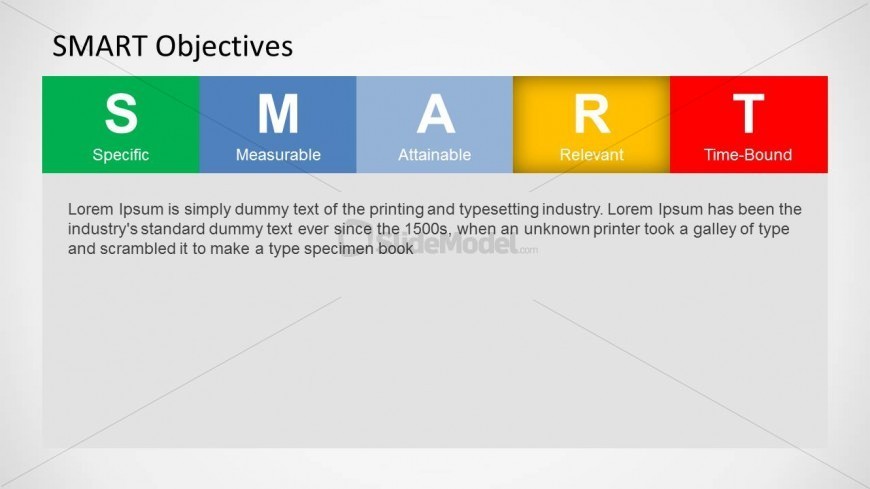
The SMART Objectives Breakdown slide from the SMART Objectives Slide Design for PowerPoint template visually explains the Specific, Measurable, Attainable, Relevant, and Time-Bound criteria. This slide layout is ideal for business presentation templates focused on goal setting and performance management, featuring editable shapes and a clear diagrammatic structure to enhance understanding in corporate presentations and project management training.
What’s on This Slide
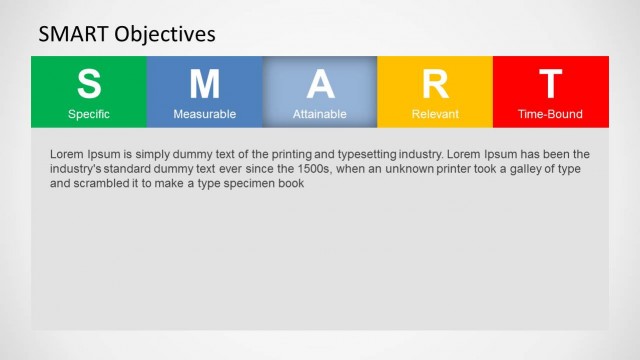
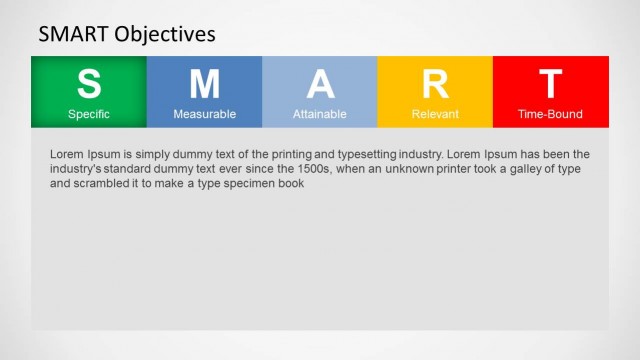
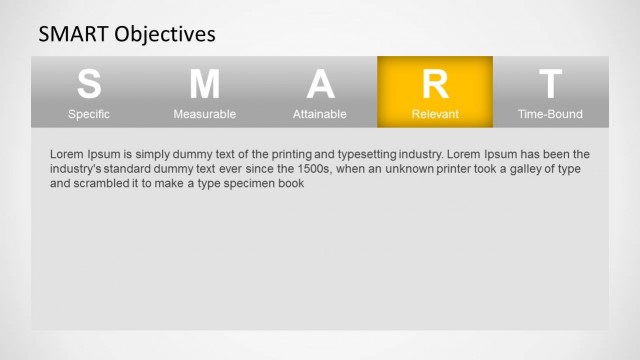
The slide features a horizontal layout with five colored segments labeled S, M, A, R, and T, representing Specific, Measurable, Attainable, Relevant, and Time-Bound. Each segment has a distinct background color: green for Specific, blue for Measurable, orange for Attainable, yellow for Relevant, and red for Time-Bound. Below the segments, there is a text placeholder aligned to the left, providing a description of the SMART criteria. The overall composition is clean, with a focus on the acronym and its definitions, creating a clear visual hierarchy.
How to Use It
This layout serves as a visual representation of the SMART objectives framework, ideal for presentations on goal setting and performance management. It fits well in a sequence after introducing the concept of SMART goals, providing clarity and structure. This slide is useful for managers and trainers discussing project management strategies or personal development plans, allowing for an engaging explanation of each criterion.
Text Placeholders & Capacity
Keep your copy within these limits so it fits without resizing. Body slots can hold approximately 50-60 words each.
| Placeholder | Count | Max characters (approx.) |
|---|---|---|
| Slide title | 1 | 20 |
| Item heading | 5 | 10 |
| Item body | 5 | 50 |
| Body paragraph | 1 | 300 |
Slide Keywords
Download unlimited PowerPoint templates, charts and graphics for your presentations with our annual plan.
DOWNLOADReturn to SMART Objectives Slide Design for PowerPoint.