Slide 4 of 6 from SMART Objectives Slide Design for PowerPoint
Attainable Criteria of SMART Objective Settings Method
SMART Objectives Diagram for Presentations
- Diagram
- Comparison Split
- Concept Explanation Slide
- 16:9
- 100% Editable
What’s on This Slide
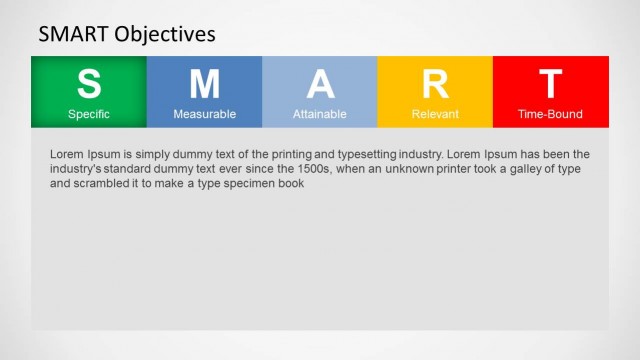
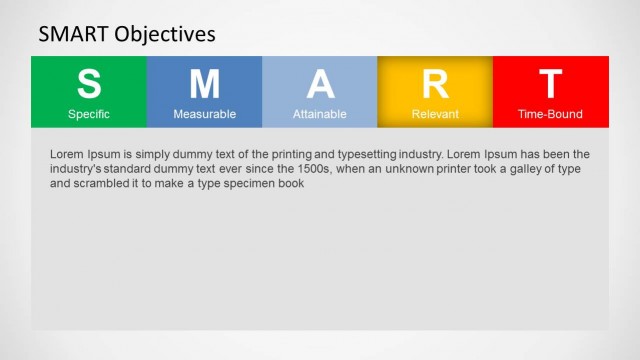
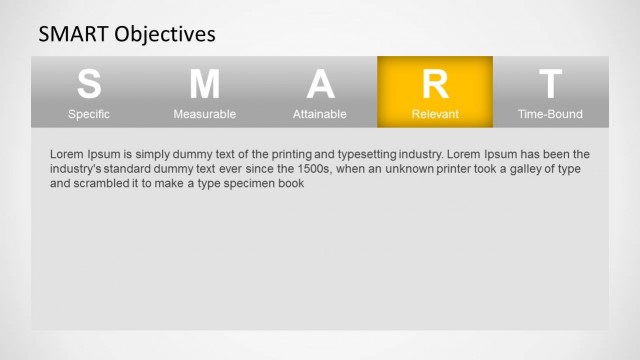
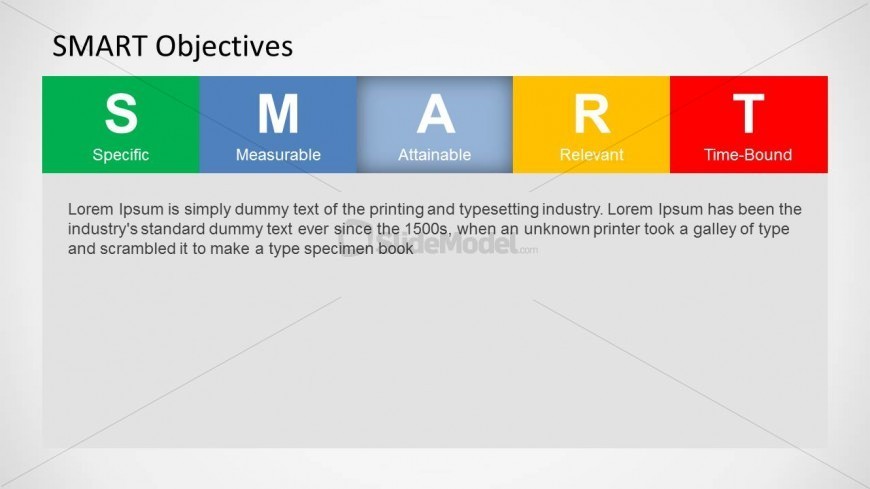
The layout features a horizontal bar divided into five colored segments labeled S, M, A, R, and T, representing Specific, Measurable, Attainable, Relevant, and Time-Bound. Each segment has a distinct background color: green for Specific, blue for Measurable, light blue for Attainable, yellow for Relevant, and red for Time-Bound. Below the segments, there is a large text placeholder for a description, aligned left, with a light gray background. The overall composition is structured to emphasize the acronym's components while providing space for explanatory text.
How to Use It
This layout serves as a visual representation of the SMART objectives framework, effectively summarizing the criteria for goal setting. It fits within a presentation sequence that discusses performance management or project planning. This slide is suitable for training sessions, team meetings, or project management discussions where clear goal definitions are necessary. It can be used to facilitate discussions on how to implement SMART goals in various business contexts.
Text Placeholders & Capacity
Keep your copy within these limits so it fits without resizing. Body slots can accommodate roughly 40-50 words each.
| Placeholder | Count | Max characters (approx.) |
|---|---|---|
| Slide title | 1 | 30 |
| Item heading | 5 | 10 |
| Item body | 5 | 20 |
| Body paragraph | 1 | 300 |
Slide Keywords
Download unlimited PowerPoint templates, charts and graphics for your presentations with our annual plan.
DOWNLOADReturn to SMART Objectives Slide Design for PowerPoint.