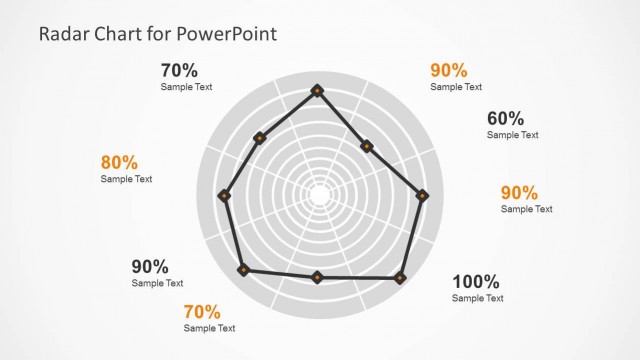
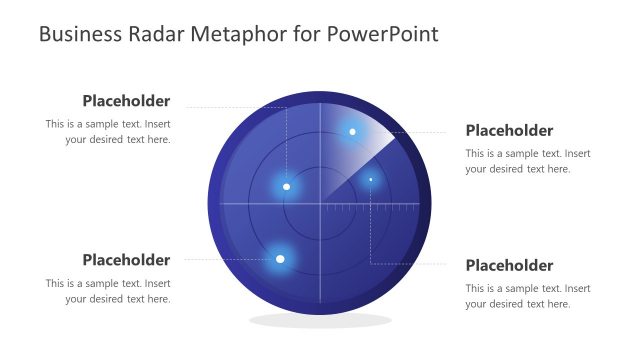
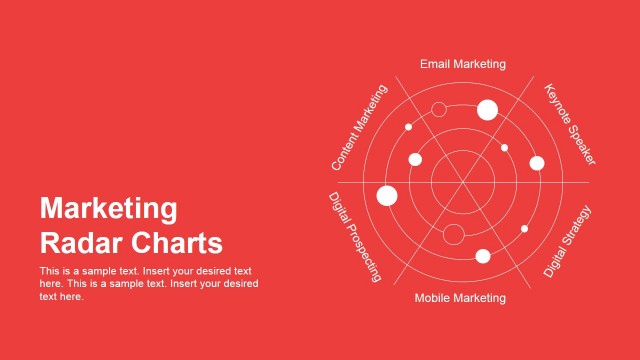
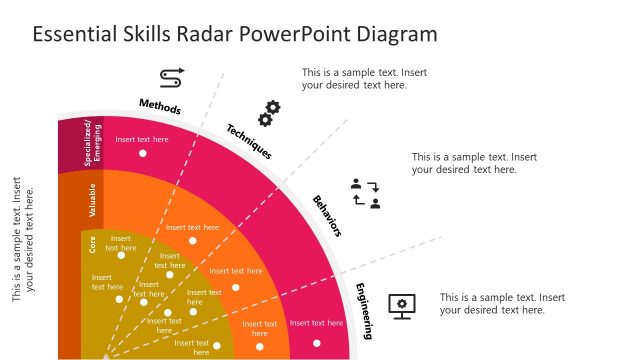
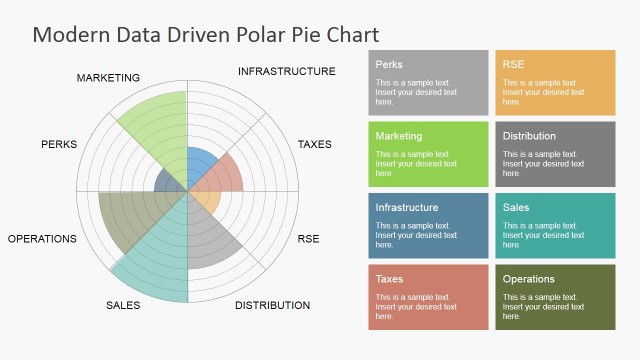
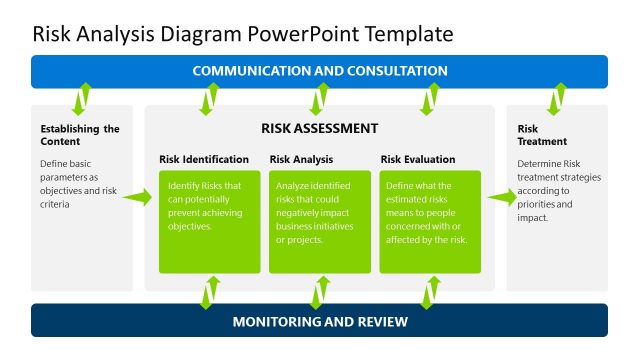
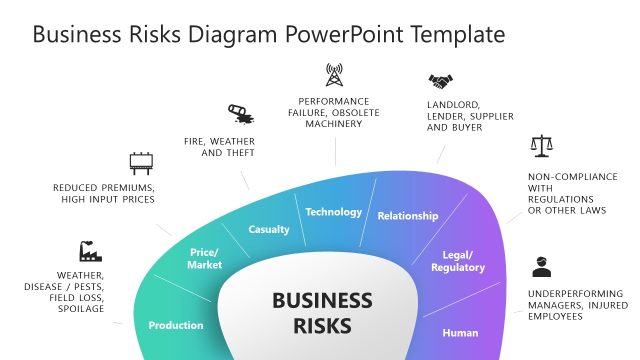
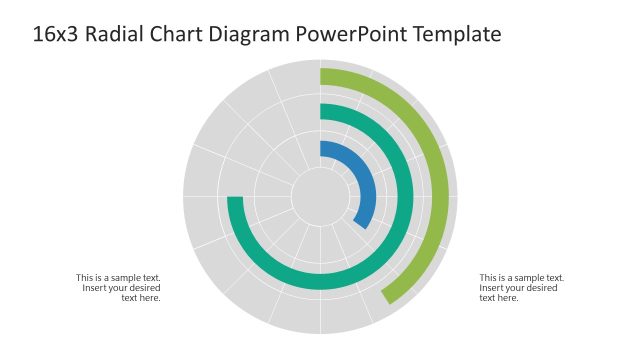
Simple Risk Radar PowerPoint Diagrams are perfectly suitable for quality development and product comparison demonstrations. These PowerPoint templates are effective in analyzing performance metrics, figures, and sales . Radar charts are specifically best in outlining positive and negative aspects in any ventures, like in business and marketing.
Radar PowerPoint Diagrams are also referred to as spider charts or web diagrams because of the concentric circles that start in the center of the chart and ends on the outer ring. These are the common benefits in using Radar PowerPoint Diagrams:
- Effective in delivering different variables in a given process
- Excellent way to get data comparison and analysis of any process and allows the viewer to see opportunities quickly
- Further, radar charts are visually striking, and can add interest to what would otherwise be a dry data presentation.
A Radar Chart is a graphical method of displaying multi-level data. Radar graphs allow you to simultaneously display properties. It allows easy visualization towards a particular variable or the distribution among all the characteristics.
These Radar templates contain fully editable slides with smart charts and diagrams in PowerPoint format. These are professionally crafted and evaluated by a team of experts to ensure quality and efficiency. We specifically recommend that you also see our Radar Chart Template for PowerPoint and more from our gallery of designs.
What’s inside this template
Example presentation scenarios
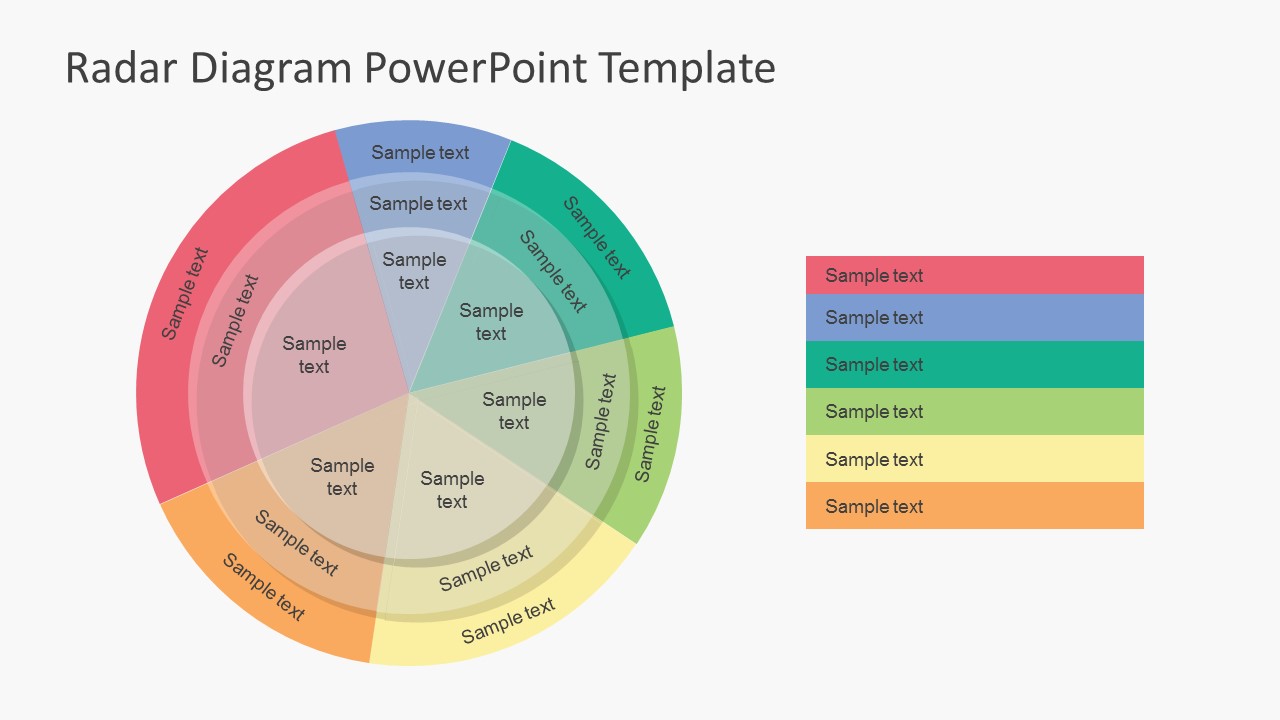
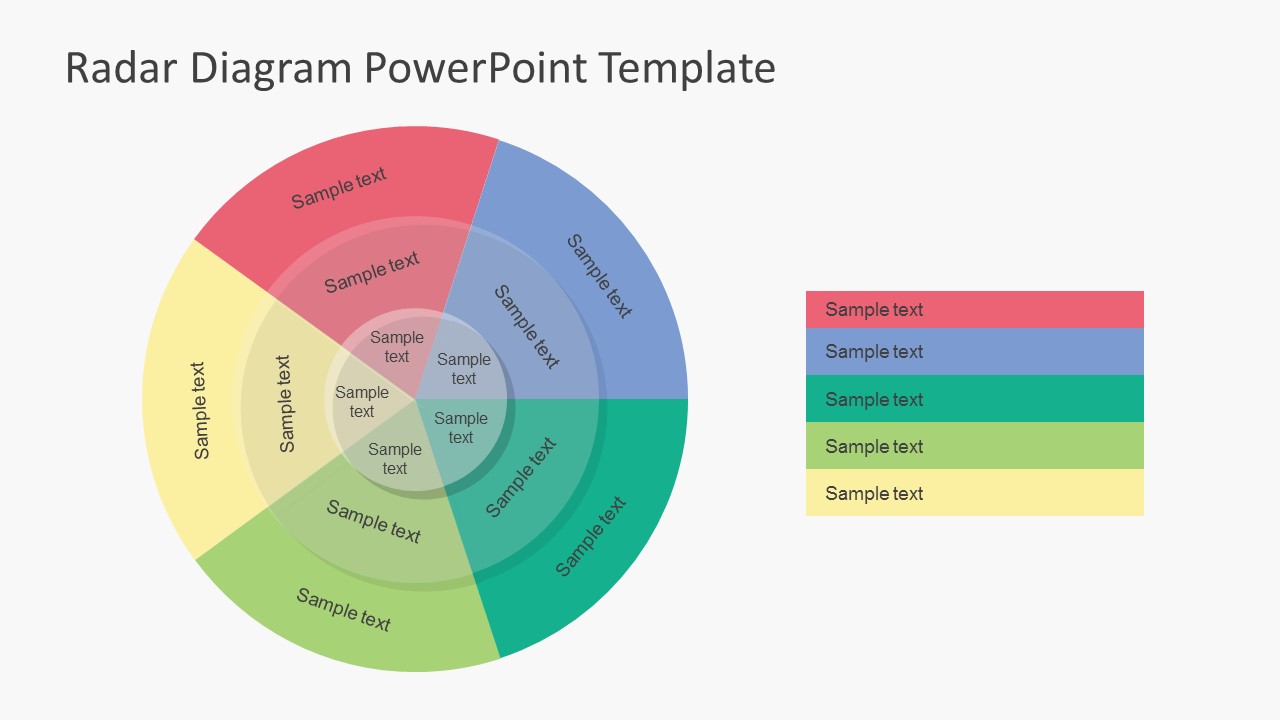
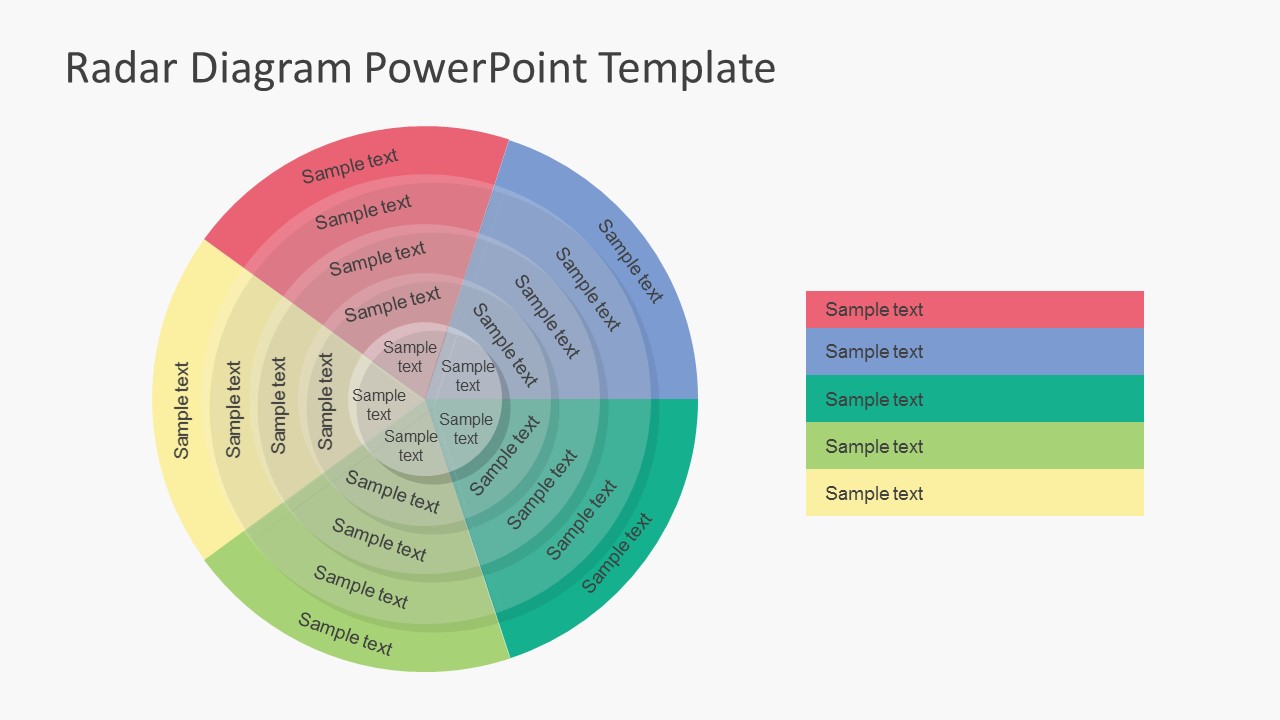
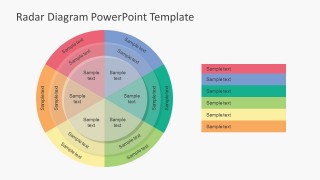
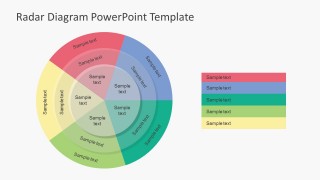
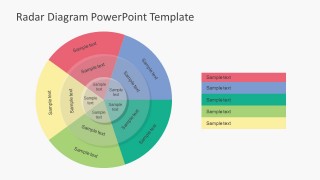
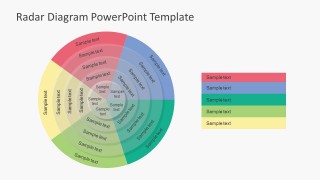
- A risk manager can present exposure across categories by using the multiring radar chart to show which areas sit closer to the outer rings.
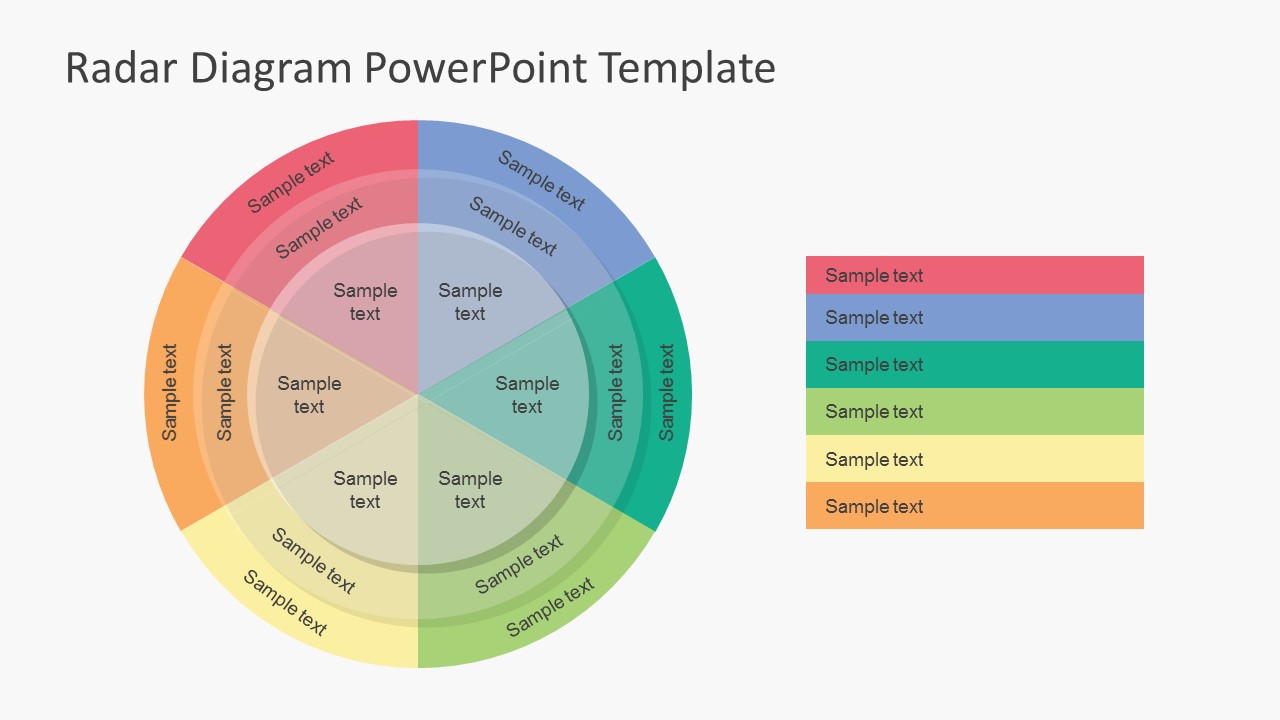
- A product manager can compare feature strengths by assigning product attributes to the colored radial segments and using the legend to define each category.
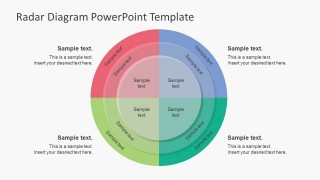
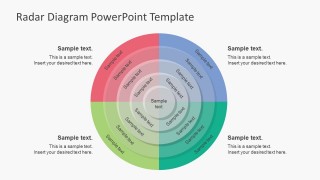
- A quality team can explain process maturity by placing capability levels across the concentric rings and adding short notes in the surrounding callout areas.
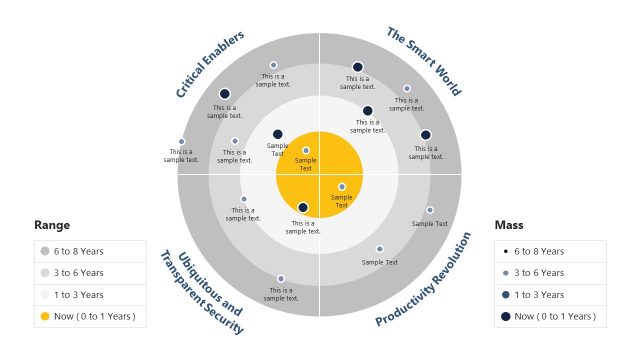
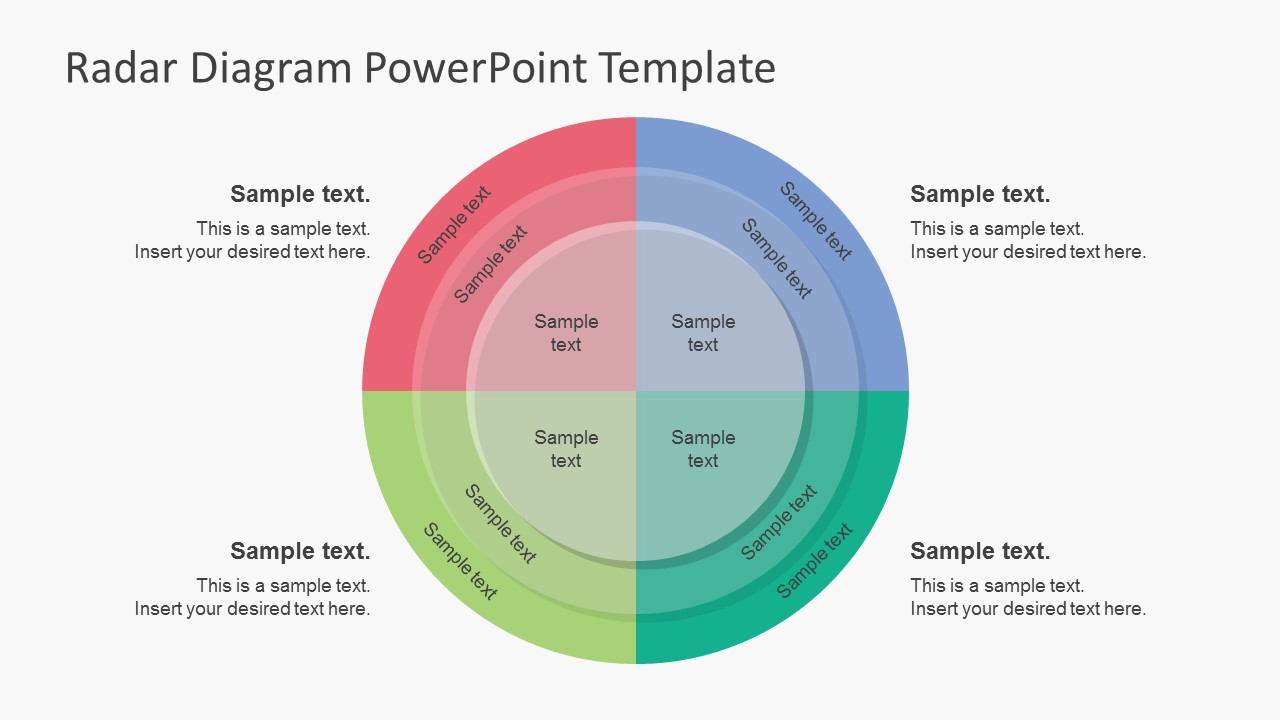
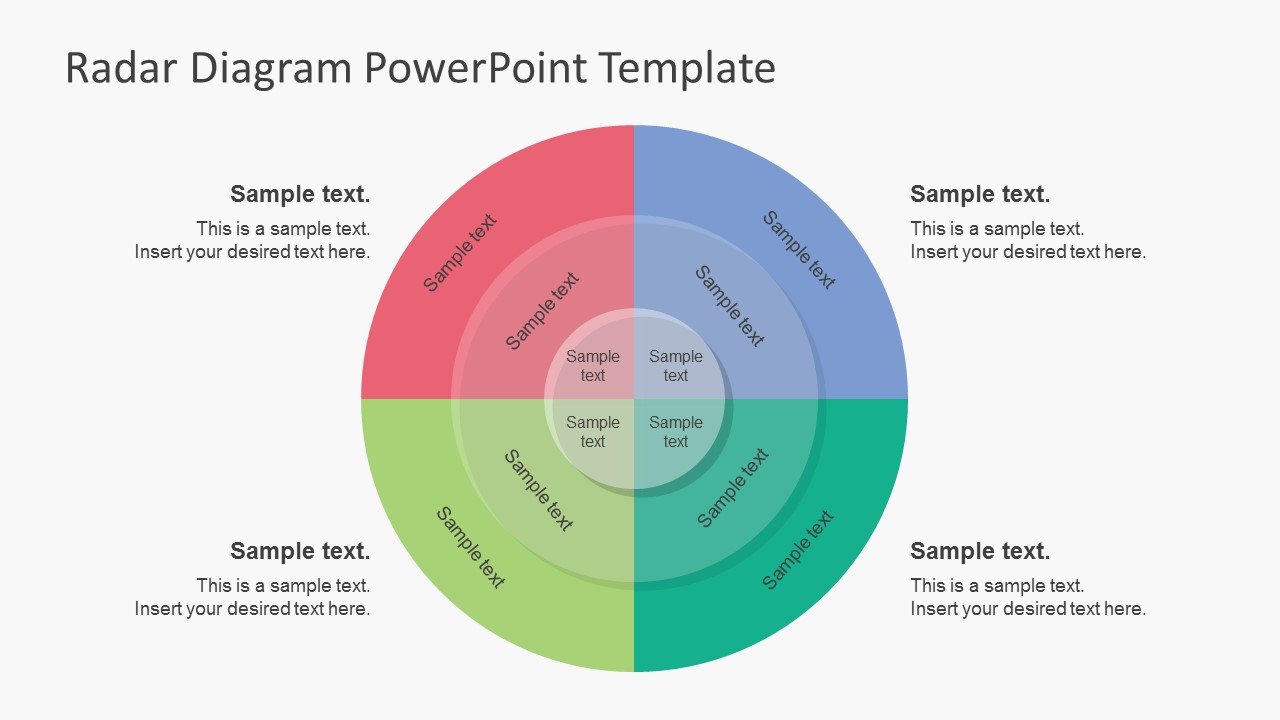
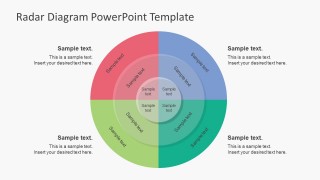
- A consultant can summarize a business assessment by using the four-quadrant radar layout to separate operational, financial, customer, and market dimensions.
Features
- 100% editable presentation template
- Compatible with Microsoft PowerPoint and Google Slides
- 16:9 aspect ratio slides
- Scalable vector shapes, icons and illustrations
- AI-Ready for Microsoft Copilot and Claude
- Instant access and download
Frequently asked questions
Q: How should a presenter explain a radar diagram without overwhelming the audience?
A: Start by defining the meaning of the rings and colored segments before discussing results. Use the legend slides for category naming, then move around the radar in a consistent clockwise order. Keep each segment label short and reserve surrounding callouts for the few findings that need interpretation or action.
Q: Who benefits most from this risk radar format?
A: This template fits analysts, managers, and consultants who need to compare several factors at once, such as risk exposure, product attributes, or process maturity. It is strongest when the audience must see relative balance across categories rather than read exact values from a dense table.
Q: Why use concentric radar rings instead of a standard list?
A: The web chart metaphor lets the audience see spread, imbalance, and concentration quickly. Concentric rings imply levels or intensity, while radial wedges separate topics. That structure makes it easier to spot categories that extend outward, remain underdeveloped, or need a follow-up discussion.


Simple Risk Radar PowerPoint Diagrams
8-slide presentation template for risk radar diagrams, polar charts, and business process comparisons
Simple Risk Radar PowerPoint Diagrams is an 8-slide diagram template for showing risk, performance, or product comparisons with radar layouts. It includes multiring web charts, quadrant radar views, radial segment legends, and surrounding callout layouts for business presenters. The files are made for Microsoft PowerPoint and Google Slides in 16:9 and 4:3.
- Category
- Diagrams
- Rating


 Loading...
- Aspect ratio
- 16:9, 4:3
- Item ID
- 7227-02
- Colors
 Microsoft PowerPoint
  Microsoft Copilot
  Claude for PowerPoint
 Other formats supported
Subscribe today and get immediate
access to download our PowerPoint templates.