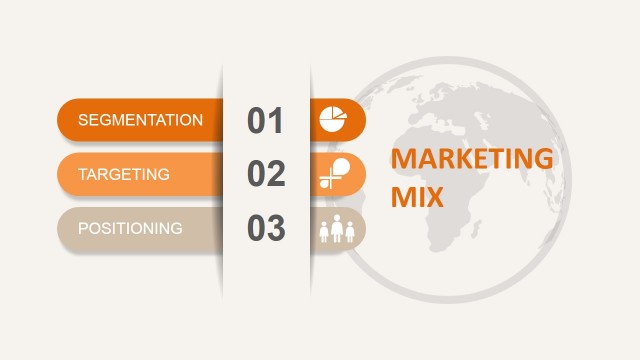
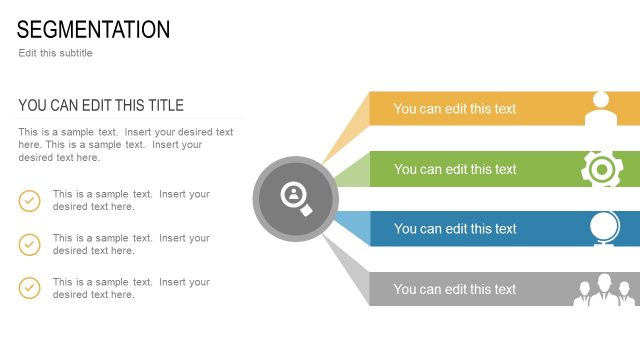
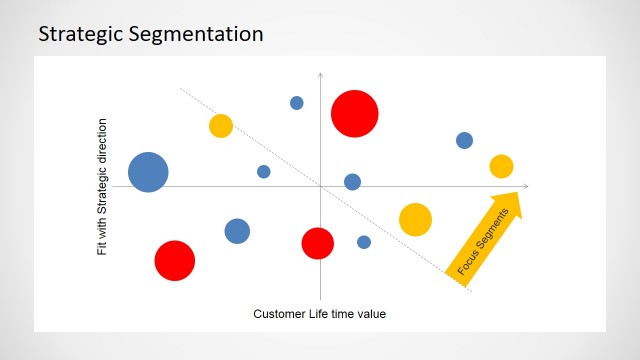
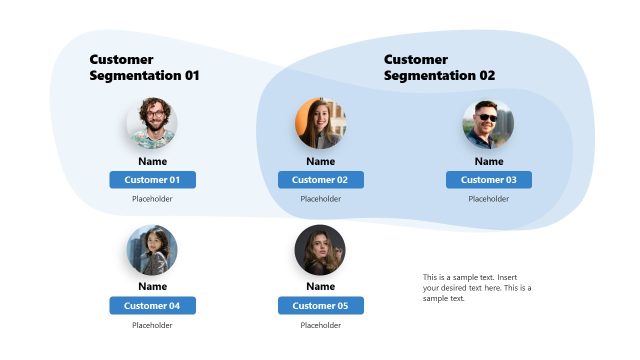
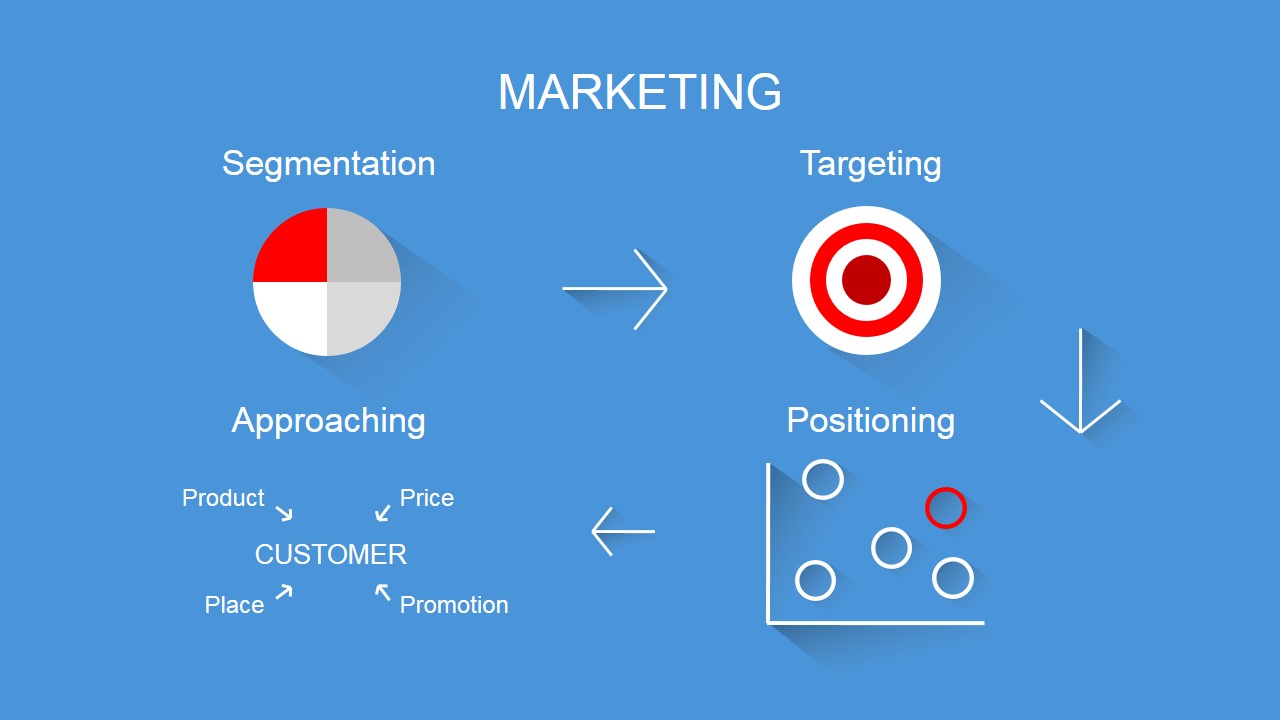
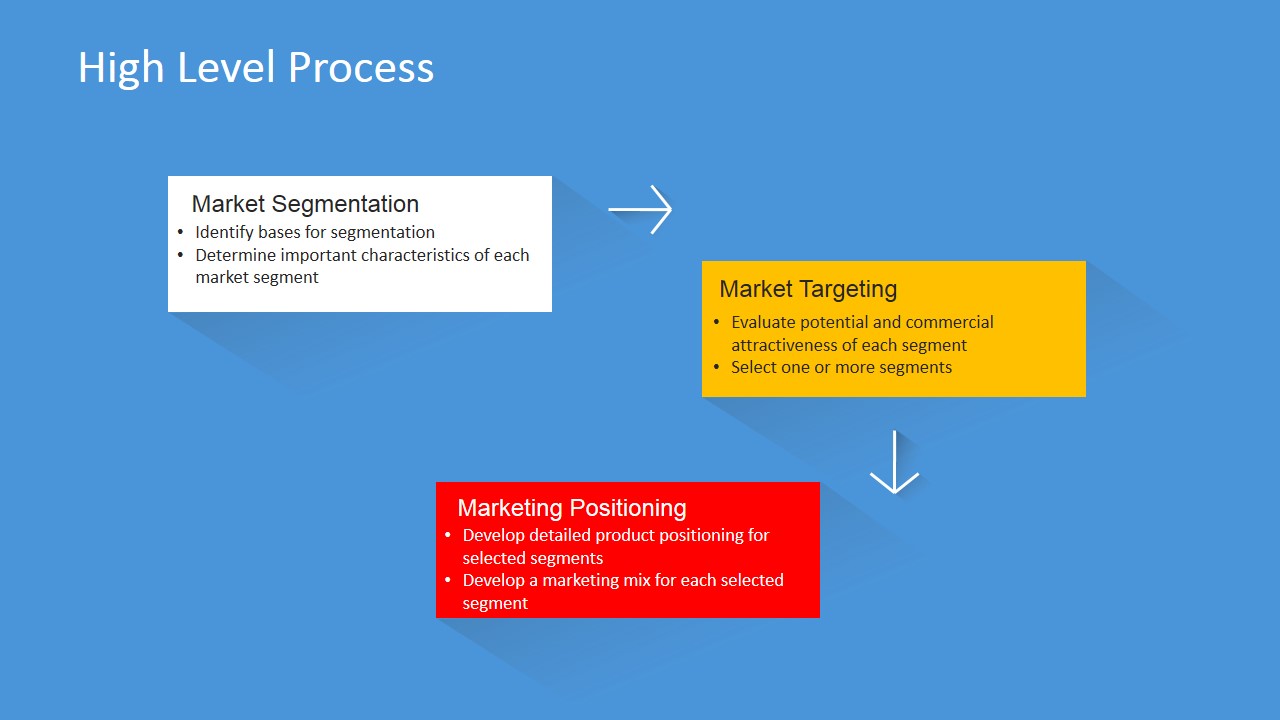
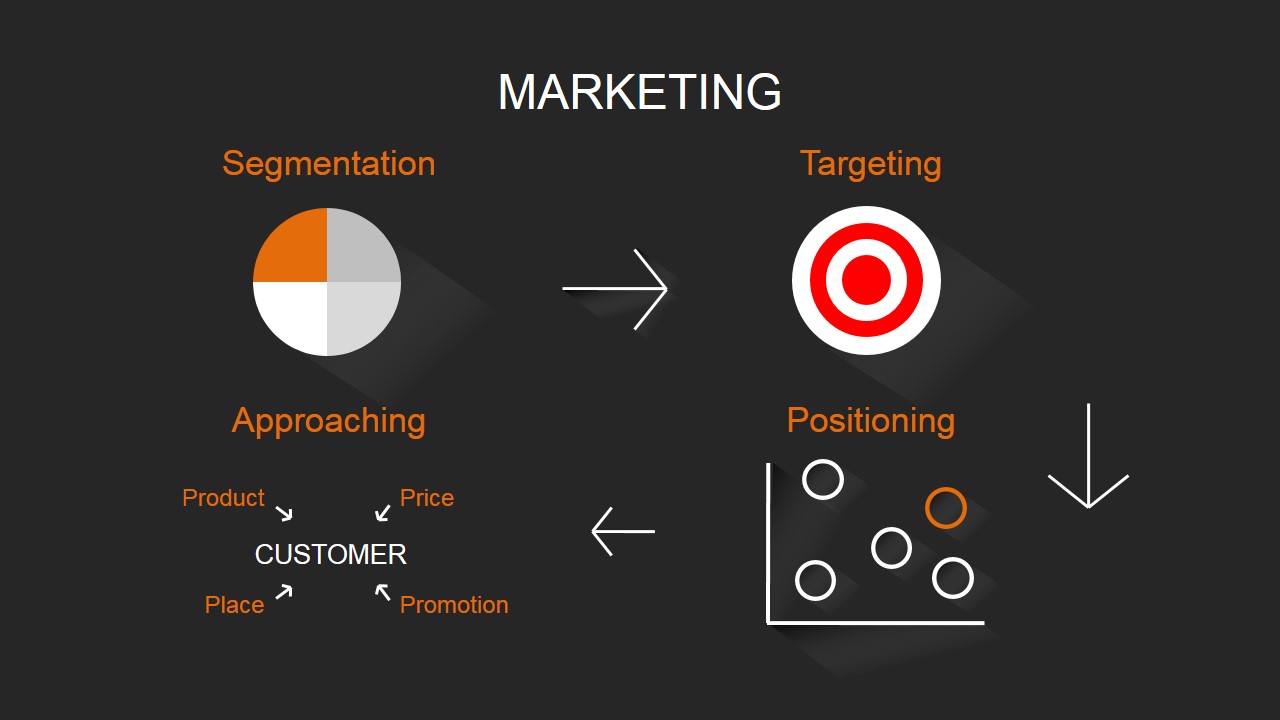
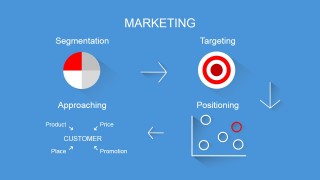
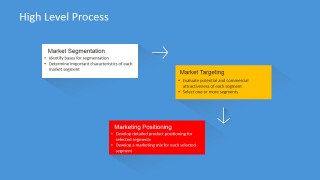
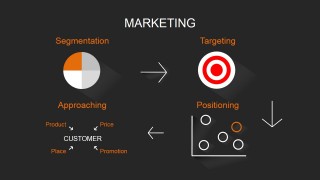
Segmentation Targeting and Positioning PowerPoint Template is a modern presentation created using flat design that describes the stages of STP Analysis (Segmentation, Targeting and Positioning). This method is extensively used in Marketing and is a very well known process in all mature organizations. Our Template provides a slide with an introductory overall process with iconic representations. Later a high level description of the process and several slides to allow the presenter describes the analysis done.
Each of the shapes is created as PowerPoint objects, allowing the user to fully customize its properties as size, color and effects. Each slide can be used in the context of the template or migrated to existing presentations.
Segmentation Targeting Positioning can be easily summarized through the following list:
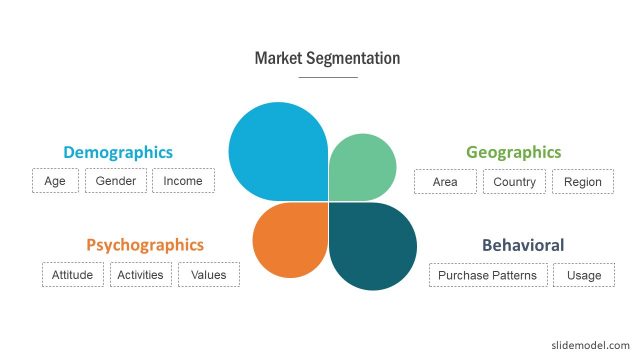
- Segmentation: The action of discovering and classifying consumers with different needs. In the personal computer market for example some consumers will demand processor speed, while others computer exterior design. Those are clearly two different segments.
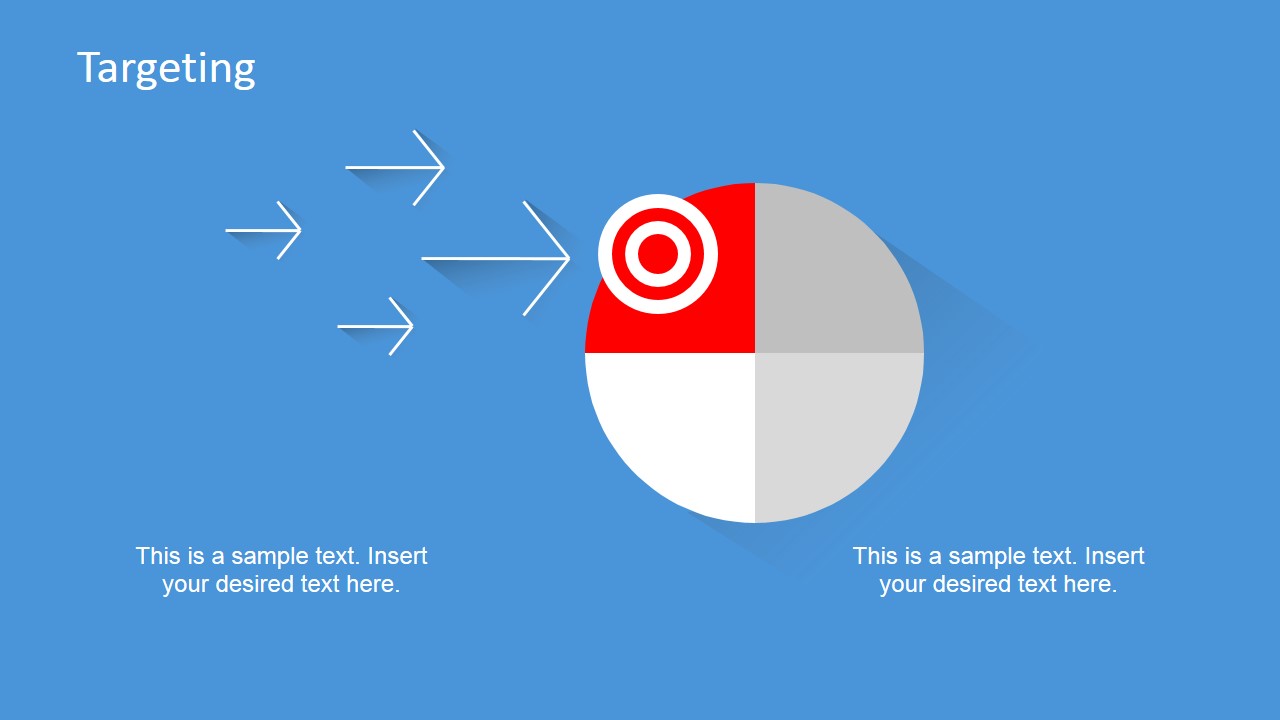
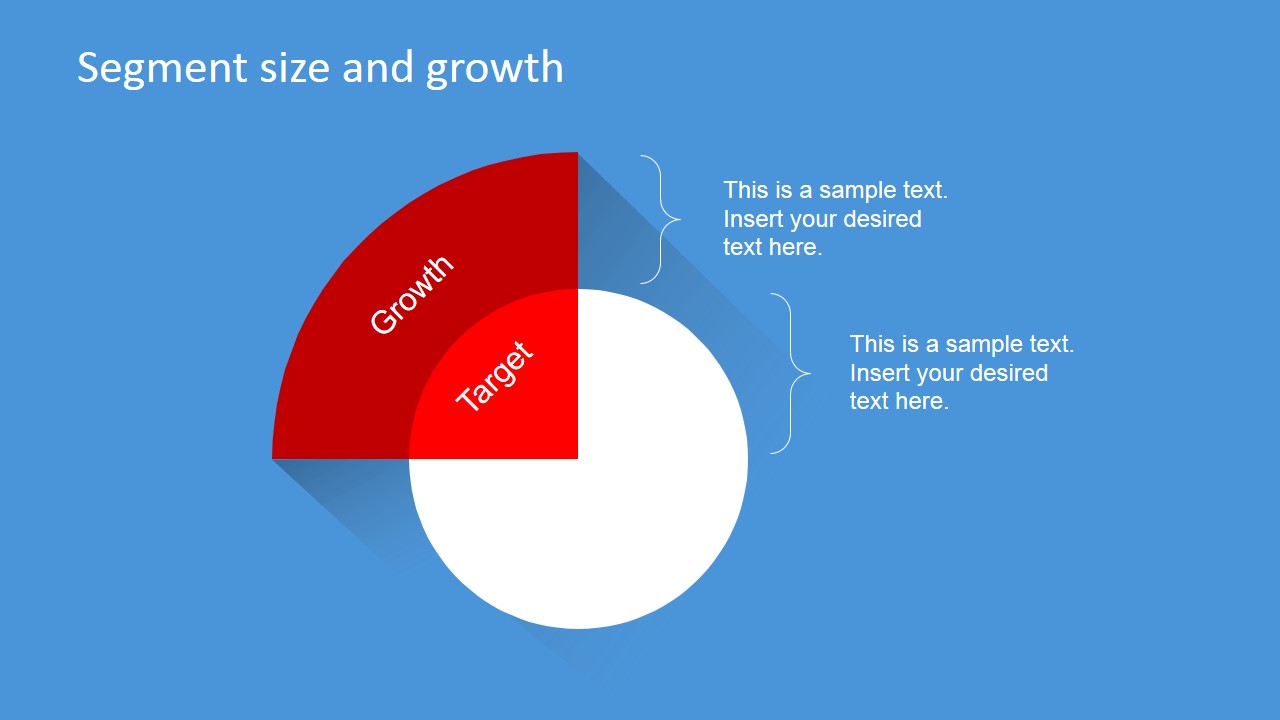
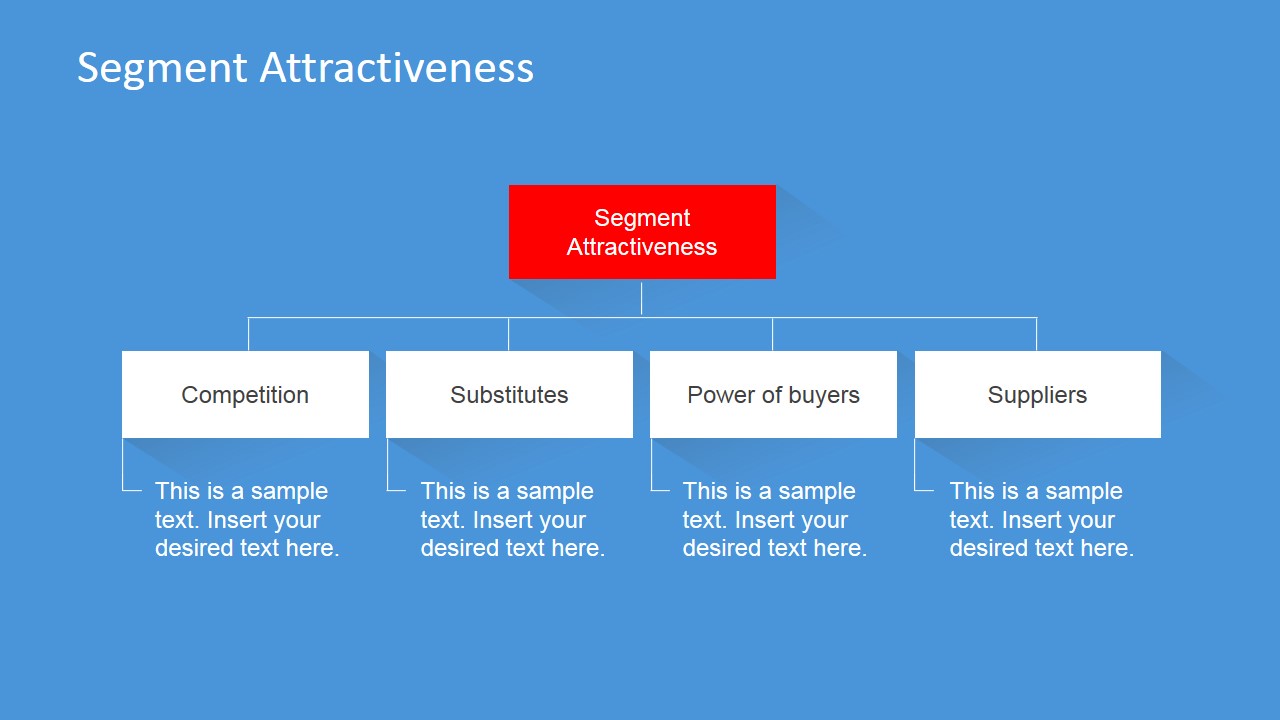
- Targeting: The action of selecting in which segments I will concentrate my marketing efforts. This generally is carried out with the attractivness analysis of each segment, and the prioritization of growth. This is called targeted marketing.
- Positioning: The action of implementing the targeting. This means that with your targeting, a positioning strategy is created and an execution plan is put in place for the implementation of your marketing efforts, optimizing your product/service communication to the target.
STP Marketing has been around for some time and is part of every Marketing cookbook.
Impress your audience with our Segmentation Targeting and Positioning PowerPoint Template. Combine it with any of our Marketing PowerPoint Templates and create outstanding presentations that appeal to global audiences.
What’s inside this template
Example presentation scenarios
- A marketing manager can present a market selection recommendation by using the high-level process slide to explain how segments move from discovery to targeting and positioning.
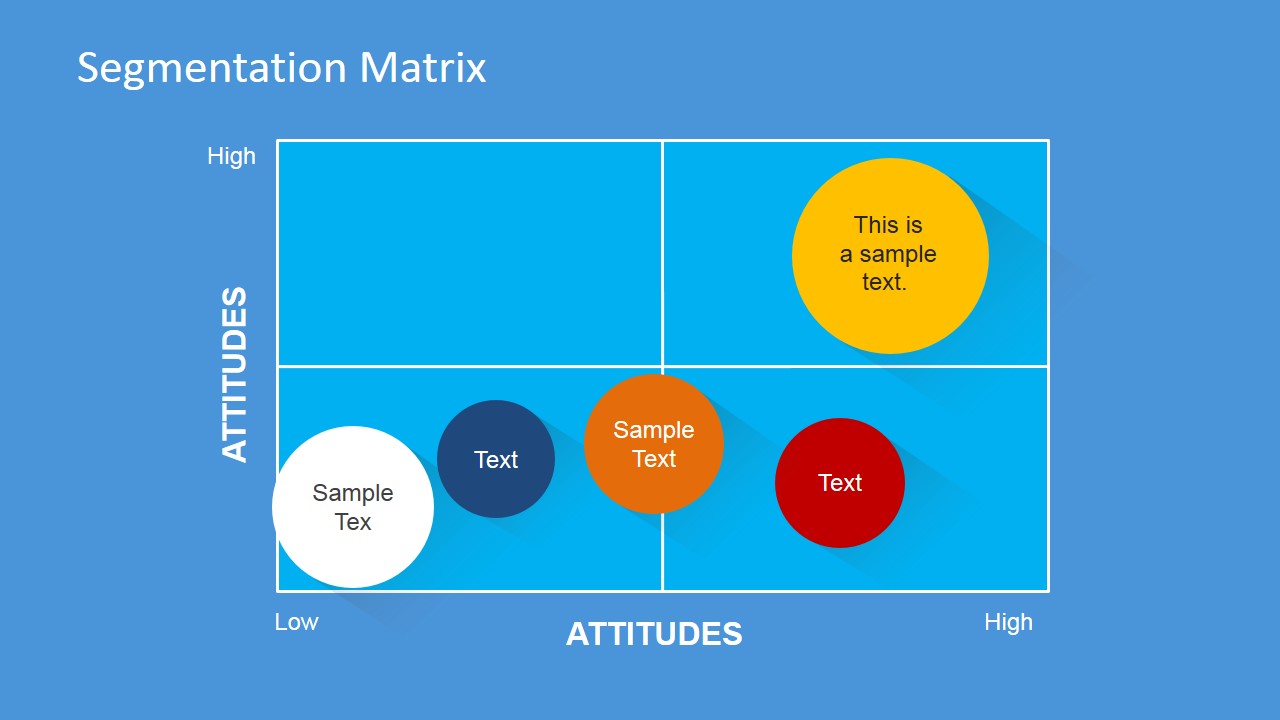
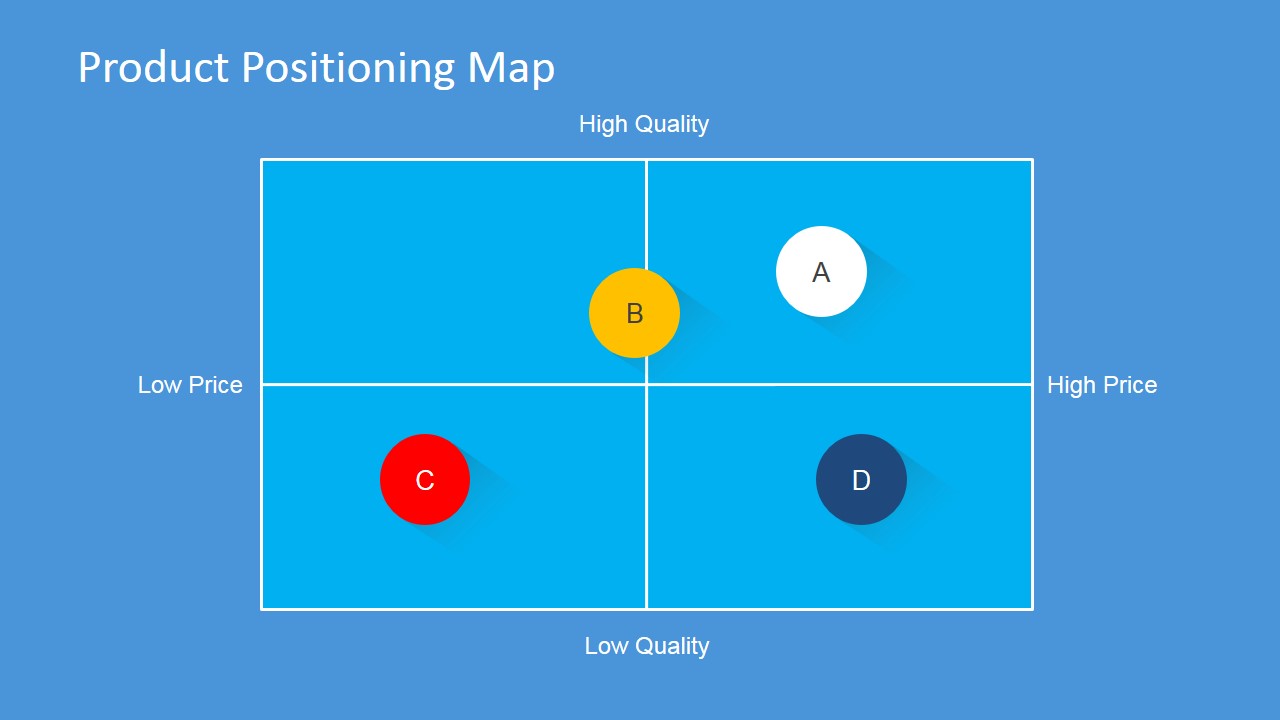
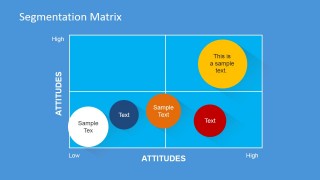
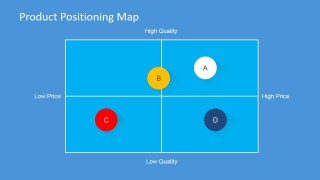
- A product manager can compare customer groups with the segmentation matrix and product positioning map before selecting the most defensible target audience.
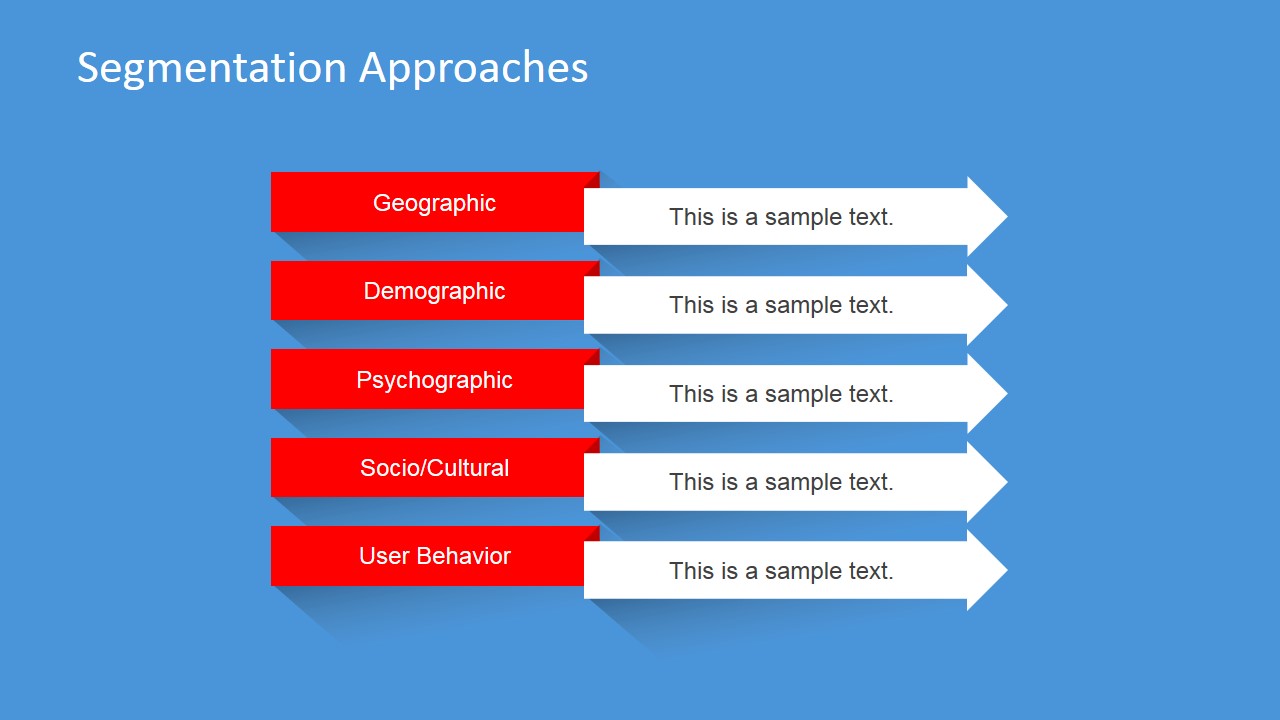
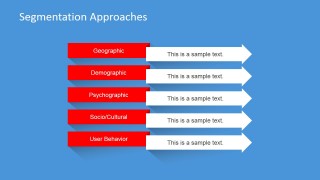
- A consultant can run a client workshop by using the segmentation approaches slide to prompt discussion around geographic, demographic, psychographic, socio/cultural, and user behavior criteria.
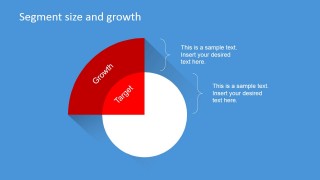
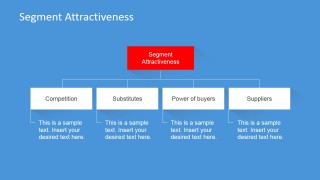
- A brand strategist can support a positioning recommendation with the segment size and growth diagram, segment attractiveness hierarchy, and final summary slide.
Features
- 100% editable presentation template
- Compatible with Microsoft PowerPoint and Google Slides
- 16:9 aspect ratio slides
- Scalable vector shapes, icons and illustrations
- AI-Ready for Microsoft Copilot and Claude
- Instant access and download
Frequently asked questions
Q: How should a presenter explain the STP logic without overwhelming the audience?
A: Start with the overview and high-level process slides to anchor the audience in the three decisions: segment, target, and position. Then use the segmentation approaches and matrix slides to show how groups are defined. Move into targeting with size, growth, and attractiveness before using the positioning map to make the final strategic choice clear.
Q: Who is this template best suited for in a marketing strategy discussion?
A: This template fits marketing managers, product leaders, consultants, and brand teams who need to explain why one market segment deserves attention over another. It works best when the audience must compare segments, assess attractiveness, and understand a product's price-quality position before approving a targeting decision.
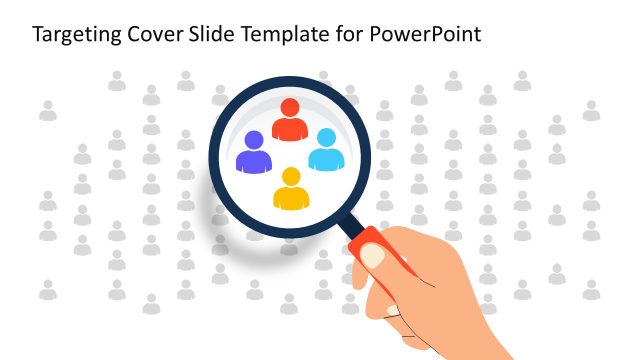
Q: Why do the target, quadrant, and map visuals help communicate positioning decisions?
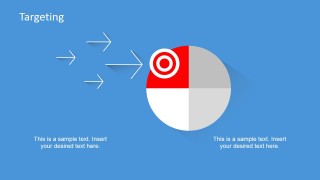
A: The visuals turn an abstract marketing framework into a visible decision path. The target metaphor shows focus, the segmentation matrix separates customer groups by attitude dimensions, and the positioning map places offers against price and quality. Together, they help the audience see trade-offs instead of reading a long strategy memo.
Segmentation Targeting and Positioning PowerPoint Template
10-slide marketing presentation template with STP process, segmentation matrix, targeting, and positioning map layouts
This 10-slide marketing presentation template explains segmentation, targeting, and positioning using flat business diagrams. It includes an STP overview, high-level process flow, segmentation approaches, segmentation matrix, target size and growth diagram, segment attractiveness hierarchy, product positioning map, and summary layouts for PowerPoint and Google Slides.
- Category
- Marketing
- Rating

 Loading...
- Aspect ratio
- 16:9, 4:3
- Item ID
- 6569-01
- Colors
 Microsoft PowerPoint
  Microsoft Copilot
  Claude for PowerPoint
 Other formats supported
Subscribe today and get immediate
access to download our PowerPoint templates.