Slide 7 of 11 from Security Padlock Shape for PowerPoint
1172-padlock-shape-wide-7
Security Padlock Shape for PowerPoint
- Media Layout
- Other
- Concept Explanation Slide
- 16:9
- 100% Editable
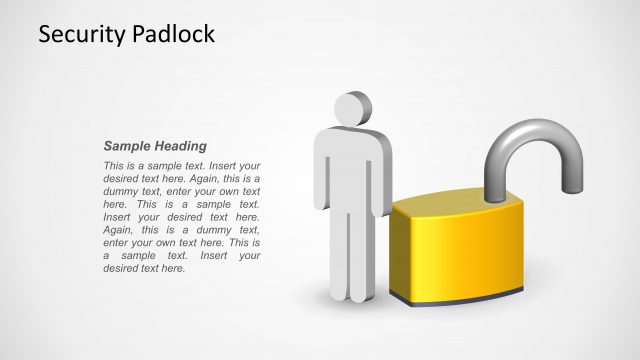
The Security Padlock Illustration slide from the Security Padlock Shape for PowerPoint template offers a clear visual for IT security and risk management topics. This slide template integrates editable shapes and vector icons to enhance corporate presentations focused on user privileges and security strategies, making it a practical choice for business presentation slide decks.
What’s on This Slide
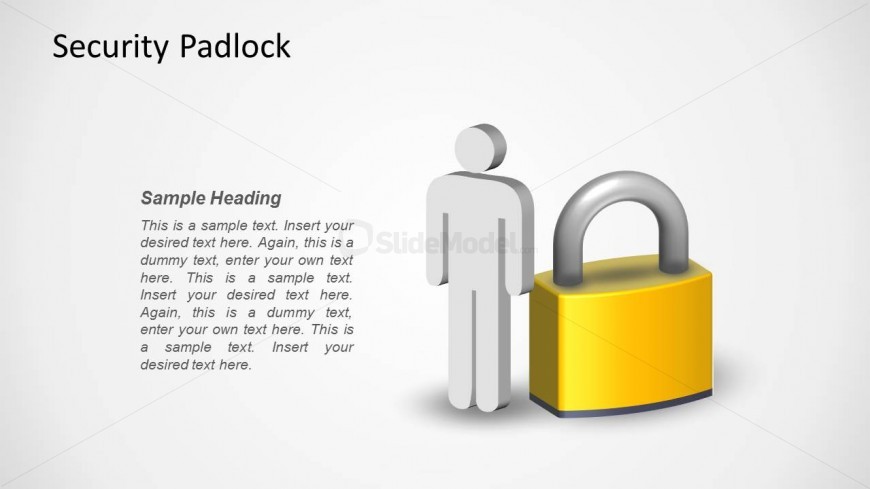
The layout features a large padlock graphic positioned centrally to the right, with a stylized human figure to the left. The padlock is yellow with a silver shackle, creating a prominent visual element. A sample heading is placed at the top left, with additional sample text below it, aligned to the left. The text placeholders are arranged in a vertical stack, maintaining a clear hierarchy. The background is light, enhancing contrast with the padlock and figure. Overall, the slide presents a balanced composition with a focus on security themes.
How to Use It
This layout serves as an illustrative representation of security concepts, suitable for presentations on IT security, risk management, or user privileges. It fits well after problem framing slides, providing a visual transition to discussions about solutions or strategies. In business contexts, it can be used to emphasize the importance of security measures or to introduce related topics. The structure allows for clear communication of key ideas while maintaining visual engagement.
Text Placeholders & Capacity
Keep your copy within these limits so it fits without resizing. Body slots can hold roughly 20-25 words each.
| Placeholder | Count | Max characters (approx.) |
|---|---|---|
| Slide title | 1 | 30 |
| Item body | 4 | 120 |
Slide Keywords
Download unlimited PowerPoint templates, charts and graphics for your presentations with our annual plan.
DOWNLOADReturn to Security Padlock Shape for PowerPoint.