Slide 8 of 11 from Security Padlock Shape for PowerPoint
1172-padlock-shape-wide-8
Useful Cliparts for Security Presentations
- Media Layout
- Other
- Context Slide
- 16:9
- 100% Editable
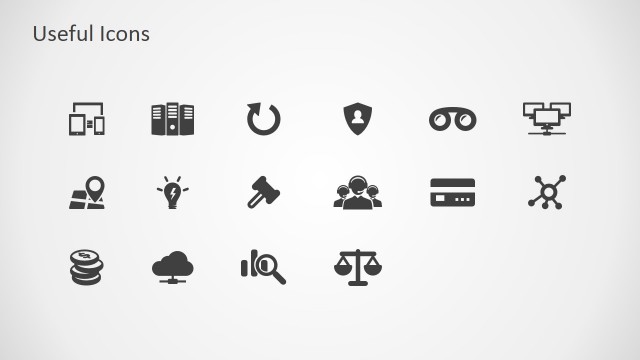
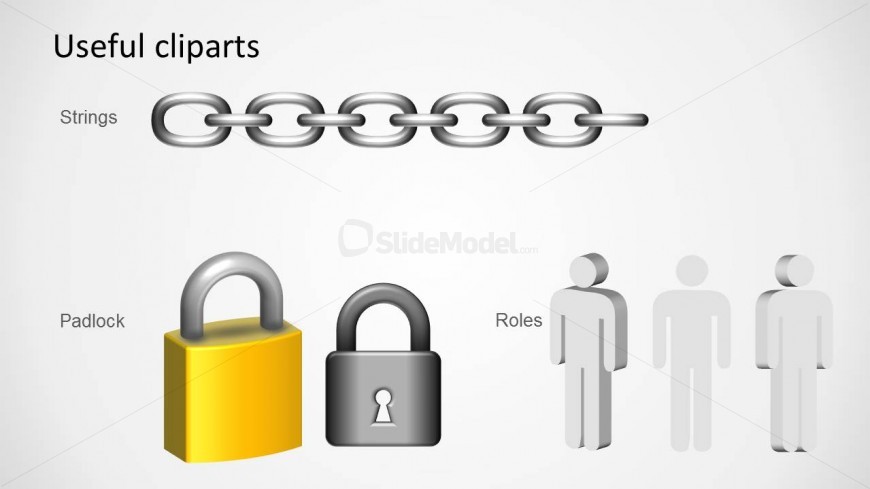
The Useful Cliparts slide from the Security Padlock Shape for PowerPoint template offers a clear visual aid for IT security training and risk management discussions. Featuring editable shapes like chain and padlock icons alongside human figure cliparts, this slide enhances corporate presentations by illustrating key security roles and vulnerabilities. It integrates smoothly into business presentation decks, providing vector icons that support effective communication of security concepts.
What’s on This Slide
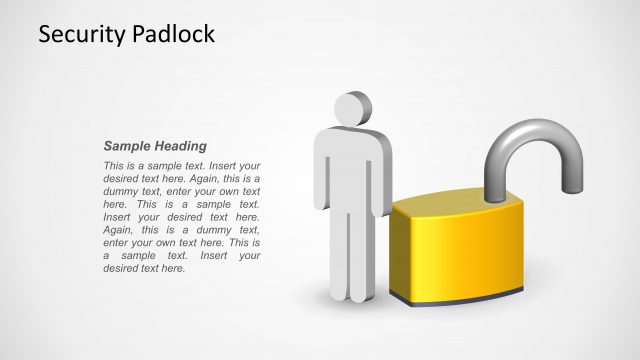
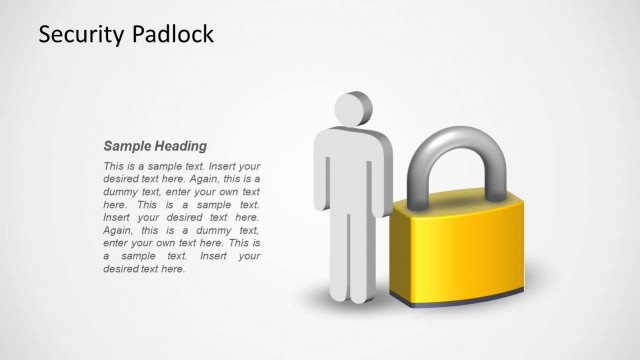
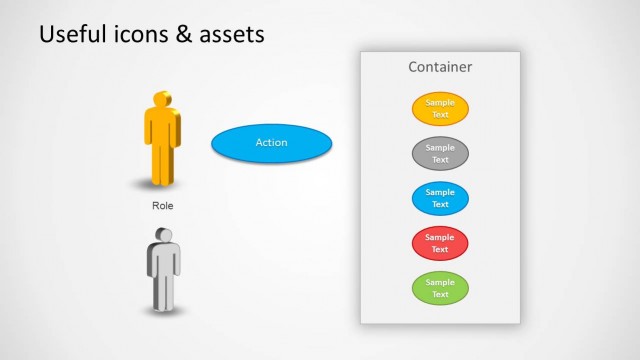
The layout features three main visual elements arranged vertically. At the top, a chain graphic represents strings, followed by two padlock icons in the center, one yellow and one gray. Below the padlocks, three human figures are depicted in a row, representing roles. Each element is labeled with text placeholders positioned to the left of the visuals. The background is light gray, providing contrast to the icons and text. The overall composition is clean and organized, emphasizing the clipart visuals relevant to security themes.
How to Use It
This layout serves as a visual reference for clipart related to security concepts. It is suitable for presentations discussing IT security roles, vulnerabilities, and risk management. This slide fits well after introductory content on security, providing visual aids for further discussion. It can be used in training sessions or workshops focused on security awareness, illustrating key concepts with simple visuals. The arrangement allows for easy identification of each clipart's purpose in the context of security.
Text Placeholders & Capacity
Keep your copy within these limits so it fits without resizing. Body slots can hold roughly 5-6 words each.
| Placeholder | Count | Max characters (approx.) |
|---|---|---|
| Body paragraph | 3 | 30 |
| Item heading | 3 | 10 |
Slide Keywords
Download unlimited PowerPoint templates, charts and graphics for your presentations with our annual plan.
DOWNLOADReturn to Security Padlock Shape for PowerPoint.