Slide 2 of 11 from Security Padlock Shape for PowerPoint
1172-padlock-shape-wide-2
Padlock Shape for Presentations
- Media Layout
- Other
- Concept Explanation Slide
- 16:9
- 100% Editable
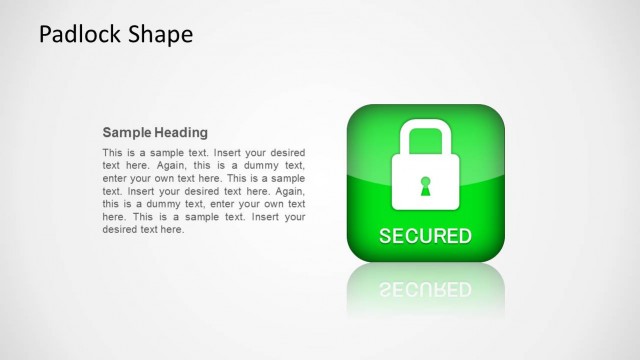
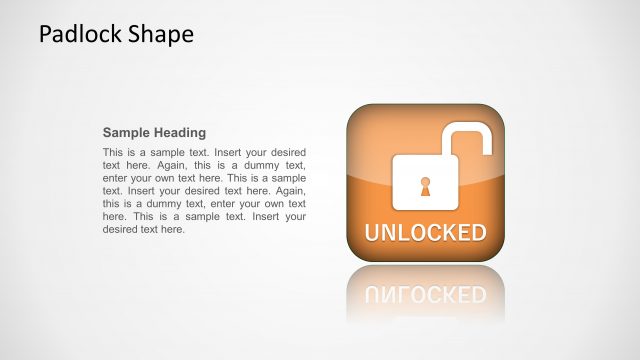
The Padlock Shape slide from the Security Padlock Shape for PowerPoint template offers a clear visual concept for IT security presentations. Featuring editable shapes and a prominent padlock icon, this slide supports discussions on risk management and user privileges within corporate presentations. Its balanced layout integrates text and vector icons, making it suitable for business presentation templates focused on security themes.
What’s on This Slide
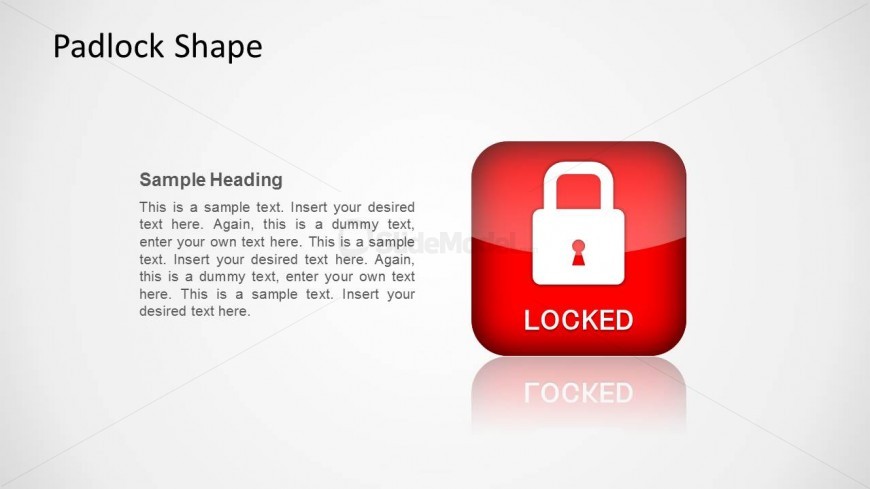
The layout features a prominent padlock icon on the right side, set against a light background. The padlock is red with a white lock symbol and the word 'LOCKED' displayed prominently. To the left, there is a text area containing a sample heading and a paragraph of placeholder text. The heading is aligned at the top, while the body text is positioned below it, allowing for clear visual hierarchy. The overall composition is balanced, with the icon and text working together to convey a security theme. There are no additional images or diagrams present.
How to Use It
This layout serves as a visual representation of security concepts, particularly in IT security contexts. It is suitable for presentations discussing risk management, security protocols, or user privileges. The slide can be effectively used in a sequence following a problem slide, reinforcing the importance of security measures. It is ideal for business scenarios where highlighting security features or protocols is necessary, such as in training sessions or security briefings.
Text Placeholders & Capacity
Keep your copy within these limits so it fits without resizing. Body text slots can accommodate roughly 40-50 words each.
| Placeholder | Count | Max characters (approx.) |
|---|---|---|
| Slide title | 1 | 20 |
| Item body | 1 | 300 |
Slide Keywords
Download unlimited PowerPoint templates, charts and graphics for your presentations with our annual plan.
DOWNLOADReturn to Security Padlock Shape for PowerPoint.