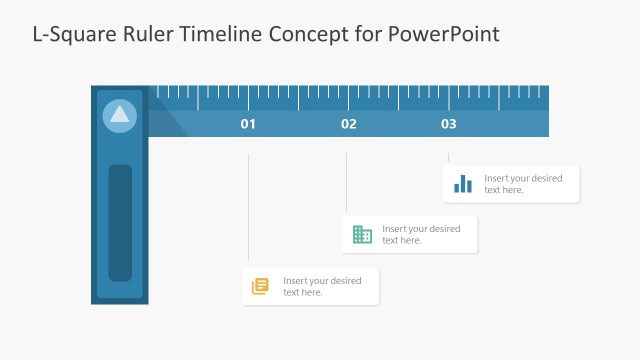
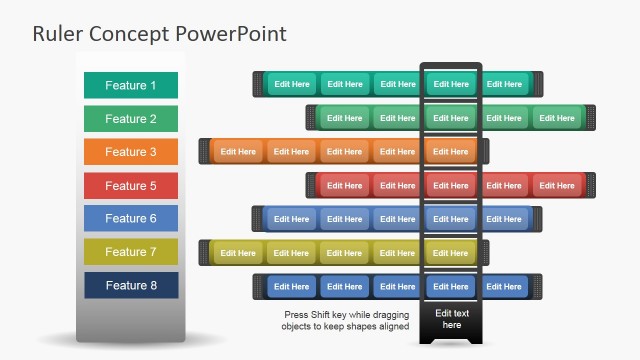
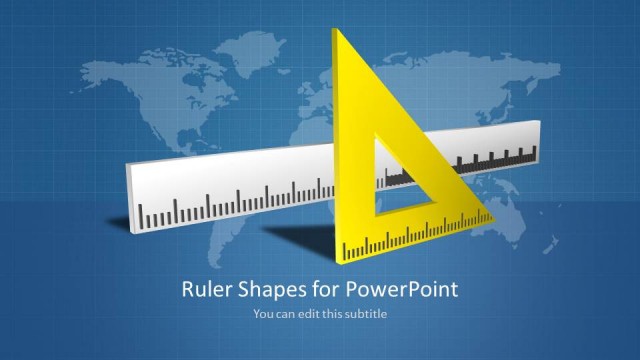
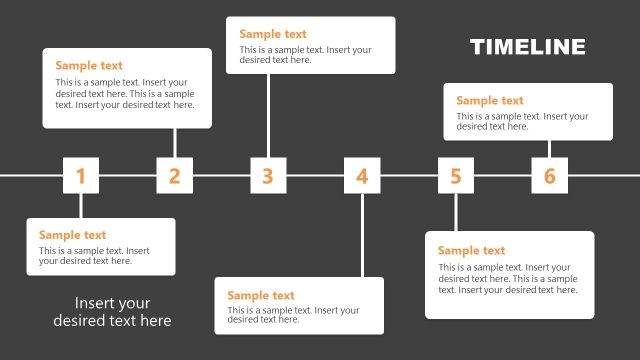
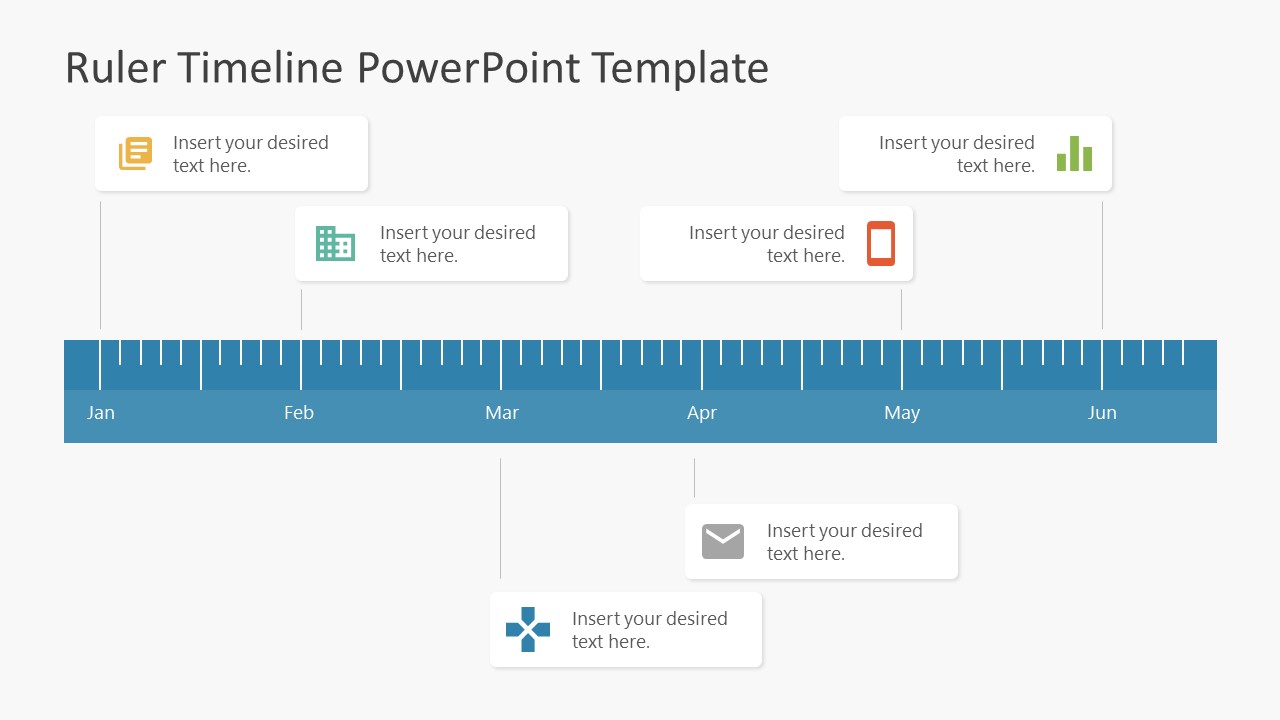
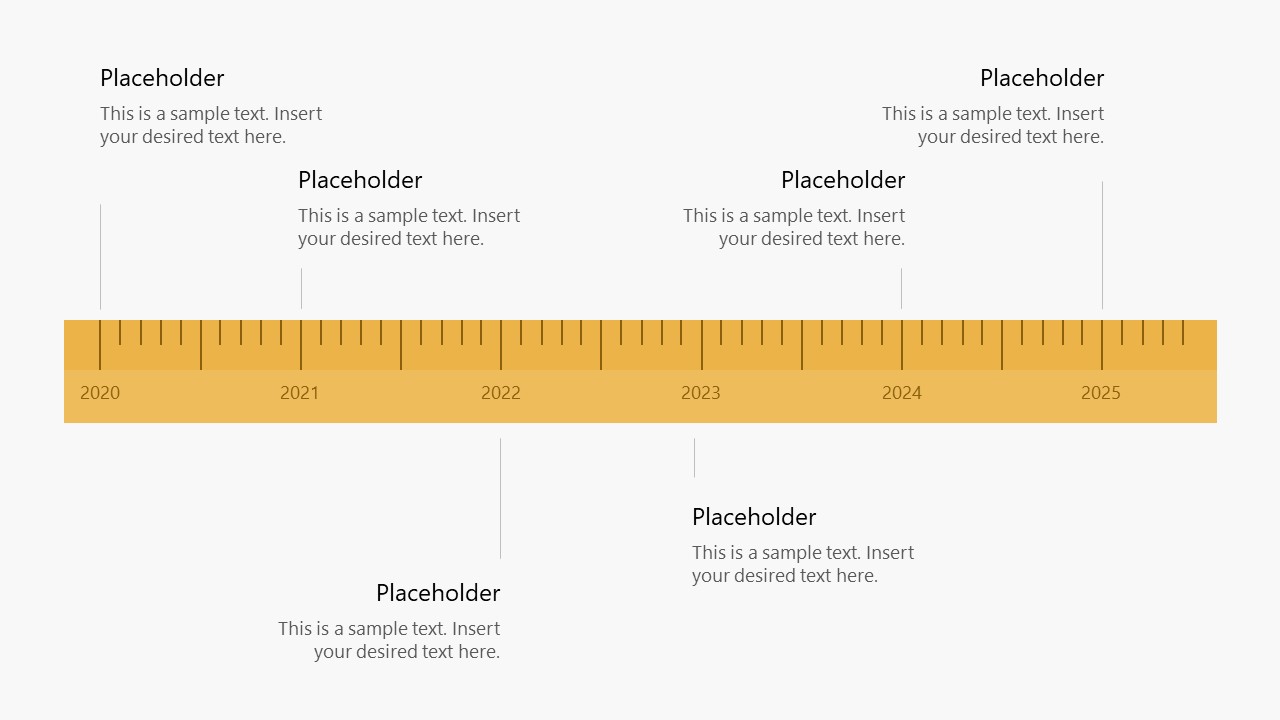
The Ruler Timeline PowerPoint Template is an illustration of a measuring scale. The four slides of the horizontal timeline template present blue and yellow rulers pre-design for monthly and yearly performance reports. These timeline PowerPoint diagrams provide options for text labels and clipart icons. Rulers are ideal for creating a syllabus roadmap in educational presentations. Similarly, it could be used for discussion on measuring and engineering. For example, a timeline of architectural plans that displays the distance from the project goal. The PowerPoint diagrams featuring rulers will also help create impressive presentations on Math for schools.
The Ruler timelines are editable templates of ruler shape and text placeholders. It enables users to customize the timeline’s colors, text, and graphics by choosing options from the formatting menu. They can also change the month and year marks on a scale to deliverables or other performance-measuring metrics.
The purpose of timeline and planning templates is to convey the progress of key components necessary to achieve results. The Ruler Timeline PowerPoint Template will engage the audience with a simple yet meaningful design. It will help visualize and track key dates and describe processes alongside the horizontal timeline. You can download various professional timelines and roadmap templates from the SlideModel collection. We invite you to read our tutorial on how to create a timeline.
What’s inside this template
Example presentation scenarios
- An educator can present a semester syllabus by placing lessons, assessments, and deadlines on the monthly ruler timeline.
- A project manager can show a half-year delivery plan by assigning workstreams to the Jan-Jun ruler with icon callouts.
- An engineering presenter can explain measured progress toward design milestones using the yearly ruler timeline and connector labels.
- An operations lead can report annual checkpoints by replacing the 2020-2025 labels with planning periods and adding status notes around the scale.
Features
- 100% editable presentation template
- Compatible with Microsoft PowerPoint and Google Slides
- 16:9 aspect ratio slides
- Scalable vector shapes, icons and illustrations
- AI-Ready for Microsoft Copilot and Claude
- Instant access and download
Frequently asked questions
Q: How should a presenter communicate progress clearly with this ruler timeline?
A: Treat the ruler as a measurement line, not as decoration. Place only the most important milestones on the scale, then use the connected text boxes to explain what each marker means. For monthly planning, keep the icon callouts short; for yearly planning, alternate labels above and below the ruler to reduce crowding.
Q: Who is this template best suited for?
A: This template fits educators, project managers, and engineering teams who need to explain time, progress, or distance to a goal. The Jan-Jun slides work well for short planning windows, while the 2020-2025 slides support annual roadmaps, syllabus paths, construction phases, or measurement-based reporting.
Q: Why does the ruler metaphor help the audience understand the timeline?
A: A ruler already signals measurement, sequence, and precision, so the audience can quickly read the slide as a progress scale. The tick marks create a consistent rhythm, and the callouts turn selected points into milestones. This reduces the need for a dense table while still showing order and relative spacing.




Ruler Timeline PowerPoint Template
4-slide presentation template for ruler timelines with monthly and yearly scale layouts
Ruler Timeline PowerPoint Template is a 4-slide timeline presentation template with ruler-style horizontal scales for planning and progress updates. It includes monthly Jan-Jun timelines, yearly 2020-2025 timelines, icon callouts, and text placeholders for milestones. It is designed for educators, project planners, and engineering presenters using Microsoft PowerPoint or Google Slides.
- Category
- Timelines & Planning
- Rating

 Loading...
- Aspect ratio
- 16:9
- Item ID
- 20664-01
- Colors
 Microsoft PowerPoint
 Microsoft Copilot
 Claude for PowerPoint
Other formats supported
Subscribe today and get immediate
access to download our PowerPoint templates.