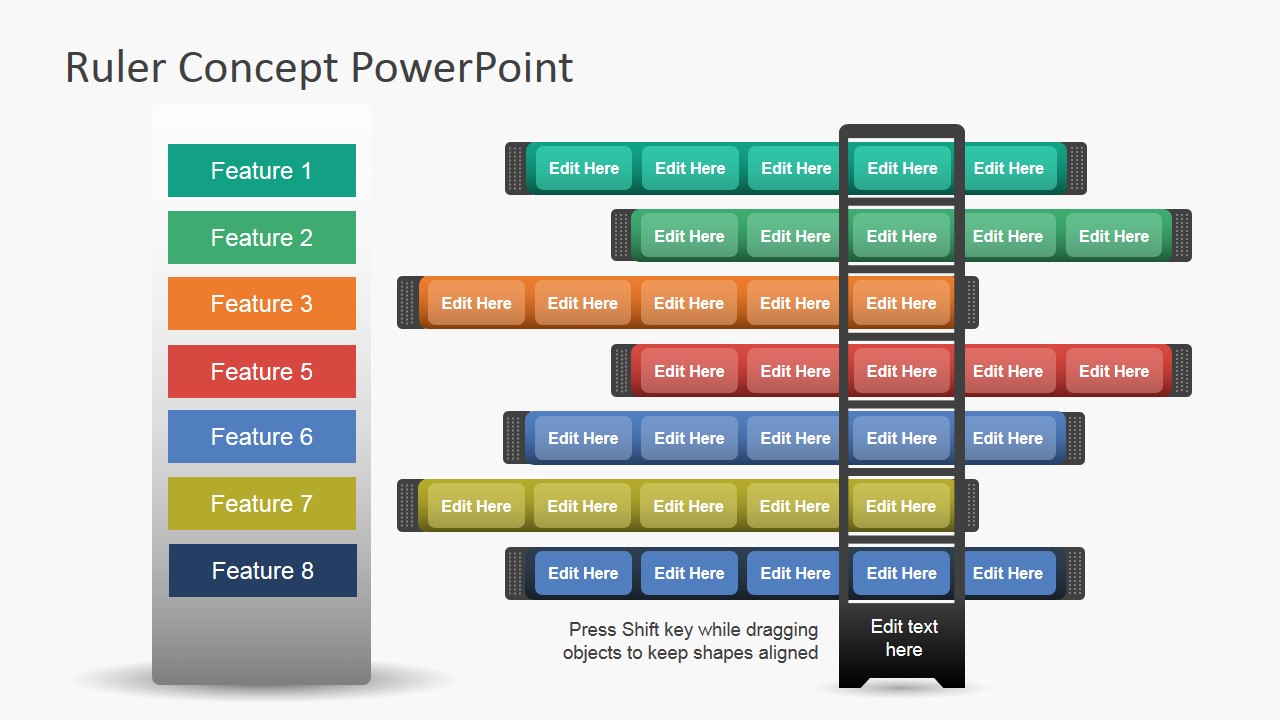
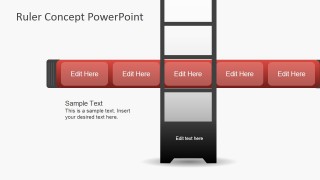
Create attractive presentations to display the overview of multiple features. The design can be applied to any company, product, or service. The Ruler concept PPT Template is a PowerPoint presentation that looks like a folding rule; the user can highlight features described in the left panel. It is easy to update the ruler. The shapes can be aligned to any position. The holes in the ruler will show the features to highlight.
This slide rule PowerPoint template was created with a simple flat design. It makes it easier for the audience to understand the presented topic’s gist. At the same time, several important points of information can be written in the placeholders shown in the openings. It may help show options for making decisions.
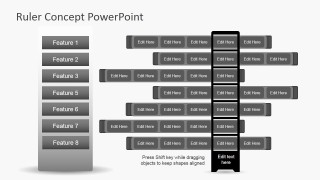
Two PowerPoint slides are specifically designed to show eight different features and their components simultaneously. The features are listed vertically in a rectangular PowerPoint shape; each element that belongs to the same feature is listed horizontally. The presenter can create groups by aligning the elements, making the presentation design clear.
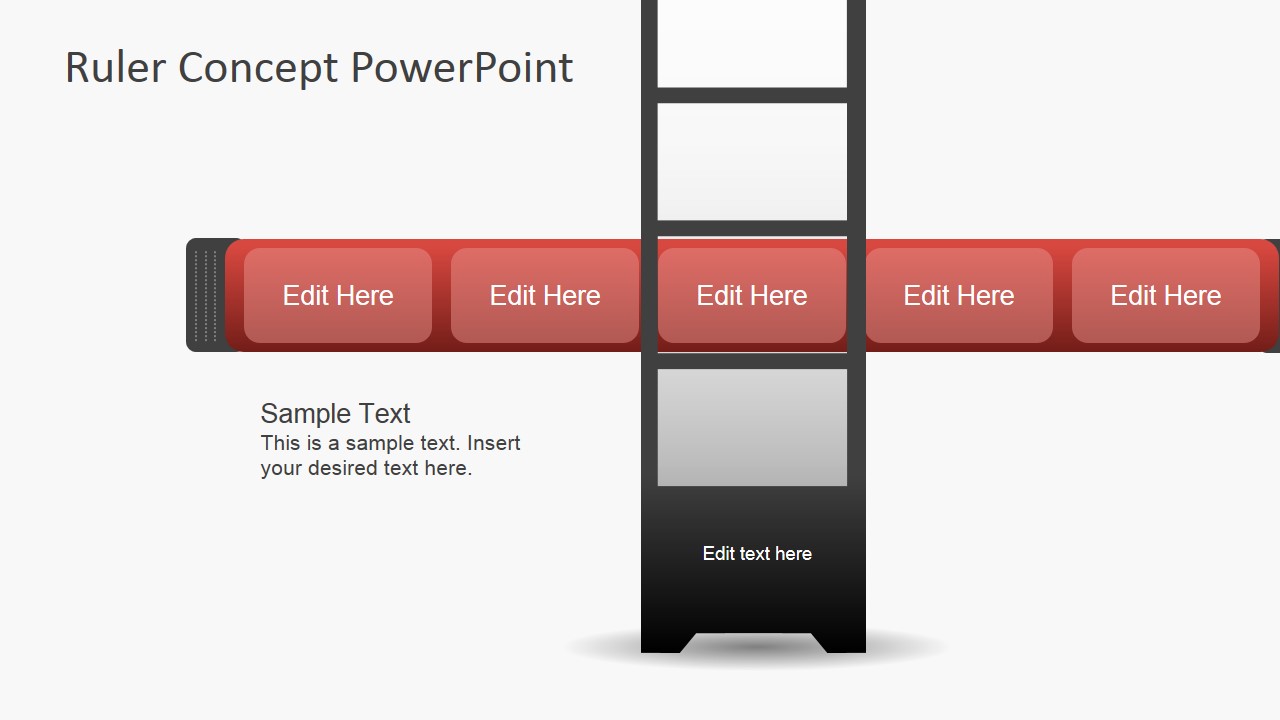
The ruler PowerPoint shape in all the slides is intended to focus on one group of properties. The objective is to highlight the group. The position of the ruler can be variable, acting as a slider.
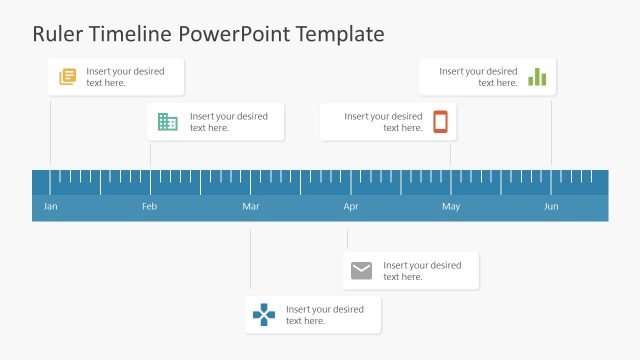
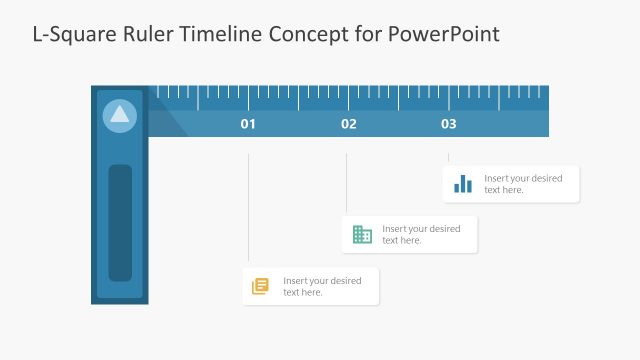
Plan, coordinate, and track specific tasks of a project using the ruler clipart. Highlight specific activities, which are to occur or have occurred at one particular time. The related task will be found within the ruler’s boundaries. An alternative use of the PowerPoint template can be as a Gantt chart.
Present several components at once with the Ruler Concept Template for PowerPoint. The diagram can be updated and edited by the user using traditional PowerPoint properties. Colors are themed and shapes are created with vectors. The user can customize the slide rule appearance to match any branding. Alternatively, you can download other slide rules, including rule infographics and rule timeline design templates for PowerPoint.
The presenter may also choose to download other PowerPoint templates from our gallery as the Ruler Shapes for PowerPoint. Decorate the design with professional PowerPoint Shapes.
What’s inside this template
Example presentation scenarios
- A product manager can present a feature prioritization review by using the multicolor ruler matrix to show which components belong to each feature row.
- A consultant can compare service options for a client by placing each option in the left feature labels and using the sliding ruler frame to spotlight the recommended group.
- A project manager can map task groupings in a planning meeting by treating the ruler bars as timeline-like activity bands and highlighting the active workstream.
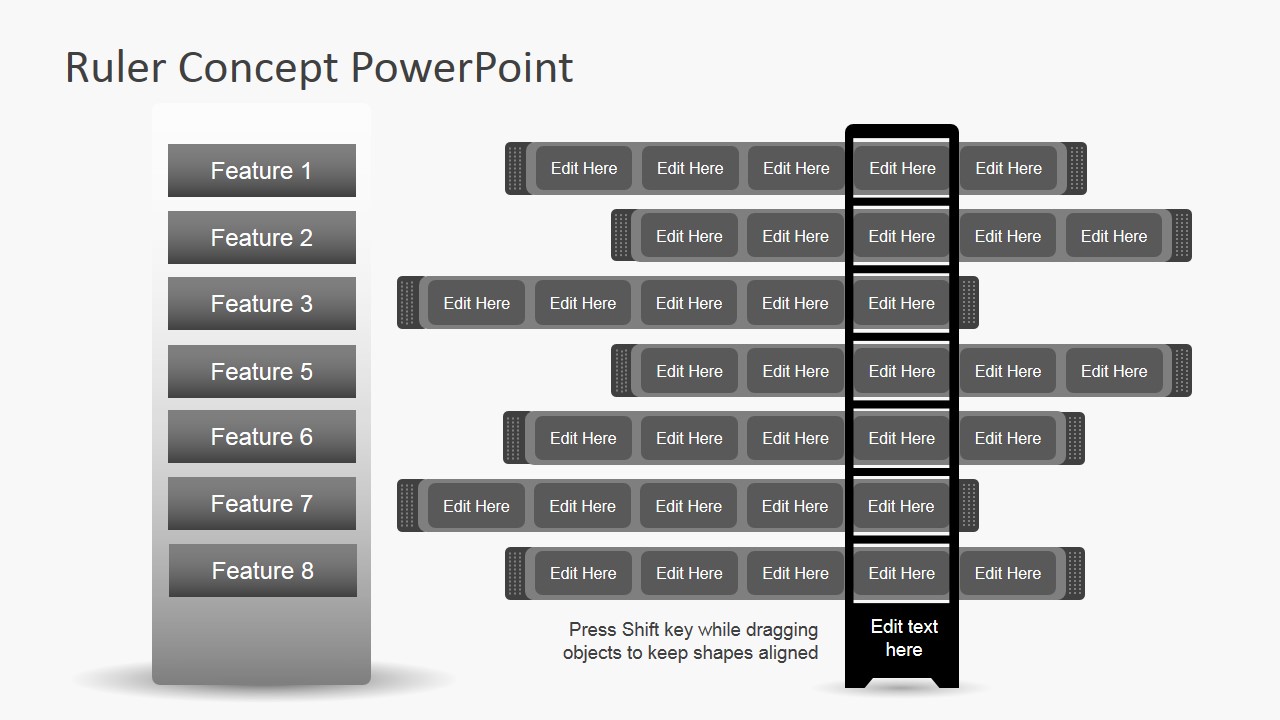
- A product marketing presenter can explain a package or plan comparison by using the grayscale slide to keep attention on structure rather than decorative color.
Features
- 100% editable presentation template
- Compatible with Microsoft PowerPoint and Google Slides
- 16:9 aspect ratio slides
- Scalable vector shapes, icons and illustrations
- AI-Ready for Microsoft Copilot and Claude
- Instant access and download
Frequently asked questions
Q: How should the presenter explain the ruler metaphor without confusing the audience?
A: Introduce the ruler as a focus tool, not as a measurement scale. The left labels define the features, the horizontal bars show related components, and the vertical ruler marks the selected group. Start with the full matrix, then use the focused ruler slide to explain why one group deserves attention.
Q: Who benefits most from this ruler concept instead of a standard comparison table?
A: Product managers, analysts, and consultants benefit when they need to compare qualitative feature groups rather than exact numerical scores. The layout works best for feature audits, service bundle reviews, product component mapping, or task grouping discussions where relationships and emphasis matter more than spreadsheet-style precision.
Q: Why does the sliding ruler design help the message stand out?
A: The ruler acts like a visual selector that narrows attention to one column or group while the rest of the matrix remains visible. This is useful for guided comparison because the audience can see context, understand what is being isolated, and follow the presenter from overview to highlighted detail.
Ruler Concept Template for PowerPoint
3-slide presentation template with ruler diagrams for feature comparison and product component mapping
Ruler Concept Template for PowerPoint is a 3-slide diagram template for showing feature sets, product components, or task groupings with a folding ruler metaphor. It includes a multicolor feature matrix, a focused ruler highlight diagram, and a grayscale comparison layout for Microsoft PowerPoint and Google Slides.
- Category
- Diagrams
- Rating


 Loading...
- Aspect ratio
- 16:9
- Item ID
- 6965-01
- Colors
 Microsoft PowerPoint
  Microsoft Copilot
  Claude for PowerPoint
 Other formats supported
Subscribe today and get immediate
access to download our PowerPoint templates.