Rostow’s Development Stages PowerPoint Template
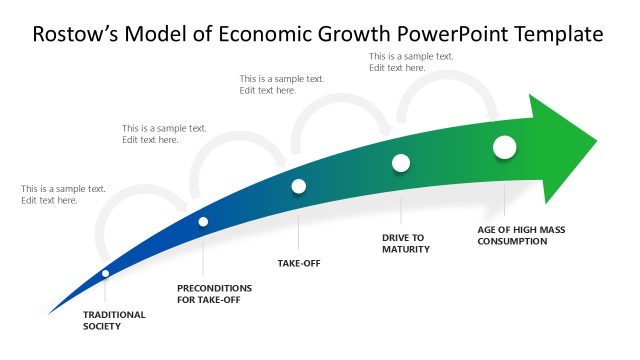
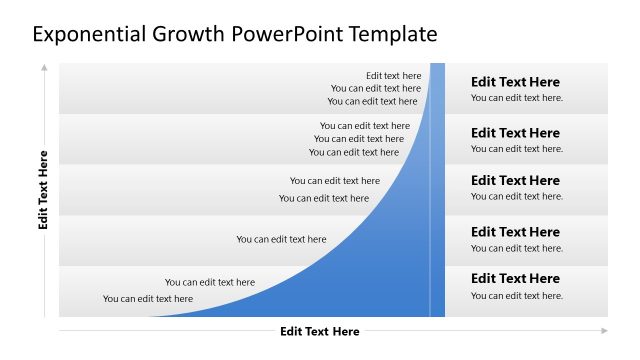
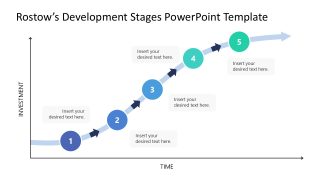
Design a simple, visually appealing presentation using Rostow’s Development Stages PowerPoint Template to showcase the economic growth process. Rowstow’s model refers to the five stages of economic progress in countries. The template uses a curved-line chart to depict the development process, with investment on the Y-axis and time on the X-axis. Professionals can discuss this model in seminars or closed business meetups, indicating how we can contribute to economic growth or benefit from the process by effectively strategizing. We have created this template with fully editable PPT elements that you can also customize in Google Slides.
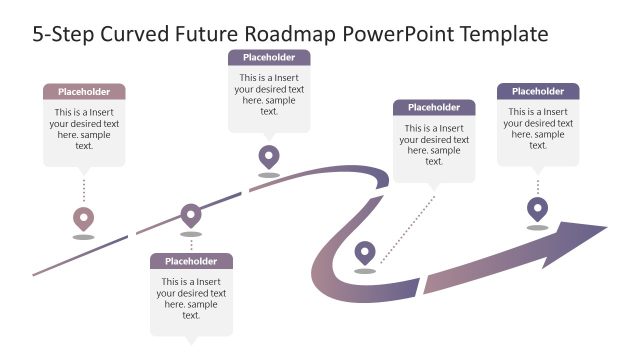
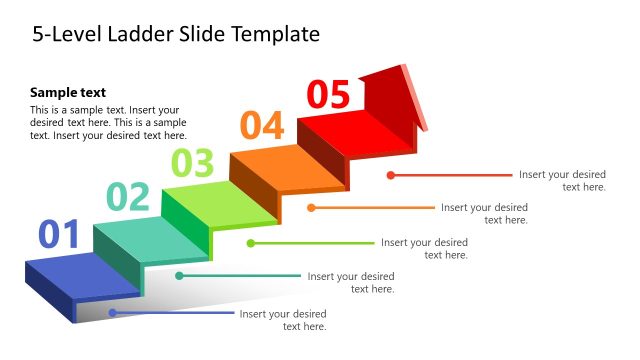
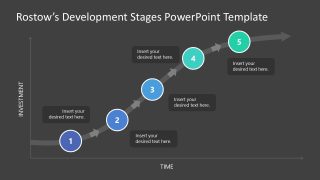
The Rostow’s Development Stages PowerPoint Template shows a curved rising timeline illustrating a five-step growth process. You can show how countries grow over time with investment. Along the curved graph line, display five milestones, each with a text section and a circular shape indicating the step number. Small arrowheads depict the flow of the process from step 1 to step 5. The first slide of the PPT layout features a blue, radiant, growing-arrow diagram, while the second slide helps users demonstrate the Investment-time graph in a dark theme. Furthermore, users can repurpose the template to showcase other business growth frameworks during executive meetings. Mentors can use this template in their academic presentations to visualize the five-step career development process or Rostow’s development stages to the audience.
Moreover, users can change the PPT elements used in the design to fit their needs perfectly. They can adjust the color scheme and modify the graphical arrangement accordingly. Download the editable Rostows’ development stages PPT template for your business sessions today!


You must be logged in to download this file.
DOWNLOAD- Category
- Models
- Rating

 Loading...
- Size
- 16x9
- Item ID
- 23353-01
- Colors
Subscribe today and get immediate
access to download our PowerPoint templates.