Slide 1 of 2 from Rostow's Development Stages PowerPoint Template
Rostow’s Development Stages PPT Slide Template
Rostow's Development Stages Diagram Overview
- Diagram
- Process Flow
- Process Slide
- 16:9
- 100% Editable
What’s on This Slide
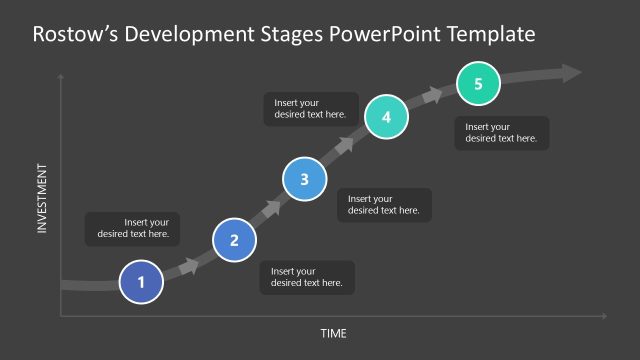
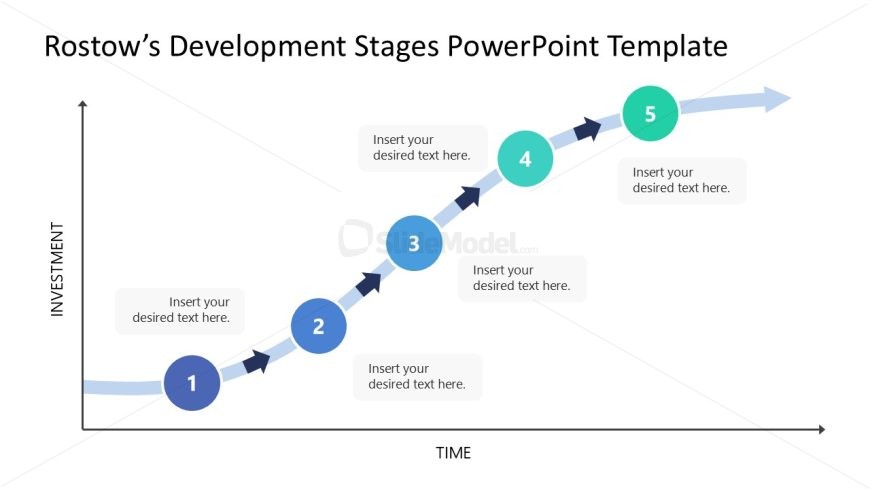
The slide features a diagonal flowchart illustrating Rostow's Development Stages. It has a horizontal axis labeled 'TIME' and a vertical axis labeled 'INVESTMENT.' Five circular nodes are positioned along a curved line, each representing a stage of development. The nodes are colored in shades of blue and green, with labels for each stage placed in rectangular text boxes above or below the nodes. The visual hierarchy emphasizes the flow from left to right, with arrows connecting the nodes to indicate progression. Placeholder text is present for each stage.
How to Use It
This layout serves as a process flow diagram, ideal for illustrating stages of development or investment over time. It fits well in presentations discussing economic growth models or business development strategies. The structure is useful for conveying sequential information, making it applicable in educational contexts or strategic planning sessions. It can be used to summarize complex concepts in a clear, visual format, enhancing audience understanding of growth stages.
Text Placeholders & Capacity
Keep your copy within these limits so it fits without resizing. Node labels can accommodate up to 30 characters each, while node bodies can hold about 50 characters.
| Placeholder | Count | Max characters (approx.) |
|---|---|---|
| Item heading | 5 | 30 |
| Item body | 5 | 50 |
Slide Keywords
Download unlimited PowerPoint templates, charts and graphics for your presentations with our annual plan.
DOWNLOAD