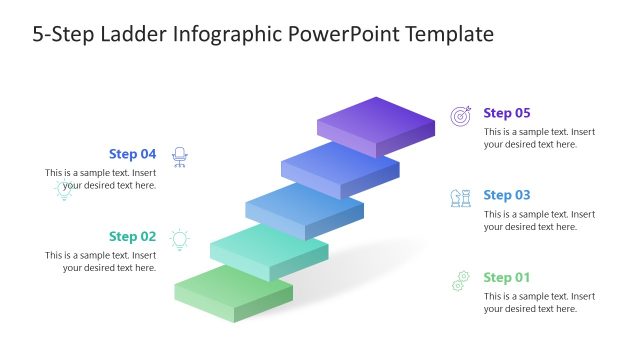
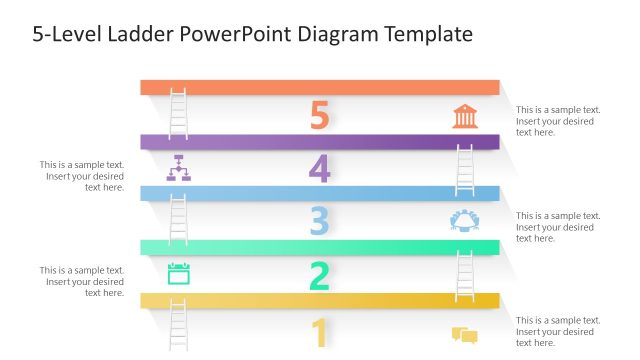
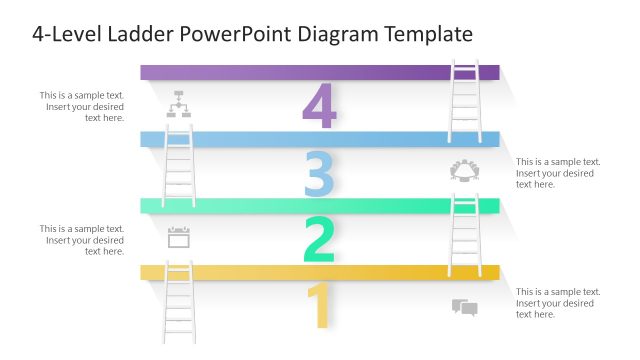
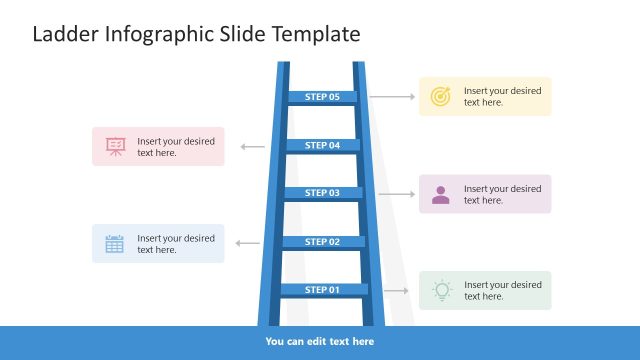
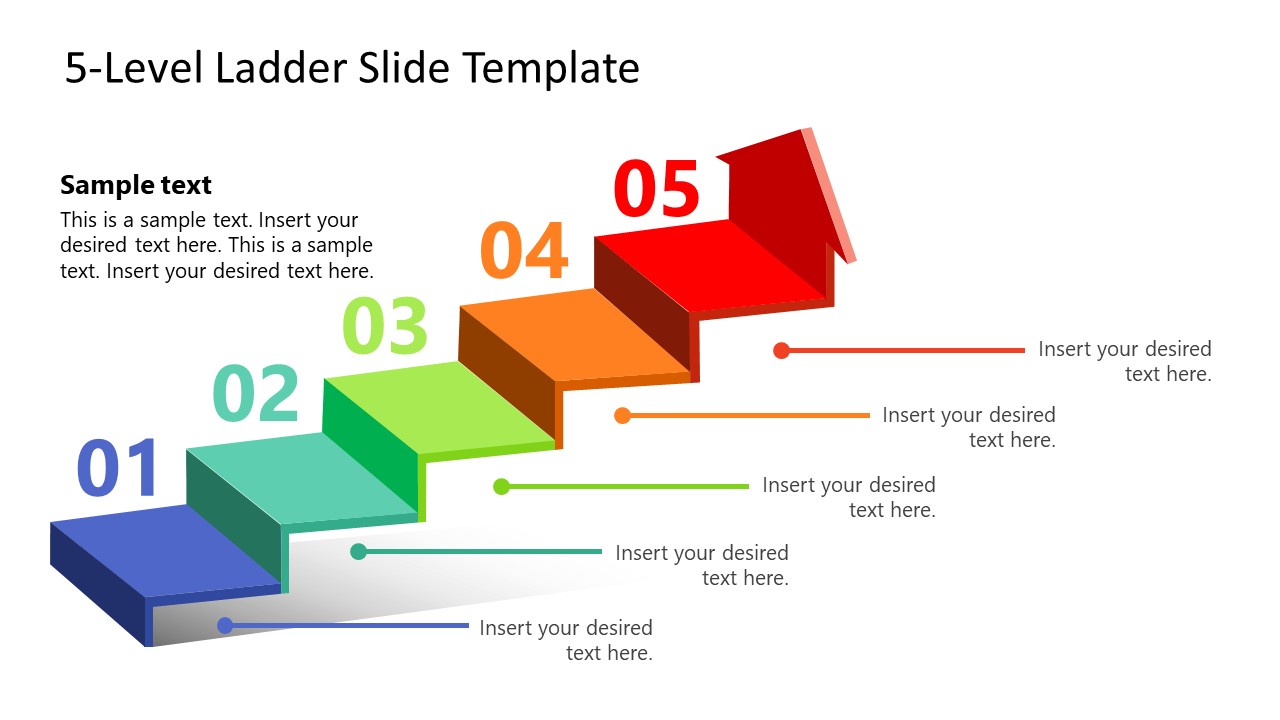
The 5-Level Ladder PowerPoint Template is a process diagram to discuss stages, levels, or processes using modern & engaging graphical features. The ladder diagrams symbolize growth and development concepts. Thus, these are usually included in the business, real estate, finance, and educational presentations. However, it can be modified for any field according to the requirement of the topic. For instance, analysts can portray their results with thin infographic diagrams. Likewise, it can help communicate the career journey, professional development stages, company growth phases, etc. We have used 100% editable PowerPoint shapes, and a multi-color attractive color scheme in this featured PowerPoint template.
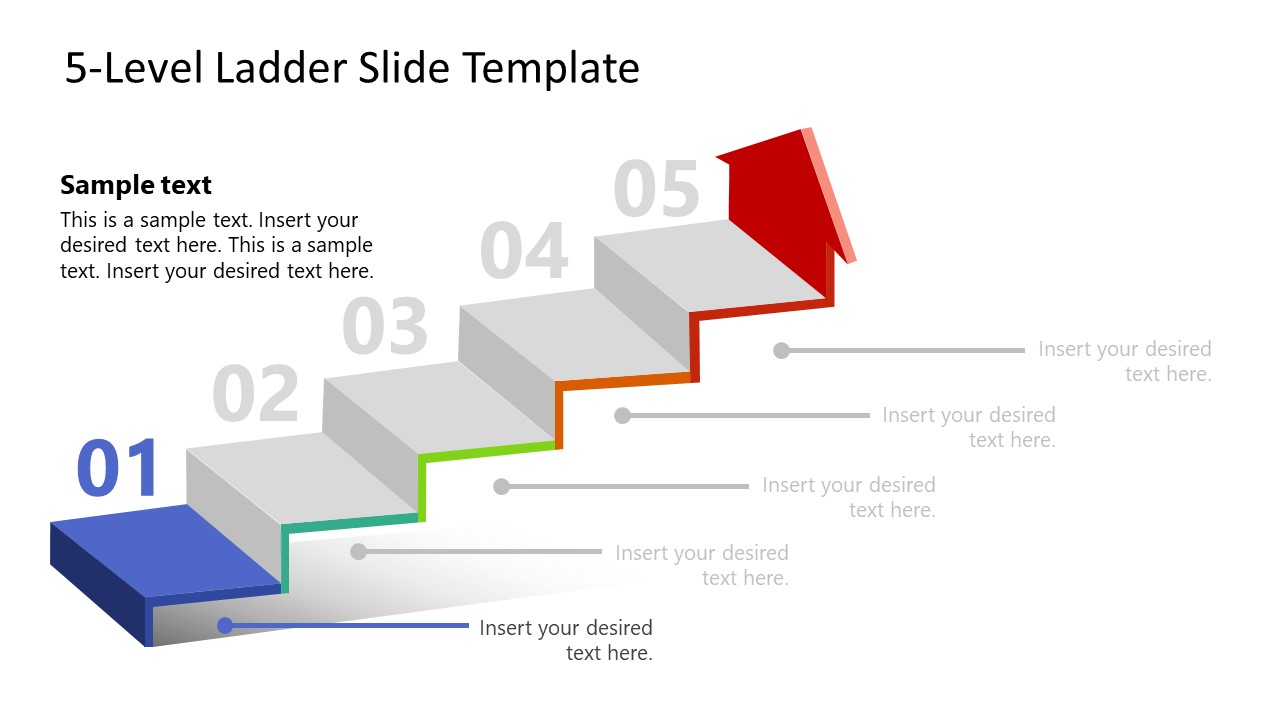
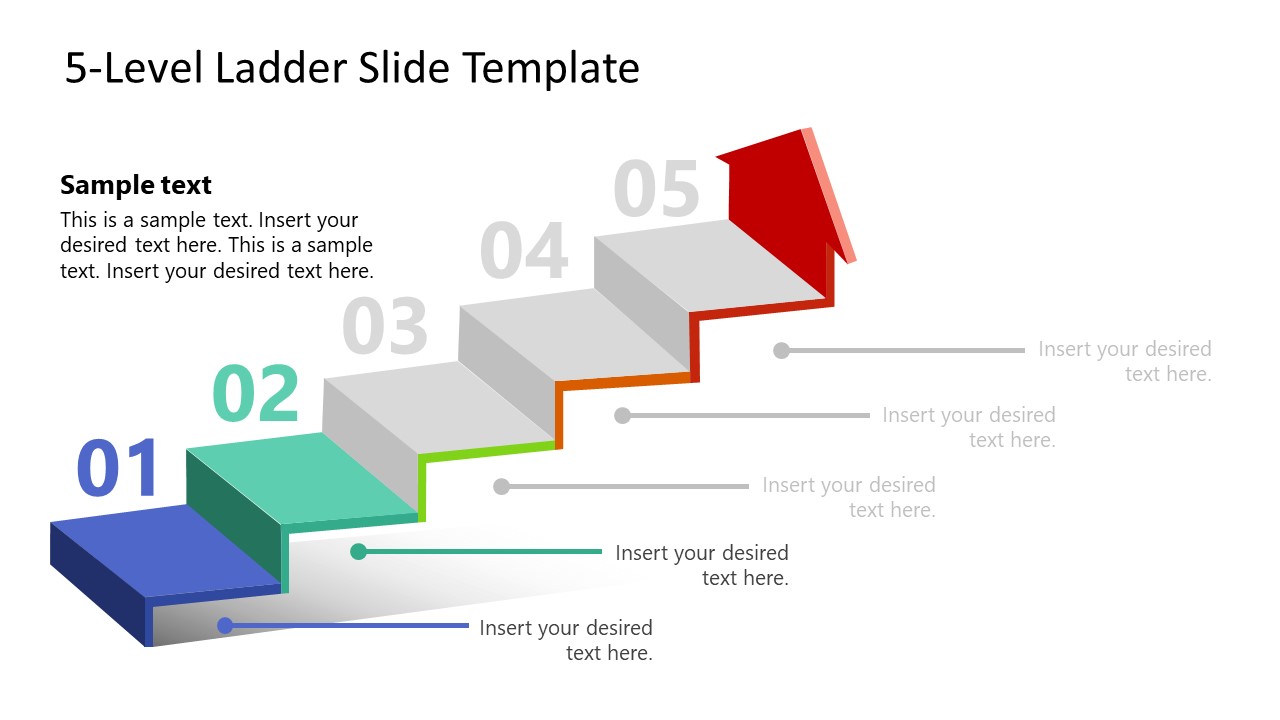
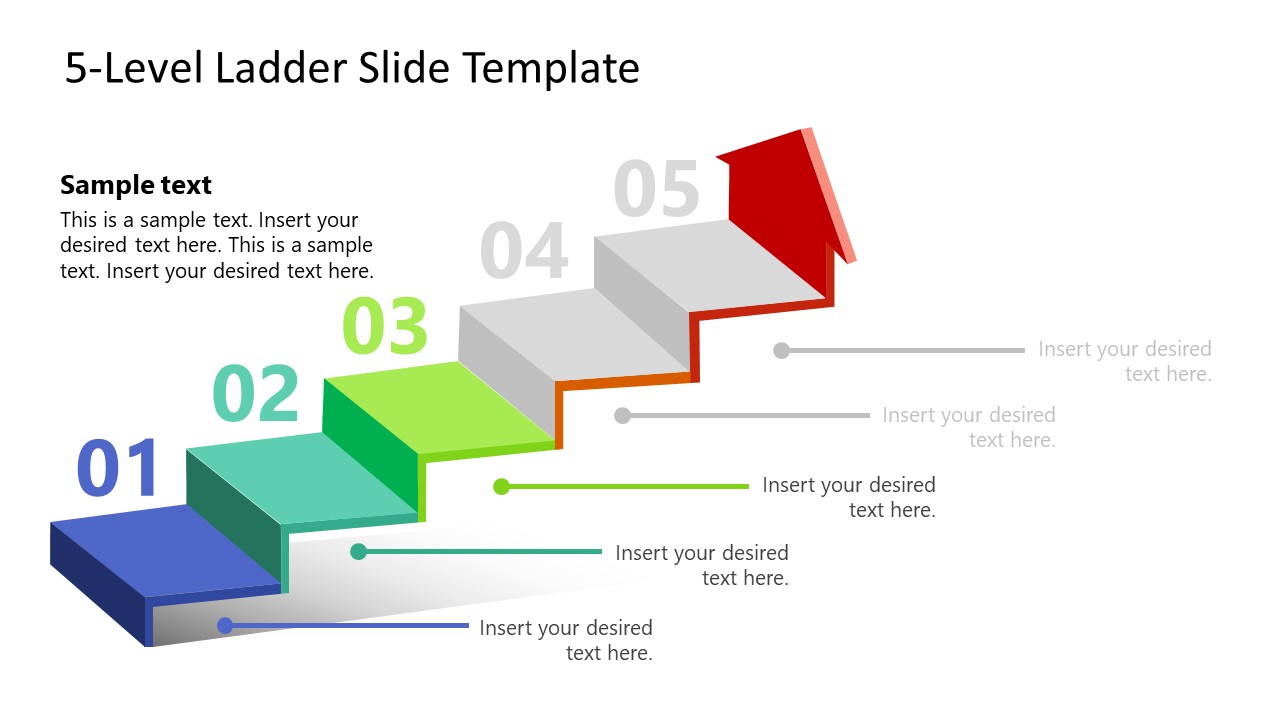
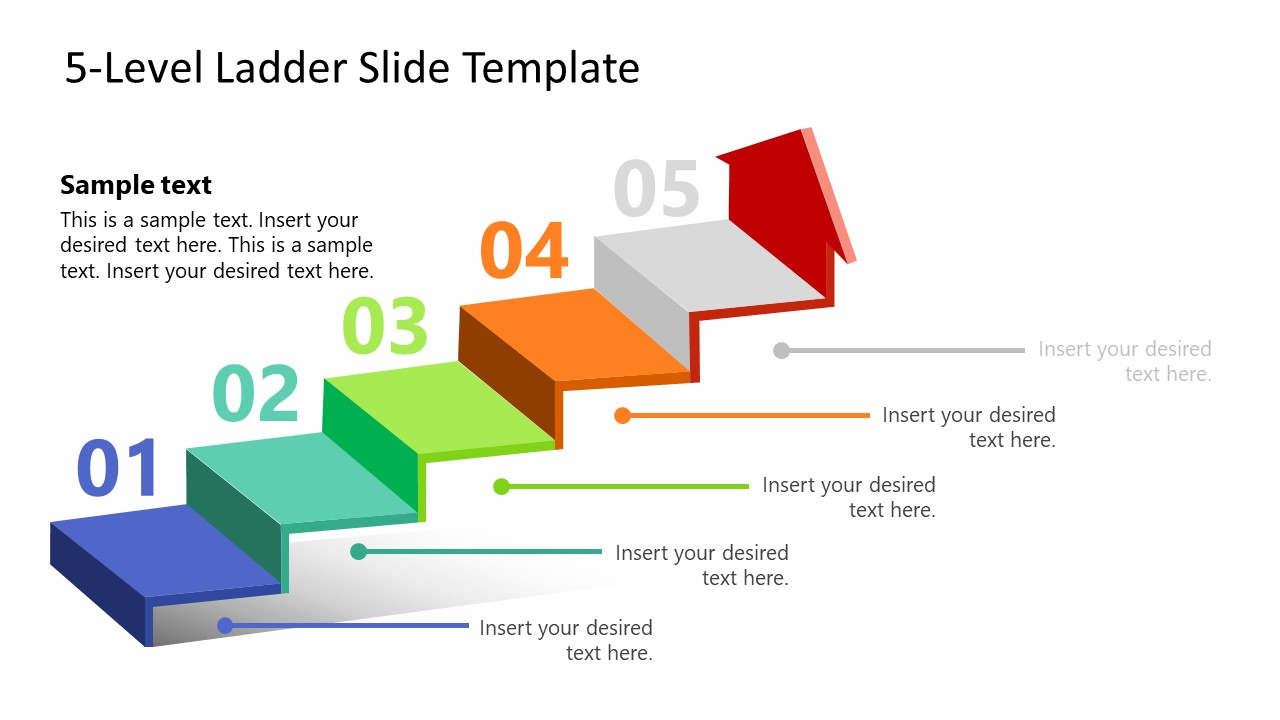
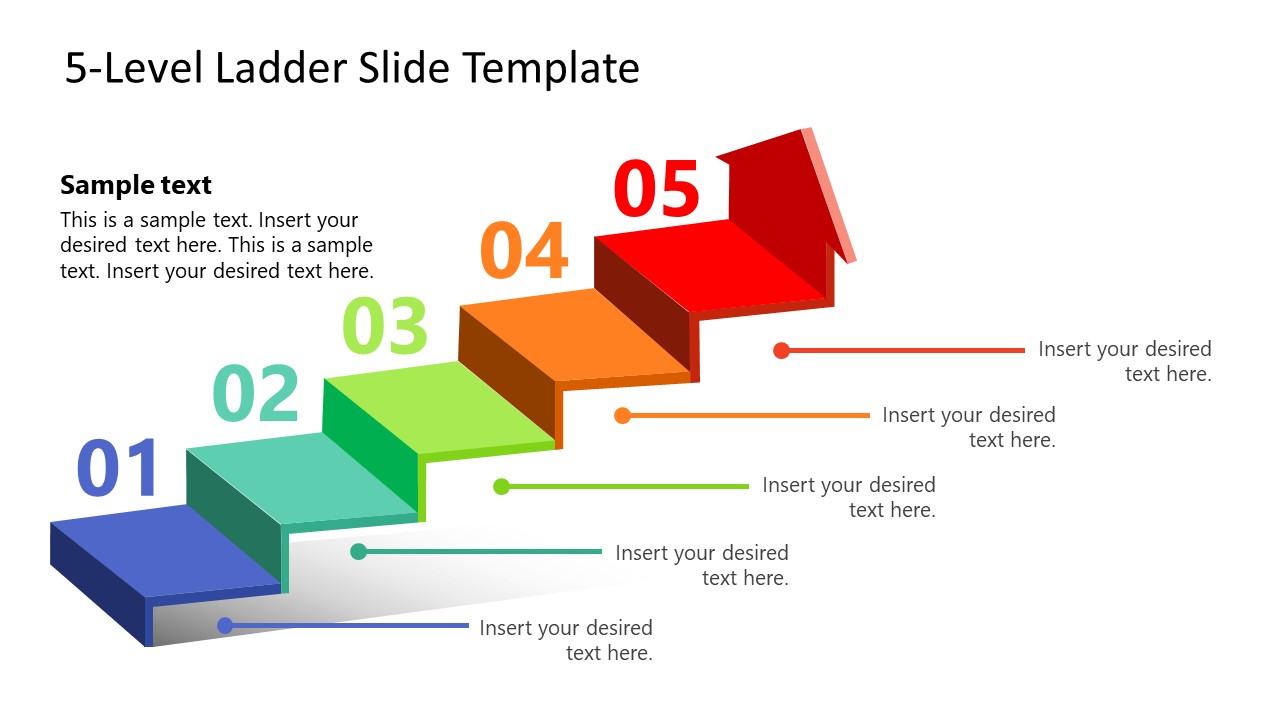
Our 5-Level Ladder PowerPoint Template carries six editable slide designs. The ladder diagram has five 3D steps represented using different colors. Above each step, the sequential numbers are mentioned to indicate process stages. Thin labeling lines are drawn in a horizontal direction leading to the text boxes. Users can add descriptions in these text areas. The first slide shows the complete diagram with all text boxes and colored segments. In contrast, the following slides highlight individual steps, i.e., the ladder stages are colored one by one, and the attached text box appears along each step while others are greyed. This way, presenters can discuss the stages in more detail. An animation effect is applied on individual slides, which makes the text boxes appear in motion. This helps maintain the audience’s attention.
Presenters can customize this step by step template using all PowerPoint versions, Google Slides, and Keynote. They can change the colors, font styles, and text box positions. So, download and create impressive presentations for your business meetings, educational sessions, or company events. You can also check our other diagram templates from our unlimited library of PowerPoint templates.
What’s inside this template
Example presentation scenarios
- A training manager can present a skill development path by assigning each ladder level to a learning milestone and using the cumulative highlight slides to pace the explanation.
- A consultant can explain a maturity model to executives by using the full 3D ladder overview first, then walking through each numbered step and its callout text.
- A project manager can report progress toward a five-stage implementation plan by mapping each colored ladder step to a milestone, dependency, or completed phase.
- A sales presenter can show customer onboarding stages by using the ladder metaphor to move from initial setup through adoption, value realization, and expansion.
Features
- 100% editable presentation template
- Compatible with Microsoft PowerPoint and Google Slides
- 16:9 aspect ratio slides
- Scalable vector shapes, icons and illustrations
- AI-Ready for Microsoft Copilot and Claude
- Instant access and download
Frequently asked questions
Q: How should a presenter explain the five levels without making the slide feel repetitive?
A: Start with the full ladder to define the end goal, then use the cumulative highlight slides as speaking beats. Keep each callout to one idea: what the level means, what changes at that stage, and what the audience should do next. This turns the repeated layout into a guided progression instead of a duplicated graphic.
Q: Who is this ladder template best suited for?
A: It fits presenters who need to explain advancement through clearly ordered stages, such as trainers, consultants, project managers, HR teams, and educators. The ladder metaphor works best when each level represents progress, capability, maturity, or achievement, rather than unrelated categories or a nonsequential list.
Q: Why use a ladder metaphor instead of a standard numbered list?
A: The 3D ladder makes upward movement visible, so the audience can read the message as growth, effort, and advancement. The numbered steps anchor sequence, while the horizontal callouts keep explanations separate from the visual path. This helps viewers understand both the order and the meaning of each stage.


5-Level Ladder PowerPoint Template
6-slide 5-level ladder presentation template for process steps, growth stages, and milestone mapping.
The 5-Level Ladder PowerPoint Template is a 6-slide process diagram deck for showing staged progress. It includes a full 3D five-step ladder, cumulative step-highlight slides, numbered level markers, and horizontal callout labels. It is built for business, education, finance, and training presentations in Microsoft PowerPoint and Google Slides.
- Category
- Process Diagrams
- Rating

 Loading...
- Aspect ratio
- 16:9
- Item ID
- 65031-01
- Colors
 Microsoft PowerPoint
 Microsoft Copilot
 Claude for PowerPoint
Other formats supported
Subscribe today and get immediate
access to download our PowerPoint templates.