Slide 10 of 10 from Rocket Infographics PowerPoint Template
Rocket Infographics PPT Template Layout
Rocket Process Diagram for Presentations
- Diagram
- Process Flow
- Process Slide
- 16:9
- 100% Editable
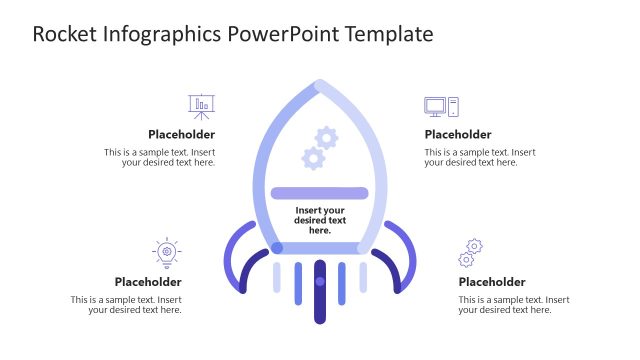
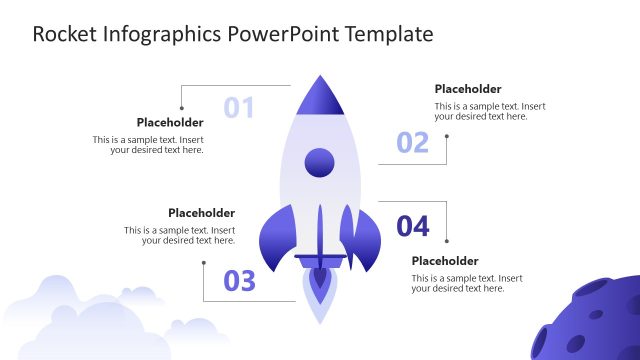
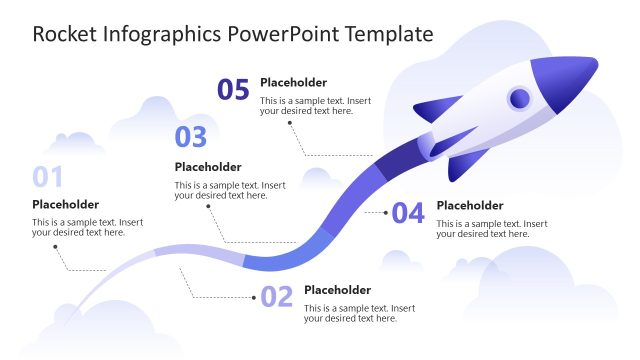
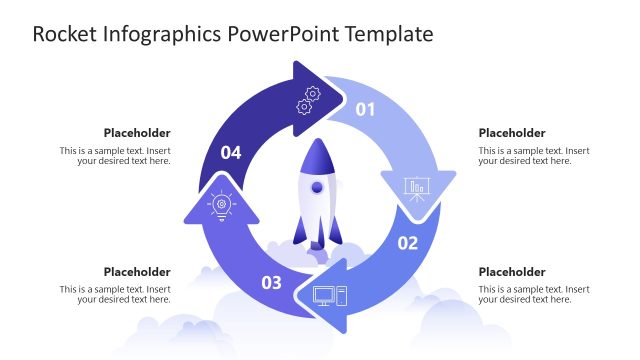
The Rocket Process Diagram slide from the Rocket Infographics PowerPoint Template provides a clear visual flow for illustrating project overviews, performance metrics, or strategic goals. This slide layout uses editable shapes and vector icons arranged around a central rocket image, making it suitable for business presentations and pitch deck templates that require concise process visualization.
What’s on This Slide
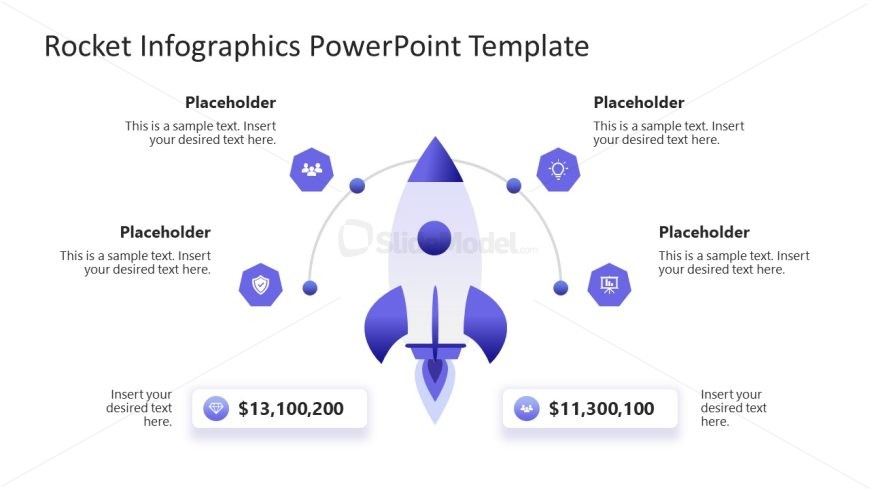
The layout features a central rocket icon positioned in the middle. Surrounding the rocket are four hexagonal icons, each connected by curved lines, indicating a flow or relationship. Two text placeholders are located at the bottom left and right, displaying numerical values. Additional text placeholders are placed above and to the sides of the rocket, aligned with the icons. The background is white, providing contrast to the purple and blue color scheme of the rocket and icons. The overall composition is balanced and symmetrical.
How to Use It
This layout serves as a process diagram, illustrating steps or components related to a central theme. It fits well at the conclusion of a presentation, summarizing key metrics or outcomes. Suitable scenarios include project overviews, performance metrics, or strategic goals. The design allows for clear communication of complex information in a visually engaging manner, making it effective for business presentations.
Text Placeholders & Capacity
Keep your copy within these limits so it fits without resizing. Body slots are tight, roughly 10-15 words each.
| Placeholder | Count | Max characters (approx.) |
|---|---|---|
| Item heading | 4 | 30 |
| Body paragraph | 4 | 50 |
| Kpi value | 2 | 15 |
| Footer | 4 | 40 |
Slide Keywords
Download unlimited PowerPoint templates, charts and graphics for your presentations with our annual plan.
DOWNLOADReturn to Rocket Infographics PowerPoint Template.