Slide 7 of 10 from Rocket Infographics PowerPoint Template
Rocket Infographic Circular Arrows Diagram Slide
Rocket Process Diagram for Presentations
- Diagram
- Circular Cycle
- Process Slide
- 16:9
- 100% Editable
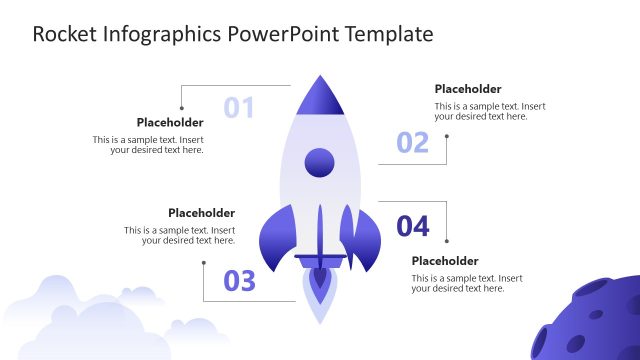
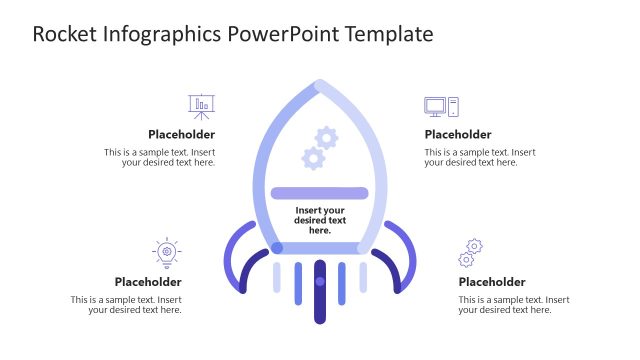
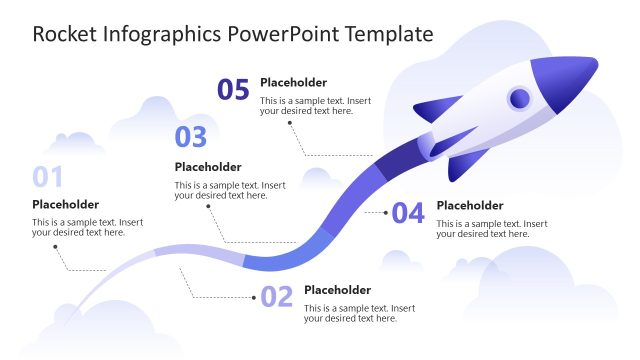
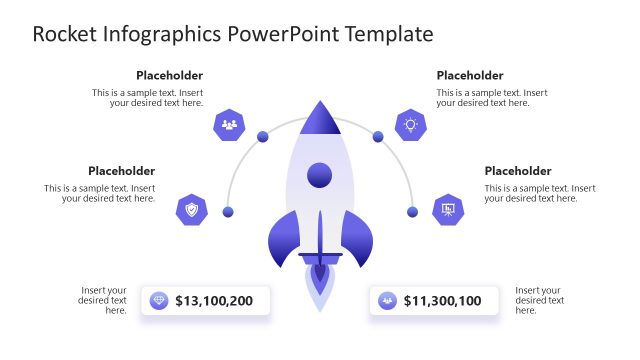
The Rocket Process Diagram slide from the Rocket Infographics PowerPoint Template offers a clear circular cycle layout ideal for project management and marketing strategy presentations. Featuring editable shapes and vector icons arranged around a central rocket symbol, this slide template supports detailed explanations of product development phases or operational workflows within a business presentation or pitch deck template.
What’s on This Slide
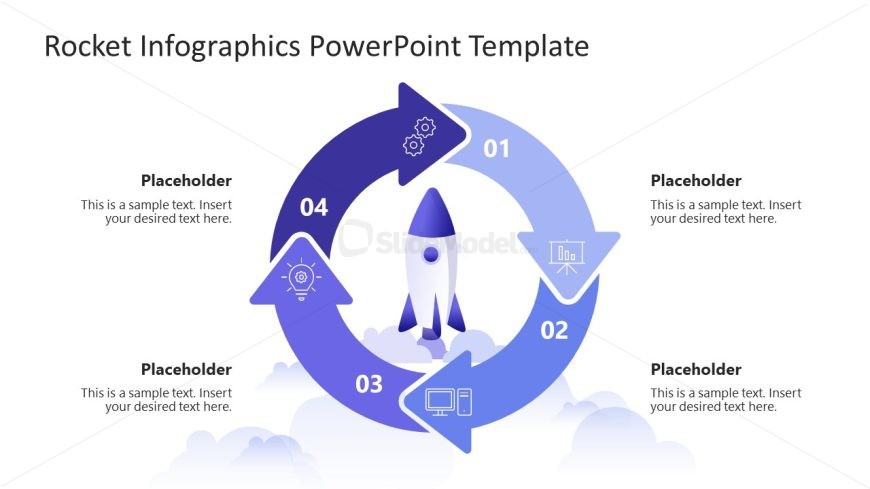
The layout features a circular process diagram with four distinct nodes arranged in a clockwise direction. Each node is represented by a rounded shape, with icons placed inside to symbolize different stages. The central element is a rocket icon, visually emphasizing the theme. Text placeholders are positioned adjacent to each node, aligned to the left or right, allowing for easy insertion of descriptive content. The background is light, enhancing the visibility of the blue and purple color scheme used in the nodes and icons. The overall composition is balanced and clearly structured.
How to Use It
This layout serves as a process flow diagram, ideal for illustrating sequential steps or stages in a project. It fits well in presentations that discuss project timelines, product development phases, or strategic plans. This slide can be used in business contexts such as project management, marketing strategies, or operational workflows, providing a clear visual representation of processes. It is particularly useful in scenarios where clarity and engagement are essential for explaining complex concepts.
Text Placeholders & Capacity
Keep your copy within these limits so it fits without resizing. Node body slots can hold around 20-30 words each.
| Placeholder | Count | Max characters (approx.) |
|---|---|---|
| Item heading | 4 | 30 |
| Item body | 4 | 100 |
Slide Keywords
Download unlimited PowerPoint templates, charts and graphics for your presentations with our annual plan.
DOWNLOADReturn to Rocket Infographics PowerPoint Template.