Slide 6 of 10 from Rocket Infographics PowerPoint Template
Vertical Rocket Diagram Infographics PPT Template
Rocket Process Diagram for Presentations
- Diagram
- Process Flow
- Process Slide
- 16:9
- 100% Editable
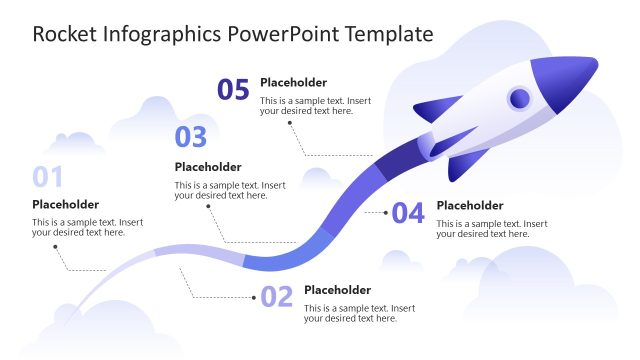
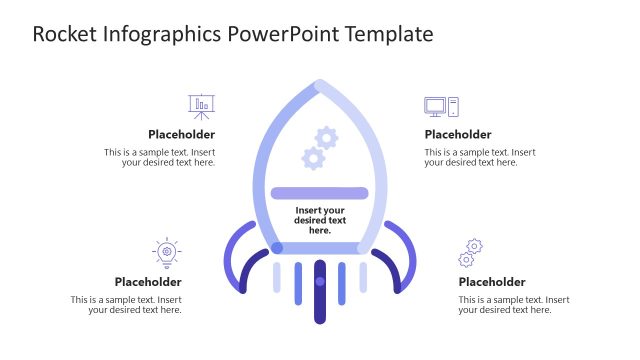
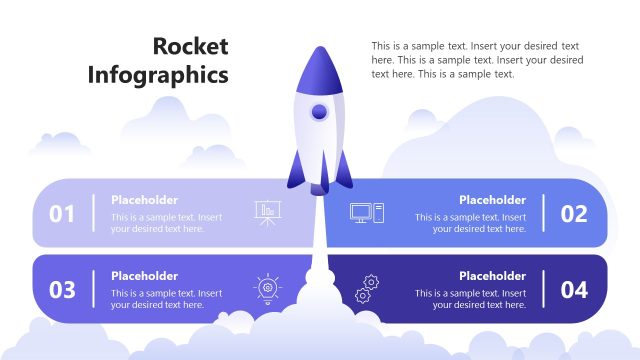
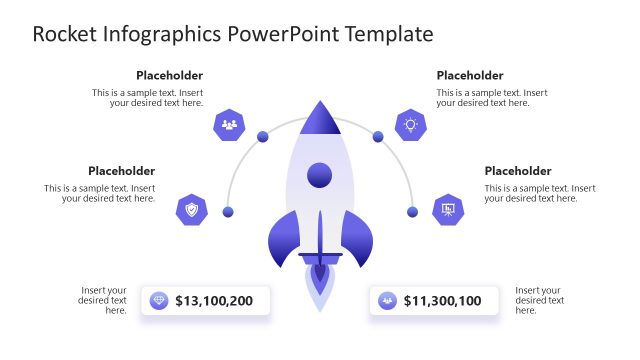
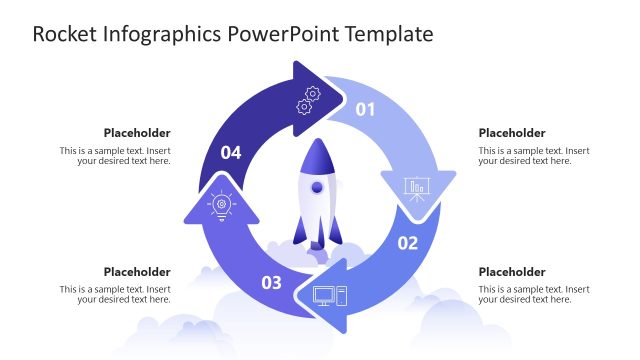
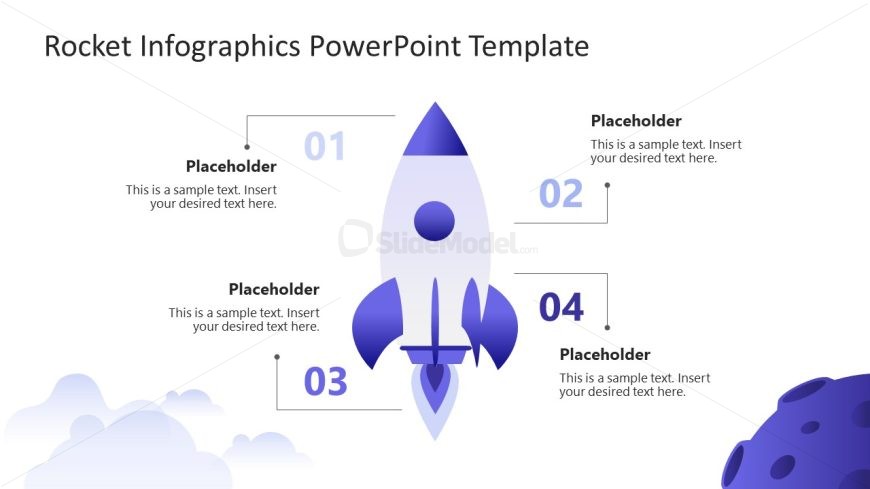
The Rocket Process Diagram slide from the Rocket Infographics PowerPoint Template offers a clear visual flow for illustrating project phases or strategic initiatives. This slide layout uses editable shapes and a central rocket icon to connect four sequential steps, making it ideal for business presentations or pitch deck templates that require a structured process explanation.
What’s on This Slide
The layout features a central rocket icon positioned prominently in the middle. Four numbered placeholders are arranged around the rocket, with two on the top and two on the bottom. The placeholders are connected to the rocket by thin lines, indicating a flow or process. The first placeholder is at the top left, the second at the top right, the third at the bottom left, and the fourth at the bottom right. Each placeholder contains sample text, aligned centrally within their respective areas. The background is light, with subtle cloud shapes at the bottom.
How to Use It
This layout serves as a process diagram, illustrating steps or stages in a sequence. It is suitable for presentations that outline a process or strategy, particularly in business contexts. This slide fits well after a problem statement and can effectively lead into a solution or roadmap. It is useful for explaining project phases, product launches, or strategic initiatives, providing a clear visual representation of the steps involved.
Text Placeholders & Capacity
Keep your copy within these limits so it fits without resizing. Node body slots can hold roughly 10-12 words each.
| Placeholder | Count | Max characters (approx.) |
|---|---|---|
| Item heading | 4 | 30 |
| Item body | 4 | 60 |
Slide Keywords
Download unlimited PowerPoint templates, charts and graphics for your presentations with our annual plan.
DOWNLOADReturn to Rocket Infographics PowerPoint Template.