Slide 4 of 10 from Rocket Infographics PowerPoint Template
Four Blocks with Infographics – Rocket Diagram Template
Rocket Infographics PowerPoint Layout
- Diagram
- Process Flow
- Process Slide
- 16:9
- 100% Editable
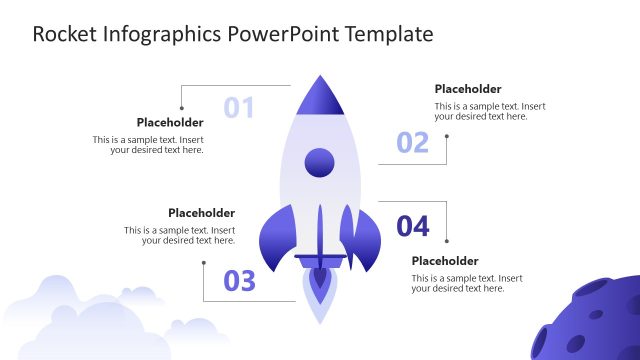
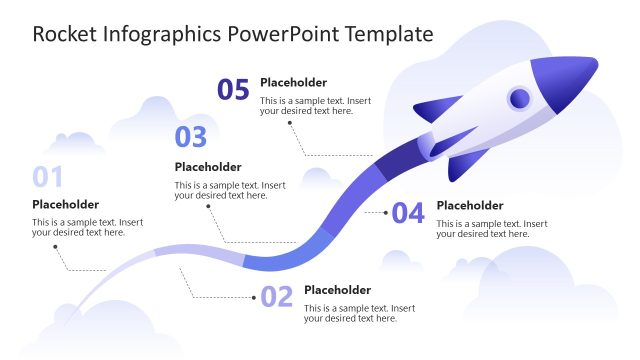
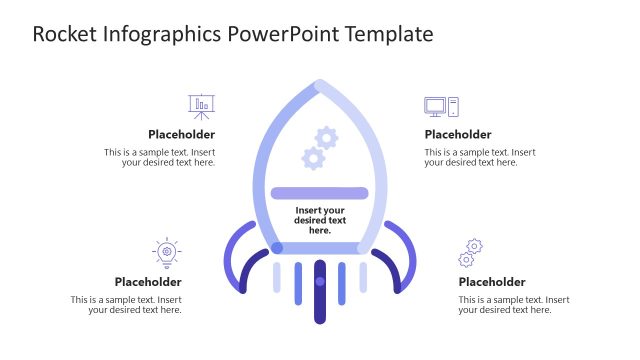
The Rocket Infographics Layout from the Rocket Infographics PowerPoint Template offers a clear process flow design ideal for illustrating project phases or strategic planning steps. This slide layout includes editable shapes and vector icons to enhance business presentations and pitch decks, making complex processes easy to follow within slide templates tailored for corporate presentation needs.
What’s on This Slide
The slide features a central rocket icon positioned at the top, above four horizontal sections. Each section is divided into two colors, with the left side in light blue and the right side in darker blue. The sections are labeled with numbers 01 to 04, aligned to the left. Each section contains a text placeholder for a title and a body paragraph, aligned centrally. The background includes soft cloud shapes, enhancing the theme. The overall layout is structured and visually organized, emphasizing clarity and flow.
How to Use It
This layout serves as a process diagram, ideal for presenting sequential steps or stages in a project. It fits well in a presentation that outlines a strategic plan or project phases. This structure is useful for business scenarios such as project management, product development, or any process-oriented discussion. It allows for clear communication of key points and maintains audience engagement through visual hierarchy.
Text Placeholders & Capacity
Keep your copy within these limits so it fits without resizing. Body slots can hold approximately 15-20 words each.
| Placeholder | Count | Max characters (approx.) |
|---|---|---|
| Item heading | 4 | 2 |
| Item body | 4 | 100 |
Slide Keywords
Download unlimited PowerPoint templates, charts and graphics for your presentations with our annual plan.
DOWNLOADReturn to Rocket Infographics PowerPoint Template.